
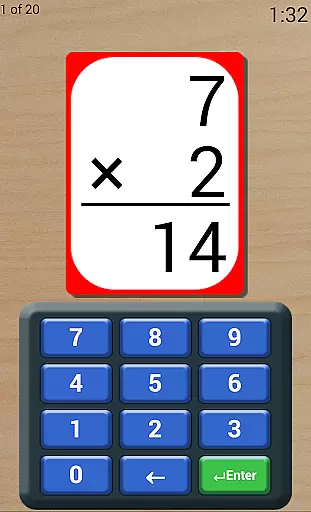
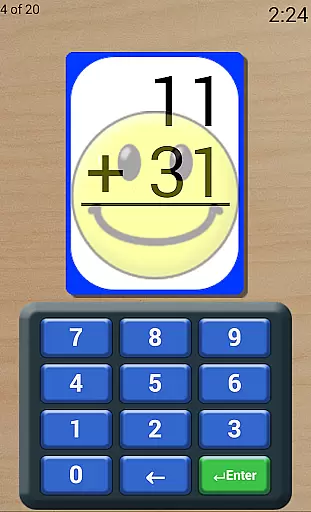
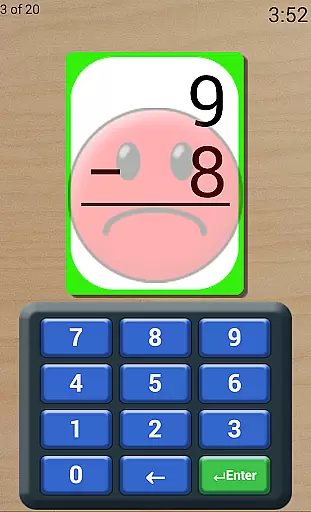
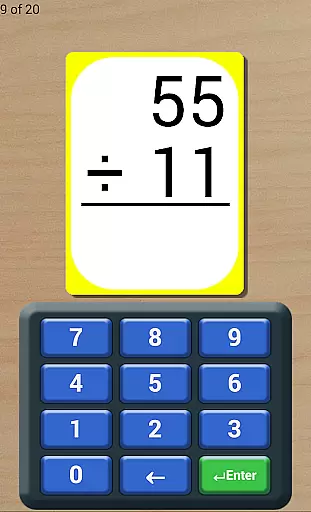
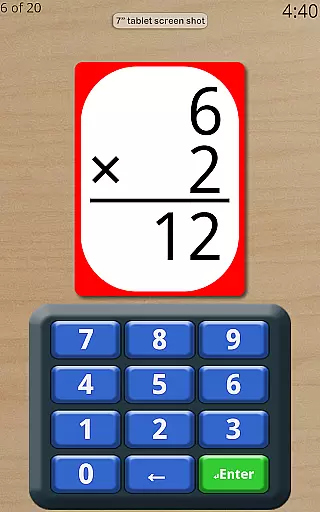
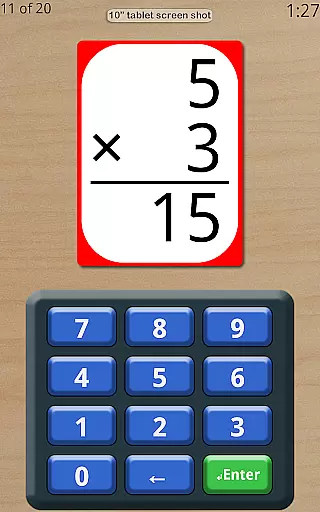
Math Flash Cards is an educational app designed to help children enhance their basic math skills through interactive flashcards. The app focuses on core arithmetic operations including addition, subtraction, multiplication, and division, making it ideal for early learners.
With customizable number ranges and various practice modes, the app adapts to different learning levels. Whether used for daily practice or test preparation, Math Flash Cards provides a structured yet flexible environment that encourages mastery of essential math concepts.
The app's encouraging feedback system and performance tracking features make it a valuable tool for both parents and educators looking to support children's math education in a fun and engaging way.
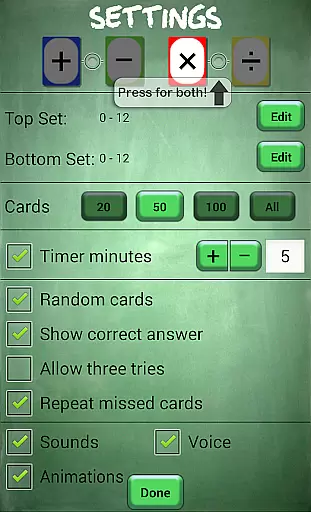
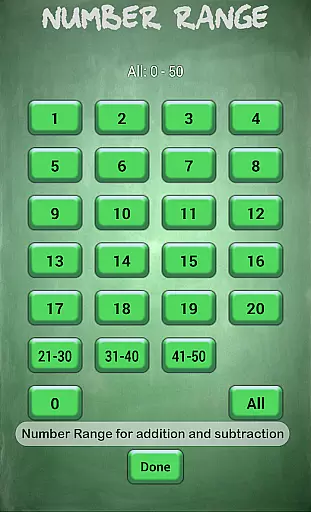
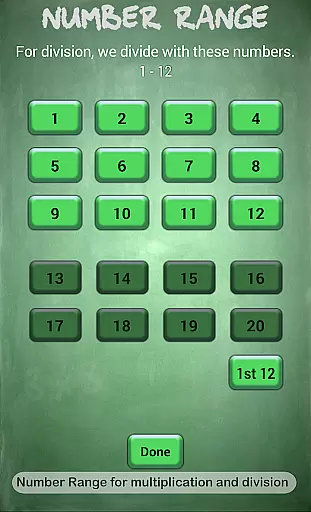
Math Flash Cards offers a comprehensive set of features to optimize learning. Users can adjust top and bottom number ranges for problems, with specific limits for different operations: 0-50 for addition and subtraction, and 0-20 for multiplication and division. This customization ensures age-appropriate challenges.
The app includes several unique options such as combining two math operations, using a countdown timer for test simulations, and choosing between ordered or random card presentation. These features help build both speed and accuracy while accommodating different learning styles.
Additional tools like instant feedback for incorrect answers, retry options, and review sessions for missed cards ensure a complete learning experience. A friendly voice and detailed score tracking further enhance the app's educational value.
Math Flash Cards ensures content accuracy by focusing on essential math skills such as addition, subtraction, multiplication, and division. The app allows children to practice within specific number ranges, ensuring that the mathematical problems presented are appropriate for various skill levels.
The app's structured approach includes options to select two math operations together, providing a comprehensive learning experience. With adjustable countdown timers and test-like conditions, it helps learners adapt to real exam environments while maintaining the integrity of its educational content.
Furthermore, features like showing the correct answer when a mistake is made and repeated missed card reviews contribute to authoritative learning. These elements ensure that users receive accurate feedback and have opportunities to review challenging areas, reinforcing their understanding through verified methods.
Math Flash Cards offers personalized learning paths by allowing users to customize top and bottom number ranges for different arithmetic operations. This customization enables tailored difficulty levels, catering to individual learning needs and pacing preferences.
The option to present cards in order aids quicker memorization, while random presentation challenges learners, adapting to their evolving proficiency. Additionally, features like allowing three tries per problem and reviewing missed cards at the end of sessions support adaptive learning strategies.
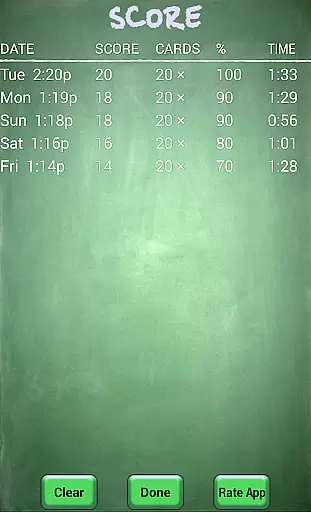
A friendly and encouraging voice enhances the personalized experience, creating an engaging atmosphere conducive to learning. Coupled with a scores list to track progress over time, Math Flash Cards provides a dynamic and responsive educational journey designed to meet each learner's unique requirements.
User-friendly interface
Customizable settings
Encouraging feedback
Performance tracking
Versatile learning modes
Limited to basic math
No advanced analytics
Premium version needed
Ads may distract
Offline use limited

AR planetarium app that brings the solar system to you via XREAL Glasses.
 4.4
4.4
Astronomy Guide to the Night Sky
4.40
Explore the City of the Sun in Augmented Reality
3.70
Flashnote Derby is the fun way for kids to learn music notes and memorize them.
3.40
A realistic sky map to observe stars, planets, satellites and constellations!
4.80
Stack the States makes learning about the 50 states fun!
4.70
The best way to study for your amateur radio license exam.
4.90
Memorize anything efficiently with AnkiDroid! Many pre-built decks available.
4.80
Your Arts+Culture Guide
4.00
Learning the ancient Viking language made simple
4.70
Gain new skills in 10 minutes
4.70
AI Language tutor: Speak fluently with Lucy’s personalized coaching
4.70
Prepare for the BCBA / BCaBA exam. Study ABA with the ABA Wizard app.
4.60
Turn scrolling hours into improving your knowledge, communication, intelligence
4.50
Designed for Calculator 84 users
4.20
Explore numbers the Starfall way!
4.00
Quiz App to help case managers studying for CCMC Certification, 200+ Questions
3.40
Master the NRP with 700+ questions, rationales, and updated NREMT scenarios.
3.00
Grazing Risk Monitoring Service
4.1


User Reviews