
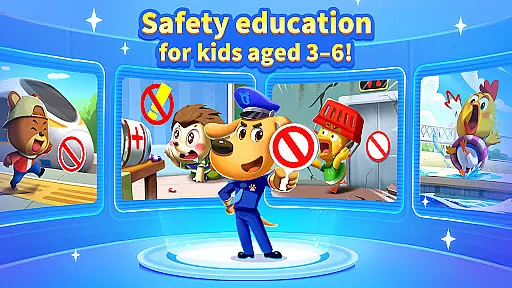
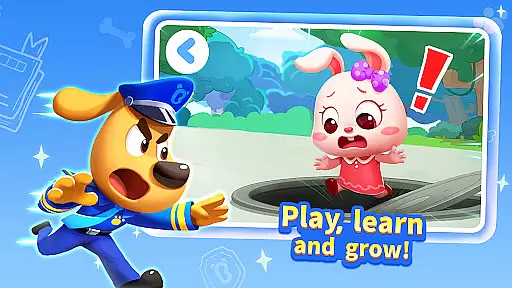
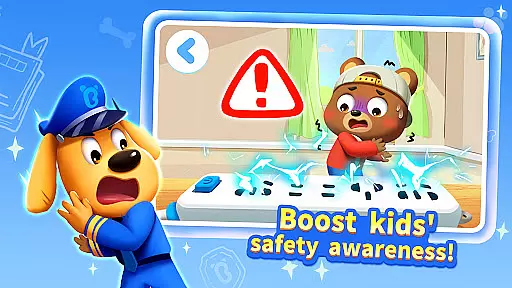
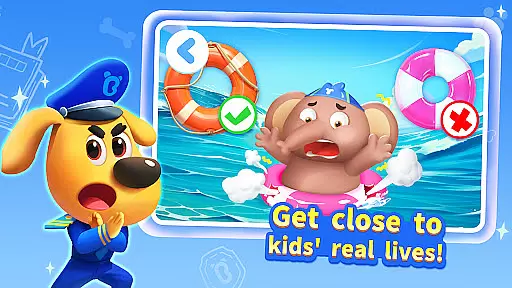
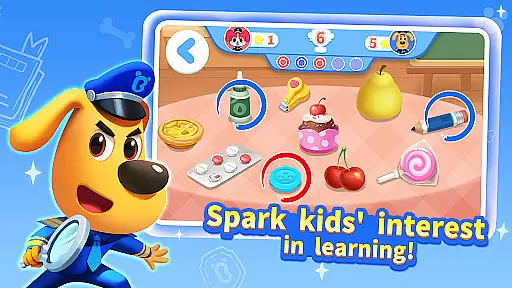
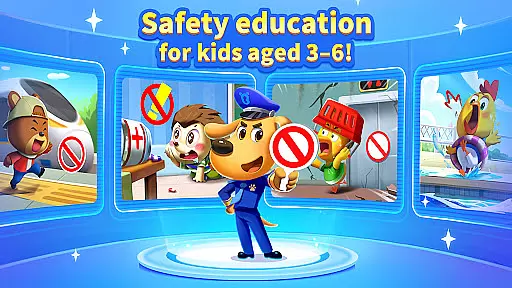
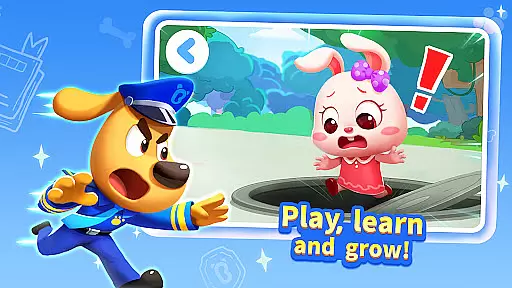
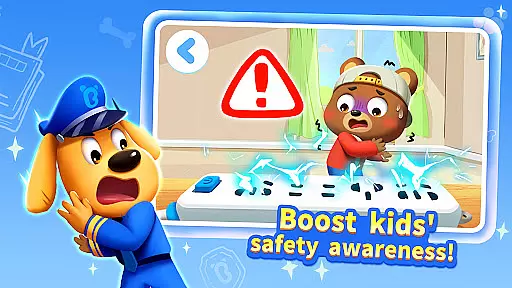
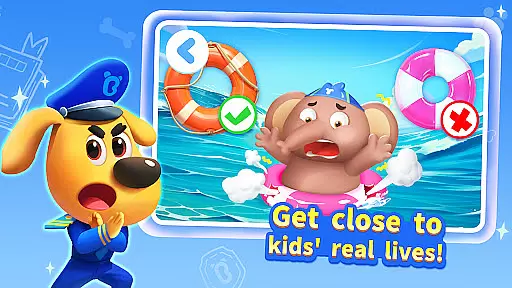
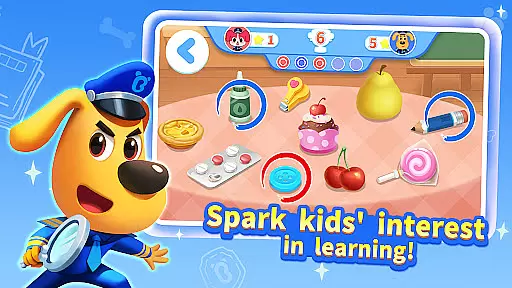
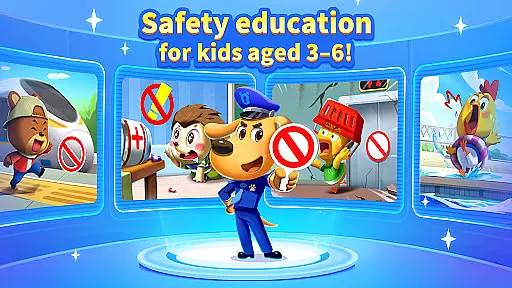
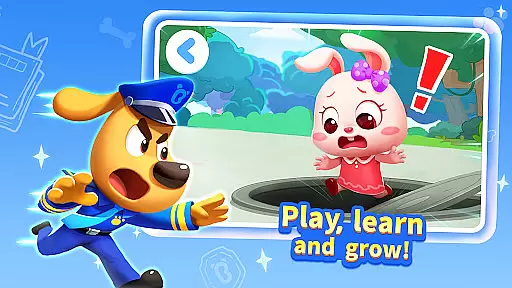
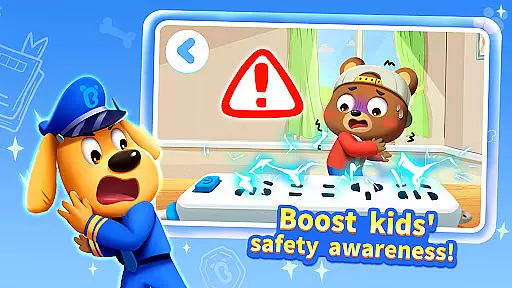
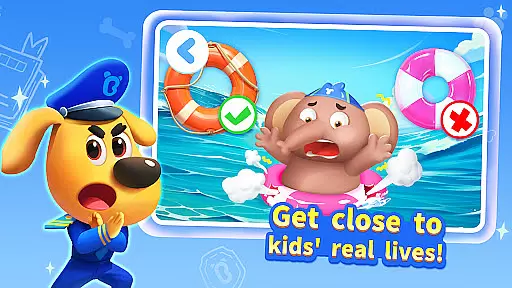
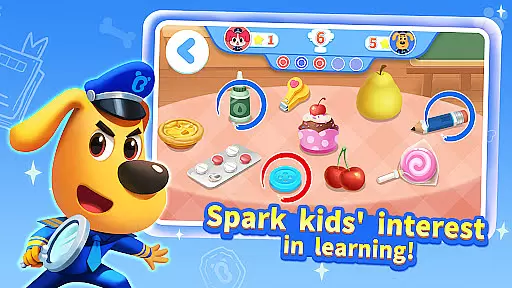
Sheriff Labrador Safety Tips2 is an educational app designed specifically for preschoolers aged 3-6, offering over 130 essential safety tips through interactive games, cartoons, and stories. The app covers crucial life scenarios including staying safe at home, going out, and during disasters such as fires and earthquakes.
With guidance from the beloved character Sheriff Labrador, children learn vital self-protection skills in a fun and engaging way. The app's multisensory approach includes animated videos, detective stories, safety games, and parent-child quizzes to stimulate visual perception, improve problem-solving skills, and enhance hand-eye coordination.
This app stands out with its kid-friendly interface, bright colors, and content tailored to the cognitive development of young children. It offers weekly updates, offline play, and parental controls for usage time limits, ensuring a balanced and educational experience.
The app boasts a rich array of features that make learning about safety both enjoyable and effective for young children. With 62 safety cartoon episodes, 92 safety stories, and 41 safety review lessons, kids can immerse themselves in a world of learning guided by Sheriff Labrador.
One of the standout features is the multisensory learning approach, which combines beautiful animated videos, exciting detective stories, interactive safety games, and collaborative parent-child quizzes. This comprehensive method ensures that children not only watch and listen but also actively participate in their learning process.
Additionally, the app supports offline play, provides unlimited learning opportunities, and allows parents to set usage time limits. These features ensure that learning is accessible anytime, anywhere, while also preventing overuse. The content is updated weekly, keeping the material fresh and engaging for young learners.
In the realm of educational content, accuracy and alignment with established curricula are paramount. Sheriff Labrador Safety Tips2 excels in this area by offering over 130 essential safety tips that cover real-life scenarios such as staying safe at home, going out, and facing disasters like fires and earthquakes.
Each safety tip is crafted to ensure it not only imparts crucial knowledge but also aligns with the cognitive development stages of children aged 3-6. The app's content spans various forms including interactive games, animated videos, and engaging stories, all designed to stimulate visual perception, improve problem-solving skills, and enhance hand-eye coordination.
Parents can be confident that their children are learning from a curriculum that has been tailor-made for preschoolers, featuring age-appropriate challenges and lessons. With regular updates and new content added weekly, the app ensures that its educational material remains current and relevant.
The structured learning path provided by Sheriff Labrador Safety Tips2 allows children to progress naturally, reinforcing previously learned concepts while introducing new ones, thus supporting continuous educational growth.
Gamification has revolutionized the way children engage with educational content, and Sheriff Labrador Safety Tips2 stands at the forefront of this innovation. By integrating learning objectives into gameplay, the app captivates young minds through an interactive experience that makes acquiring new knowledge enjoyable.
Featuring a variety of activities such as detective stories, safety games, and parent-child quizzes, the app promotes multisensory learning. These activities are not just entertaining; they're designed to improve thinking skills, tactile perception, and family interaction, making each play session a valuable learning opportunity.
The presence of beloved character Sheriff Labrador further enhances the gamified learning process. Children are more likely to absorb information when it's presented by a familiar and friendly guide, leading to increased retention and application of safety tips in real-world situations.
With features allowing parents to set usage time limits and support for offline play, Sheriff Labrador Safety Tips2 ensures that gamified learning is balanced and accessible anytime, anywhere, providing unlimited educational opportunities within a controlled environment.
User-friendly interface
Engaging content for kids
Regular content updates
Parental control options
Offline accessibility
Limited to ages 3-6
Requires frequent updates
Some features may need internet
Potential over-reliance on cartoons
May lack advanced safety tips

The Squirrels have been learning how to look after animal, now it's your turn!
 3.90
3.90
Join Duggee and the Squirrels as they practice their counting!
4.3
Get points, learn Spanish, repeat. Speedrun your way to knowledge.
4.3
Explore, create, and play with Hello Kitty and all her friends!
4.60
Master your phonics letters and sounds with the Alphablocks!
3.80
Find the hidden Numberblocks, add them together and see what happens.
3.50
Companion app for Cozmo, the educational toy robot who’s got a mind of his own.
3.30
3D school bus driving game for kids!
4.50
Coloring book for kids! Learn Color, paint, neon drawing with educational games.
4.40
Explore Dopples World, build your avatar life & create endless stories!
4.70
Toddler Learning Games, Learn: Colors, Shapes, Puzzles, ABC ... ►NoAds!◄
4.50
Enjoy coloring with wide variety of 1000+ coloring games for kids & drawing game
4.50
Glow Doodle! Baby Coloring & Drawing games for toddlers: Color and Learn! NoAds!
4.40
Play the fun princess party game for kids with Cocobi the little dinosaurs.
4.10
Cure the patients to create your hospital story!
3.90
A world to build at the tip of your fingers!
3.80
Safe, fun, ad-free games for kids! For babies, toddlers, & kids age 2-6
3.60
A logic puzzle game for 1 - 3 players
4.0
Little Explorer – Garage, Kitchen and Bathroom
4.0


User Reviews