
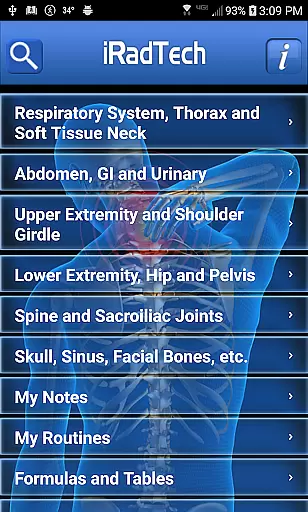
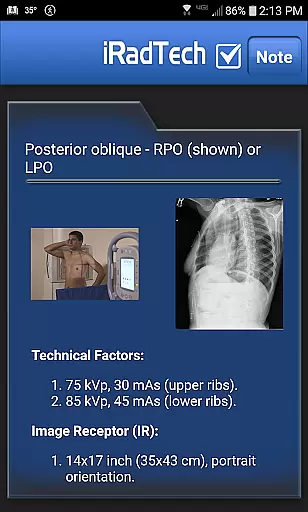
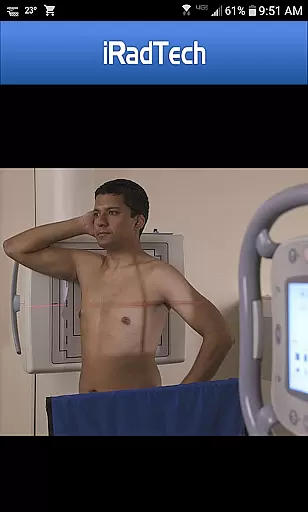
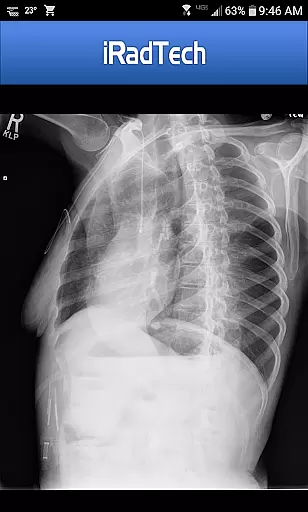
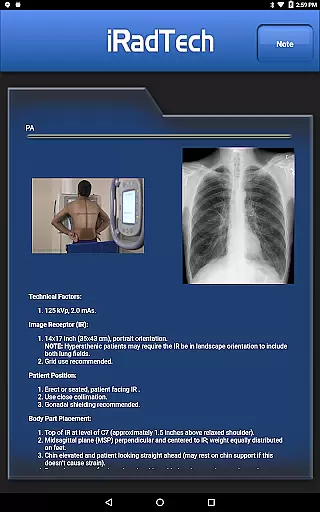
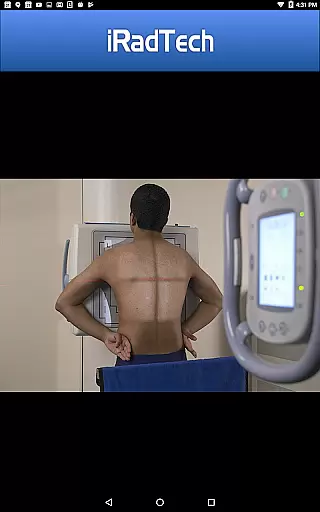
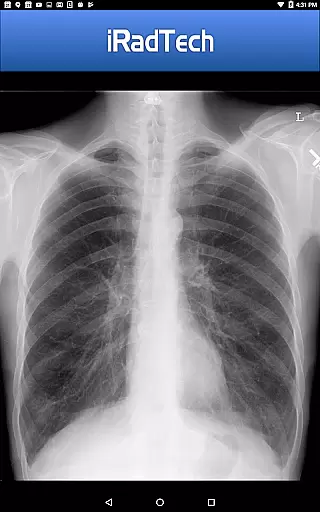
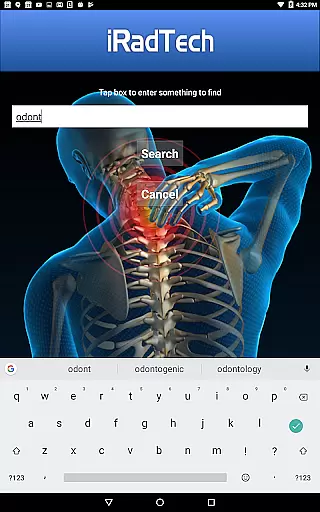
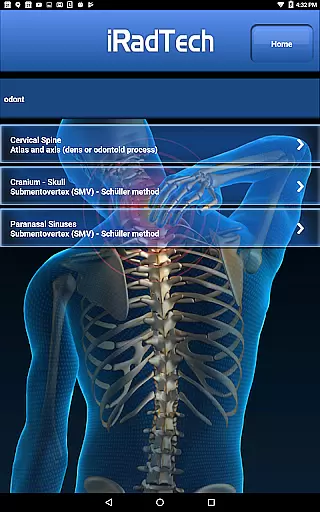
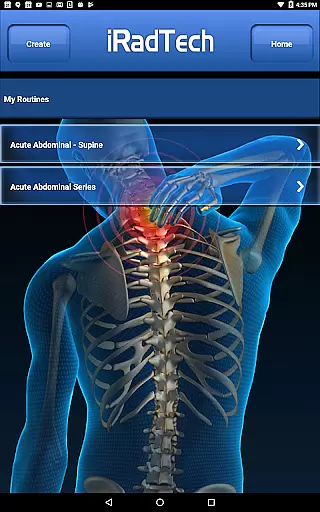
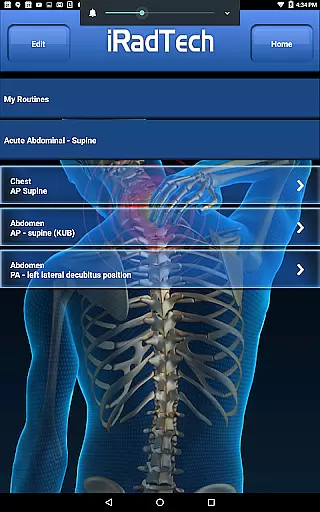
iRadTech is a comprehensive radiographic positioning guide designed for medical imaging professionals and students. The app provides detailed instructions for over 200 radiographic positions, covering technical factors, patient positioning, and image quality points. Each position includes suggested digital imaging system settings, representative radiographic images, and correctly positioned human model photographs.
The app features helpful tools like a search function for quick reference, My Routines for saving position groups, and My Notes for general notes. Developed using ARRT Content Specifications, it includes nearly all entry-level radiographic positions and is referenced to the latest ASRT Radiography Curriculum. Written by experienced radiography educators, iRadTech serves as both a practical positioning guide and a valuable study aid for radiography students.
iRadTech offers an extensive collection of radiographic positioning references with multiple unique features. The app provides complete technical details for each position including technical factors, image receptor specifications, and precise patient positioning instructions. Users can view and enlarge representative radiographic images and properly positioned human model photographs for better visualization.
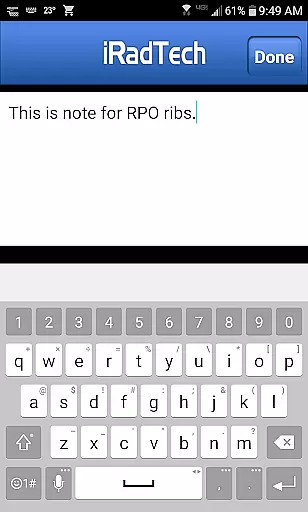
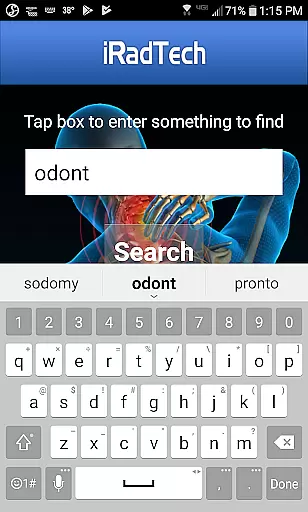
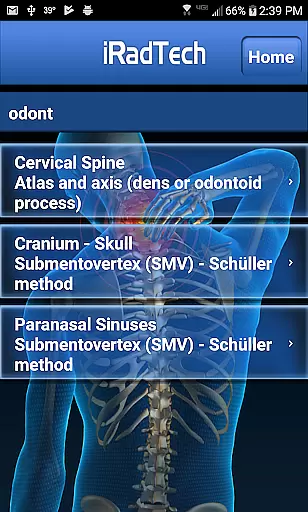
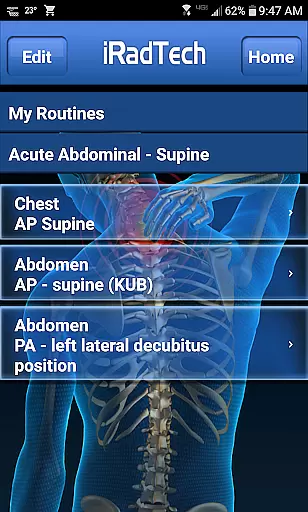
A standout feature is the NOTE tab for every position where users can save techniques and special terms. The powerful search function allows users to quickly find specific positions while My Routines helps organize selected positions into saved routines. Additionally, the My Notes function enables saving general notes separate from specific positions. These features make iRadTech an indispensable tool for both learning and professional practice in medical imaging.
In the field of medical imaging, having access to credible and expert-reviewed content is crucial for both professionals and students. iRadTech ensures the highest level of accuracy by developing its content using ARRT Content Specifications, covering nearly all entry-level radiographic positions. This meticulous approach guarantees that users are referencing material that aligns with professional standards.
The application provides detailed instructions for over 200 radiographic positions, each crafted with input from two Ph.D. radiography educators boasting more than 30 years of teaching experience each. Their expertise ensures that every piece of information, from technical factors to patient positioning, meets stringent educational and practical criteria.
Users benefit from optional positions included in the guide which, although not listed on the ARRT Radiography Content, serve as handy references based on clinical practice judgments by seasoned educators. These additional resources enhance learning and adaptability in real-world scenarios.
By referencing the most recent ASRT Radiography Curriculum and national positioning texts, iRadTech offers a reliable study aid and reference tool. Its comprehensive guidance supports technologists, clinical instructors, and students alike, ensuring they have trustworthy information at their fingertips.
While iRadTech does not directly provide teleconsultation services, it significantly enhances the quality of remote consultations through its detailed radiographic positioning guides. The app equips medical professionals with precise instructions needed to accurately position patients, which is critical during teleconsultations where direct physical guidance may be limited.
Featuring representative radiographic images that can be enlarged for closer inspection, iRadTech allows practitioners to visually confirm correct positioning techniques. Additionally, enlargeable photographs of properly positioned human models highlight the correctly collimated areas of interest, further aiding in accurate diagnostic procedures during virtual sessions.
The inclusion of suggested digital imaging systems technical factor settings for all positionsu2014except nephrotomographyu2014ensures consistency across different devices used in telemedicine setups. This uniformity helps maintain high-quality imaging standards even when consultations occur remotely.
With helpful NOTE tabs for every position, users can save techniques or special terms pertinent to specific cases, streamlining communication during teleconsultations. Overall, iRadTech's robust features make it an invaluable asset for improving the quality and reliability of remote medical imaging consultations.
Comprehensive Positioning Guide
High-Quality Radiographic Images
User-Friendly Interface
Powerful Search Functionality
Expert-Authored Content
Complex for Beginners
Requires Device Space
No Offline Mode
Premium Price Point
Limited Customization

Behavioral Health Portal
 4.70
4.70
myVCA is your tailor-made guide to raising a healthy and happy pet.
4.90
Beat alcohol and drug addiction with a revolutionary treatment program in an app
4.50
An easy way to earn money donating plasma. Book a visit, sit back, and get paid.
3.80
Live vet support by text/video
4.80
Molina Members: My Molina. Manage your health anytime, anywhere!
4.30
Control your hearing aids discreetly with the touch of a finger
4.30
Save up to 80% on your pharmacy prescriptions & medications with free Rx coupons
4.70
Hear far away sounds, conversations, TV and surrounding sounds more clearly.
4.70
A comprehensive medical disease app.
5.00
Pelvic Floor Muscle Exercises
4.80
Your donation experience just got smoother; Donor Hub is your go-to place.
4.70
The official DSM-5-TR® app
4.50
One app to unlock your health
4.30
MySafeRide simplifies booking and managing rides for health plan members.
3.50
MHealth is the mobile version of MEDITECH’s Patient and Consumer Health Portal.
3.10
A fantastic 3d reference that includes over 300 structures and a quiz function.
3.00
A scientifically-proven method to help people with dementia or memory impairment
4.3
ECG modules improve rhythm ID. ACLS is a simulator for cardiac arrest scenarios.
4.4


User Reviews