
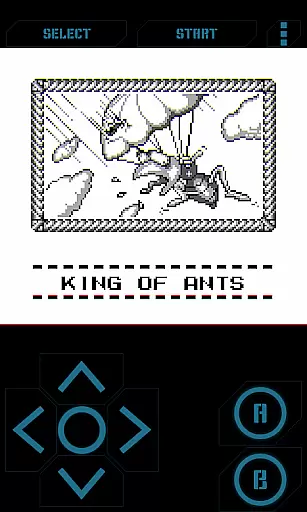
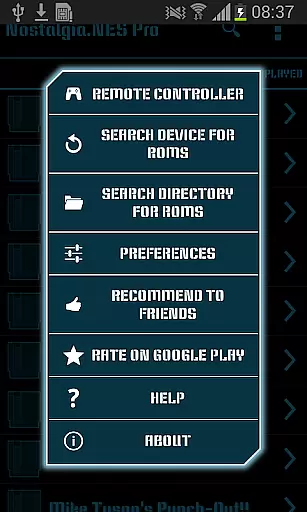
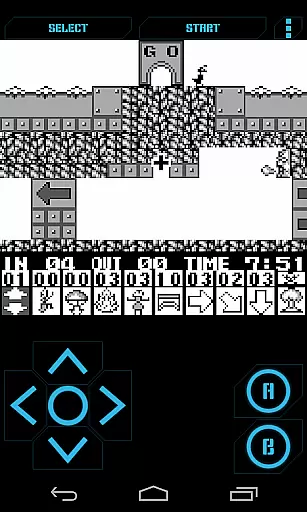
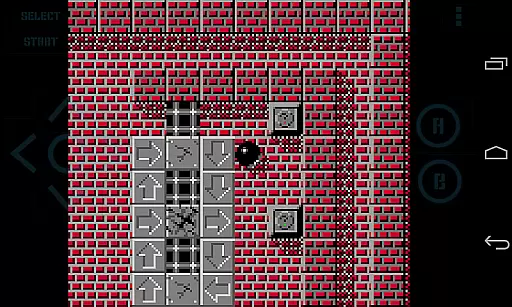
Nostalgia.GBC Pro is a premium Game Boy Color emulator that brings classic gaming to modern devices. Built on the latest revision of the renowned gambatte emulation core, it delivers exceptional performance and accuracy.
The app features an intuitive user interface with customizable controls, allowing players to tailor their gaming experience. With support for save states, rewinding, and cheat codes, it enhances classic gameplay while maintaining authenticity. Designed for both casual gamers and retro enthusiasts, this emulator offers a seamless way to relive beloved childhood games.
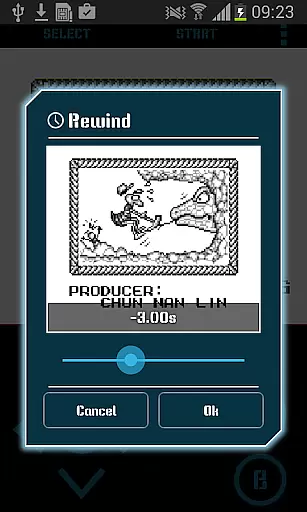
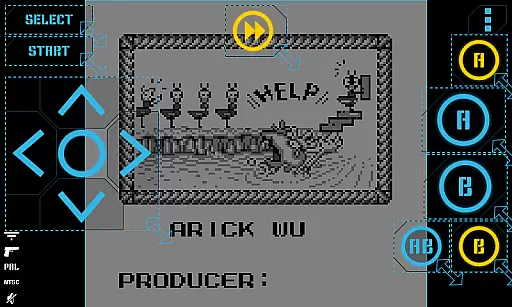
This advanced GBC emulator stands out with its highly customizable virtual controller. Users can adjust button size, position, and opacity to create a personalized setup. The innovative rewinding feature lets players reverse time by up to several seconds, providing a safety net during challenging sections.
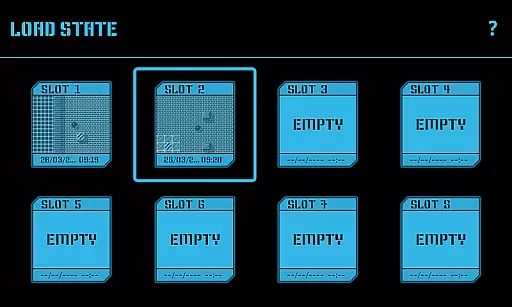
Additional professional-grade features include hardware-accelerated graphics through OpenGL ES, comprehensive HID Bluetooth gamepad support, and multiple save state slots with screenshot functionality. The app also supports various file formats including GB, GBC, and ZIP archives, making it compatible with most game collections.
Nostalgia.GBC Pro offers an authentic arcade experience by emulating the beloved Game Boy Color system. This emulator is based on the latest revision of the renowned gambatte, ensuring high-quality performance and accuracy.
The app provides a modern yet nostalgic interface that combines cool aesthetics with user-friendly controls. Players can enjoy classic games while appreciating the attention to detail in replicating the original gaming experience.
With support for GB, GBC, and ZIP files, users can relive their favorite childhood games. The ability to rewind gameplay adds a new dimension, allowing players to correct mistakes and explore different outcomes without frustration.
This combination of accurate emulation and innovative features creates a compelling arcade experience that honors the past while embracing modern technology.
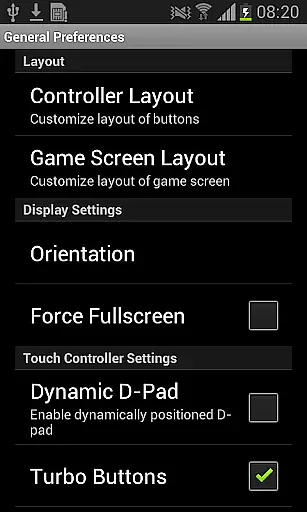
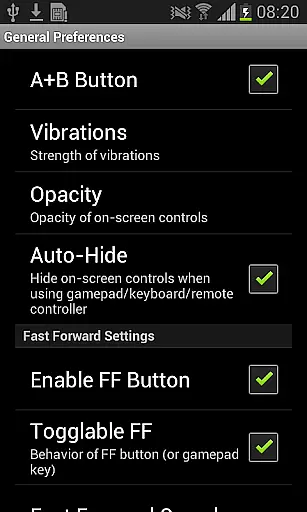
Control responsiveness is crucial for an immersive gaming experience, and Nostalgia.GBC Pro excels in this area. The app features a highly customizable virtual controller, enabling users to adjust button sizes and positions according to their preferences.
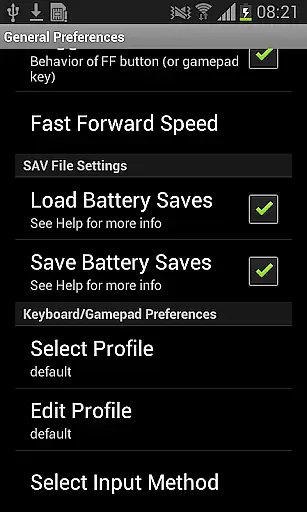
For those seeking physical controls, the emulator supports HID Bluetooth gamepads such as MOGA and 8bitdo. This ensures precise input and enhances gameplay, especially for action-packed titles requiring quick reflexes.
Turbo buttons and A+B combinations provide additional control options, catering to different play styles and game requirements. These features contribute to seamless interaction between the player and the virtual environment.
Whether using touch controls or external gamepads, Nostalgia.GBC Pro delivers responsive and intuitive gameplay that meets the demands of both casual and hardcore gamers.
User-friendly interface
Highly customizable controls
Advanced save state system
Hardware acceleration
Bluetooth controller support
No games included
Paid version only
Requires manual ROM setup
Technical knowledge needed
Limited to GB/GBC

Bomb the communists back to 1916!
 4.70
4.70
BallStack is a vibrant match-3 game where you stack and match colorful balls!
4.1
Join the art challenge: Guess the word and draw fast before the timer runs out!
4.20
Play, Craft and Share your Endless Runner Levels on Kooply Run: Subway Craft
4.50
Amid the vastness of the universe, you are a Black Hole about to be swallowed!
5.00
John GBC is GB/GBC emulator. This emulator is easy to use.
3.80
Collect layers in running game & build the biggest slinky toy to beat the giant!
4.30
Outrun cops, ignite the thrill of a high-speed chase!
4.50
You control the ball! Dribble, shoot and score against eleven soccer players!
4.60
*Try for free.* Survive alone in a Roguelike Reverse Bullet Hell.
4.80
Create your restaurant story & make food on a crazy kitchen in this cooking game
4.70
Local offline 2 3 4 player multiplayer minigames - race, tanks, football
4.60
Motorcycle racing games! Prove your paperboy can win in the bike race 3D!
4.50
Fruit is waiting to be sliced, ninja. Play the hit mobile game !
4.50
Play all your favorite Playstation games in your android device!!
4.50
Dad doesn’t let you go out, can you outwit your parents and escape?
4.00
You are a Black Hole, escaping the darkness trying to swallow you!
3.60
John GBA is GBA emulator. This emulator is easy to use.
3.10
Turn-based pixel game where jumping is the only weapon!
4.4


User Reviews