
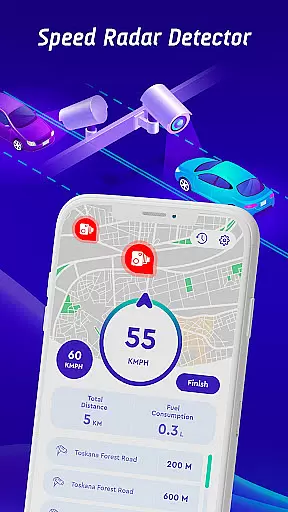
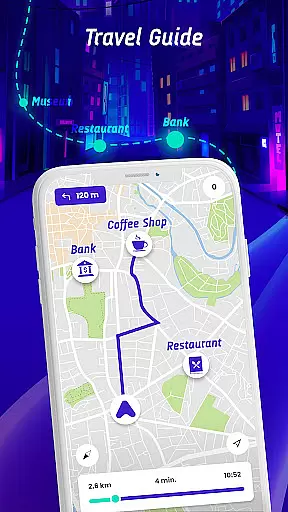

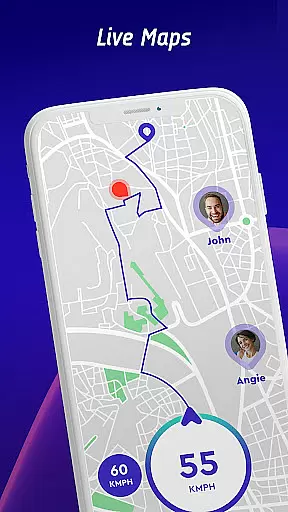
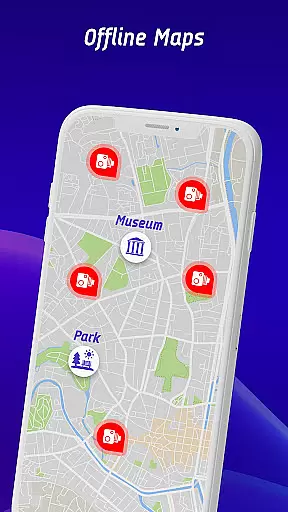
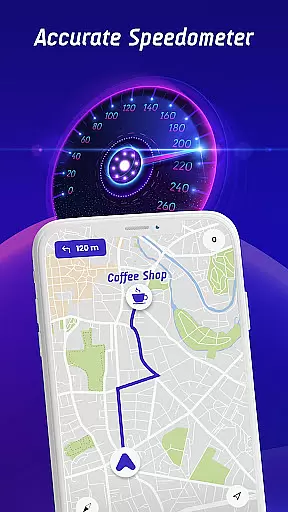

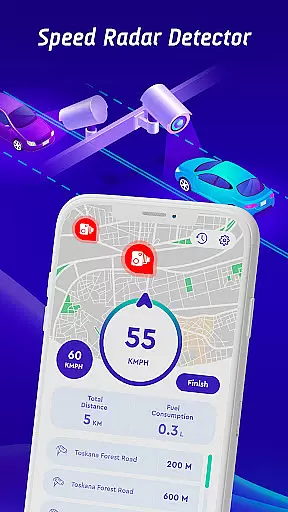

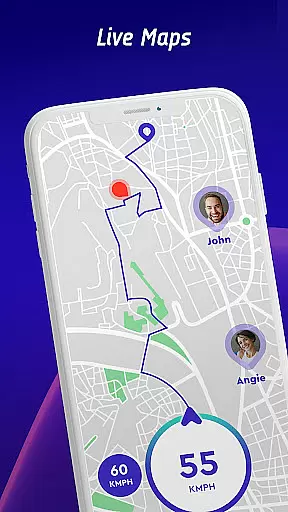

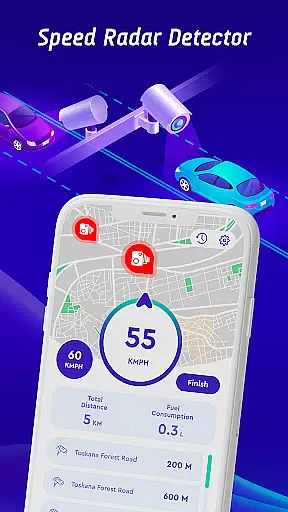
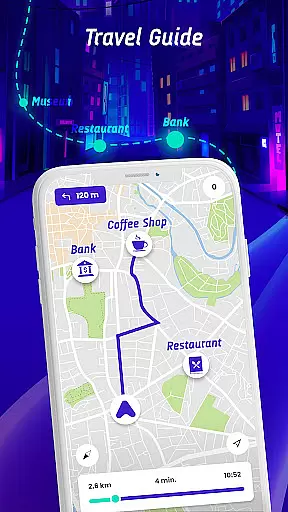

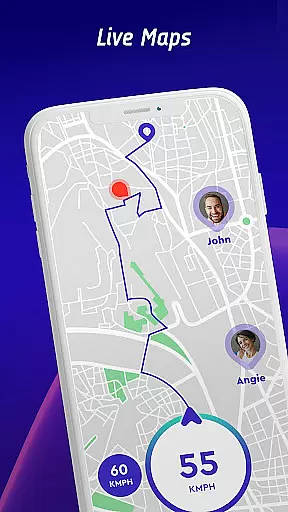
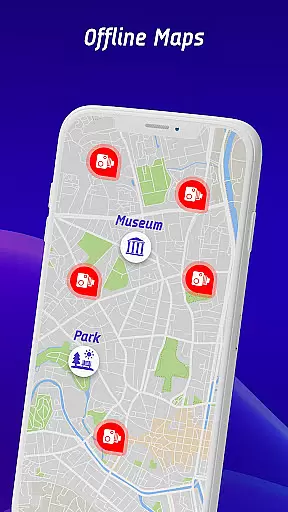
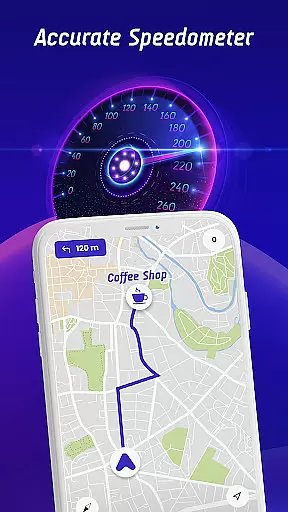

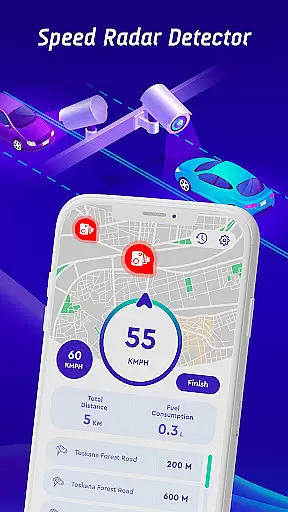

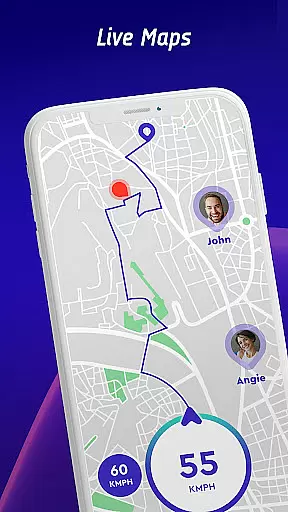

Speed Camera Detector is a comprehensive driving companion app that integrates multiple essential features for safe and informed navigation. The app provides real-time alerts for speed cameras, traffic lights, and other potential hazards, ensuring drivers stay within legal speed limits while remaining aware of their surroundings.
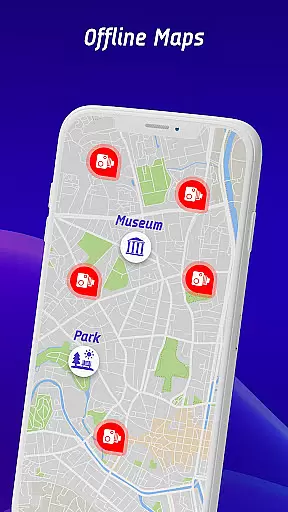
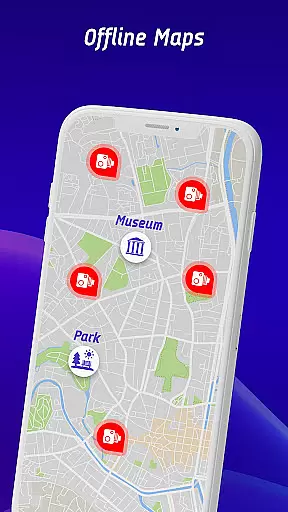
One of the standout features is its vehicle-specific speed limit alerts, which cater to cars, bikes, and trucks. Additionally, the head-up display (HUD) projects crucial information like speed and traffic alerts directly onto the windshield, allowing drivers to keep their focus on the road. With offline map functionality, users can navigate without an internet connection, making it ideal for areas with poor connectivity.
The app also fosters a community-driven approach by enabling users to report encountered speed checks, ensuring up-to-date hazard information. This combination of advanced safety features, user-friendly interface, and offline usability makes Speed Camera Detector an invaluable tool for modern drivers.
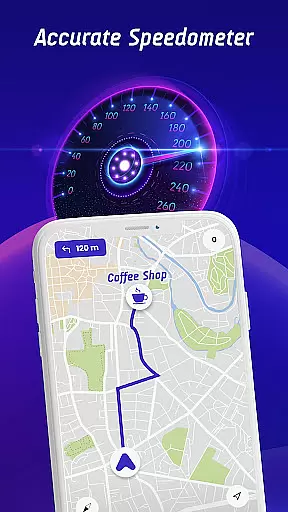
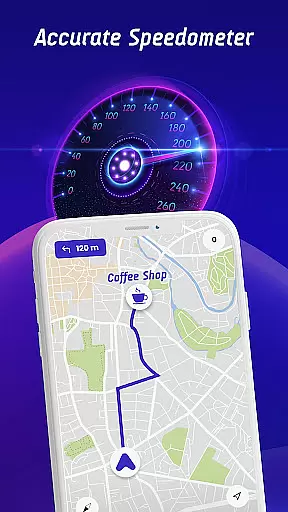
Speed Camera Detector offers a robust set of features designed to enhance driver safety and convenience. Its primary feature is the real-time detection of fixed and mobile speed cameras, including red light cameras, police radar, and average speed checks. These alerts are complemented by detailed speedometer readings, ensuring drivers maintain appropriate speeds based on their vehicle type.
A unique aspect of the app is its head-up display (HUD), which projects vital information such as speed, traffic alerts, and nearby hazards directly onto the windshield. This minimizes distractions and allows drivers to maintain focus on the road. Furthermore, the app includes an offline maps mode, enabling GPS navigation even without an internet connection—a critical feature for travelers in remote areas.
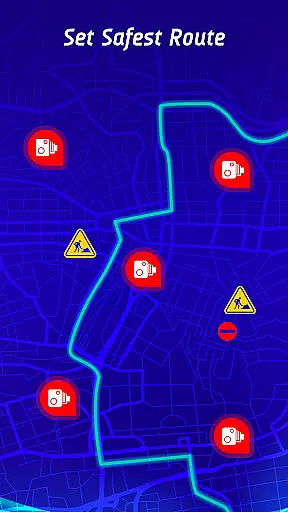
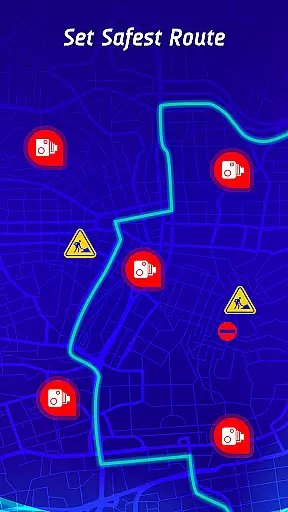
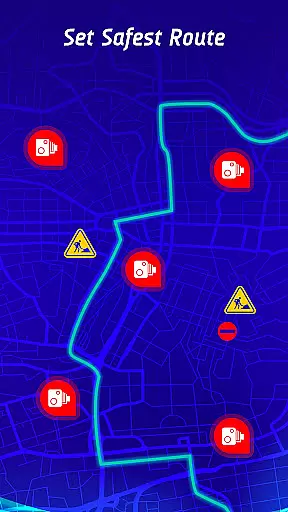
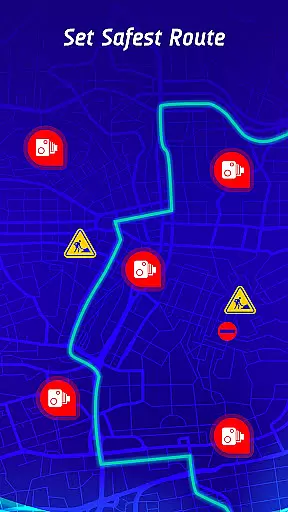
Additional functionalities include a travel history log, where users can review past trips, speed statistics, and encountered hazards. The safest route recommendation system enhances navigation by factoring in live traffic updates, speed camera locations, and reported hazards, ensuring optimal route planning for every journey.
Map accuracy is essential for any navigation app, and the Offline Maps, GPS, Speedometer app excels in this area. The app combines real-time data with an extensive database of speed cameras, traffic lights, and potential hazards to provide precise location information.
The integration of GPS navigation ensures that users receive accurate route guidance, whether they are driving in familiar areas or exploring new territories. This level of precision helps drivers stay informed about their surroundings, enhancing both safety and convenience.
Additionally, the app offers offline map functionality, allowing users to access critical navigation data without an internet connection. This feature is particularly beneficial in areas with poor connectivity, ensuring that drivers can rely on accurate maps regardless of their location.
By prioritizing map accuracy, the app not only improves the driving experience but also contributes to safer roads by keeping drivers well-informed at all times.
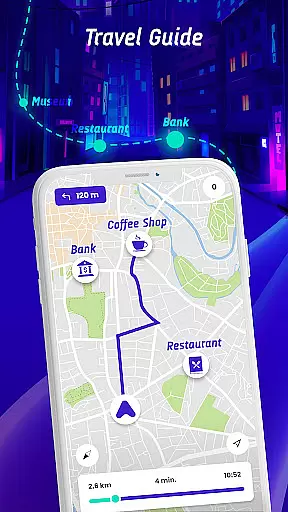
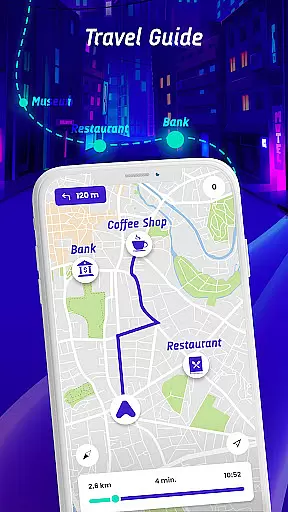
Effective route planning is a cornerstone of the Offline Maps, GPS, Speedometer app, designed to make every journey as efficient as possible. By incorporating real-time traffic conditions, speed camera locations, and reported hazards, the app provides optimal routes tailored to each trip.
One standout feature is the safest route recommendation, which considers various factors such as traffic congestion and road safety alerts. This ensures that drivers can reach their destinations quickly while minimizing risks along the way.
Moreover, the travel history function allows users to review past trips, including speed statistics and encountered speed checks. This long-term monitoring helps drivers understand their driving habits and refine future route choices.
With its comprehensive approach to route planning, the app empowers users to navigate confidently, knowing they have the best possible guidance at their fingertips.
User-friendly interface
Real-time hazard alerts
Offline navigation support
Community-driven updates
Vehicle-specific speed limits
Occasional inaccurate alerts
Requires frequent updates
Limited free features
Heavy battery consumption
Subscription fees apply

The fastest and most convenient way to pay for parking on our lots.
 4.40
4.40
Instant diesel discounts - save big with each fill up!
4.40
Airport parking, with airport shuttle (TPS shuttle), reservations, and Spot Club
4.80
Find EV & Tesla charging stations with PlugShare
4.70
Order a cab online. An affordable taxi ride and driver in no time. What a bolt!
4.80
Find radar maps, GPS coordinates, altitude, offline maps, location, travel route
4.40
Bolt is a ride-hailing app for requesting fast, safe, and affordable transport
4.80
Explore Earth with live GPS, satellite view & street navigation
3.60
Get there with the Waymo Driver — The World’s Most Experienced Driver™
4.90
Truck Safe GPS Navigation & Maps: Parking, Fuel, Diesel, Weight Station
4.80
Find AI powered cameras, ALPRs, and other surveillance infrastructure near you
4.70
Affordable rides and food delivery with incredible discounts in just one app.
4.50
ParkWhiz, an Arrive Mobility brand, part of the Arrive Network
4.30
Lets explore the world's famous places by using Live Cams, GPS & Satellite View.
4.20
Number locator, real connection map
4.10
Navigate seamlessly with Real-Time Traffic, Offline Maps, and Voice Navigation.
4.10
Route Planner is travel map to get turn by turn navigation & driving directions
3.90
OpenCPN is a full featured ChartPlotter and Navigator for Android.
3.60
Ride CTA, Metra & Pace: Manage your fares, buy Metra tickets, get arrivals.
3.00


User Reviews