
Kidslox Parental Control App is a comprehensive solution for parents seeking to manage their children's digital habits effectively. This app allows parents to control screen time, track location, and monitor app usage across multiple devices, ensuring a balanced approach to digital wellbeing.
With features like instant lock, screen time schedules, and location tracking, Kidslox supports various parenting styles while promoting healthy device usage. Its cross-platform compatibility ensures that parents can maintain consistent controls on Android, iOS, Windows, and Mac devices.
Parents can use Kidslox to establish positive screen time patterns, block inappropriate content, and even set up geo-fenced zones for enhanced safety. The app's user-friendly interface and robust support system make it an invaluable tool for modern families.
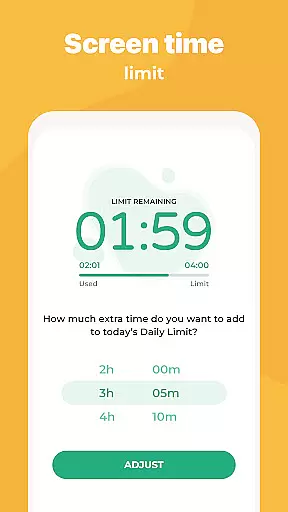
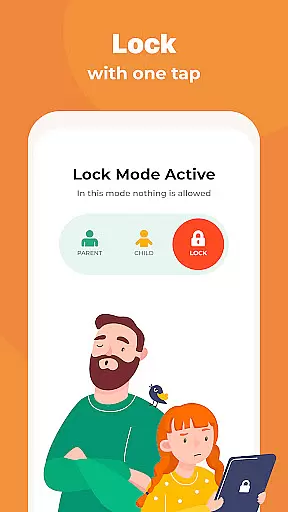
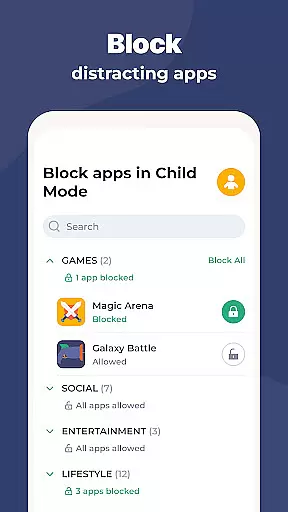
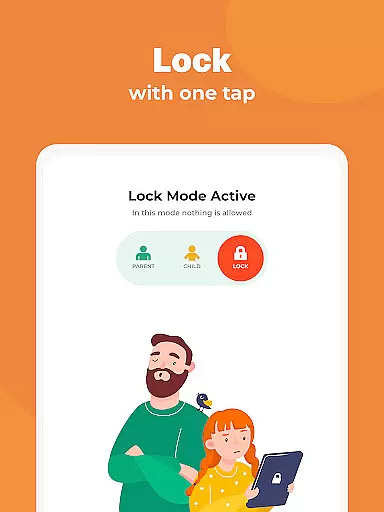
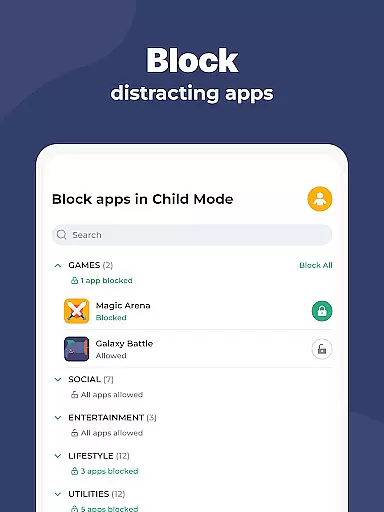
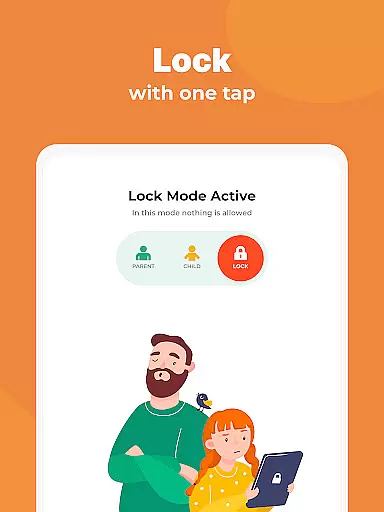
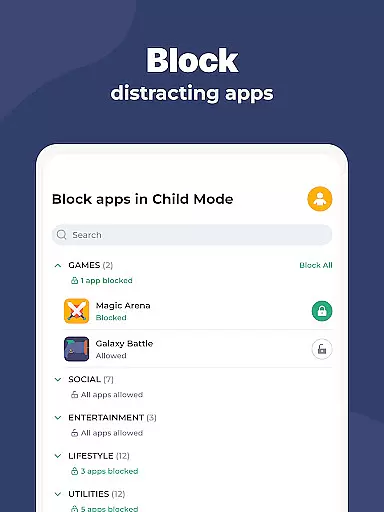
Kidslox offers an extensive range of features designed to give parents complete control over their children's device usage. The instant lock functionality allows remote blocking of apps on both Android and iPhone devices, while screen time schedules enable setting specific periods when devices can be used.
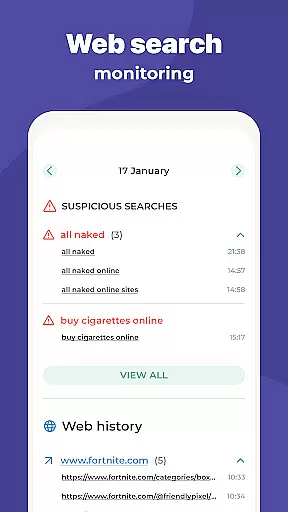
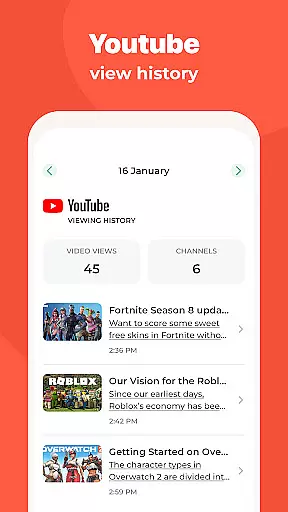
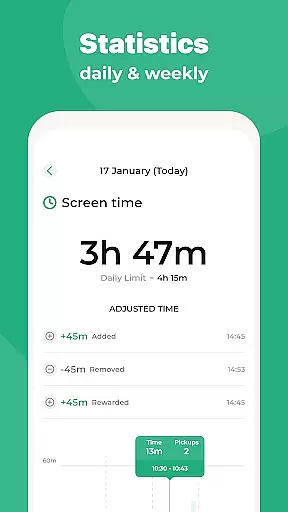
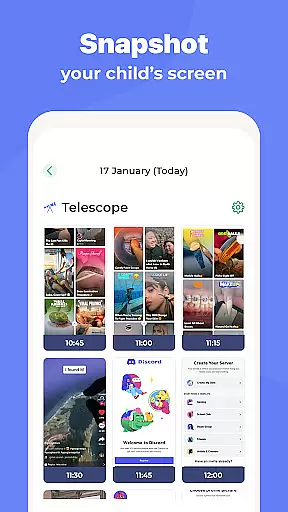
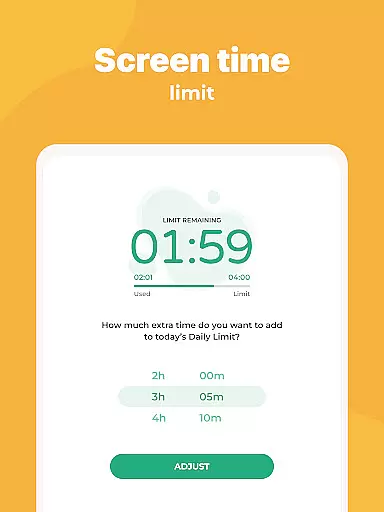
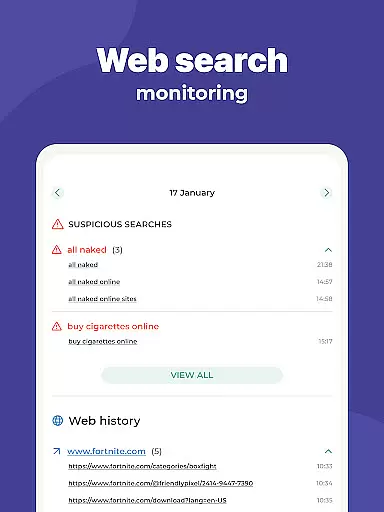
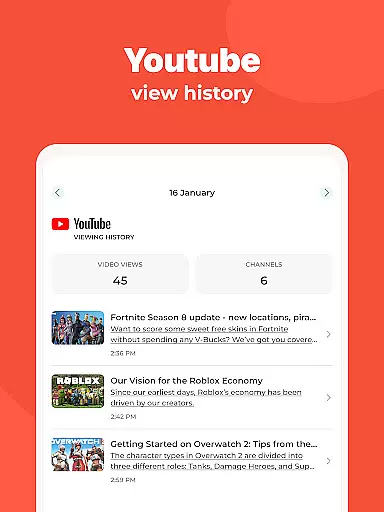
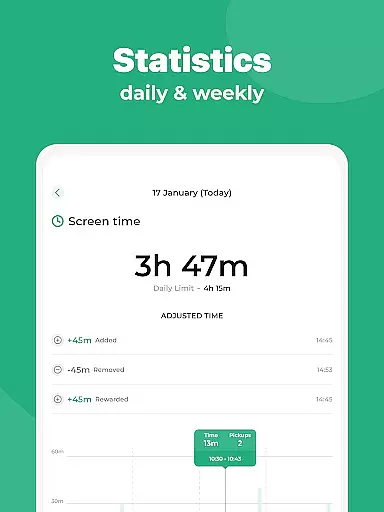
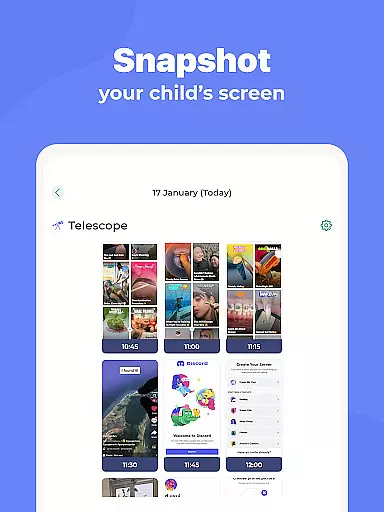
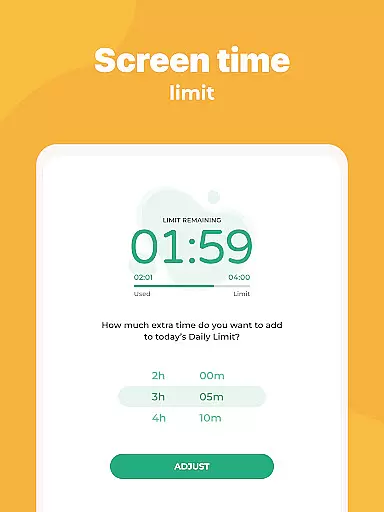
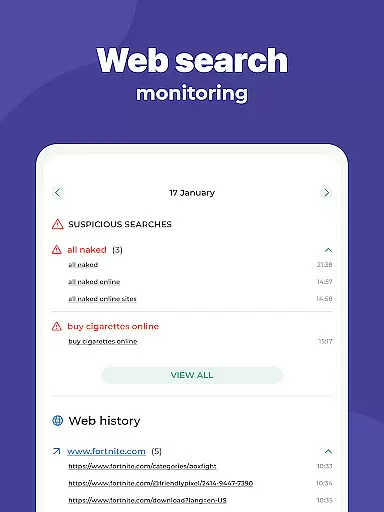
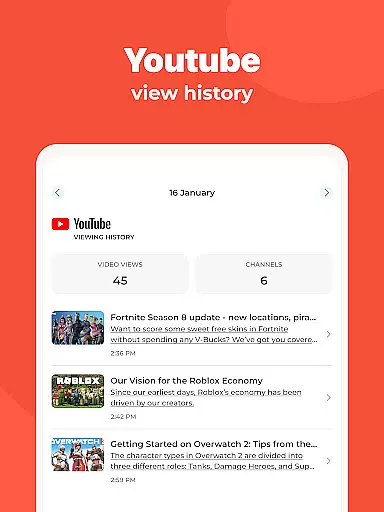
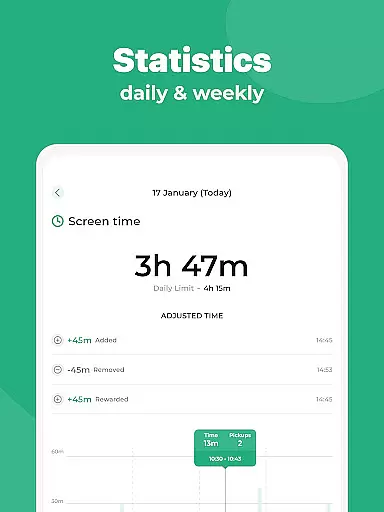
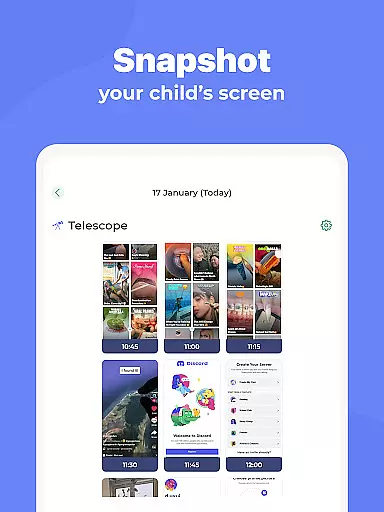
The app includes daily time limits, screen time rewards for completing tasks, and detailed activity monitoring. Parents can view app usage, web browsing history, and set custom modes that restrict access to certain apps based on the time of day or activity type.
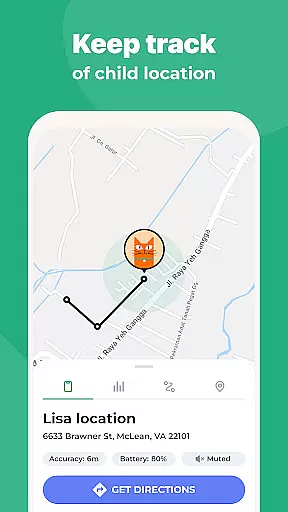
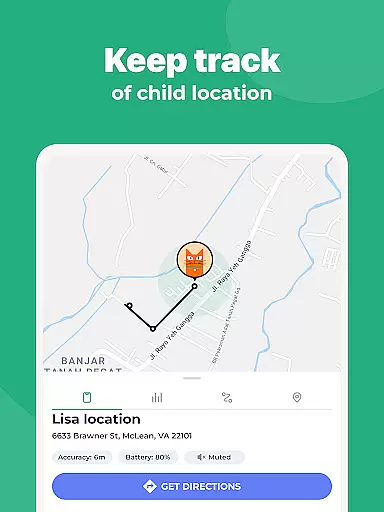
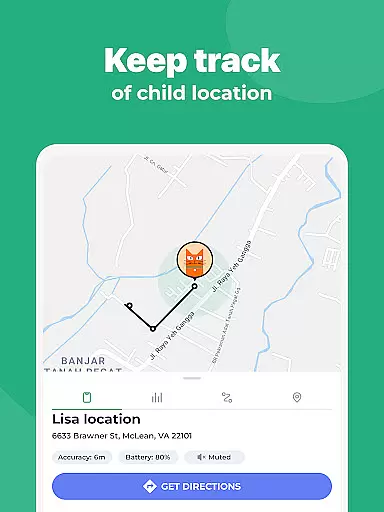
Advanced location tracking provides real-time GPS data, geo-fencing notifications, and location history. Kidslox also features content filtering, in-app purchase blocking, and internet access control through a secure VPN service, making it a versatile parental control solution.
Parenting content credibility refers to the reliability and accuracy of information provided by parenting apps like Kidslox. This is crucial because parents need trustworthy guidance when managing their children's digital activities. Kidslox ensures credibility through its robust parental control features, which are designed with expert input on child safety and digital wellbeing.
The app provides multiple layers of protection, including screen time management, location tracking, and content filtering. These features are developed based on extensive research into family needs and digital behavior patterns. For instance, the instant lock and daily time limits help parents enforce healthy tech habits while ensuring kids cannot access inappropriate content.
Parents benefit from Kidslox's comprehensive monitoring tools that track app usage, web activities, and location history. The app also offers geo-fencing notifications, alerting parents when their child enters or leaves designated safe zones. This level of detail helps build trust as parents can verify their child's whereabouts and online actions.
Ultimately, Kidslox stands out due to its commitment to providing scientifically-backed solutions for modern parenting challenges. By combining expert-validated features with user-friendly interfaces, it empowers parents to make informed decisions about their children's digital lives.
Growth tracking accuracy in parenting apps involves monitoring a child's development milestones and behavioral patterns over time. While Kidslox primarily focuses on screen time and safety controls, it indirectly supports growth tracking by offering detailed insights into a child's digital habits and activities.
Kidslox allows parents to set specific schedules and time limits, helping them understand how much time their children spend on various apps and websites. This data can be used to identify trends in behavior, such as increased usage during certain hours or preference for particular types of content. Such insights enable parents to guide their children towards healthier tech habits.
The app's location tracking feature adds another layer of growth monitoring by providing historical data on a child's movements. Parents can review this information to ensure their child follows expected routines and stays within safe areas. Additionally, the ability to block inappropriate content contributes to creating a safer digital environment conducive to positive growth.
By integrating these functionalities, Kidslox not only enhances security but also aids in tracking developmental progress. Its accurate reporting mechanisms give parents peace of mind knowing they have reliable tools to support their child's overall growth and wellbeing.
Comprehensive cross-platform support
Real-time location tracking
Instant app blocking
Detailed activity monitoring
User-friendly interface
Requires constant internet connection
Some features need Device Administrator permission
VPN usage might raise privacy concerns
Paid subscription model
Complex setup process

Educational resource for parents to inspire creativity in their children.
 4.00
4.00
With BabyCam you can monitor your baby using your mobile phone, tablet, PC or TV
4.40
All-in-one pregnancy app, contraction timer, kick counter & due date calculator
4.40
Keep Your Family Safe with Pollog Family Assistants
4.10
Real-time family location with consent, check-ins & SOS—private by default.
4.40
3D Baby size, Fruit comparisons, Smart Checklist, Trending Names & Training.
4.90
Live Location, Alerts & 2-Way Voice for Kids and Adults with Special Needs
4.60
Kids story books for children. Baby reading books with audio for pre-k toddlers
4.70
Monitor screen time and build healthy habits with Family Safety
3.90
Track baby’s development & growth week by week with BabyCenter’s pregnancy app!
4.90
Introduce real food to baby with First Foods® Database, baby led weaning BLW
4.80
Track your pregnancy & your baby's growth in 3D. Get support from our community
4.60
Track your pregnancy, kick & contraction counter, baby & mom's heartrate monitor
4.60
GPS phone tracker: find kids on map. Location tracking and parental control.
4.50
It is a screen time management tool for games and mobile applications
4.50
Cherish every beat - capture your baby's heart sounds with our app
4.30
The 10 development leaps of your baby | newborn milestones & leap days tracker
4.10
Parental Control including Screen time control, GPS tracking, App/Game blocker.
3.90
SemLog aims to raise awareness among families and their children
3.40


User Reviews