
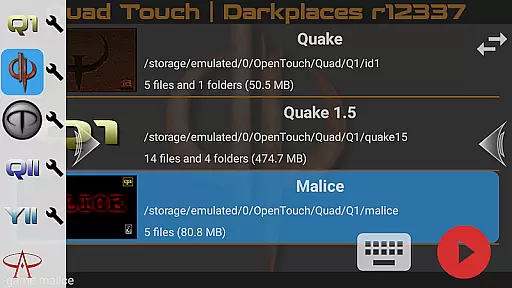
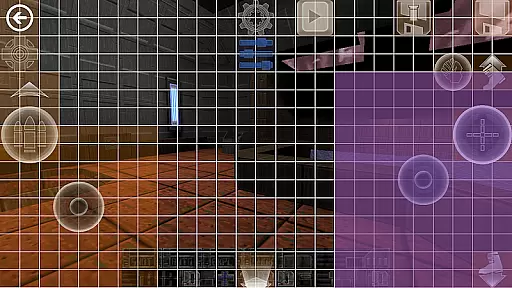
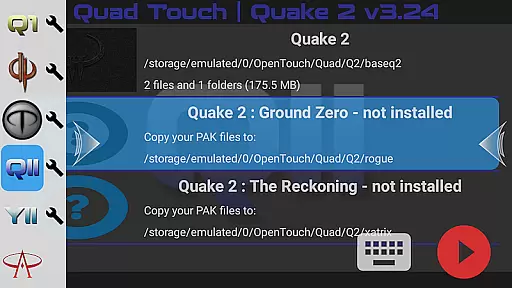
Quad Touch brings the most advanced Quake engines to Android, offering an unparalleled first-person shooter experience. The app includes multiple engine options such as DarkPlaces, QuakeSpasm, FTEQW, and more, each providing unique features and enhanced graphics.
Designed for both classic game enthusiasts and modern gamers, Quad Touch supports a wide range of Quake games including Hexen 2. With full gamepad support, built-in keyboard, weapon wheel, and customizable touch controls, it ensures an immersive gaming experience on mobile devices.
Whether you're reliving nostalgic moments or exploring mods and total conversions, Quad Touch delivers exceptional performance and flexibility. It's ideal for gamers seeking to enjoy high-quality FPS gameplay on their Android devices.
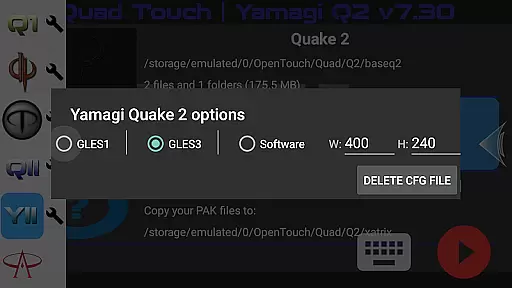
Quad Touch stands out with its comprehensive selection of Quake engines, each tailored for different gaming preferences. From the classic QuakeSpasm to the feature-rich FTEQW, users can enjoy enhanced graphics, multiplayer capabilities, and compatibility with various game expansions.
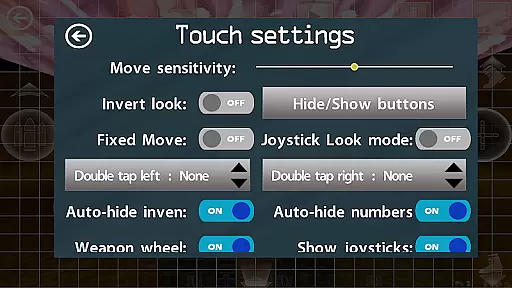
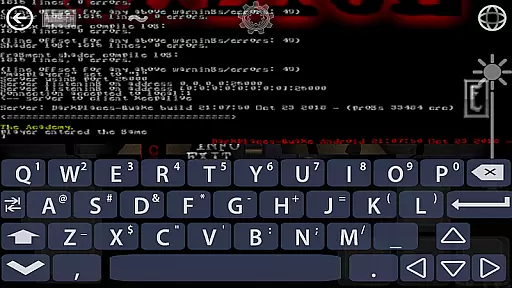
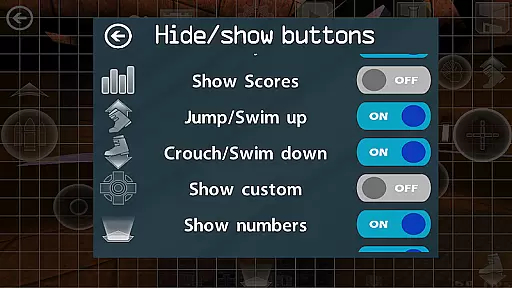
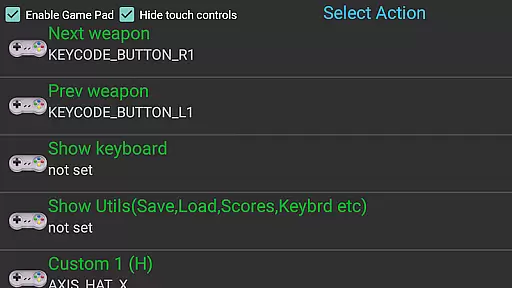
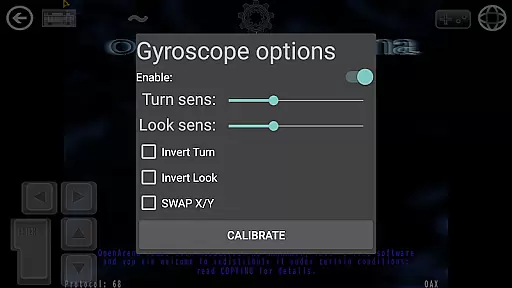
The app offers extensive customization options, including six custom buttons, gyro aim assist, and fully navigable UI via gamepad. These features ensure that players have precise control over their gaming experience. Additionally, the built-in keyboard and console access provide advanced configuration possibilities.
Quad Touch also supports scoped storage, import/export settings, and mod selection through an intuitive GUI. This makes it easy for users to manage their game files and preferences while enjoying a seamless gaming session on their Android device.
Control responsiveness and latency are crucial factors in action games, especially for a touch-based FPS experience. Quad Touch delivers an exceptional level of precision and speed in its controls, ensuring that every tap and swipe is registered instantly without delay.
The app incorporates advanced touch algorithms that optimize the sensitivity of on-screen controls. This ensures that players can execute complex maneuvers and actions seamlessly, providing a competitive edge during intense gaming sessions.
For users with gamepads, Quad Touch offers full compatibility, translating physical inputs into in-game actions with minimal latency. The integration of gyroscopic aiming further enhances the responsive nature of the controls, making targeting and movement more intuitive.
Ultimately, the responsive controls and low latency of Quad Touch contribute to an immersive gaming experience. Players can enjoy their favorite Quake engines with confidence, knowing that their inputs will be accurately reflected in the game world, thus maximizing both performance and enjoyment.
Combat feedback tightness refers to how well a game communicates the impact of combat actions to the player. In Quad Touch, this aspect is meticulously crafted to provide clear and satisfying responses during combat scenarios, enhancing the overall gaming experience.
The app employs visual and auditory cues to signal successful hits, misses, and enemy reactions. These cues are fine-tuned to match the fast-paced nature of Quake engine games, ensuring that players receive immediate and precise feedback on their performance.
Additionally, Quad Touch's haptic feedback system adds a tactile dimension to combat interactions. When enabled, this feature simulates the recoil and impact of weapons through vibrations, giving players a visceral sense of engagement with the game.
By focusing on tight combat feedback, Quad Touch elevates the excitement and immersion of playing classic FPS titles. Gamers can expect a responsive and gratifying combat experience that keeps them engaged and invested in the action-packed worlds of Quake and similar games.
Advanced engine options
Full gamepad support
Customizable controls
Built-in keyboard
Wide game compatibility
No included game data
Complex setup required
High-end device needed
Limited user guidance
Potential compatibility issues
Arcade Roguelike Survival
 4.70
4.70
Munch your way through 60 levels and over 140 objects!
4.40
Survive the post apocalypse in intense zombie shooting and gun games on doomsday
4.60
A fun platform run game with thousands of traps and wow that push your limits
4.00
HOOK away with SPEED & STYLE! Jump, Swing, Fly! Let's Play fun Action Game!
4.20
Swing into action as a spider legend in an epic fighting adventure
4.60
Throw shurikens and cut through your enemies!
4.60
Aim the arrow and become a legendary archer! Multiplayer action & shooting games
4.40
Brotato: The Ultimate Bullet Hell Experience!
4.80
Gaze upon the horrors that dwell beyond the Wall of Insanity.
4.90
NEOGEO's masterpiece game is now available in the app!
4.70
Thrilling mix of two game genres - Fighting & RPG. Prepare to fight with shadow!
4.70
Join stickman game - runner & fun race with a crowd. Epic battle & running game
4.60
This time, the terror has followed you home!
4.60
Whack, smash, and toss the puppet! Let’s destroy the ragdoll in this funny game
4.40
NEOGEO's masterpiece game is now available in the app!
4.30
Craft, build, and survive in a zombie-infested open world!
3.40
Five years ago, Carl ‘CJ’ Johnson escaped the haze of Los Santos, San Andreas…
3.30
Play all 6 Star Wars™ episodes with over 120 characters in fun LEGO style!
3.30


User Reviews