
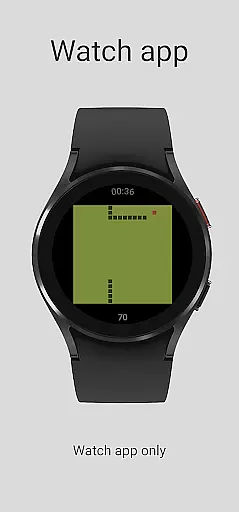
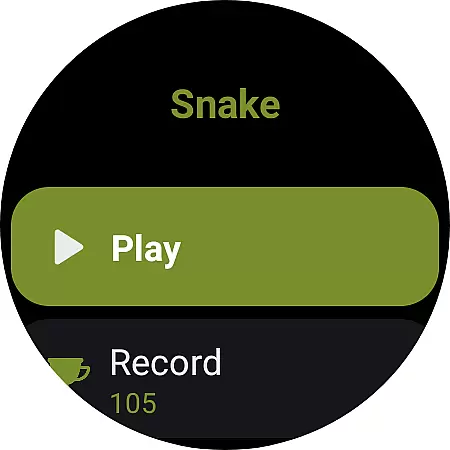
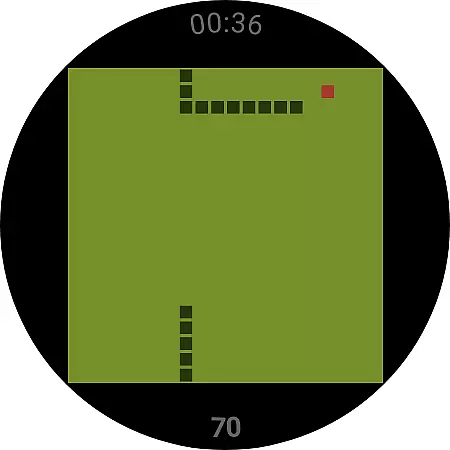
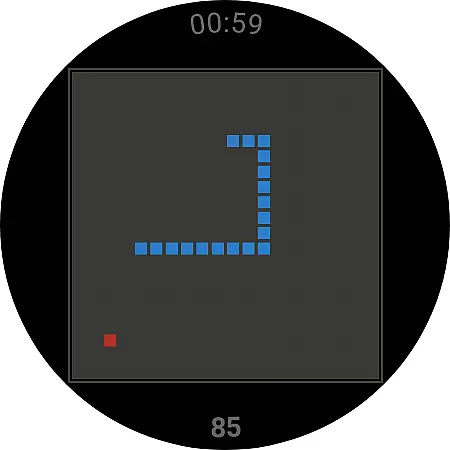
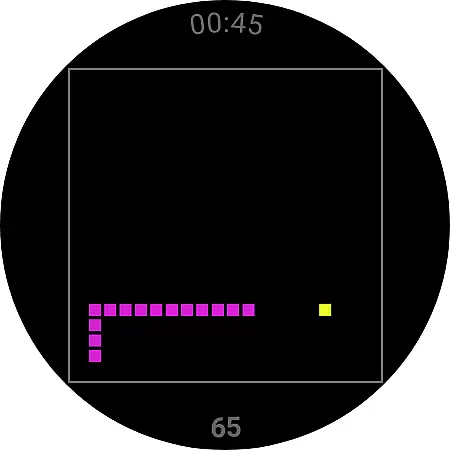
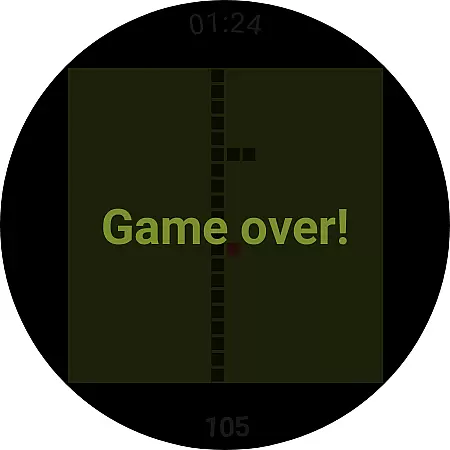
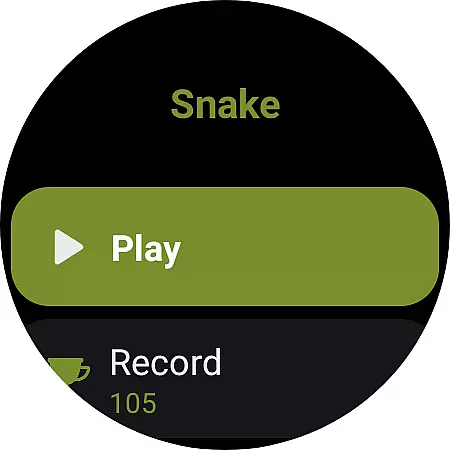
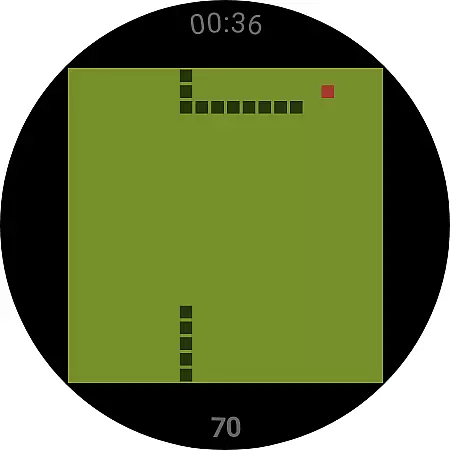
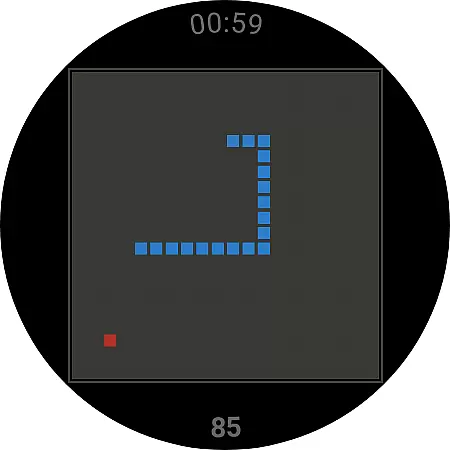
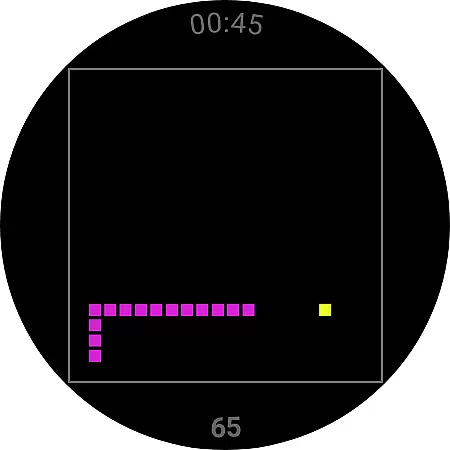
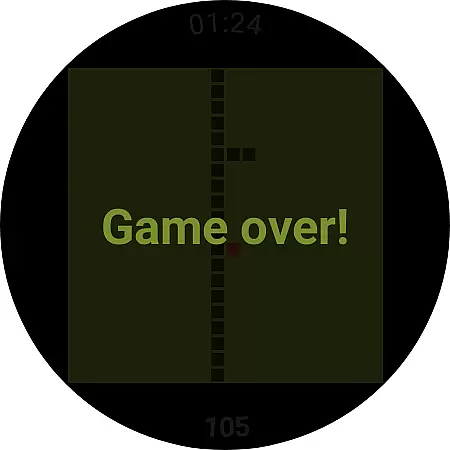
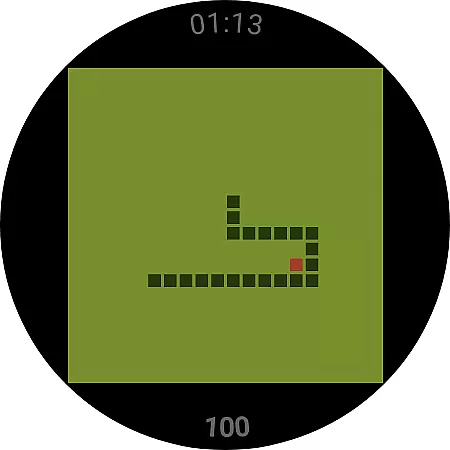
Snake is a classic game reimagined for Wear OS devices, bringing the nostalgic experience to your smartwatch. The app is specifically designed for wearable technology, offering simple yet engaging gameplay that can be played on the go. With intuitive controls optimized for small screens, users can enjoy hours of entertainment directly from their wrists.
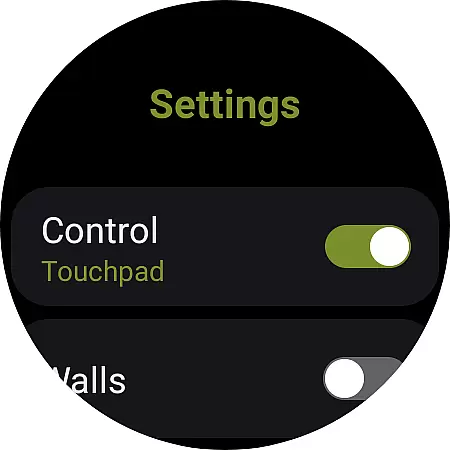
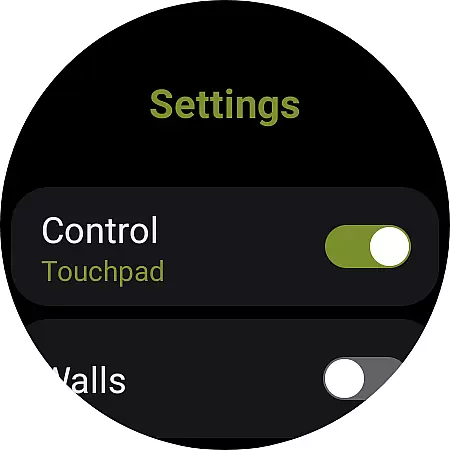
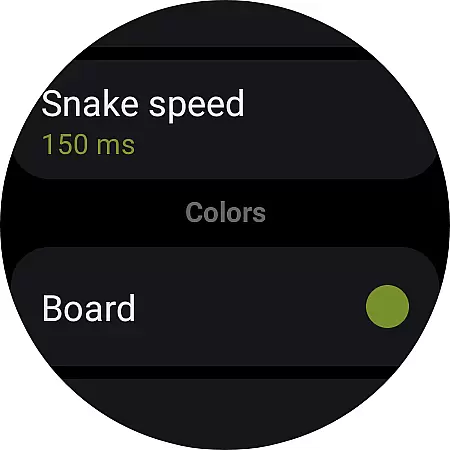
The game includes various settings to customize the experience, such as control options using touchpad gestures or tapping the screen borders. Additionally, players can adjust game rules like wall collisions, providing either a challenging or more relaxed gaming session. Snake for Wear OS proves to be an ideal companion for brief moments of fun throughout the day.
Snake offers several features that enhance the traditional gameplay while taking full advantage of Wear OS capabilities. One notable feature is the choice between two control schemes: swipe gestures on the touchpad or tapping specific areas of the screen border to navigate the snake. This flexibility ensures comfortable play regardless of individual preferences.
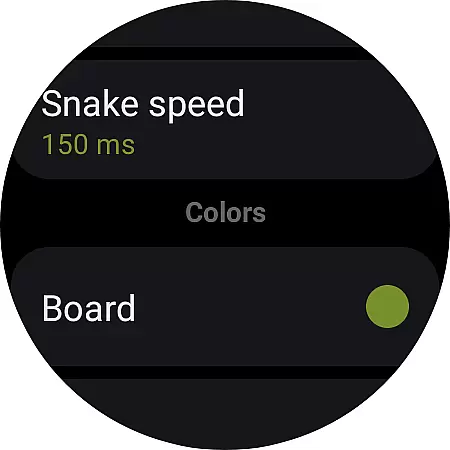
Another key aspect is the ability to modify game settings, including enabling or disabling walls which changes how collisions are handled during gameplay. For added convenience, there's also a reset record function allowing players to clear high scores easily. These thoughtful additions make Snake not just a game but a personalized experience tailored to each user's liking.
At the heart of any successful casual game lies its core gameplay mechanics, and Snake for Wear OS exemplifies this principle. The game revives the classic snake gameplay style that many users know and love from early mobile gaming days.
The application is tailored specifically for Wear OS, ensuring that the controls are adapted for a smartwatch's smaller form factor. Players can navigate the snake using either a touchpad swipe method or by tapping the borders of the board, allowing for intuitive control that is simple to learn yet engaging enough to retain interest.
This straightforward approach eliminates the need for complex tutorials, enabling players to jump straight into the action. With just a few taps, users can start playing, making it an ideal pastime for short breaks or when they're on the move.
Snake for Wear OS offers commendable session length flexibility, catering to players who prefer quick gaming bursts. Given the fast-paced lifestyle of many gamers today, having the option to engage in gameplay that fits into various timeframes is a significant advantage.
Whether you have a minute or more, Snake allows you to pick up and play for as long as you want. The game automatically saves your progress, so you don't have to worry about losing your high score if you're interrupted or need to attend to something else.
This flexibility ensures that whether you're waiting in line or taking a short break, Snake is perfectly suited to make the most out of those precious moments without demanding a significant time investment.
Classic gameplay
Customizable controls
Wall collision option
Resettable high scores
Lightweight design
Limited device support
No multiplayer mode
Basic graphics
Phone app required
Fewer features than mobile versions

Start with a simple lemon stand and grow into a business tycoon!
 5.00
5.00
FPse : The best and smoothest PSone Emulator available now!!
4.50
Enjoy satisfying mini games with relaxing sounds designed to ease your stress.
4.80
Manage car traffic by building roads and cities in this highway simulator game
3.70
Join LeeFoxie in a fun tower defense! Cute towers, tricky enemies, endless fun.
4.0
Be the Coin Master: attack friends & collect coins in this fun adventure game!
4.80
Draft dice in Sagrada to construct your stained glass window masterpiece.
4.60
Choose from lots of puzzles and minigames to play. Chess, wordgames & more!
4.60
let's travel around the culinary world together!
4.10
Relax, merge, and shine! Create your own beauty style story with every move.
4.50
Talking Tom and pets bring adventure to this fun virtual cat game.
4.30
All-in-one tricky challenges, viral trending mini games. Stay calm & relax.
4.20
Heads or tails? Coin Flipper in an idle game about flipping coins!
3.60
Compete with opponents through precise archery skills
3.20
A minimalist game about digging a hole in the garden of a newly purchased house
3.00
Relive those 8 bit glory days
4.2
Just shoot and drop blocks.
4.4
Train concentration, reasoning, coordination and patience in a fun way.
4.4
1000 Start Ups is a fun endless running game suitable for all ages.
4.0


User Reviews