
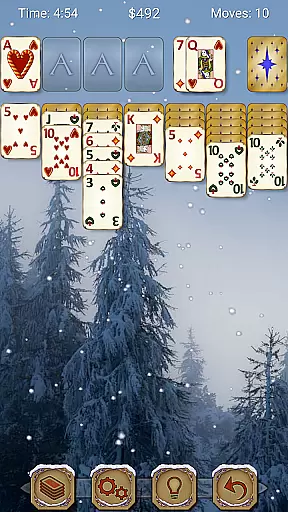
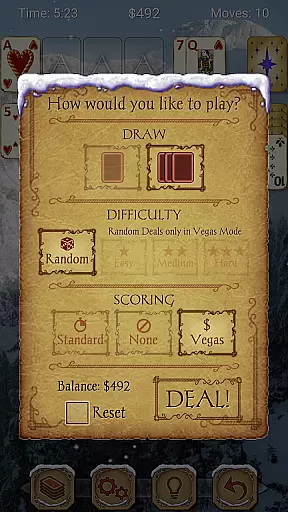
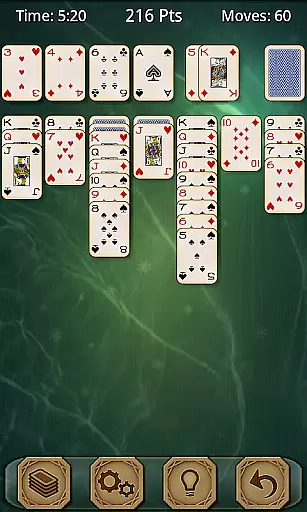
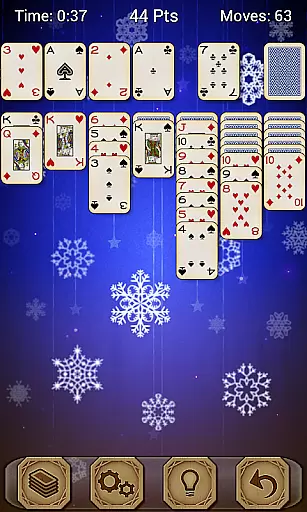
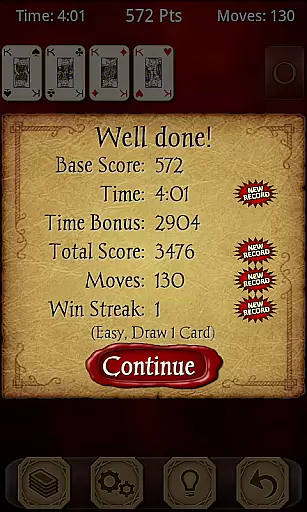
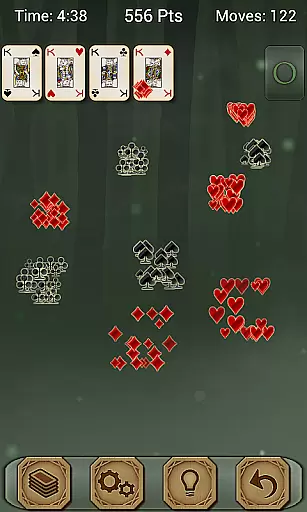
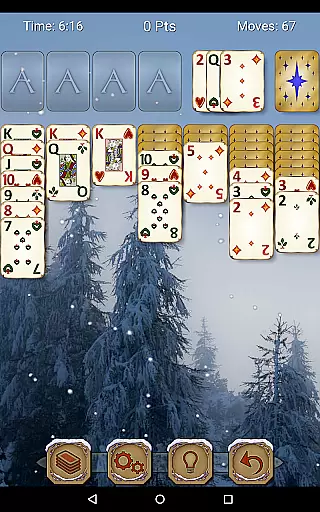
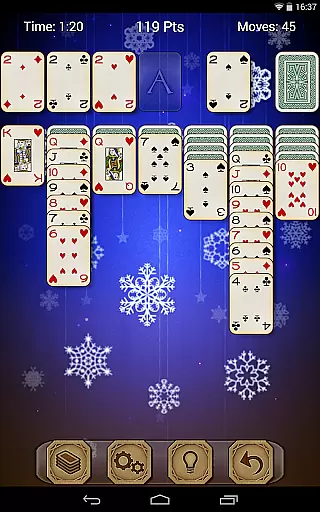
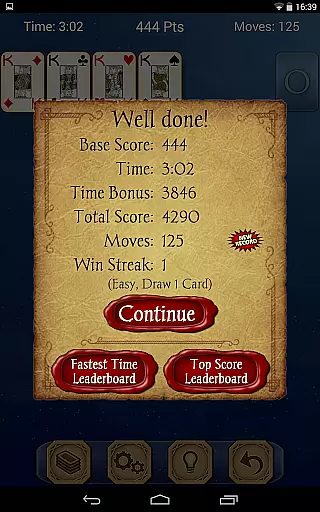
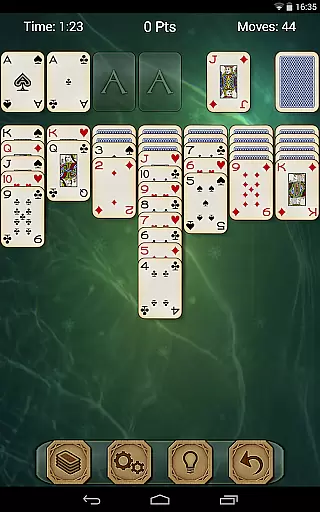
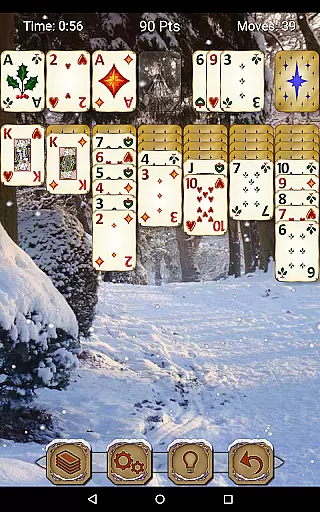
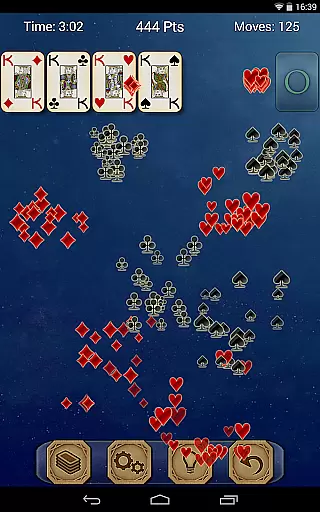
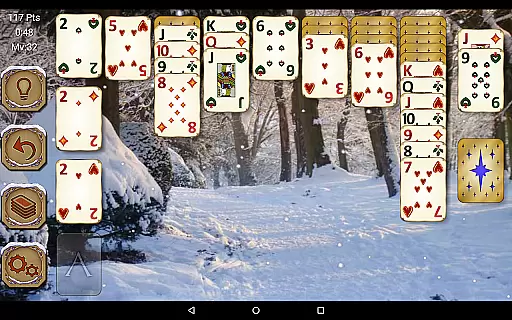
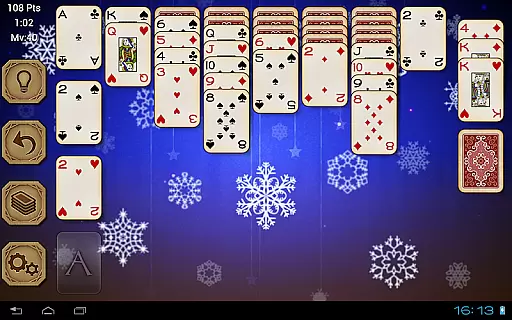
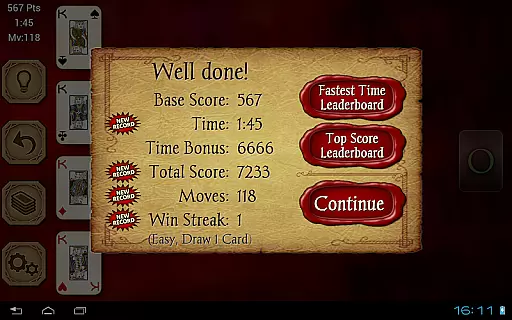
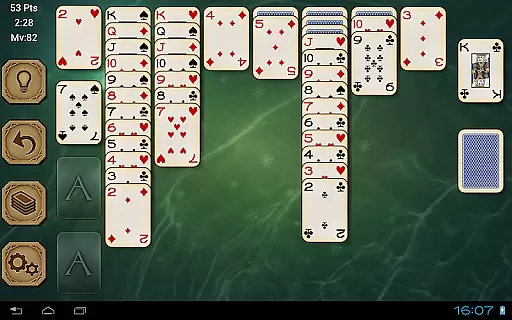
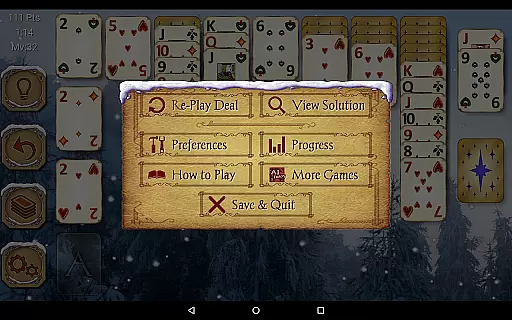
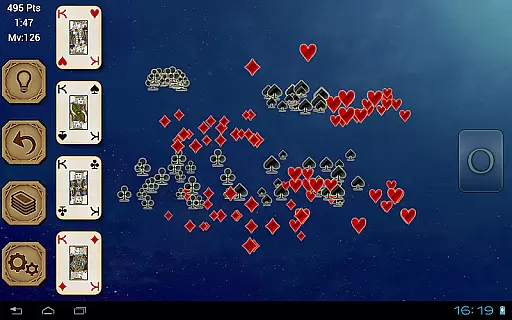
Solitaire Pro is a premium card game app developed by AI Factory, offering the classic Solitaire experience (also known as Klondike and Patience) with enhanced features. The app provides multiple play options including 1 or 3 card draw, various scoring systems, difficulty levels, and layout preferences. With gorgeous graphics, customizable backgrounds using personal photos, and support for both landscape and portrait modes, it delivers an immersive experience on both tablets and phones.
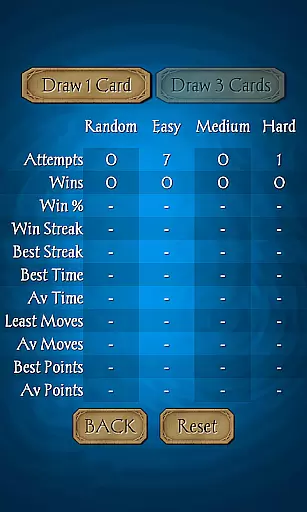
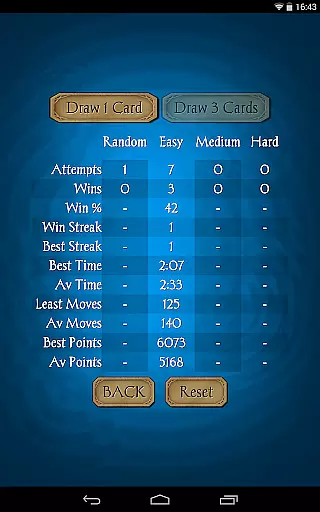
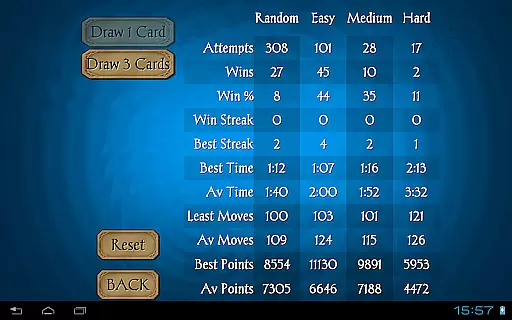
Designed for Solitaire enthusiasts, this app includes advanced functionalities such as undo, hints, game stats, and solutions viewable for non-random games. It also integrates Achievements and Leaderboards via Google Play Games, making it competitive and engaging. Whether you are a casual player or a hardcore Solitaire fan, Solitaire Pro offers a comprehensive and enjoyable gaming experience without interruptions from advertisements.
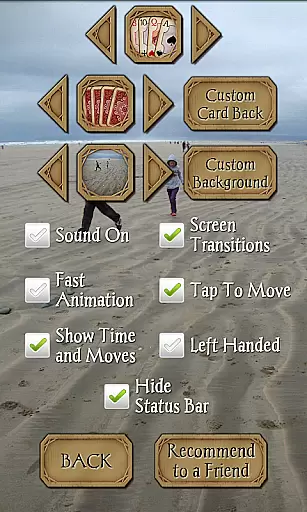
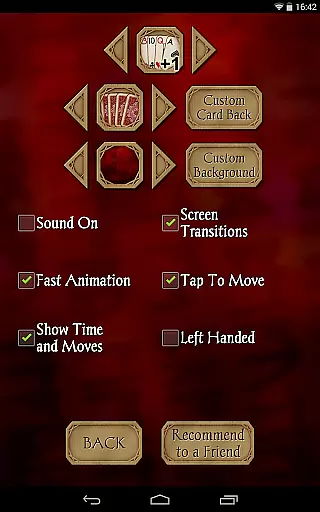
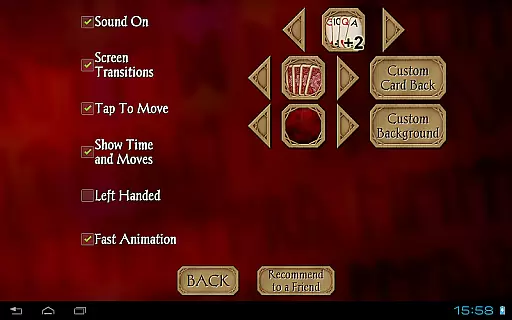
Solitaire Pro stands out with its rich feature set tailored for diverse player preferences. The app offers four different card sets, four card backs, and numerous background options, allowing players to customize their gaming environment. Additionally, users can upload their own images to personalize card backs and backgrounds, enhancing visual appeal and user engagement.
The app supports multiple difficulty levels ranging from easy to hard, catering to both beginners and experienced players. With standard and Vegas scoring systems, players can choose their preferred style of play. Other notable features include tap-to-move functionality, undo and hint options, and comprehensive game statistics. Solitaire Pro is designed to provide an optimal experience on various devices, supporting resolutions above 320x240 in both landscape and portrait orientations.
Random Number Generation (RNG) fairness is crucial in card games like Solitaire Pro to ensure that every game starts with a randomly shuffled deck, providing an unpredictable and unique experience each time. This randomness is not just about generating any sequence but doing so in a manner that is statistically fair and evenly distributed across all possibilities.
Solitaire Pro achieves this by implementing advanced algorithms that mimic true randomness, ensuring that no two games are the same and that the likelihood of any particular sequence appearing is consistent with mathematical probability. This approach guarantees that whether you're playing on easy or hard mode, your experience will be fresh and challenging.
The benefits for users are significant; they can trust that their skill and strategy are the primary factors affecting their gameplay outcomes, rather than any underlying bias in how cards are dealt. This fosters a more engaging and rewarding environment where victories feel earned and losses motivate improvement.
Ultimately, RNG fairness enhances replayability and enjoyment, making Solitaire Pro a reliable choice for those seeking a genuine and unbiased gaming experience. Players can focus on honing their skills without worrying about unfair advantages or predictability.
Control fluidity and input latency refer to how smoothly and responsively a game reacts to user inputs. In digital card games such as Solitaire Pro, these aspects are vital for maintaining immersion and ensuring that players can execute their strategies without frustration caused by delayed or unresponsive controls.
Solitaire Pro excels in delivering seamless interactions through its tap-to-move card functionality, which allows players to make moves quickly and accurately. The developers have optimized the game engine to minimize delays between a player's touch and the corresponding action on screen, resulting in a highly responsive interface that feels natural and intuitive.
This level of responsiveness benefits users by allowing them to play at their own pace, whether they prefer a leisurely game or fast-paced challenges. Quick reactions and precise movements become possible, enhancing both casual play sessions and competitive matches where timing might be critical.
By prioritizing control fluidity and minimizing input latency, Solitaire Pro ensures that players remain engaged and immersed in the game, leading to longer sessions and increased satisfaction. This attention to detail sets it apart from other titles in the genre, offering a superior user experience that keeps players coming back for more.
User-friendly interface
Customizable visuals
Multiple difficulty levels
Advanced scoring options
Ad-free experience
No offline multiplayer
Limited social features
Paid version only
High system requirements
Complex for beginners

FreeCell Solitaire Card Game: Play Classic Solitaire Card Game from MobilityWare
 4.50
4.50
Learn how to play BlackJack, when to Hit, Stand, Split, Double or Surrender.
4.60
Sinister solitaire. Four cards, one fate.
4.1
Collect sets and runs but don't give away a card your opponent needs!
4.60
Train your brain with relaxing classic solitaire game and have endless fun!
4.70
World Series of Poker: Texas Hold em, Video Poker & Omaha Poker Card Games!
4.20
The most popular cribbage app available; all of the options, none of the fluff!
4.80
When Poker Meets Solitaire
4.70
Play classic Spider Solitaire & Spiderette! Daily challenges, badges & events!
4.50
Solitaire Games: Play fun card games and boost your IQ!
4.80
Train your brain with the challenging & addictive Solitaire Classic Card Games!
4.70
Play anywhere anytime the most popular card game
4.70
Classic Solitaire Game - Play Original Klondike Solitaire Card Games to Relax
4.60
A game of apocalypse and yearning. Experiment. Die. Ascend.
4.60
Play and Master the Fun Classic Card Games with Friends
4.60
Hardwood Hearts, where breaking hearts is just part of the game.
4.50
Become a hero or a villain as you make choice in the fairy Middle Ages!
3.50
Word-building meets deck-building in the unique game Paperback Vol. 2
3.30
The Trading Card Game of Hunter's Gambit, Online!
4.1


User Reviews