
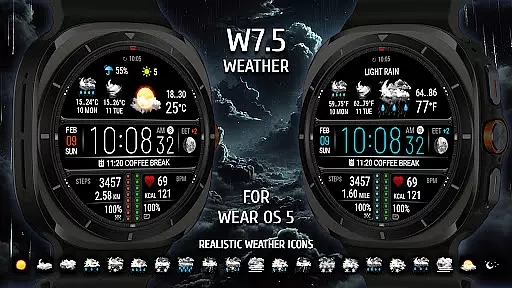
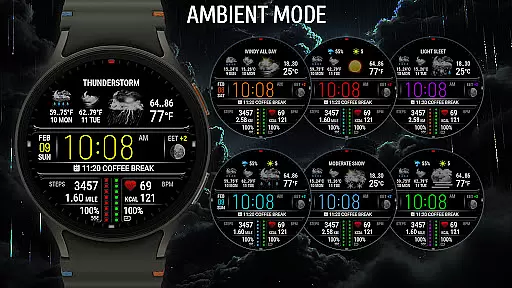
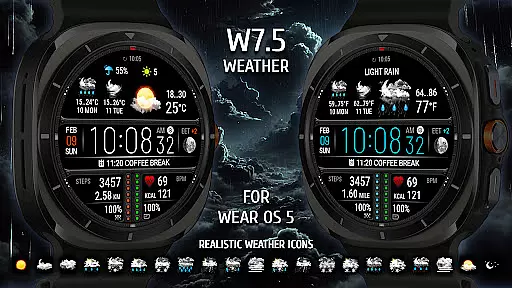
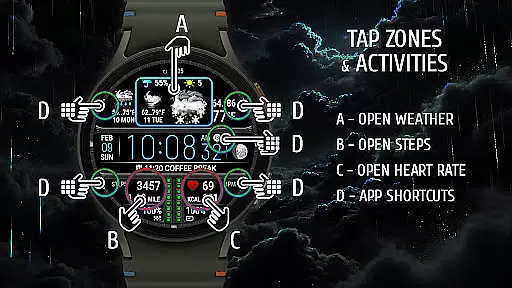
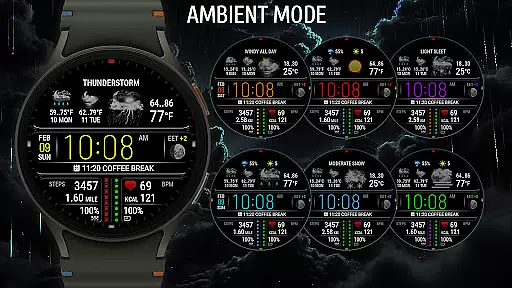
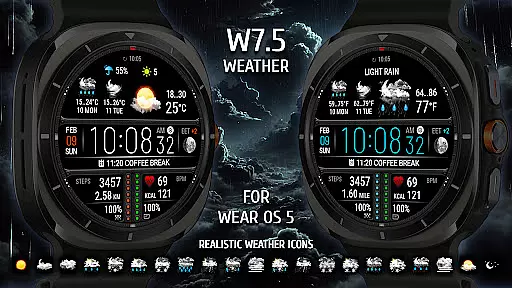
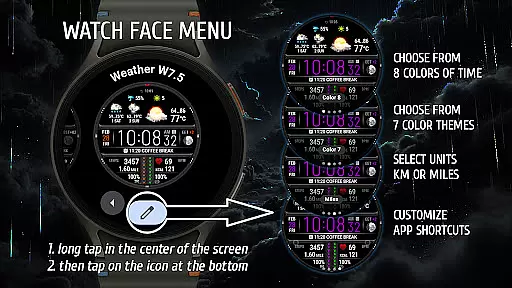
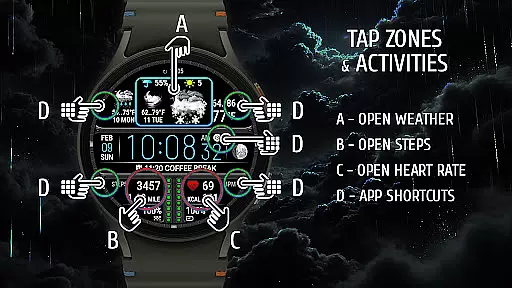
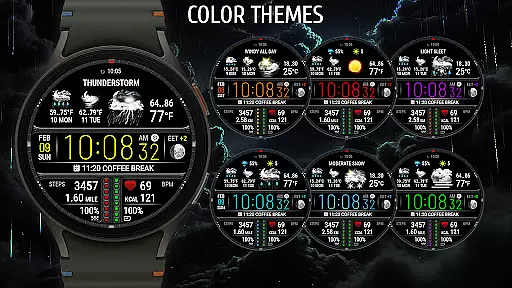
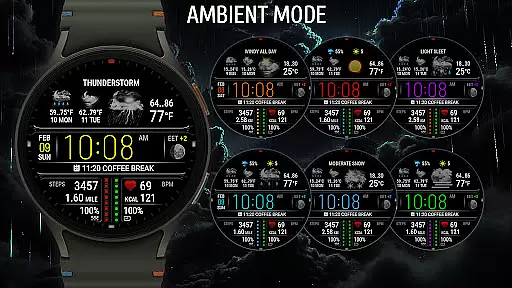
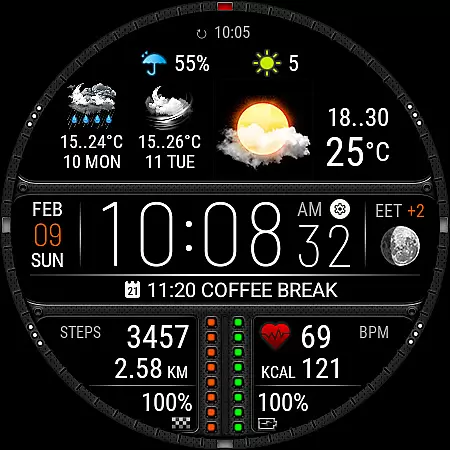
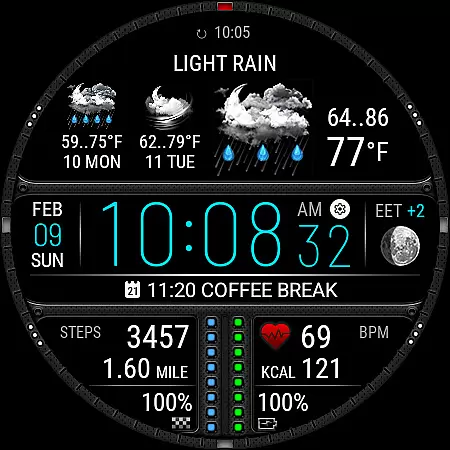
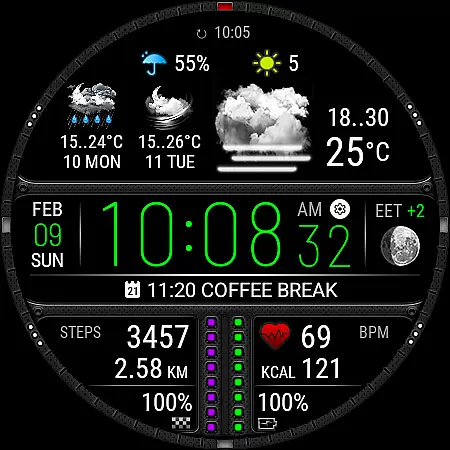
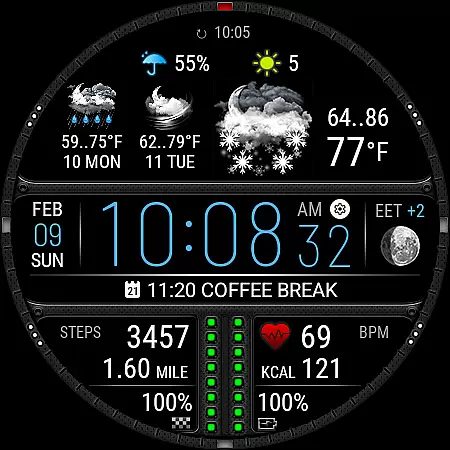
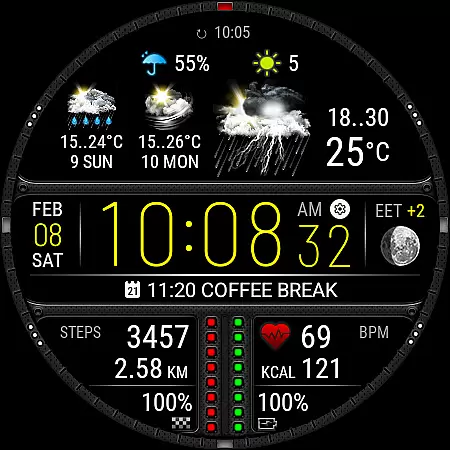
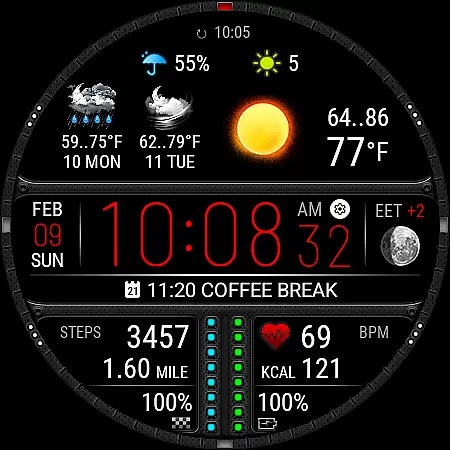
Weather Watch Face W7.5 is a premium watch face designed exclusively for Wear OS 5+ devices, offering users an unparalleled combination of style and functionality. This application provides accurate weather forecasts with real-time updates, ensuring you are always prepared for the day ahead.
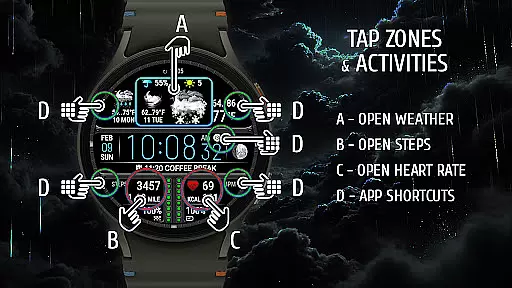
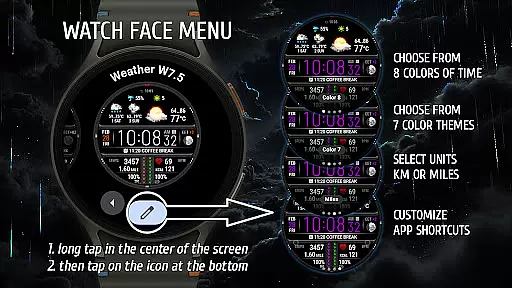
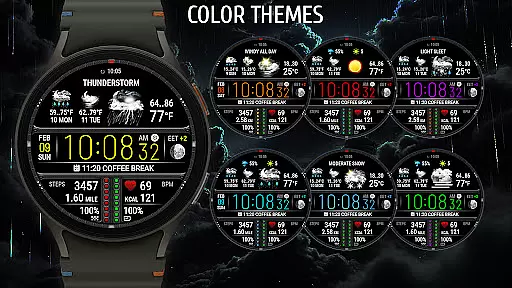
In addition to its weather capabilities, the app includes comprehensive health tracking features such as heart rate monitoring and step counting. With customizable shortcuts and multiple color themes, users can tailor their smartwatch experience to match their personal preferences while enjoying essential information at a glance.
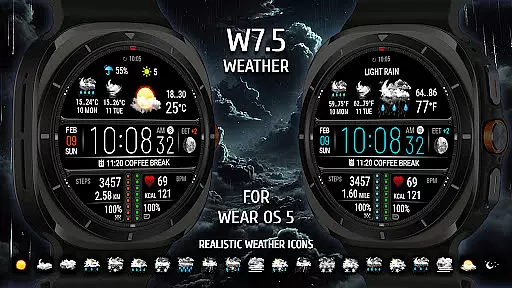
The Weather Watch Face W7.5 stands out with its realistic weather icons and detailed two-day forecast, giving users a clear picture of upcoming weather conditions. The inclusion of precipitation probability and UV index further enhances preparedness for any outdoor activity.
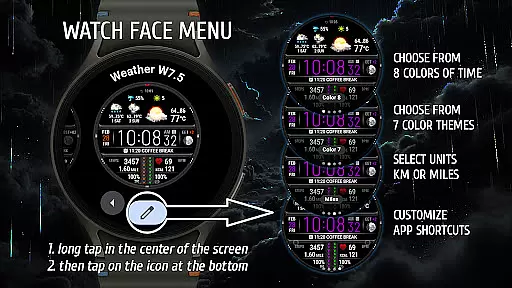
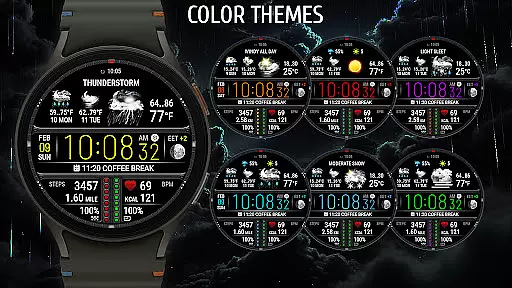
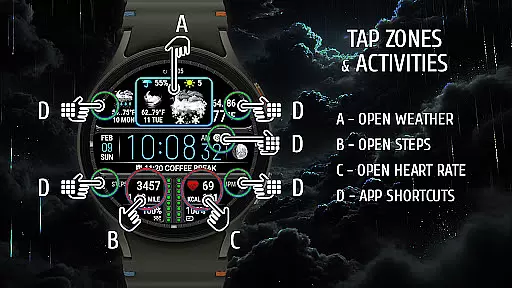
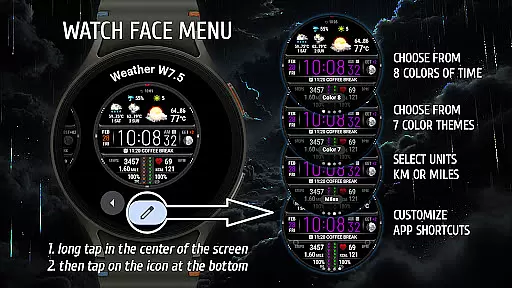
Health enthusiasts will appreciate the integrated heart rate monitor and fitness tracking options that support both kilometers and miles. These features ensure you maintain optimal health while staying active. Additionally, the app offers eight stunning color themes and five quick-launch shortcuts, allowing seamless access to favorite applications directly from your watch face.
Powered by The Weather Channel, this watch face guarantees reliable weather data tailored specifically for Wear OS 5+ (API 34+) devices, making it a must-have upgrade for tech-savvy individuals looking to maximize their smartwatch utility.
Weather Watch Face W7.5 provides users with accurate and reliable weather forecasts directly on their smartwatch. The application sources its data from The Weather Channel, a trusted name in meteorology, ensuring that the information displayed is both credible and up-to-date.
The watch face displays real-time weather updates including current temperature, precipitation probability, and UV index. This allows users to make informed decisions about their day-to-day activities while being prepared for any weather conditions they might encounter.
By integrating seamlessly with Wear OS 5+ devices, this application ensures that users receive consistent and precise weather data without needing to check their phones or other devices. This convenience enhances the overall user experience by providing essential information at a glance.
Beyond just showing the current weather, Weather Watch Face W7.5 offers a two-day forecast, giving users an extended view of upcoming weather patterns. This temporal range helps individuals plan their schedules more effectively by knowing what to expect in the near future.
In addition to time-based forecasts, the app also covers various geographical locations, adapting to where the user is or plans to be. Whether traveling or commuting, users can rely on the watch face to deliver relevant weather information tailored to different spatial contexts.
This combination of temporal and spatial forecasting makes Weather Watch Face W7.5 a versatile tool for anyone looking to stay ahead of changing weather conditions across multiple days and locations.
Real-time weather updates
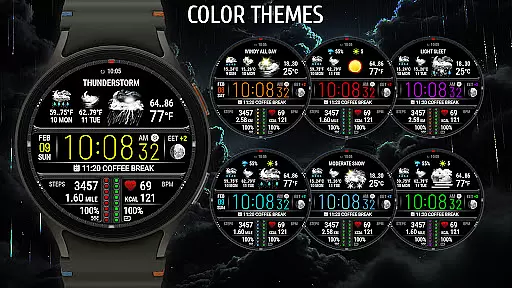
Customizable color themes
Health tracking integration
Quick-launch shortcuts
Stylish design
Not compatible with older Wear OS
Requires API 34+
Premium features may cost extra
Limited to Wear OS ecosystem
Dependent on external weather providers

Arrive safely! Travel weather forecasts for your entire trip at time of arrival.
 3.60
3.60
Industry leading whitetail movement predictor & hunting app.
4.60
3D Animation Weather Icon
4.00
Accurate Local Weather Forecast, let you easily understand the nearby weather!
4.20
My Aurora Forecast Pro is the app for the Northern Lights and Aurora Borealis.
4.70
Local forecast, alerts, rain, snow and wind radar, air quality & weather widget
4.60
Stay Ahead Of Changing Weather Conditions
4.00
Prepare for severe weather with notifications, future radar, and live alerts.
4.60
All-in-one weather radar launcher with rain, temperature maps & local forecast.
4.30
No ads, No data collected. Beautiful and powerfully customizable weather app
4.90
Weather radar, hyperlocal tracker and weather maps: follow your weather station
4.80
View weather widget and map. Wind direction and speed. Tides times and waves
4.70
weather forecast, weather radar, weather widget in one local weather app
4.70
Your ultimate app for real-time weather information!
4.70
Your Trusted Weather Companion
4.40
Weather watch face for Wear OS 5+
4.40
Live weather radar, widgets & forecasts. Track rain, storms & temperature.
4.20
Know the weather earlier.
3.90
Magnetic Compass meets smart tech: Get directions and weather alerts seamlessly
3.30


User Reviews