
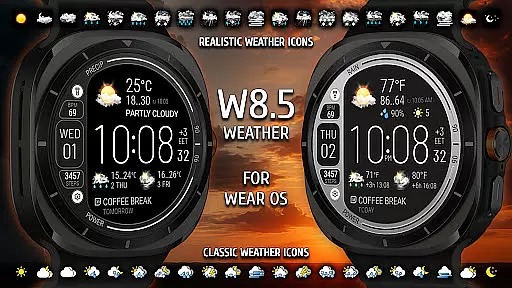
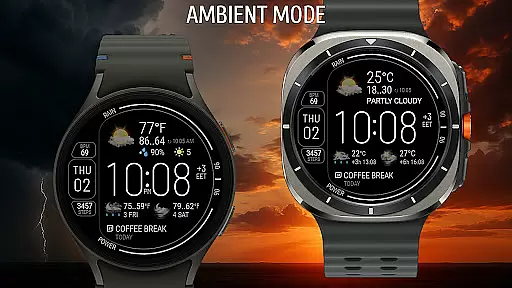
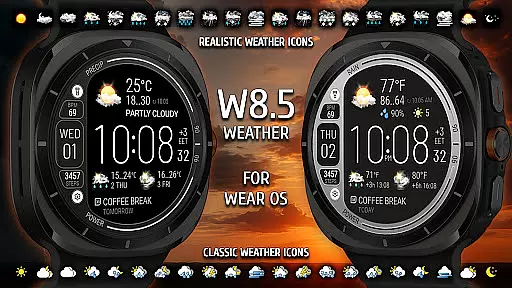
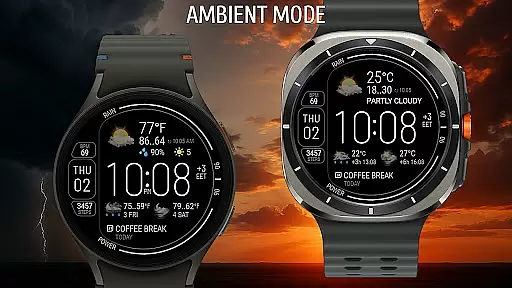
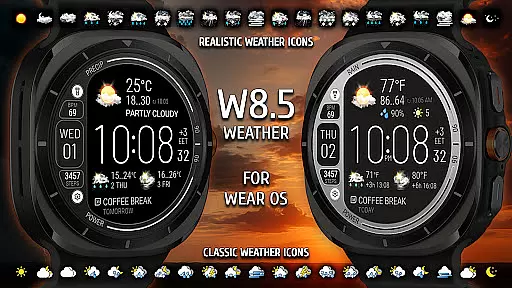
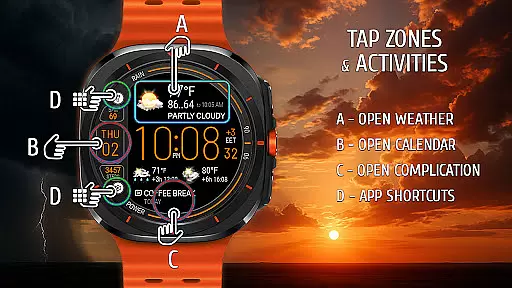
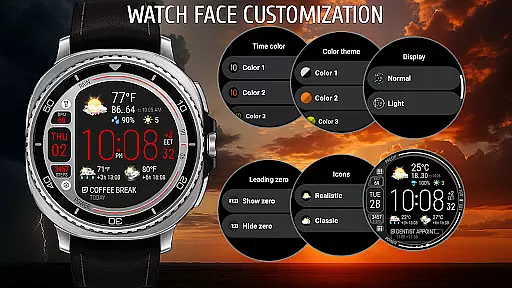
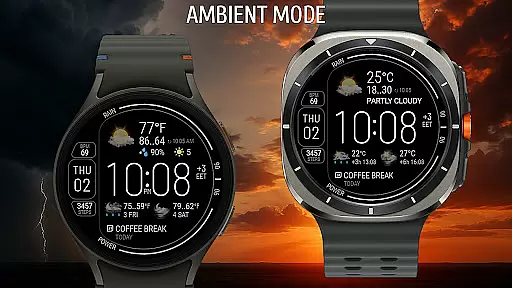
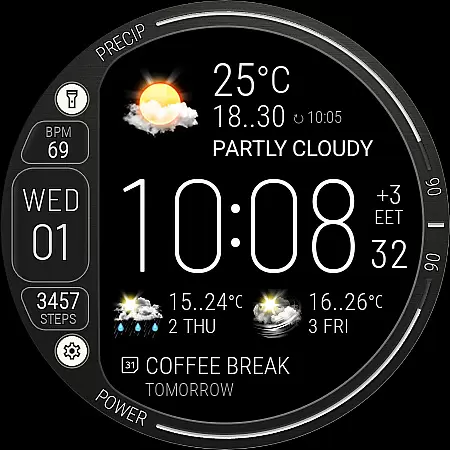
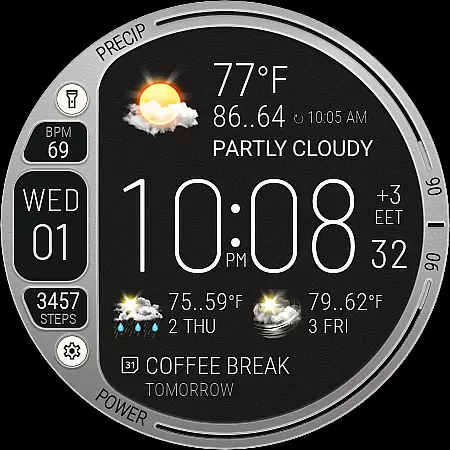
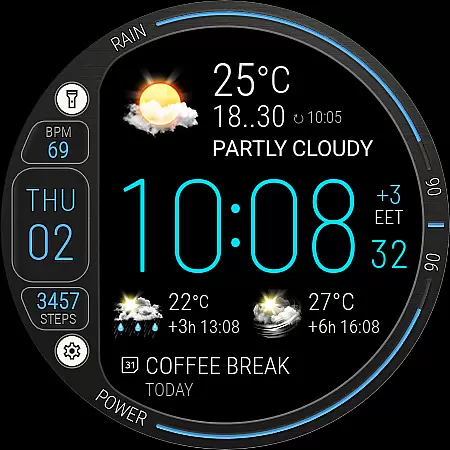
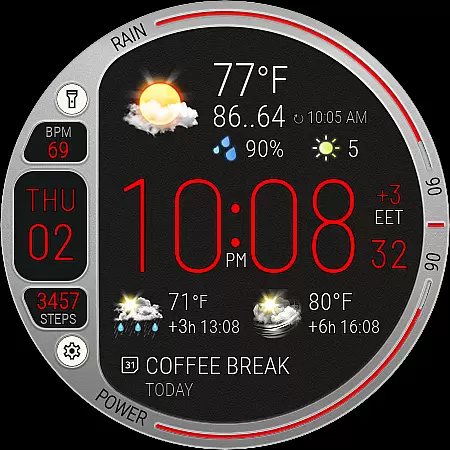
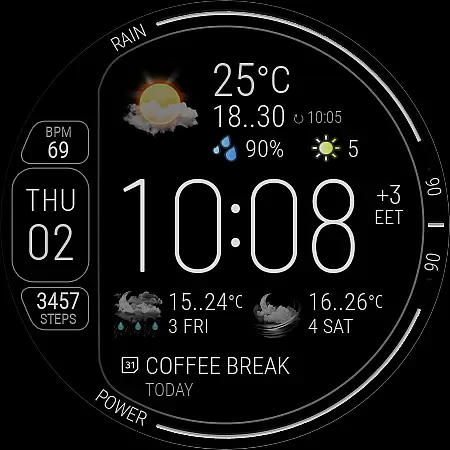
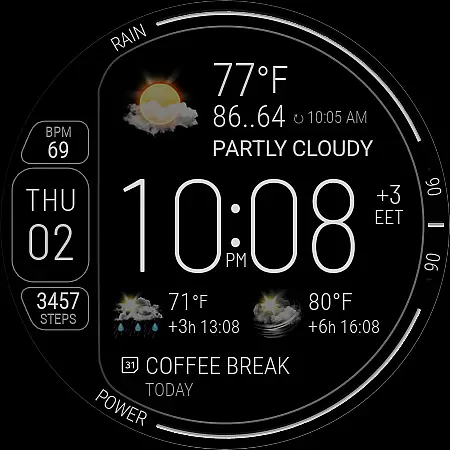
Weather Watch Face W8.5 is a premium digital watch face designed for smartwatch users who prioritize both aesthetics and functionality. This app transforms your wearable device into a powerful weather-tracking tool while maintaining an elegant design.
The watch face provides real-time weather updates, including temperature, precipitation chances, UV index, and forecasts for the next two days. Beyond weather, it also displays health stats like heart rate and step count, making it a versatile companion for everyday use. Optimized for Wear OS 5+ devices, this app ensures precision and clarity on Galaxy Watch and Pixel Watch models.
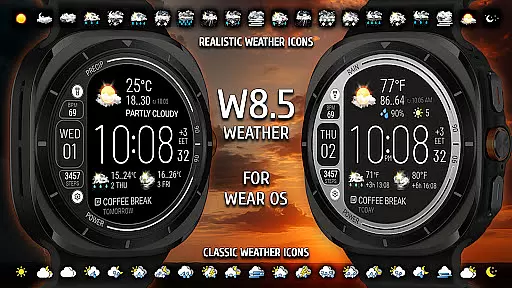
Weather Watch Face W8.5 stands out with its robust feature set tailored for customization and usability. The app offers live weather updates directly on your watch, complete with realistic weather icons and a 2-day forecast divided into 3 and 6-hour intervals.
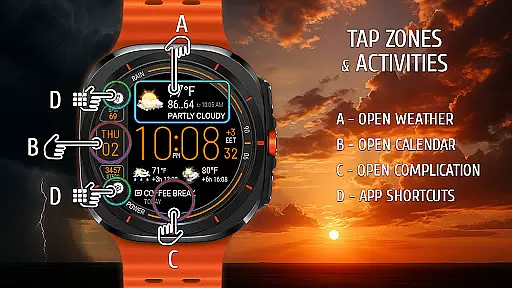
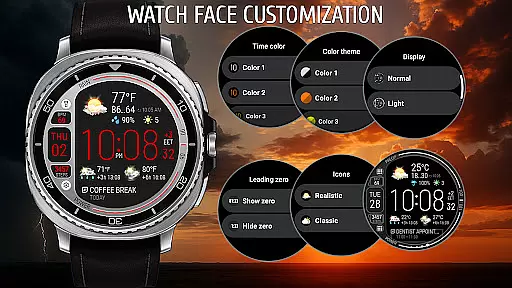
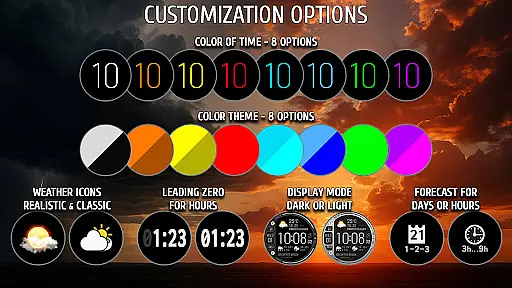
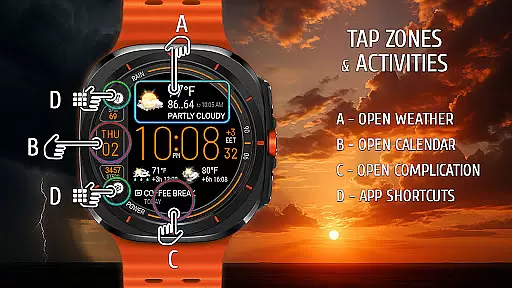
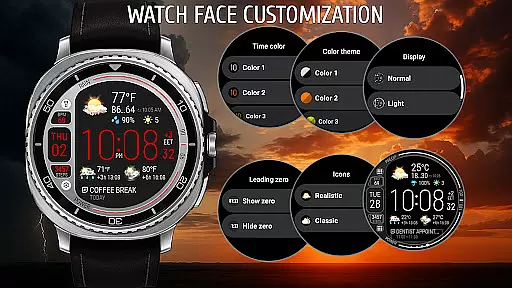
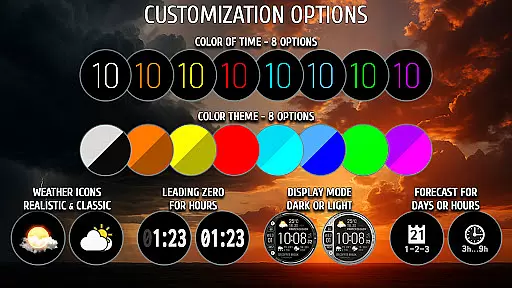
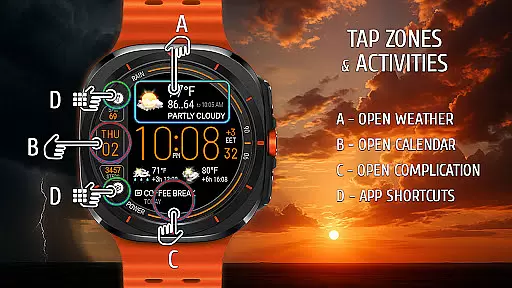
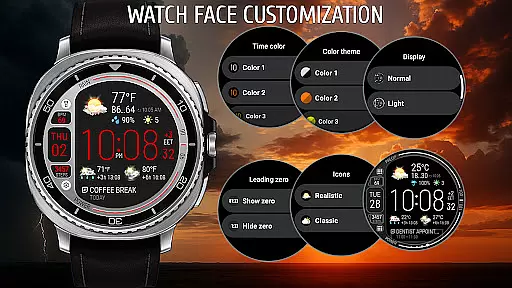
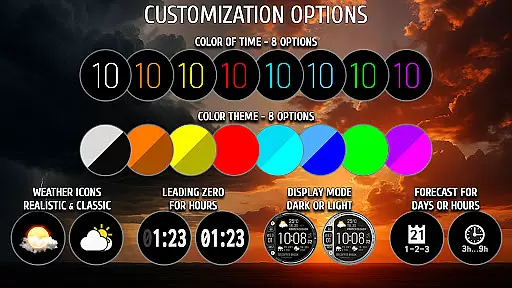
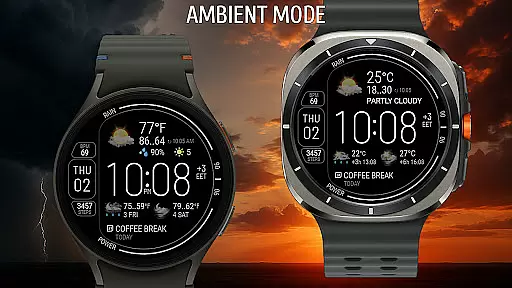
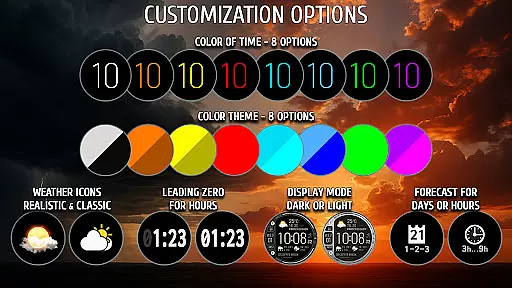
Customization is at the core of this app's design. Users can choose from 8 color themes, switch between battery-saving dark mode and bright exclusive mode, and configure up to 2 app shortcuts for quick access. Additionally, three complication areas allow further personalization. With seamless integration powered by The Weather Channel, users receive accurate data that enhances their smartwatch experience.
Weather watch face W8.5 provides highly accurate weather forecasts powered by The Weather Channel, ensuring users receive reliable and up-to-date information directly on their smartwatch. This precision is crucial for planning daily activities and staying prepared for changing weather conditions.
The application integrates real-time data such as temperature, UV index, and precipitation chances, offering a comprehensive view of current and upcoming weather patterns. By leveraging trusted sources, the app maintains data credibility that users can depend on.
With updates available at 3 and 6-hour intervals, alongside a 2-day forecast, users gain both short-term and long-term insights into weather trends. This feature ensures that whether you're monitoring immediate conditions or planning ahead, the information remains consistently dependable.
Weather watch face W8.5 excels in delivering extensive temporal and spatial forecast ranges, allowing users to access detailed weather predictions tailored to specific timeframes and locations. This functionality is essential for those who require precise weather updates across different geographical areas.
The app supports hourly forecasts at 3 and 6-hour intervals, providing granular details about upcoming weather changes. Additionally, the 2-day forecast feature enables users to plan their schedules with confidence, knowing what weather to expect today and over the next two days.
Optimized for Wear OS 5+ devices, including the latest Galaxy Watch and Pixel Watch models, this app ensures broad compatibility while delivering timely weather alerts. Such capabilities empower users to make informed decisions based on credible and localized weather data.
Real-time weather updates
Highly customizable design
Optimized for AMOLED screens
Supports health tracking
Powered by The Weather Channel
Not compatible with older Wear OS
Requires API 34+
Premium only features
Limited to specific devices
Consumes more battery

Weather related custom complications for Wear OS. UV, Hi-Lo, AQI and more!
 4.40
4.40
The Weather Network TV App - Your weather when it really matters
2.90
Check forecasts, watch live news & track storms with FOX Weather.
3.80
Weather radar, satellite, wind, waves, ocean and hurricane forecasts.
4.70
Powerful US and worldwide earthquake feed with earthquake alerts and maps.
4.60
weather forecast, weather radar, weather widget in one local weather app
4.70
Stay ahead of the weather with Daily Weather
4.10
A professional, comprehensive and accurate weather forecast app
4.90
Prepare for severe weather with notifications, future radar, and live alerts.
4.60
Weather - Local weather forecast, weather daily & hourly, weather radar
4.80
My Tide Times Pro is the only tide tables and forecasts application you'll need.
4.80
NOAA forecast & radar for your exact location.
4.80
Live Alabama weather from James Spann—forecasts, radar, alerts, Spanncams.
4.70
Accurate Thermometer: indoor & outdoor temperature, humidity, pressure, and wind
4.50
All-in-one weather radar launcher with rain, temperature maps & local forecast.
4.30
Live weather radar, widgets & forecasts. Track rain, storms & temperature.
4.20
Analog Weather Watch Face for Wear OS 5+
4.10
An unofficial app version of the National Weather Service (Weather.gov)
3.90
Dynamic weather watch face with glass effect, bold time & 7 complications.
4.4


User Reviews