
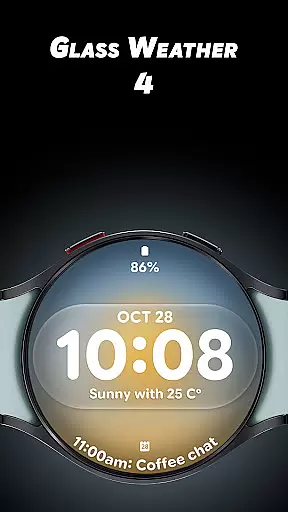
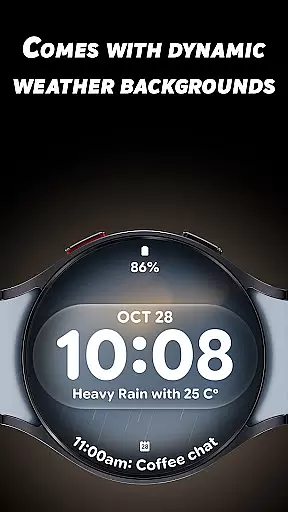
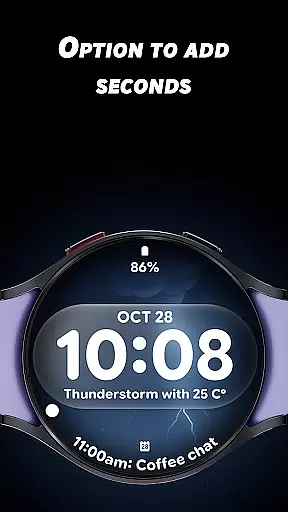
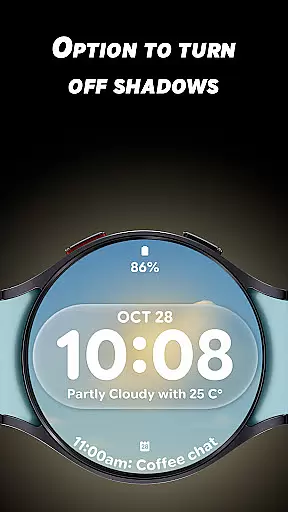
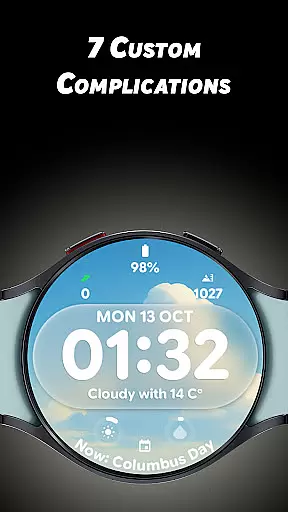
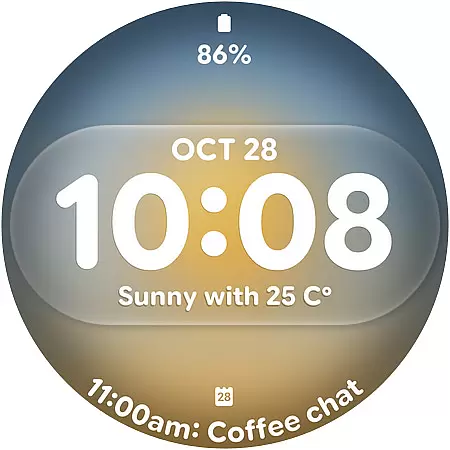
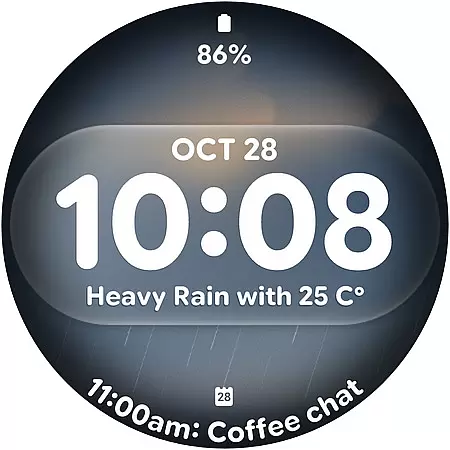
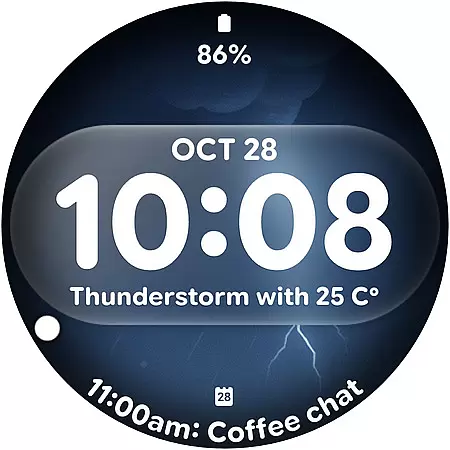
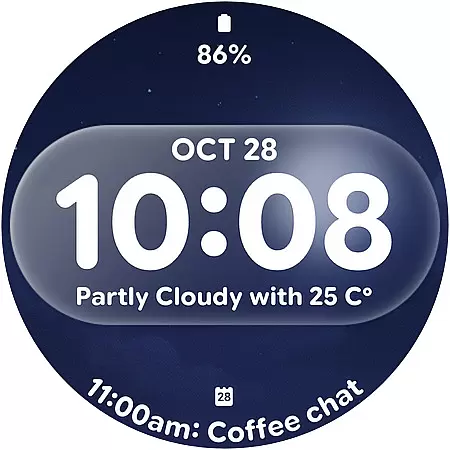
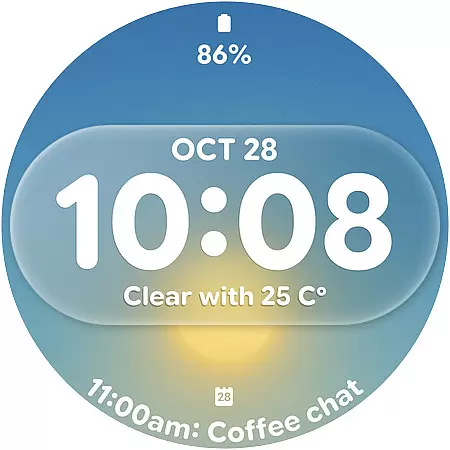
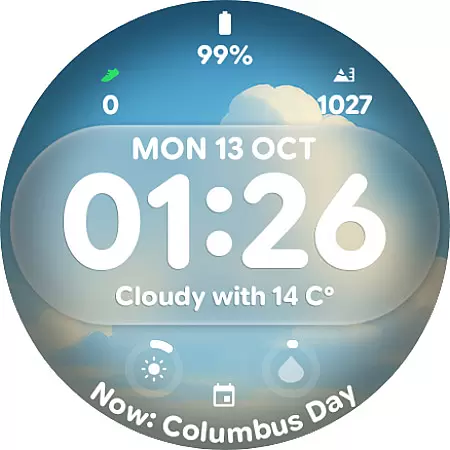
Glass Weather 4 is a premium watch face designed specifically for Wear OS smartwatches, offering users a perfect blend of style and functionality. This app transforms your smartwatch into a sleek timepiece with dynamic weather-based backgrounds that adapt to real-time conditions.
With its bold digital time display, customizable complications, and battery-efficient always-on display, Glass Weather 4 provides both aesthetic appeal and practical utility. Whether you're tracking your fitness goals or simply checking the time, this app ensures your watch remains as functional as it is fashionable.
The standout feature of Glass Weather 4 is its live dynamic weather backgrounds that change based on current weather conditions, creating an immersive experience. The big bold digital time display ensures optimal readability, while the optional seconds display and shadow toggle add further customization.
Users can personalize their watch with 7 fully customizable complications, including battery status, heart rate, and step count. Supporting both 12-hour and 24-hour time formats, the app also boasts a bright yet energy-efficient always-on display (AOD) for quick time checks without waking the screen.
Forecast accuracy is crucial for any weather application, and Glass Weather 4 excels in this area by providing real-time dynamic weather backgrounds that change based on current conditions. This feature ensures users receive up-to-date information about the weather around them.
The app pulls data from reliable sources to ensure credibility, offering users peace of mind when planning their day or week ahead. With accurate forecasts, you can trust Glass Weather 4 to keep you informed whether it's sunny, cloudy, rainy, or snowy outside.
By integrating live updates directly into its sleek design, Glass Weather 4 not only enhances aesthetic appeal but also reinforces practicality. Users benefit from an intuitive interface that combines beauty with functionality, making weather tracking both enjoyable and dependable.
Glass Weather 4 offers extensive temporal and spatial forecast ranges, allowing users to access detailed predictions for various locations over different timeframes. Whether checking the immediate forecast for your current location or planning a trip days in advance, this app has got you covered.
With support for multiple customizable complications such as battery status, heart rate, steps, and more, users can tailor their experience to suit individual needs while still receiving comprehensive weather insights. The ability to toggle between 12/24-hour time formats further enhances usability across global regions.
In addition to its wide-ranging forecasts, Glass Weather 4 maintains efficiency through its bright yet battery-efficient Always-On Display (AOD). This ensures constant access to vital information without compromising device performance, delivering a seamless blend of convenience and reliability.
Dynamic weather backgrounds
Fully customizable design
Battery-efficient AOD
Real-time updates
Multiple complications
Wear OS only
Requires smartwatch
Premium features locked
Weather-dependent visuals
Limited compatibility

Nuts Weather, your ideal choice for knowing weather forecast & weather radar
 4.70
4.70
The Weather Network TV App - Your weather when it really matters
2.90
Get instant weather & temperature predictions right on your Wear OS smartwatch!
4.3
Live weather forecast for your everyday life
4.60
Track rainfall totals with ease using our rain gauge app. Accurate rain tracker.
4.50
Your Personal Weather Assistant
4.00
weather forecast, weather radar, weather widget in one local weather app
4.70
Local Weather provides accurate and current hourly and daily forecasts.
4.80
Weather Forecast, Trending News, Hurricane & Storm Tracker, Alerts & Live Radar.
4.80
The reliable and trusted global air quality, wildfire, pollen, PM2.5 forecast
4.70
Get the ad-free version of the highly rated WeatherBug app for accurate weather!
4.50
Weather related custom complications for Wear OS. UV, Hi-Lo, AQI and more!
4.40
Live weather radar, widgets & forecasts. Track rain, storms & temperature.
4.20
Download now and give your smartwatch a fresh, premium look!
4.20
An unofficial app version of the National Weather Service (Weather.gov)
3.90
Instant weather updates, easy to check anytime on your home screen.
3.50
A tool that provides real-time and 5-day weather info.
4.0
Quickly check the Hanalei river gauge height during heavy rains on Kaua'i.
4.2
Digital Weather Watch Face for Wear OS 5+
4.3


User Reviews