
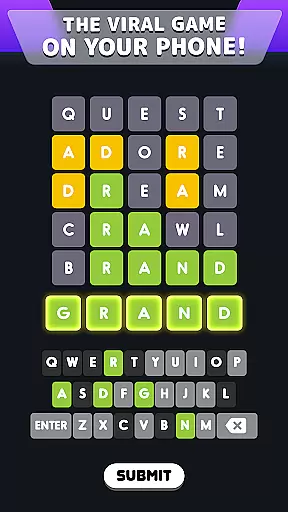
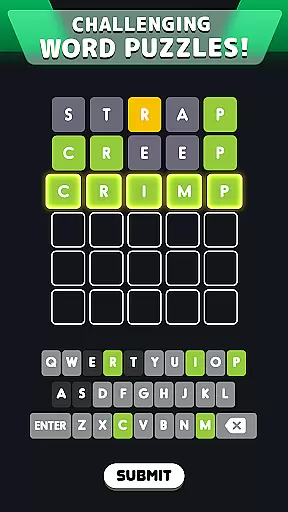
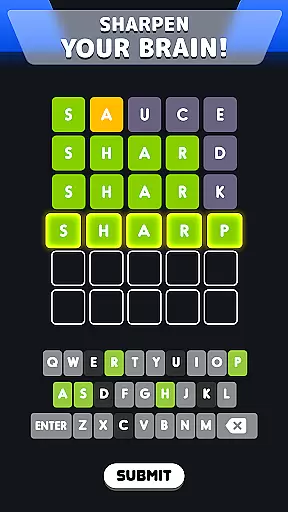
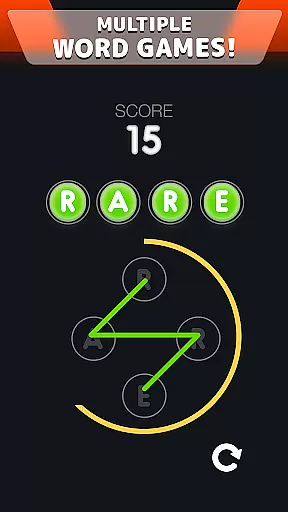
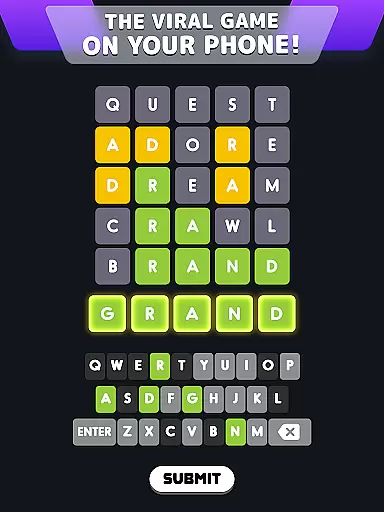
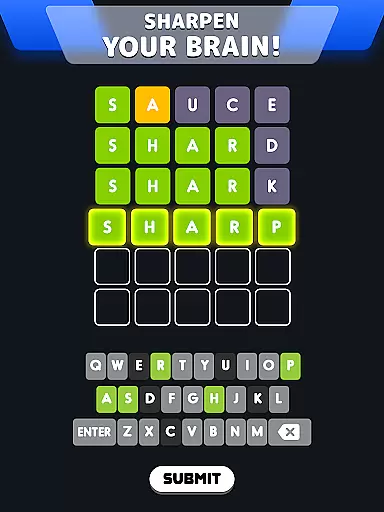
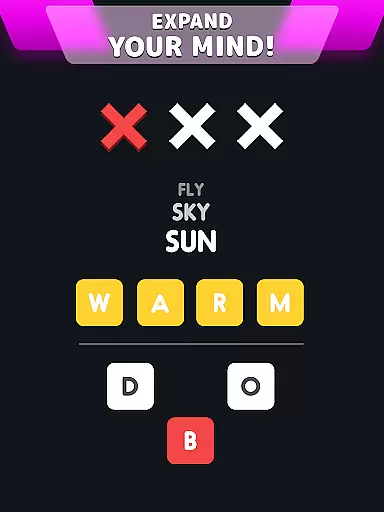
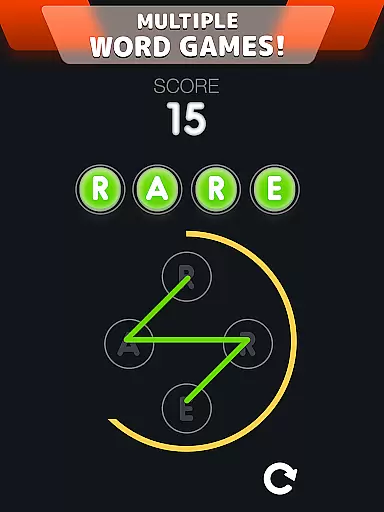
Wordle! is a word puzzle game that challenges players' spelling and word association skills through various game modes. The app offers Daily Puzzle mode, where users solve a word within six guesses, providing a viral-style challenge. Additionally, the Classic mode allows unlimited play, ensuring continuous engagement without daily restrictions.
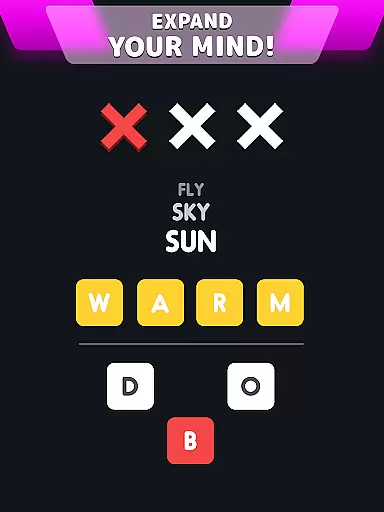
The app also features Word Fever for timed challenges and Secret Word mode, testing players' abilities to guess words using limited clues. With its diverse modes, Wordle! caters to different player preferences, making it an ideal choice for word game enthusiasts who seek mental stimulation and fun.
By engaging with Wordle!, users can enhance their cognitive abilities while enjoying shareable experiences with friends. Its combination of competitive elements and brain-training exercises delivers both entertainment and intellectual benefits, positioning it as a comprehensive tool for leisure and mind development.
Wordle! stands out with its variety of innovative game modes designed to cater to different playing styles. The Daily Puzzle mode offers a single word challenge each day, encouraging players to return regularly while sharing their results on social media. This feature creates a community-driven experience where users compare their performance with friends.
In Classic mode, players can enjoy unlimited Wordle puzzles without waiting, allowing for extended gameplay sessions. The inclusion of special boosters such as hints and skips adds strategic depth, enabling players to overcome difficult levels more easily. These boosters not only enhance user engagement but also provide solutions for challenging scenarios.
Moreover, the Together Mode fosters social interaction by letting users challenge friends in custom matches. Players can earn points based on their guessing efficiency, adding a competitive layer to the experience. With these features, Wordle! successfully combines solo and multiplayer elements, offering a dynamic gaming environment suitable for all word game fans.
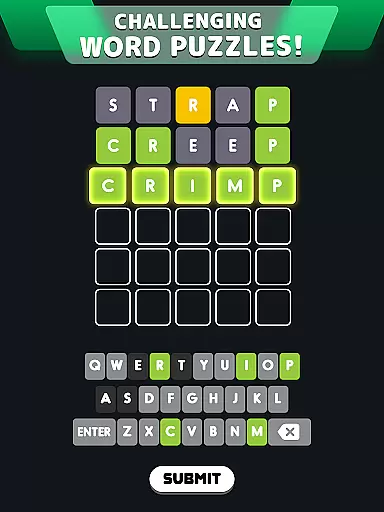
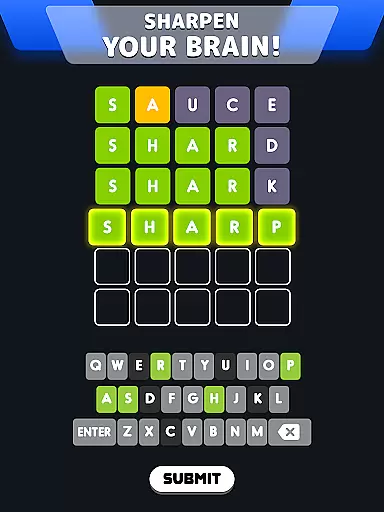
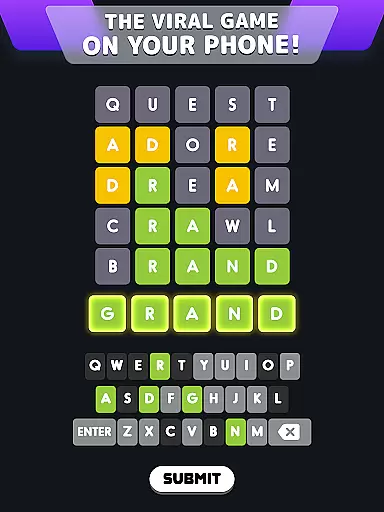
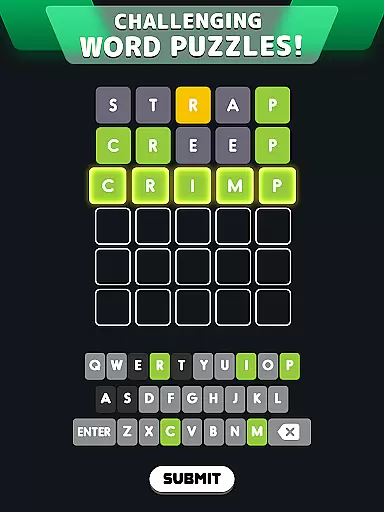
Clue quality and clarity are essential components of any word puzzle game, ensuring that players can engage with the challenge without unnecessary confusion. In Wordle!, clues are presented through a color-coded feedback system that helps players refine their guesses. Each yellow tile indicates a correct letter in the wrong position, while green tiles confirm correctly placed letters.
This intuitive clue mechanism allows players to quickly understand their progress and adjust their strategy accordingly. The clear visual indicators create an accessible experience for both casual gamers and word puzzle enthusiasts alike. By maintaining consistency in how clues are delivered, Wordle! ensures that all players have a fair chance at solving each day's puzzle.
The benefits of this approach extend beyond mere convenience; it enhances the overall user experience by providing just enough information to keep players motivated. As users solve more puzzles, they develop better pattern recognition skills and improve their ability to interpret similar clues in future games. This learning curve is crucial for maintaining engagement over time.
Ultimately, Wordle!'s commitment to high-quality, clear clues fosters a rewarding environment where players feel accomplished after each successful guess. It transforms what could be a frustrating experience into an enjoyable daily ritual that keeps players coming back for more.
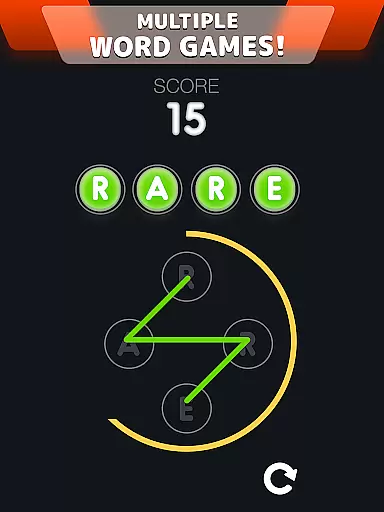
Puzzle variety is a cornerstone of Wordle!'s appeal, offering multiple game modes that cater to different player preferences and skill levels. From Daily Puzzle mode, which provides a single word challenge each day, to Classic mode allowing unlimited play, the app ensures there's always something new to explore. This diversity keeps the gameplay fresh and engaging for regular users.
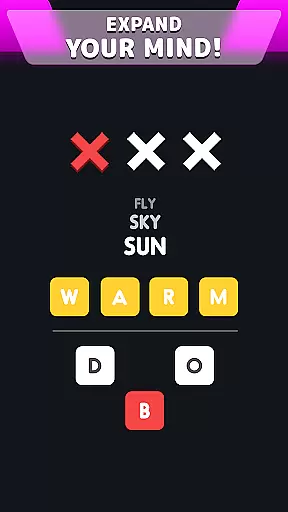
In addition to these core modes, Wordle! introduces specialized challenges like Word Fever and Secret Word. Word Fever tests players' speed and accuracy under pressure, requiring them to solve words before a timer runs out. Meanwhile, Secret Word mode presents a more strategic challenge, giving players three chances to guess each word using provided clues and letters.
The inclusion of various difficulty levels and word lengths further expands the game's versatility. Players seeking a greater challenge can tackle longer words or attempt more complex puzzles. This flexibility allows users to customize their experience based on their current mood or available time, making Wordle! suitable for both quick sessions and extended gameplay periods.
By offering such a wide range of puzzle types and difficulties, Wordle! successfully appeals to a broad audience while encouraging players to continually develop their vocabulary and problem-solving skills. The variety not only maintains interest but also promotes regular engagement as players work through different modes and challenges.
User-friendly interface
Engaging daily challenges
Variety of game modes
Social sharing capabilities
Special boosters available
Limited free boosters
Ads between games
Premium features locked
Repetitive gameplay
Occasional bugs

Relax and have fun with a combination of word games and solitaire!
 4.60
4.60
Link related words, train your brain, and relax with calming word puzzles!
4.90
Try to find the hidden words!
4.30
Solve crossword puzzles challenge your brain and expand your vocabulary
4.90
Combine crossword clues with a fill in the quote cryptogram style answer
4.30
Guessing word game for smartphones and smartwatches
4.3
101 offline games: words, puzzles, quizzes! Play, learn and compete!
4.70
A collection of engaging word and logic games with puzzles for all skill levels
4.80
Train your brain daily with fun crosswords and addictive word puzzles!
4.80
Relax your mind with calming word puzzle games! A brain focusing game of words
4.90
Search for FAITH and FUN!
4.90
Dive into the fun word puzzle games for adults! Train your brain with word games
4.80
Relax, train your brain and improve your vocabulary with Word Search Journey
4.80
Unleash your vocabulary in the world’s #1 word cross puzzle game!
4.70
A roguelike word game!
4.70
Heads Up, charades for kids family & friends. Enjoy guessing game in holiday!
4.60
3000+ levels of word puzzles fun. Connect words, improve vocabulary, boost IQ!
4.60
Word Solitaire: sort words by category in a relaxing word puzzle game!
4.40
Get the Party Started with the Ultimate Charades Game! Give Hints, Make Guesses.
3.90


User Reviews