
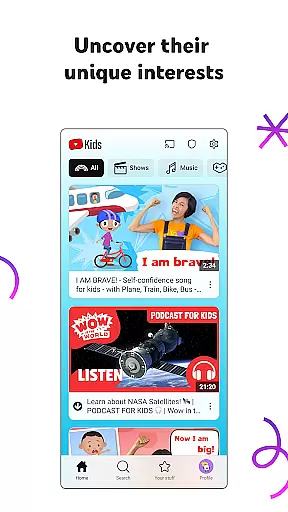
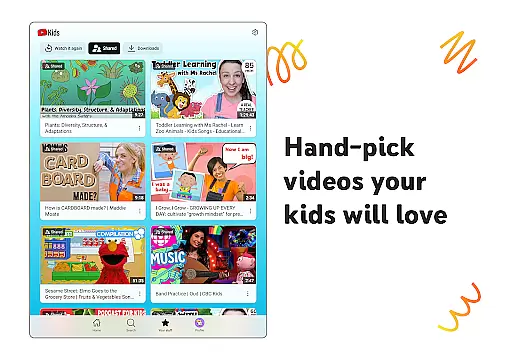
YouTube Kids is a specialized entertainment app designed to provide a safe and engaging video-watching experience for children. The platform offers a vast array of kid-friendly content, including educational videos, cartoons, music, and more, tailored to nurture curiosity and inspire creativity.
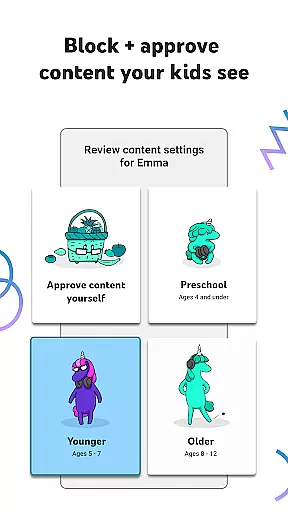
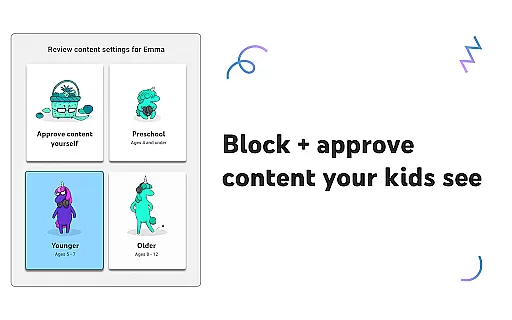
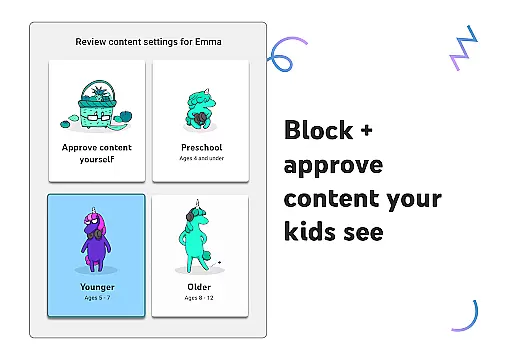
With distinct modes like Preschool, Younger, and Older, the app caters to various age groups, ensuring that each child accesses content appropriate for their developmental stage. Parental controls allow guardians to customize viewing preferences, set time limits, and block unsuitable videos, making it an ideal tool for modern digital parenting.
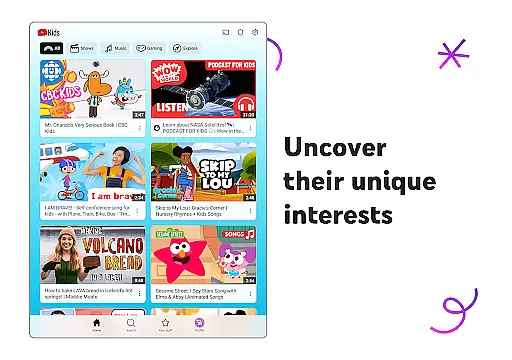
The app's intuitive interface encourages easy navigation, enabling kids to explore their interests independently while giving parents peace of mind. By promoting both fun and learning, YouTube Kids helps children grow confidently in their unique world.
YouTube Kids stands out with its robust suite of features crafted to enhance user experience. One key feature is the customizable content filters, which allow parents to tailor video recommendations based on their child's age and interests. This ensures that preschoolers enjoy educational content, while older kids can explore popular music and gaming videos safely.
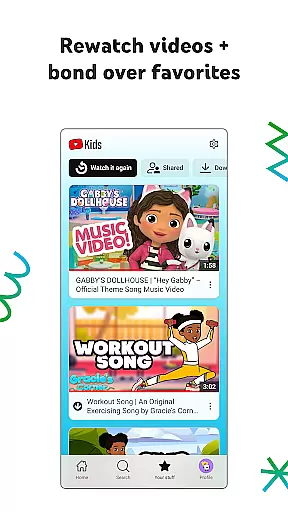
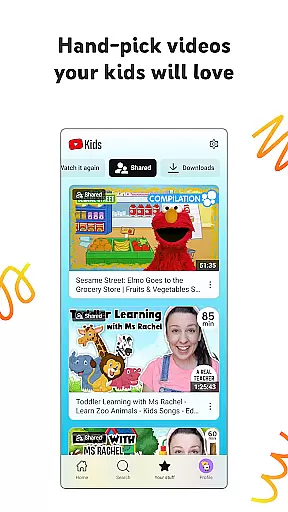
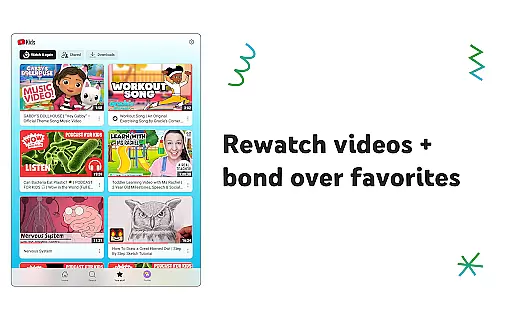
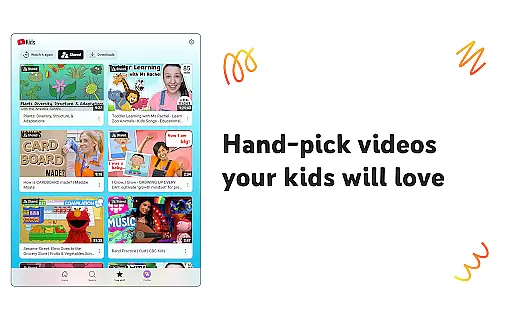
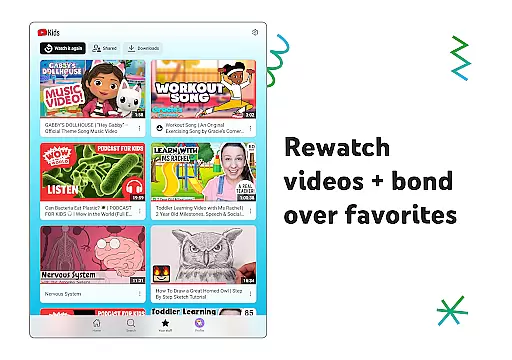
Another notable feature is the Watch it Again tab, where kids can easily revisit their favorite videos. Additionally, parental controls empower guardians to manage screen time, block inappropriate content, and hand-pick approved channels or collections. These tools collectively create a secure environment conducive to learning and entertainment.
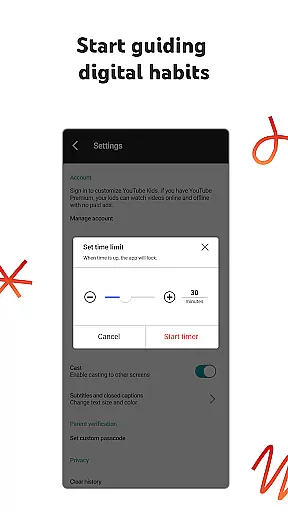
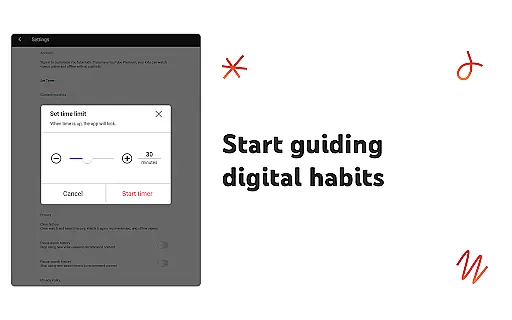
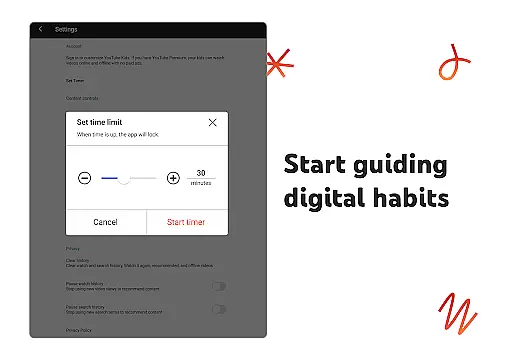
Furthermore, the app includes a timer function that freezes usage after a set period, encouraging healthy digital habits. With these innovative features, YouTube Kids not only entertains but also educates and protects young viewers, setting it apart from other children's apps.
YouTube Kids offers a diverse range of content tailored to inspire and engage children across different age groups. The app provides specialized modes such as Preschool, Younger, and Older, each catering to the developmental stages and interests of kids.
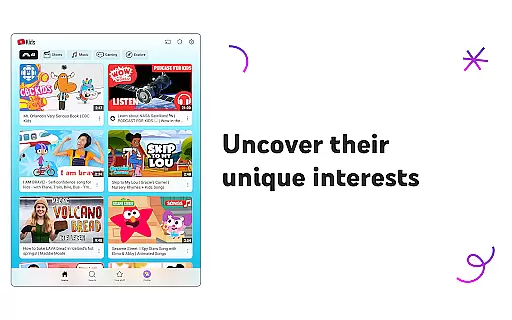
In Preschool mode, toddlers can learn fundamental concepts like ABCs while nurturing their curiosity through carefully selected educational videos. As children grow, they can transition to Younger mode which introduces them to songs, cartoons, and DIY crafts, expanding their interests in a controlled environment.
For pre-teens, the Older mode allows more freedom, enabling them to search for popular music and gaming videos. Additionally, parents have the option to select Approved Content Only mode, where they hand-pick videos, channels, and collections ensuring complete control over what their children watch.
The Watch it Again tab helps families quickly access favorite videos, reinforcing learning and bonding over shared interests. This feature-rich platform ensures that content remains fresh and engaging, adapting to the evolving preferences of young viewers.
YouTube Kids is designed to maximize user engagement and retention by providing an intuitive interface and personalized content recommendations. The app's easy navigation tools allow children to independently explore video content that aligns with their unique interests, keeping them engaged longer.
Parental controls play a crucial role in retaining users by ensuring a safe viewing experience. Features like custom content filters enable parents to tailor individual profiles, deciding what videos will help their kids make the most of their time online.
To encourage healthy screen habits, the Timer feature prompts breaks between sessions, promoting balanced usage. By freezing the app when screen time is up, it encourages kids to apply newly acquired skills in real-world scenarios, enhancing overall retention.
With continuous updates and new content additions, YouTube Kids maintains high levels of user interest and interaction. These strategies collectively contribute to prolonged user engagement and sustained retention rates among its young audience.
User-friendly interface
Customizable content filters
Parental control options
Educational and entertaining content
Timer feature for screen time management
Limited offline functionality
Potential exposure to ads
Dependent on parental setup
Occasional inappropriate content
Requires constant monitoring

Tarot & Oracle Card Readings
 4.50
4.50
Rain and lightning effects for your Philips Hue lights
4.30
Stream over 80 hours of exclusive mashups and remixes by DJ Rehab.
4.2
Watch short films, dramas, reels, series and movies anytime on Micro Drama.
4.60
Unleash Your AI Imagination
4.60
Official KennysGifs Stickers
4.20
Daily immersive workout plan: Body warm up & finger yoga exercises
3.80
Connect. Discover. Control.
3.60
Everything FOX in one place. Watch FOX News, NFL, MLB, TV shows and more.
4.50
Catalog & tracker of your DVD, Blu-ray & Digital Movie and TV Collection Library
4.80
Stories that spark in seconds.
4.80
Stream Movies & TV Series: Original Shows, Family Movies & New Releases Weekly
4.60
Play games. Earn real rewards. Cash out in 3hours via PayPal or gift cards.
4.40
Come and watch short dramas, reels with diverse genres!
4.40
Exclusive Short Drama Video! All in HD. Bringe trending reels & enjoy drama time
3.80
Fool your friends & Family with Fake ultrasound test report
3.60
Watch whatever you want, whenever you want, wherever you want.
3.30
Disney Stickers: Zootopia 2
4.3
The classic game of rock, paper, scissors
4.5


User Reviews