
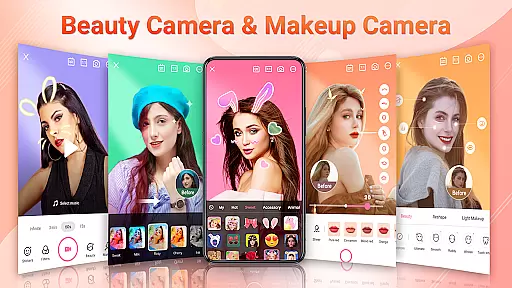
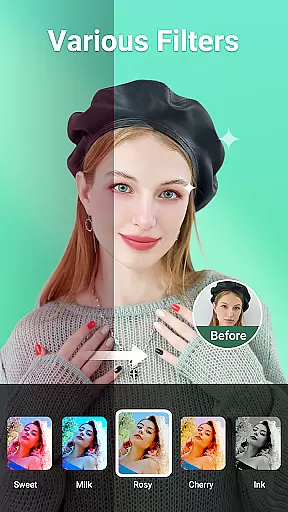
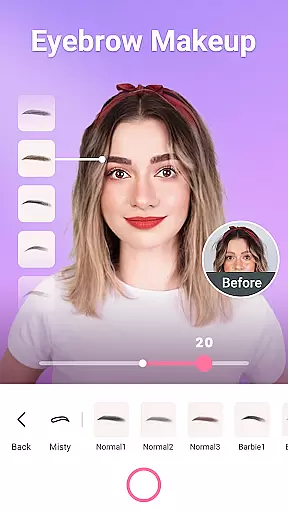


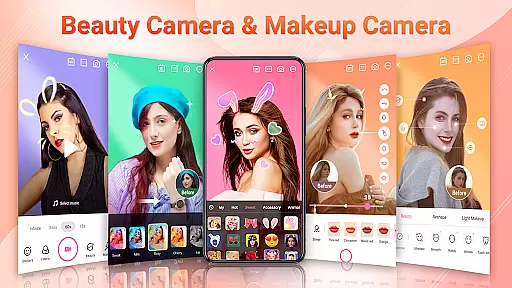
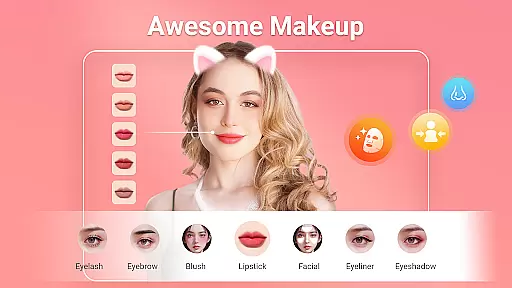
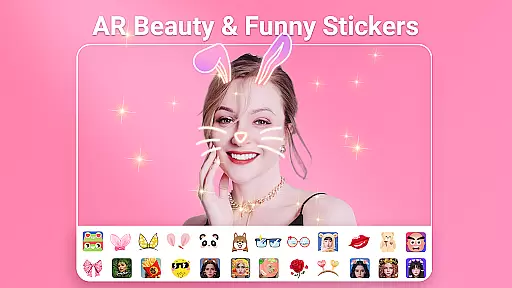
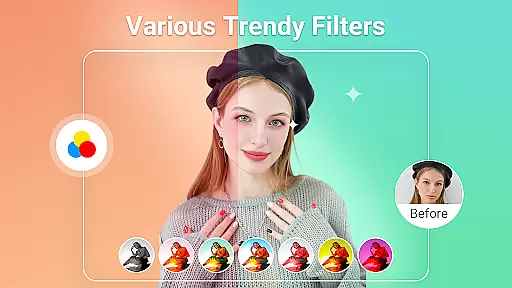
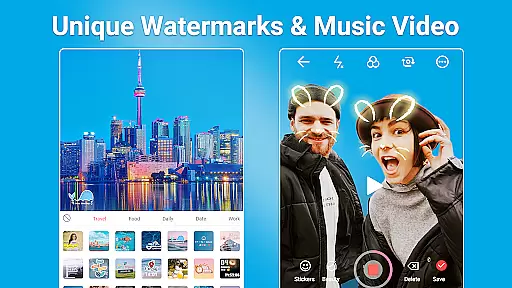
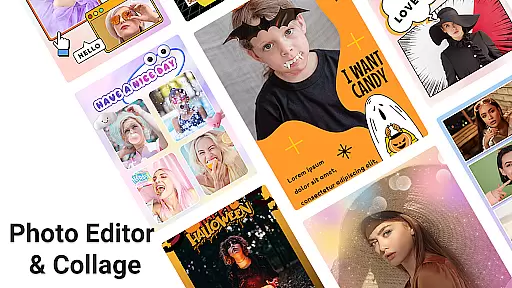
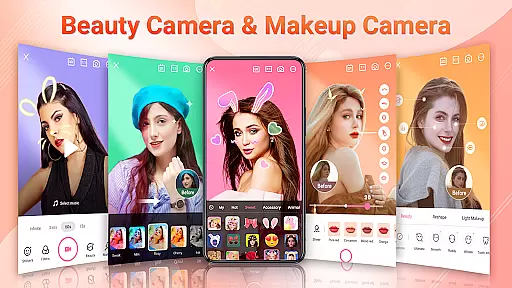
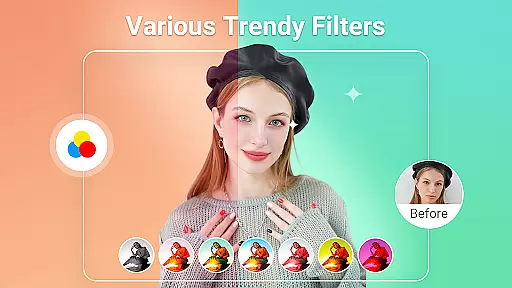
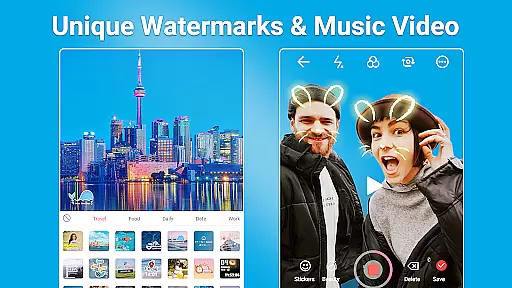
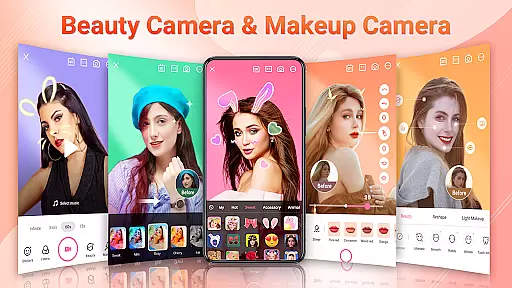
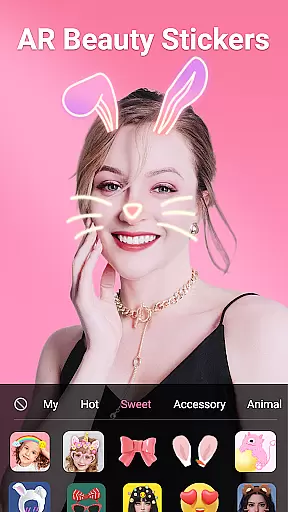
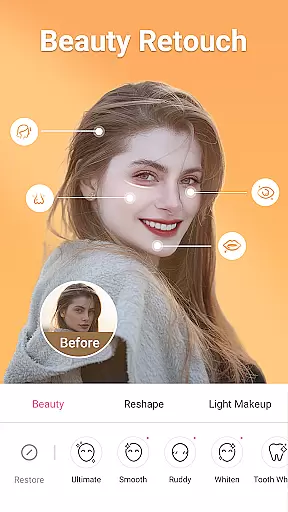
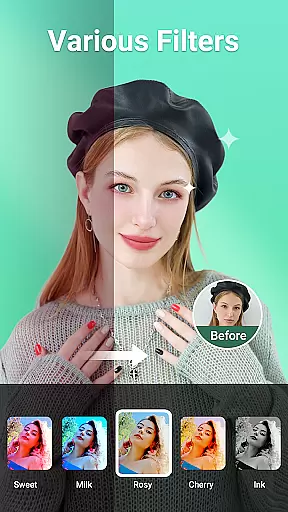
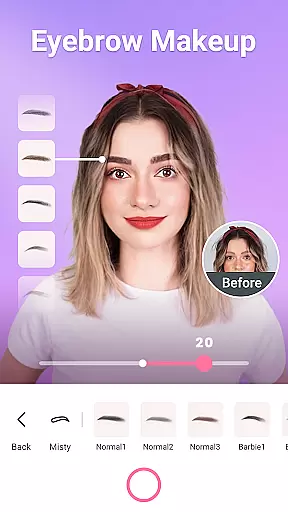


Beauty Camera - Sweet Camera is a comprehensive beauty and photo editing application designed to help users create stunning selfies and videos effortlessly. The app offers a complete suite of beautification tools, including auto-retouching features, trendy makeup options, fun AR stickers, and a wide variety of filters.
This powerful selfie camera app allows you to capture perfect moments with ease. It provides professional-grade editing capabilities such as body reshaping, skin smoothing, teeth whitening, and more. Whether you're looking to enhance your natural beauty or experiment with creative effects, Beauty Camera has the tools to make every photo special.
Perfect for social media enthusiasts, this app lets you produce high-quality content suitable for platforms like Instagram, Facebook, and TikTok. With its intuitive interface and robust feature set, Beauty Camera ensures that anyone can achieve picture-perfect results regardless of their photography skills.
Beauty Camera - Sweet Camera stands out with its extensive range of features tailored for creating beautiful photos and videos. One of its core strengths is the smart recognition technology that automatically enhances your images and videos, ensuring they look their best without manual adjustments.
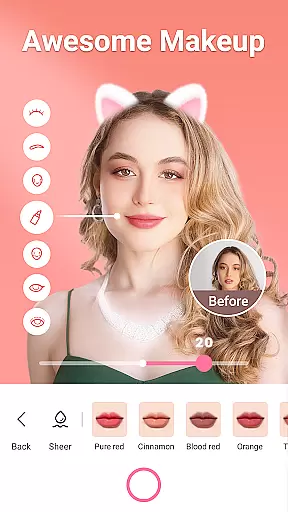
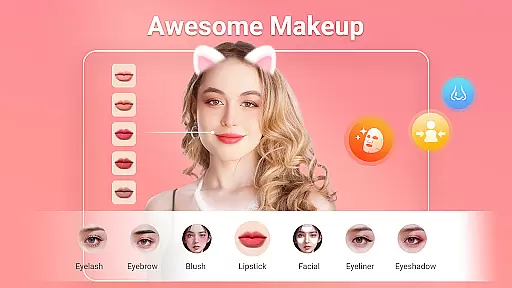
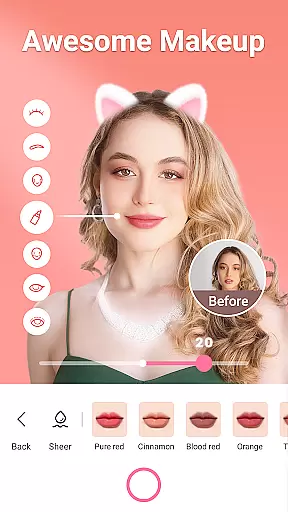
The app includes an array of customization options such as AR filters, lipsticks, blushes, and eye makeup from top brands. Users can reshape their faces, whiten teeth, brighten smiles, and even adjust specific facial features like eyes, nose, and lips. These tools provide unparalleled control over the final look of your photos.
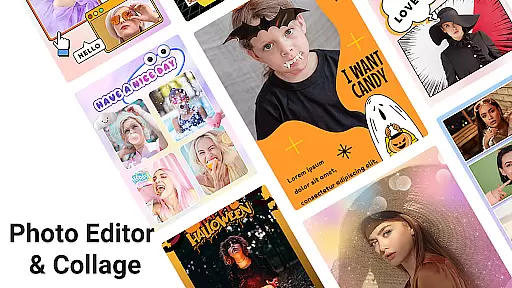
In addition to its beautification tools, Beauty Camera also serves as a full-fledged photo editor and collage maker. It offers functionalities like cropping, background erasing, photo repair, and smart adjustments for contrast, saturation, and more. This versatility makes it an all-in-one solution for both casual users and photography enthusiasts looking to elevate their visual content.
Beauty Camera - Sweet Camera offers an extensive product database that caters to a wide array of beauty needs. The app includes a vast selection of makeup options, from lipsticks in various finishes such as matte, metallic, and shine, to different styles of blush and eye makeup. This diversity ensures users can experiment with countless looks, emulating high-end cosmetic brands and products.
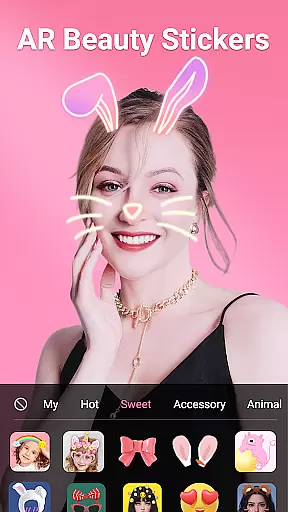
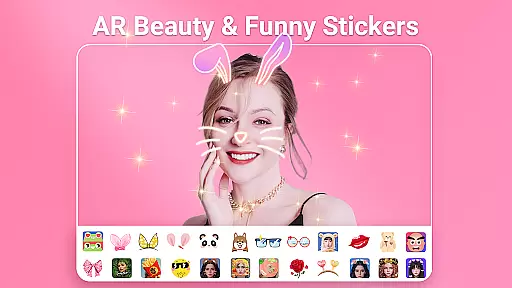
The application's comprehensive approach extends to its AR filters and stickers, which are updated daily. Users have access to an ever-growing library of effects ranging from whimsical animal ears to elegant flower crowns, enhancing the creative potential for their selfies. These features not only provide entertainment but also align with current trends, keeping users engaged with fresh content regularly.
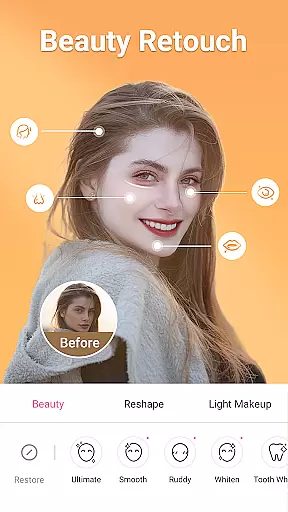
Moreover, Beauty Camera provides detailed tools for facial and body reshaping. With precise controls to adjust eyes, nose, lips, and cheek contours, alongside options for teeth whitening and smile brightening, users can fine-tune their images meticulously. Such granularity in editing tools empowers users to achieve their desired aesthetic outcomes with professional-grade precision.
Personalization is at the core of Beauty Camera - Sweet Camera, allowing users to tailor their experience with remarkable accuracy. The app leverages smart recognition technology to automatically enhance photos and videos, ensuring each selfie reflects the user's unique beauty while maintaining a natural appearance. This intelligent system adapts to individual facial structures and skin tones, delivering customized results effortlessly.
In addition to automated enhancements, the app offers manual editing capabilities that enable users to refine specific aspects of their images. Whether itu2019s removing blemishes, erasing dark circles, or applying targeted makeup effects, these personalized adjustments ensure every detail meets the user's expectations. By providing this level of control, Beauty Camera fosters a more engaging and satisfying user experience.
Furthermore, the inclusion of trendy motion stickers, beauty makeup effects, and diverse filters adds another layer of personalization. Users can choose from thousands of face effects, cartoons, emojis, and stickers to create one-of-a-kind visuals that resonate with their personal style. This combination of advanced customization options and trend-aligned features makes Beauty Camera a versatile tool for expressing individuality through digital imagery.
User-friendly interface
Wide range of filters
Powerful editing tools
Daily updated stickers
Professional makeup options
May require in-app purchases
Some features are complex
Occasional ads
High storage usage
Learning curve for new users

Photo enhancer 360, image enhancement, restore old photos, colorize photo ai
 4.70
4.70
Your Personal Stylist for Smart Shopping, Beauty & Styling Outfits.
4.3
Professional HD Camera App: Capture Bright HD Selfie & Record Stunning Moments
4.40
True mirror app with zoom, LED light, for makeup & shaving anywhere!
4.20
Wacky mirror filter, waves effect & wavy effect to make your own funny videos.
4.60
Use your phone as a makeup mirror, shaving mirror. Magnifying mirror with light!
4.80
This barber game allows you to create and design hair styles on diverse people
3.80
Monthly Perfume Subscription
4.70
Never run out of your go-to beauty & get 5% off with auto-replenish deliveries!
4.00
Beauty Camera & Selfie Camera snap Beauty selfie with filter, makeup, stickers
4.80
Face Makeup Camera: Photo makeup app and perfect Lipstick app, beauty lip filler
4.70
Unique selfie filter camera! Upload live sticker & face filter every week!
4.70
Beauty camera & Selfie camera for perfect selfie with filter, sticker, makeup
4.70
Mirror app that shows your image with photo editor, zoom and light!
4.70
Top brand haircare & fragrance
4.60
Beauty camera for perfect selfie with makeup, sticker and filter
4.50
Glow up with science: cosmetics, ingredients scanner, tracking & face analysis
4.10
Healthier, more beautiful with Medicube Digital Clinic AGE-R!
4.10
Design unique tattoos and preview them on your body image using Tattoo Maker App
3.30


User Reviews