
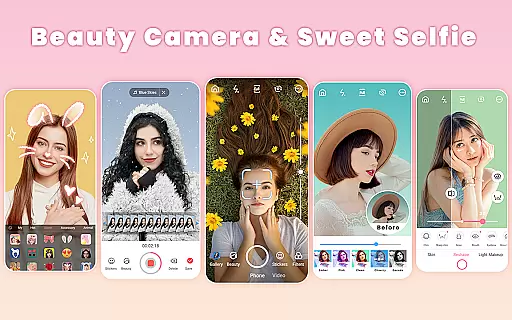
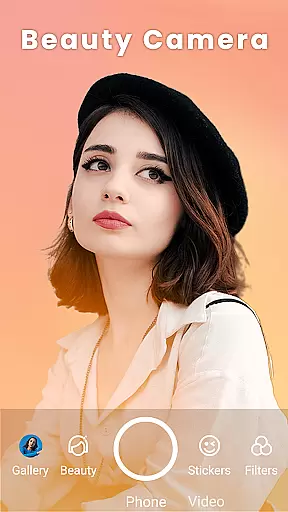
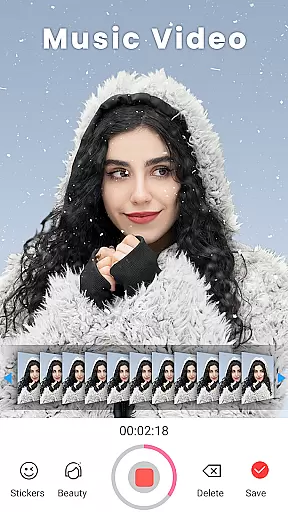
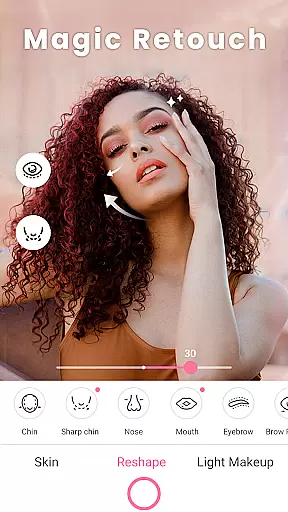
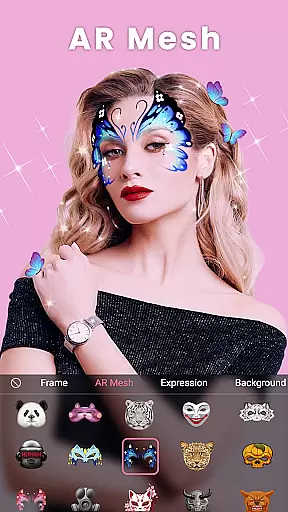
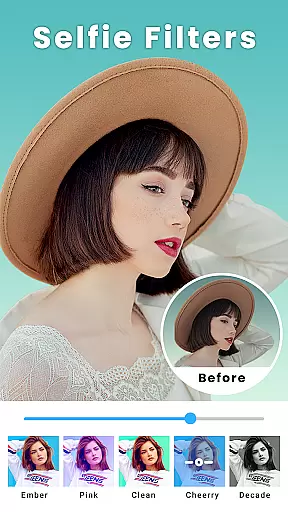
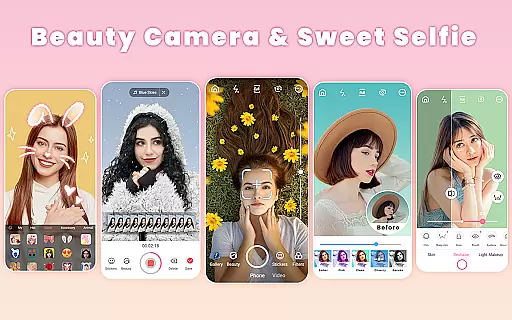
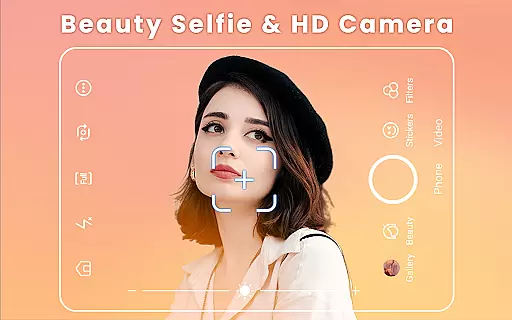
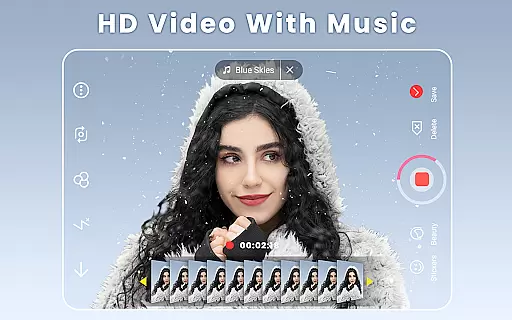
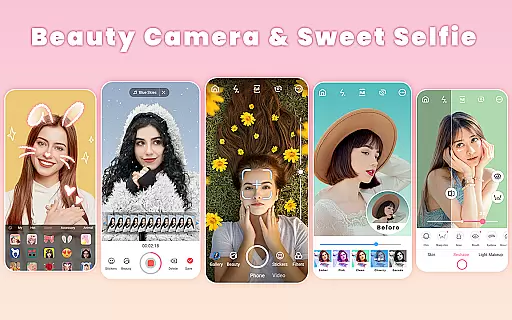
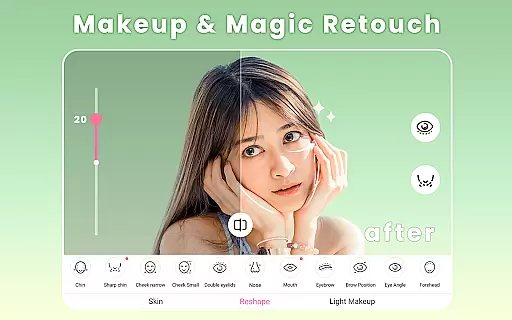
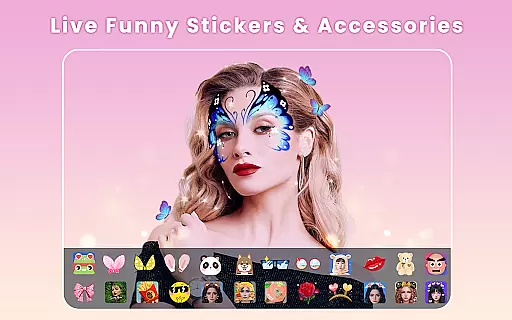
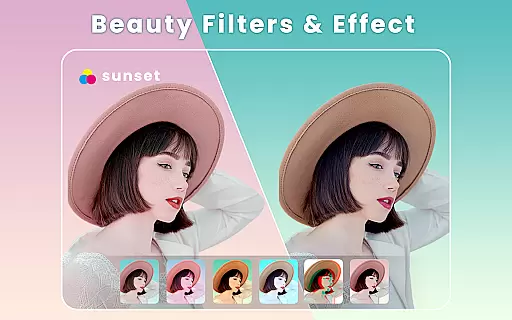
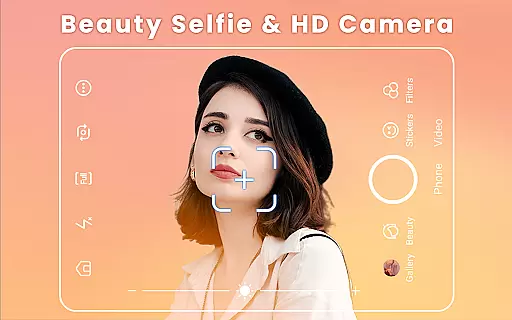
Beauty Camera is a comprehensive beauty and photo editing application designed to enhance your selfie experience. This app offers powerful features such as auto-beautification, makeup effects, face tuning, and body reshaping, allowing users to capture stunning selfies effortlessly. With its one-tap beautify option and real-time filters, it ensures that every photo looks flawless and professional.
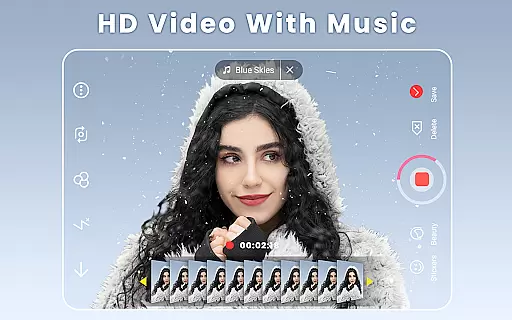
In addition to its robust photo editing capabilities, Beauty Camera also includes a music video maker, collage creator, and an array of AR effects. These features make it easy for users to create engaging content for social media platforms like Instagram, Facebook, and TikTok. Whether you're looking to touch up a quick selfie or produce a full-fledged music video, Beauty Camera provides the tools necessary to express creativity and share life's moments beautifully.
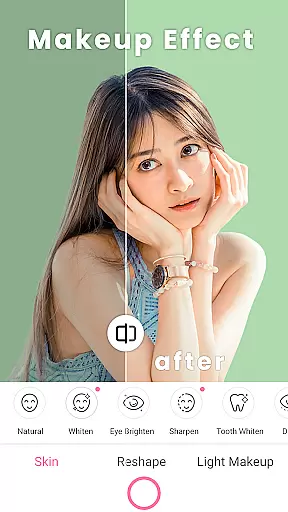
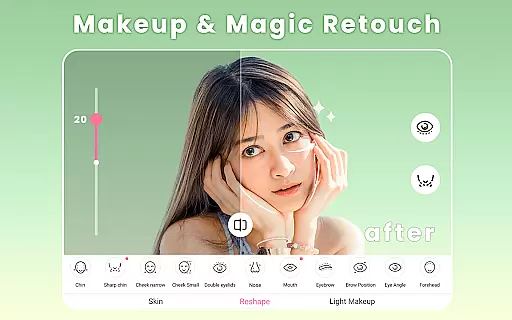
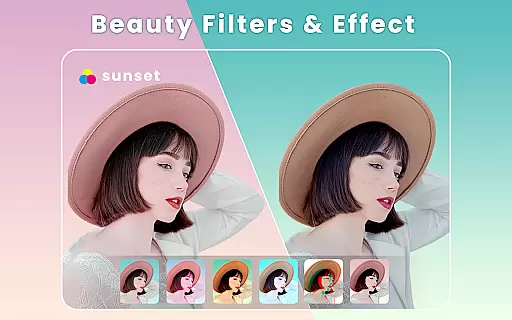
Beauty Camera stands out with its extensive range of features tailored for selfie enthusiasts. The app includes over 300 themed filters and various beauty effects such as skin smoothing, eye brightening, and teeth whitening. Users can also reshape facial features like cheekbones, chin, and jawline, ensuring a perfect look every time.
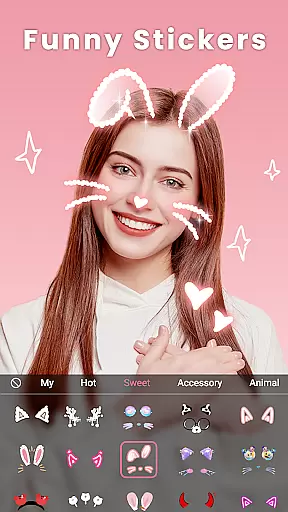
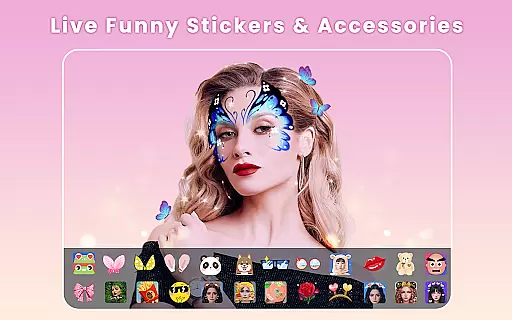
Beyond basic editing, Beauty Camera offers advanced options like makeup application, blemish removal, and body reshaping. Its AR technology allows users to try on virtual makeup from top beauty brands, experiment with different hairstyles, and apply motion stickers that bring photos to life. Additionally, the app's collage maker and video editing tools provide creative ways to compile and share memories, making it a versatile choice for anyone looking to elevate their photo and video content.
When it comes to beauty and cosmetic applications, having a comprehensive product database is crucial for users seeking detailed information about various beauty products. Beauty Camera offers an extensive collection of beauty-related data that includes not only basic product details but also advanced features such as ingredient analysis, usage instructions, and compatibility recommendations. This vast repository ensures that users can make informed decisions when selecting products that suit their needs.
The app's database is meticulously curated, providing in-depth insights into each product category. Users can explore different cosmetic items, from foundations and lipsticks to eyeliners and blushes. Each entry is enriched with high-quality images, detailed descriptions, and user reviews, making it easier for individuals to understand the product's application and expected results. Furthermore, the app regularly updates its listings to include the latest releases and trends in the beauty industry.
By leveraging this rich product database, users gain access to personalized recommendations based on their unique preferences and past interactions within the app. Whether searching for specific makeup techniques or looking to try out new looks, Beauty Camera's robust database serves as a reliable resource for discovering and learning about diverse beauty products. This feature significantly enhances the overall user experience by offering tailored suggestions that align with individual beauty goals.
Personalization is at the heart of Beauty Camera's offerings, ensuring that every user enjoys a customized experience tailored to their specific beauty needs. The app employs sophisticated algorithms to analyze user data and deliver precise recommendations that cater to individual preferences. By examining factors such as skin tone, facial structure, and preferred makeup styles, Beauty Camera creates a unique profile for each user, enhancing their interaction with the app's features.
One of the standout aspects of personalization in Beauty Camera is its ability to adapt to user feedback and behavior over time. As users engage with different tools and effects, the app learns from their choices and refines its suggestions accordingly. This dynamic approach ensures that the recommendations remain relevant and continue to meet evolving user expectations. Additionally, the app provides adjustable settings that allow users to fine-tune their experience, giving them control over how they wish to personalize their beauty routines.
The precision of personalization extends beyond mere product suggestions; it encompasses the entire user journey within the app. From recommending specific filters and AR effects to suggesting suitable makeup tutorials, Beauty Camera ensures that every aspect of the user's interaction is optimized for their benefit. This level of customization not only improves user satisfaction but also fosters a deeper connection between the user and the app, encouraging continued engagement and exploration of its diverse features.
Powerful Editing Tools
Versatile Filters
User-Friendly Interface
AR Makeup Effects
Music Video Creation
May Overprocess Photos
Heavy on Storage
Occasional Ads
Complex for Beginners
Limited Free Features

Beauty camera for perfect selfie with makeup, sticker and filter
 4.50
4.50
Glow up with science: cosmetics, ingredients scanner, tracking & face analysis
4.10
A tool that brings skin care and technology together at your fingertips.
4.50
Beauty Camera - Selfie Camera with beauty editing tool, makeup, filter, sticker
4.60
Selfiechat Filters for amazing photos with Funny face filters
4.60
All-in-one solution for independent beauty pros to manage & grow their business
4.30
Beauty camera & Selfie camera for perfect selfie with filter, sticker, makeup
4.70
Download Today
4.40
The ultimate beauty membership
4.70
Book beauty salon, hair or health and wellness experiences in an instant
4.90
Book your appointments
4.90
Get Smart About Your Skin with Fully Personalized Beauty Tech!
4.80
The mirror app you were looking for, simple and easy to use. Try Mirror now.
4.60
Professional HD Camera App: Capture Bright HD Selfie & Record Stunning Moments
4.40
Shop Smarter, Dress Better, and Shine Brighter!
4.10
The Official Voting App
3.90
This barber game allows you to create and design hair styles on diverse people
3.80
Edit Your Photos and Videos with Beauty Filters & Get Makeup Artist Tutorials
3.60
Beauty/age defining ai coach guides you through the exercises in daily routine.
3.30


User Reviews