
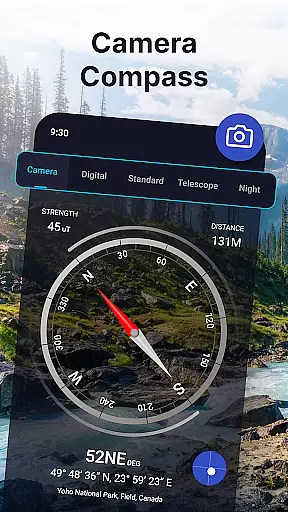
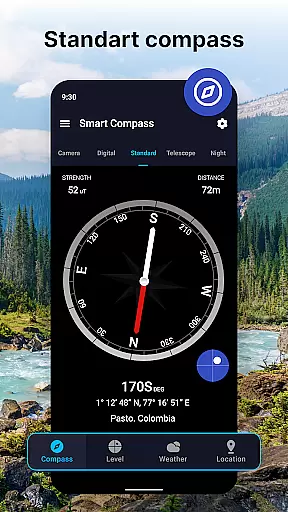
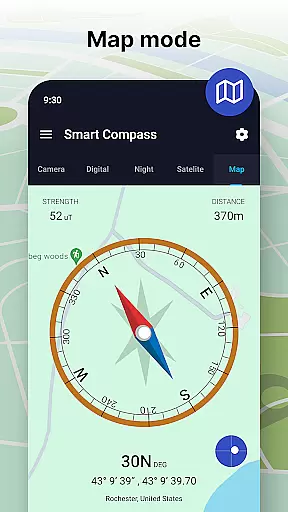
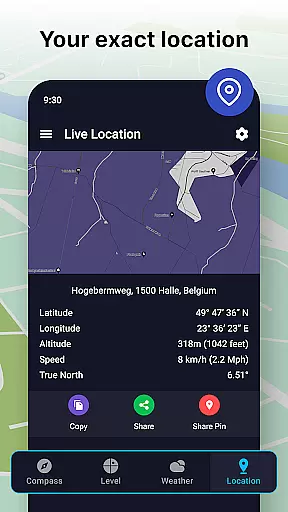
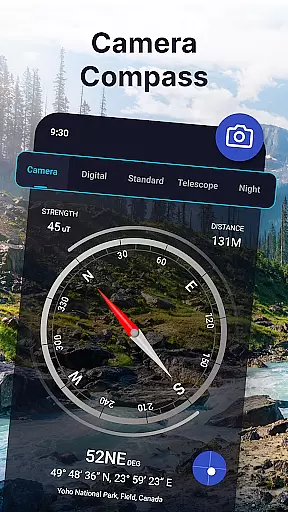
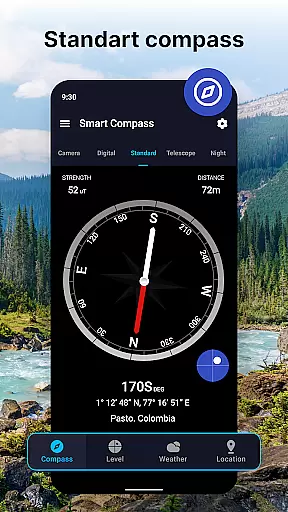
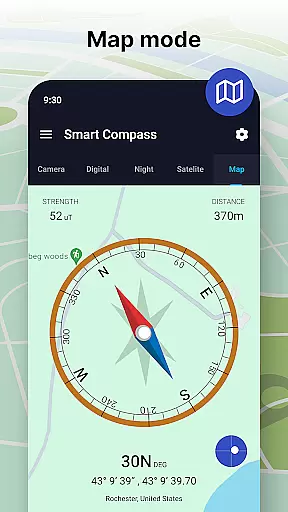
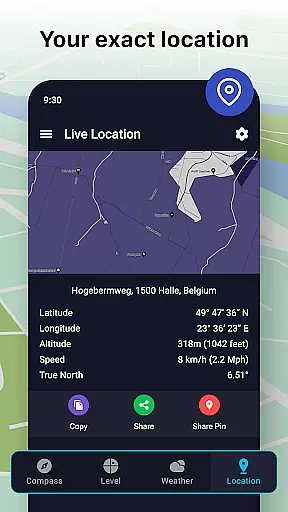
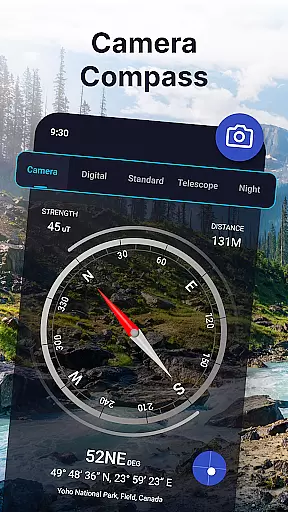
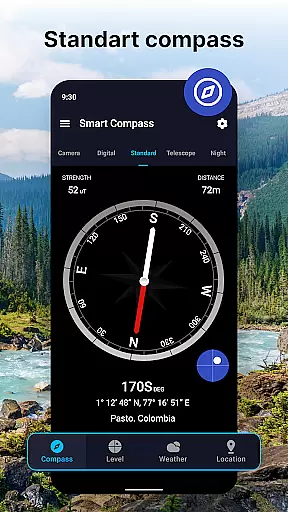
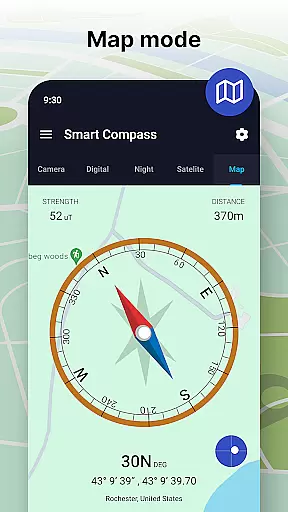
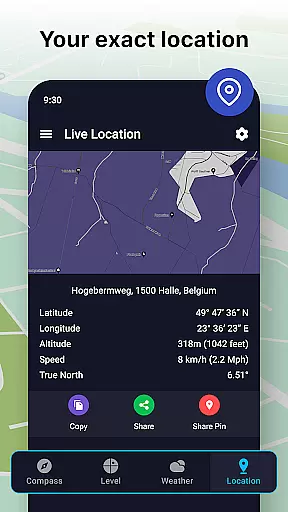
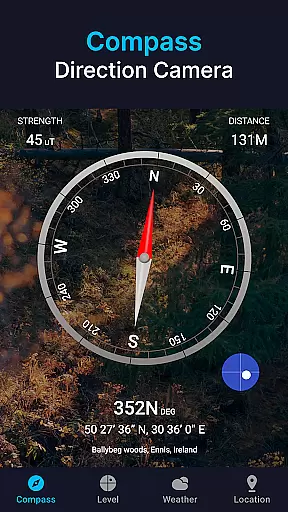

Compass app - Accurate Compass is a premier navigation tool designed for outdoor enthusiasts, travelers, and anyone requiring precise directional guidance. This ultimate Maps & Navigation app provides crystal-clear navigation assistance whether you're setting up camp, exploring new trails, or navigating uncharted waters. With unmatched accuracy, the app reliably points you in the right direction every time, ensuring you never lose your way.
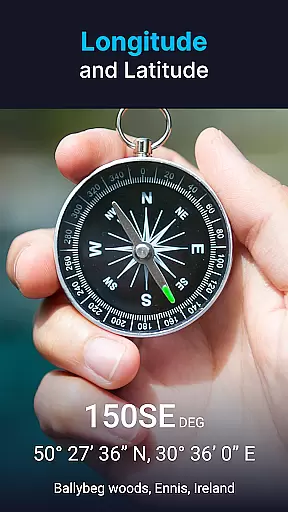
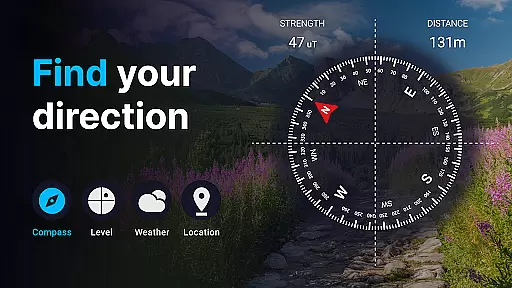
The user-friendly interface allows quick retrieval of cardinal directions along with vital latitude and longitude information. Versatile use cases range from casual road trips to intense boating excursions, adapting to various needs and scenarios. Advanced features like Compass Direction Camera, Digital and Standard Compass Modes, and Weather Updates enhance your navigation experience further.
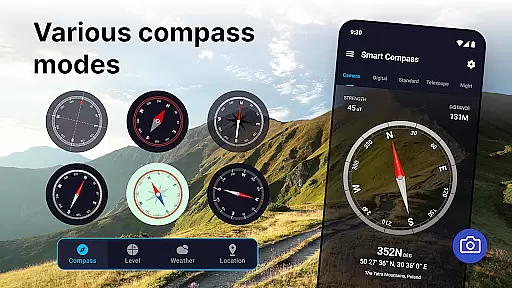
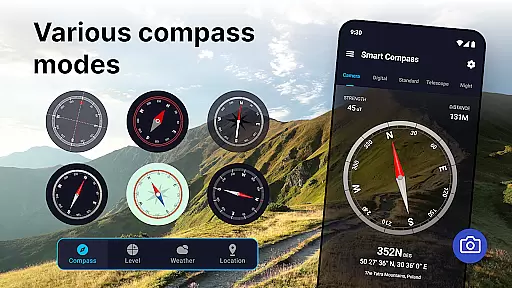
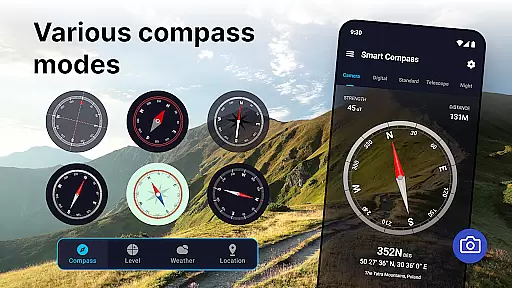
Compass app offers advanced features that significantly enhance your navigation experience. The Compass Direction Camera overlays compass directions over a live view, helping visualize paths without taking photos. It includes both digital and standard compass modes, catering to preferences for modern displays or classic touches, equipped with necessary correction mechanisms for top-notch accuracy.
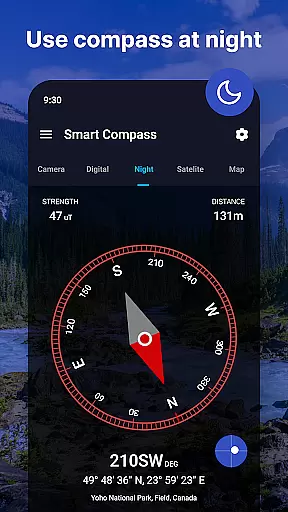
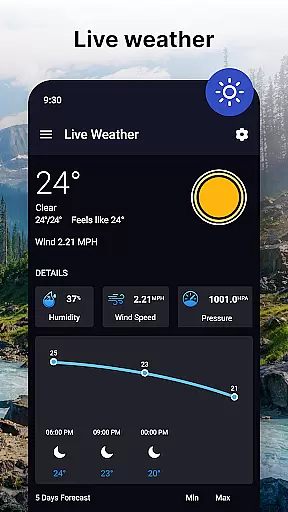
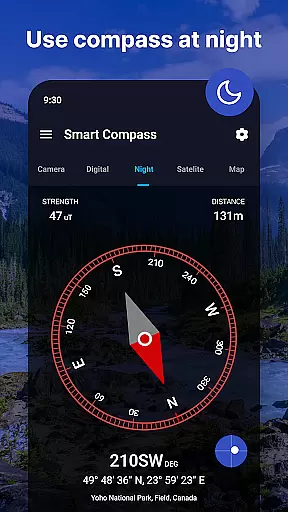
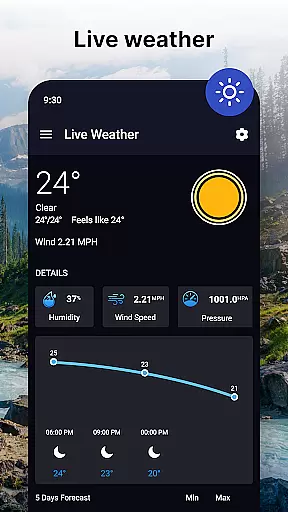
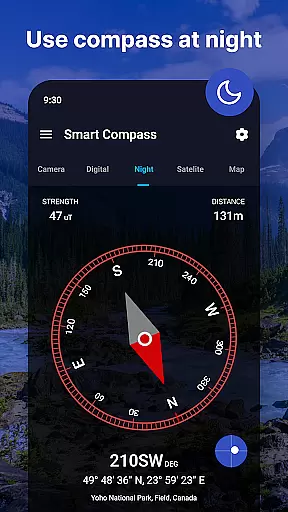
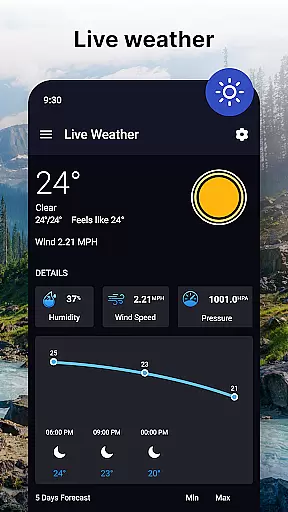
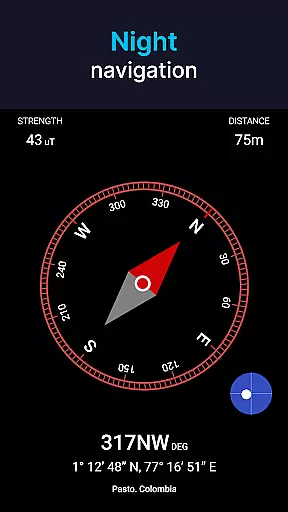
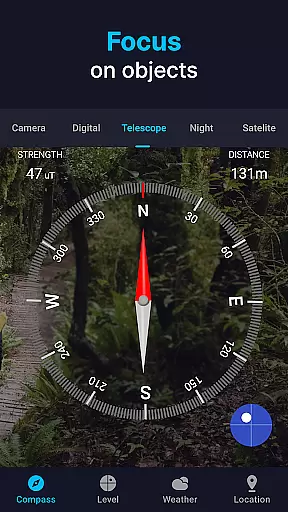
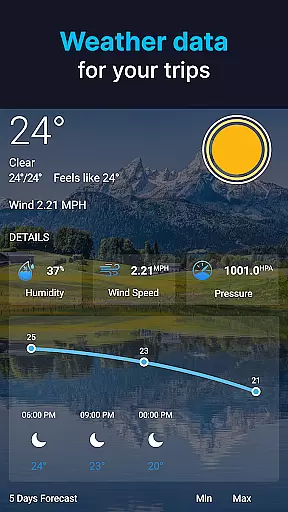
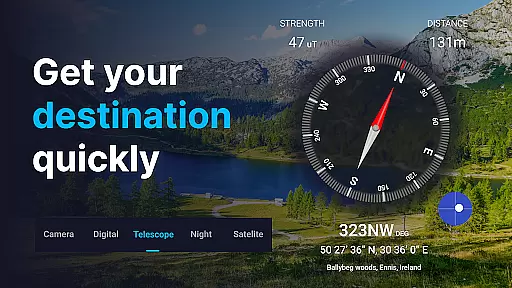
Additional functionalities include weather updates and smart insights, providing preparedness with forecasts and current location updates. The satellite compass offers precise location instructions, while Night Mode facilitates easy reading at night with reduced glare. Telescope functionality enhances measurement and focus on distant objects within the digital compass interface.
Map accuracy is a critical feature for any navigation app, and the Compass app excels in this area. The app provides precise directional guidance, ensuring users can confidently navigate through various terrains and conditions. Whether you're exploring new trails or navigating uncharted waters, the Compass app's accurate readings help prevent you from losing your way.
The app employs advanced correction mechanisms to maintain top-notch accuracy in both digital and standard compass modes. This dual-mode functionality caters to different user preferences while ensuring reliable performance. Additionally, the innovative Compass Direction Camera overlays directions over a live view, enhancing spatial awareness and allowing for more informed navigation decisions.
Users benefit from up-to-the-minute details with the satellite compass feature, which offers real-time location instructions. This ensures that even in challenging environments, the Compass app remains a trustworthy tool for outdoor enthusiasts, travelers, and anyone needing precise directional guidance.
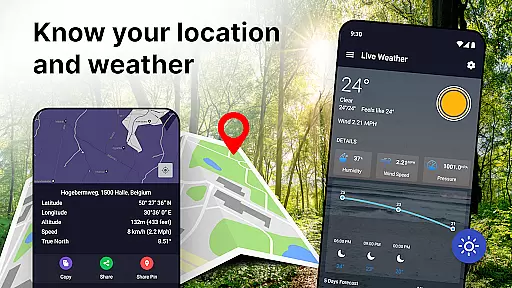
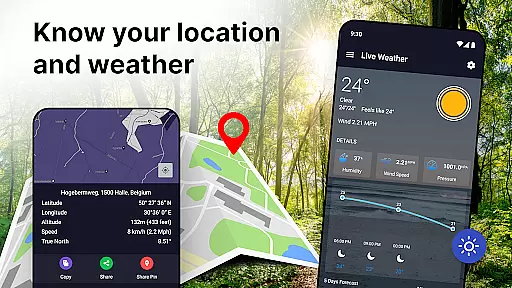
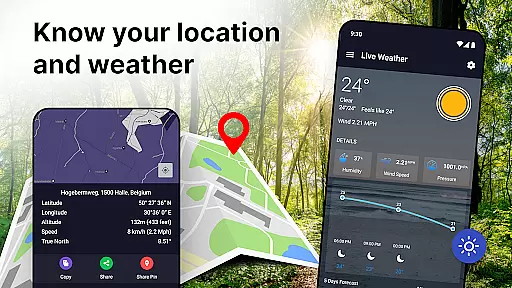
Effective route planning is essential for successful navigation, and the Compass app supports this with its versatile features designed for various scenarios. Whether you're on a casual road trip or an intense boating excursion, the app adapts to your needs, providing vital latitude and longitude information alongside clear North, South, West, and East directions.
In addition to basic navigation, the app includes weather updates and smart insights, helping users prepare for upcoming conditions. These features enable better planning and decision-making, ensuring a safer and more enjoyable journey. The inclusion of a level meter and GPS capabilities further enhances the app's utility, making it an all-in-one navigation solution.
For nighttime use, the specially designed night mode reduces glare, making it easier to read directions in low-light conditions. This practical feature, combined with customizable display options, ensures comfort and visibility at any time of day. With these comprehensive tools, the Compass app empowers users to plan their routes effectively and explore with confidence.
User-friendly interface
Unmatched accuracy
Versatile use cases
Advanced features
Customizable display options
Requires device calibration
Dependent on device sensors
Limited offline maps
Consumes battery quickly
No 3D terrain view

Compass is an accurate compass and a great tool for any outdoor activities
 4.0
4.0
Easy, Moderate and difficult offroad adventures.
4.00
Complete offline 1:50k South Island topo map including DOC Hunting Permit Areas
4.60
All of NHSA's trail information at your fingertips for the 2025-2026 season
4.4
America’s largest public fast charging network, with over 500 charging stations.
4.50
Phone Tracker and GPS Location Sharing
4.20
Gas Station & Fuel Rewards Points
3.70
Route Planner is travel map to get turn by turn navigation & driving directions
3.90
Lets explore the world's famous places by using Live Cams, GPS & Satellite View.
4.20
LIRR and Metro-North tickets and trips
4.80
Airport parking, with airport shuttle (TPS shuttle), reservations, and Spot Club
4.80
Ride or drive at YOUR price
4.70
Navigate with your watch and keep the phone in your pocket!
4.60
Instant diesel discounts - save big with each fill up!
4.40
Maps, Driving Directions & GPS navigation using directions app & GPS App
4.30
GPS navigation offers route finder, compass, translator, currency converter, etc
4.30
Get directions, Maps, GPS navigation & GPS Maps using GPS App
4.10
Live Satellite view app for find GPS navigation Direction and live location map
3.70
Your guide to the recreational opportunities of the Bureau of Land Management!
3.40


User Reviews