
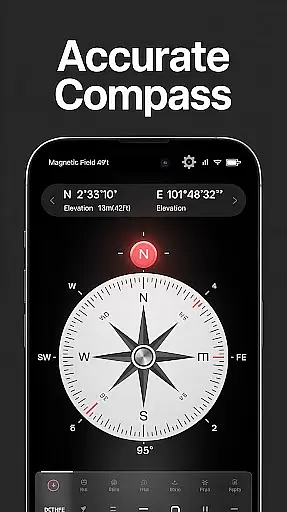
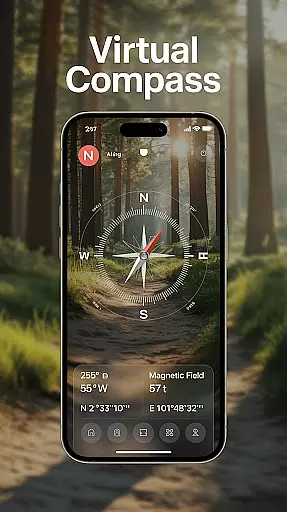
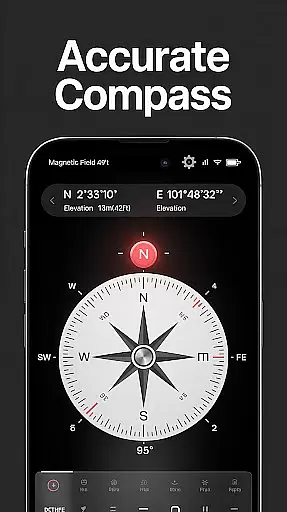
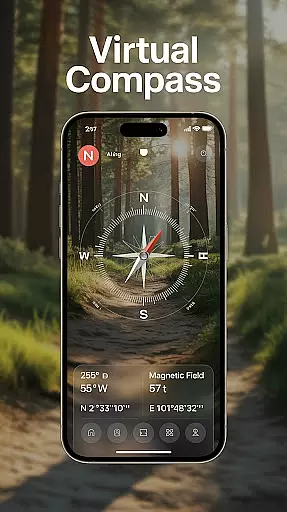
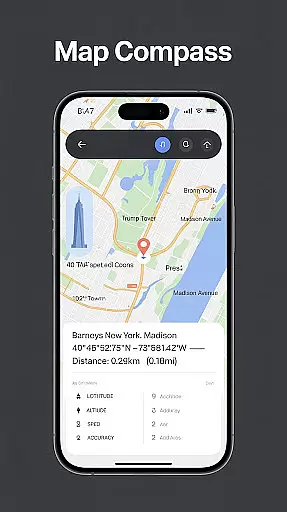
Compass - Directional Compass is a smart and accurate navigation tool designed for both casual users and adventurers. This digital compass app provides real-time directional guidance with pinpoint accuracy, ensuring you can confidently find your way whether hiking in the wilderness, traveling to new cities, or exploring remote areas. Its advanced features include GPS functionality that displays exact latitude, longitude, and altitude, making it ideal for outdoor activities like camping, sailing, or road trips.
In addition to its core navigational abilities, the app offers versatile tools such as magnetic field detection, map integration for route planning, and a tilt and level meter for checking surface alignment. With an intuitive user interface, customizable themes including night mode, and offline usability, this app ensures seamless navigation in any situation. Whether you need precise directions for Feng Shui purposes or reliable guidance during maritime adventures, Compass - Directional Compass delivers professional-grade performance in a user-friendly package.
Compass - Directional Compass stands out with its robust feature set tailored for modern explorers. The app includes a real-time digital compass that operates in both traditional and digital modes, offering smooth and precise direction tracking. It also integrates GPS capabilities, providing users with detailed location information such as latitude, longitude, and altitude, which enhances positioning accuracy even in challenging environments.
For added convenience, the app detects magnetic interference, ensuring more reliable readings. Pro users will appreciate additional functionalities like map integration for enhanced route planning and a built-in inclinometer to measure tilt angles. Customization options abound with night mode and theme settings, optimizing visibility under various lighting conditions. Furthermore, the app functions seamlessly offline, allowing users to navigate without requiring an internet connection—perfect for remote locations where connectivity may be limited.
Map accuracy is a critical feature for any navigation app, and Compass - Directional Compass excels in this area. The app provides real-time directional guidance with pinpoint precision, ensuring users can confidently locate North, South, East, or West. This level of accuracy is achieved through advanced GPS technology that captures exact latitude, longitude, and altitude data.
The app's magnetic field detection feature further enhances its map accuracy by identifying potential interference that could affect readings. Whether you're hiking in remote areas or sailing the open seas, this ensures your navigational data remains reliable. Additionally, the inclusion of both digital and traditional compass modes offers versatile options for different user preferences and scenarios.
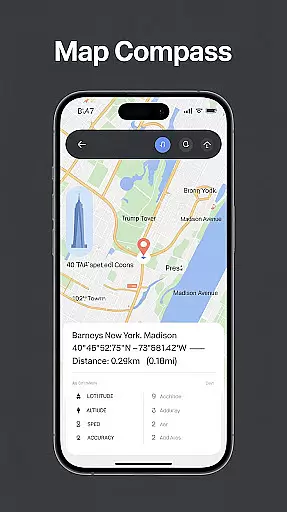
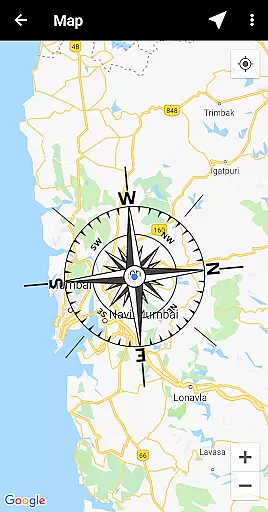
For users who require more than just direction finding, Compass - Directional Compass integrates map functionality to aid in better route planning. This combination of precise directional data with mapping tools provides a comprehensive navigation solution. As a result, users can explore new places without worrying about getting lost, making it an essential tool for outdoor adventures and everyday use.
Route planning is an essential aspect of any journey, and Compass - Directional Compass offers features that make this process seamless. By combining compass functionality with map integration, the app allows users to plan their routes more effectively. This ensures that whether you're on a road trip or exploring remote trails, you have the necessary tools to chart your course accurately.
In addition to basic mapping, the app includes a tilt and level meter, which serves as a built-in inclinometer. This feature helps users check surface alignment and tilt angles, providing valuable information for navigating uneven terrains. Such detailed insights enhance the overall route planning experience, allowing for safer and more informed travel decisions.
Compass - Directional Compass also supports offline mode, enabling users to plan routes without an internet connection. This is particularly useful in areas with limited connectivity, ensuring that users can always access their planned routes. With these robust features, the app empowers users to navigate smarter and more efficiently, regardless of where their adventures take them.
Highly accurate navigation
User-friendly interface
Offline functionality
Customizable themes
GPS integration
Limited advanced tools
No augmented reality
Occasional calibration
Basic design
Ads in free version

Turn your Android device into a real off-road GPS using off-line topo maps!
 4.40
4.40
Discover over 800 points of interest along the canal.
3.70
Get directions, Maps, GPS navigation & GPS Maps using GPS App
4.10
GPS Speedometer & Odometer: Track car, bike, truck speed & distance in real-time
4.70
Your real-time window to the world. Explore anywhere, anytime.
3.30
Get route, find shortest path, near by places and weather update
3.90
Navigate seamlessly with Real-Time Traffic, Offline Maps, and Voice Navigation.
4.10
GPS navigation offers route finder, compass, translator, currency converter, etc
4.30
Get matched with a nearby driver — you’ll be on your way in minutes.
4.30
Get there with the Waymo Driver — The World’s Most Experienced Driver™
4.90
Track accurate speed & distance with GPS Speedometer. Check speed limit & time.
4.50
Phone Tracker and GPS Location Sharing
4.20
Lets explore the world's famous places by using Live Cams, GPS & Satellite View.
4.20
GPS phone tracker, family locator, secure location sharing app
4.20
Find routes fast with GPS Maps, GPS Navigation & driving directions.
4.10
TACNAV-X: Precision MGRS navigation, built specifically for the military.
4.00
Get real-time bus and train schedules for easy, hassle-free city transportation.
3.90
Play in the outdoors with Android as your Handheld GPS and offline topo maps!
3.50
Your guide to the recreational opportunities of the Bureau of Land Management!
3.40


User Reviews