
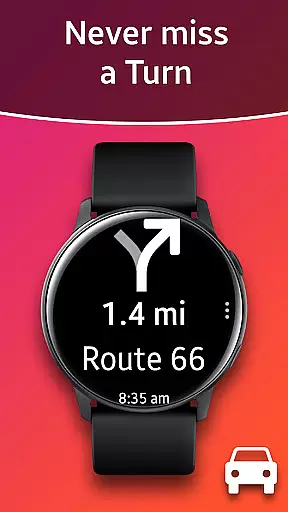
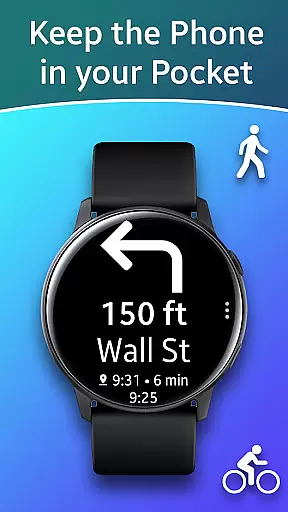
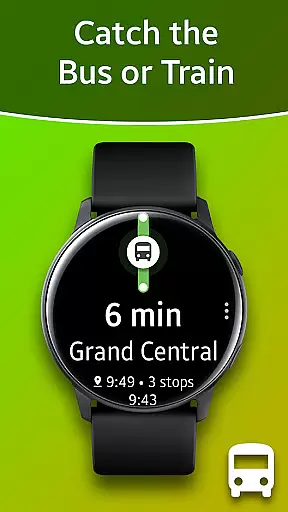
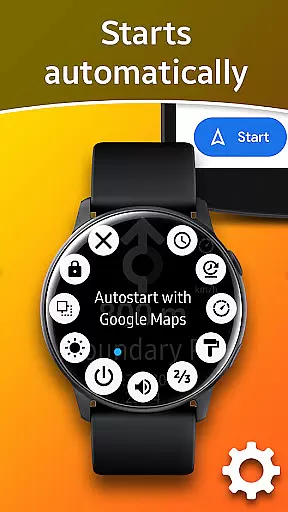
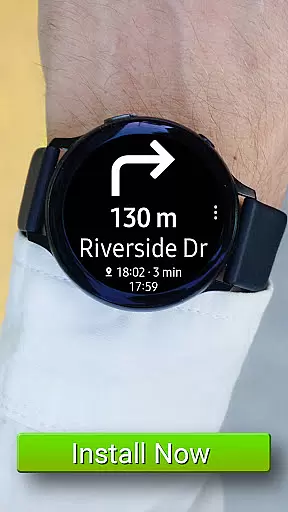
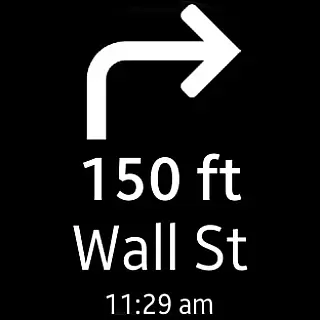
Navigation Pro is a specialized navigation app designed to display Google Navigation instructions directly on your Samsung smartwatch. This innovative solution allows users to conveniently access turn-by-turn directions while driving, cycling, or using public transport without needing to check their phone constantly. The app offers seamless integration with Samsung watches and provides essential features such as autostart with navigation, voice output, customizable vibration patterns, and support for 102 languages.
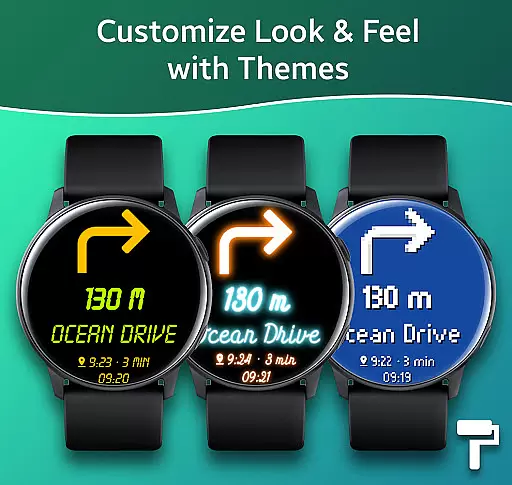
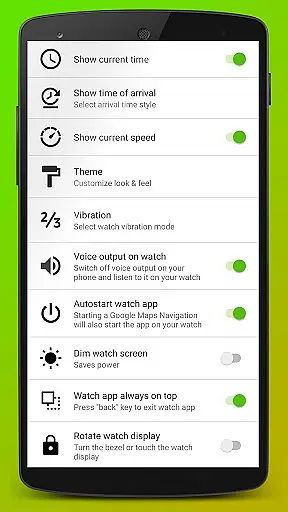
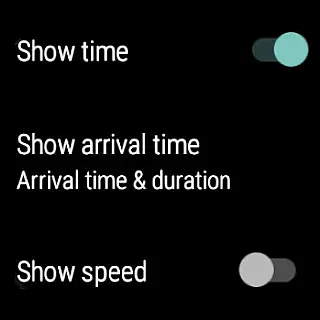
In addition to its core functionality, Navigation Pro enhances the navigation experience through advanced customization options. Users can choose from various themes, activate a speedometer, and adjust settings to suit their preferences. Whether commuting in busy urban areas or exploring new routes, this app ensures that you stay informed and focused on your journey. Its compatibility with all Galaxy Watch models and select Gear series makes it a versatile tool for Samsung wearable users seeking enhanced mobility and convenience.
Navigation Pro stands out with its comprehensive feature set tailored specifically for Samsung smartwatch users. The app's key strength lies in its ability to push Google Maps Navigation instructions directly to the watch display. This functionality is complemented by an intelligent autostart system that activates automatically when navigation begins, ensuring users never miss important directions. The inclusion of voice output and customizable vibration patterns provides multiple ways to receive navigation cues, catering to different user preferences and environmental conditions.
Beyond basic navigation, the app offers advanced customization options that enhance usability. Users can select from various display themes to optimize readability under different lighting conditions. The built-in speedometer feature provides real-time velocity information, which is particularly useful for drivers who need to maintain specific speeds. With support for 102 languages, the app caters to a global audience, making it suitable for international travelers. These features collectively create a robust navigation solution that maximizes the utility of Samsung wearables while maintaining user comfort and convenience.
Map accuracy is essential for any navigation app, and Navigation Pro excels in this area. The application leverages Google Maps' robust data to provide precise location tracking and route guidance on your Samsung watch. This ensures that whether you are driving, cycling, or using public transport, the information displayed is reliable and up-to-date.
The app supports 102 languages, making it accessible worldwide and ensuring that map data is presented accurately regardless of geographic location. By integrating with Google Maps, Navigation Pro provides real-time updates and rerouting suggestions, which are crucial for maintaining accuracy during your journeys.
Users benefit from enhanced situational awareness as they navigate through different terrains and urban landscapes. With features like autostart upon starting navigation and customizable vibration alerts, Navigation Pro keeps users informed without needing to constantly check their phones. This level of precision empowers users to make timely decisions based on accurate mapping information.
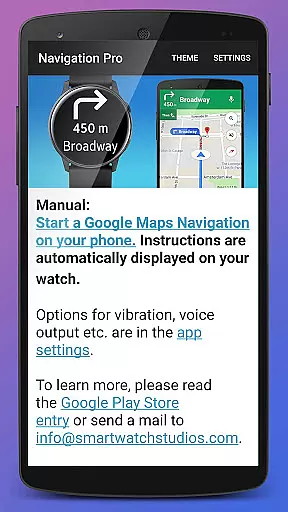
Effective route planning can significantly enhance travel efficiency, and Navigation Pro offers a comprehensive suite of tools for this purpose. Upon launching Google Maps Navigation on your phone, the app seamlessly pushes detailed instructions to your Samsung smartwatch. This allows users to receive turn-by-turn directions directly on their wrist, streamlining the navigation process.
One standout feature is the ability to choose from multiple route options, including those optimized for driving, cycling, or public transportation. Users can also access additional functionalities such as speedometer readings and theme customization, which contribute to a more personalized and efficient routing experience. These options ensure that each journey is tailored to individual preferences and needs.
Moreover, the voice output functionality provides auditory cues, reducing the need to look at the screen frequently. This not only enhances safety but also improves overall user convenience. By combining these advanced route-planning capabilities with intuitive wearable technology, Navigation Pro delivers an unparalleled navigation experience right at your fingertipsu2014or rather, your wrist.
User-friendly interface
Wide language support
Customizable display options
Voice and vibration alerts
Speedometer functionality
Requires companion app
Phone dependency
Setup complexity
Limited device compatibility
No standalone operation

Route schedules, maps, and real-time tracking of MTA buses in New York City.
 4.20
4.20
GPX Viewer PRO shows tracks, routes and waypoints from gpx and kml files.
4.60
Turn your tablet or Android powered unit into a full blow Android Auto headunit.
2.30
"Balad" is a map and navigator with a Persian voice assistant and a complete city guide
4.40
Parcel map, property lines, owner, acres, land use, zoning and more from Regrid.
4.60
Route Planner is travel map to get turn by turn navigation & driving directions
3.90
Park in Chicago, NYC, Boston, SF, Houston & more!
4.70
Avoid delays. Get real-time GPS navigation, safety alerts and live traffic.
4.10
Rideshare, taxi cabs, and more for your airport travels and everyday trips.
4.50
Bolt is a ride-hailing app for requesting fast, safe, and affordable transport
4.80
Find shortest way and save energy . Distance and area calculator.
4.70
Voice GPS with driving directions, offline maps navigation GPS for safe travel
4.50
Lets explore the world's famous places by using Live Cams, GPS & Satellite View.
4.20
Number locator, real connection map
4.10
Get directions, Maps, GPS navigation & GPS Maps using GPS App
4.10
Use GPS Maps and GPS Voice Navigation to find your way and get directions
4.10
Explore Earth with live GPS, satellite view & street navigation
3.60
Ride CTA, Metra & Pace: Manage your fares, buy Metra tickets, get arrivals.
3.00
Find 93 Octane Gas: Locate Gasoline Stations Selling Premium 93 Octane or Higher
4.2


User Reviews