
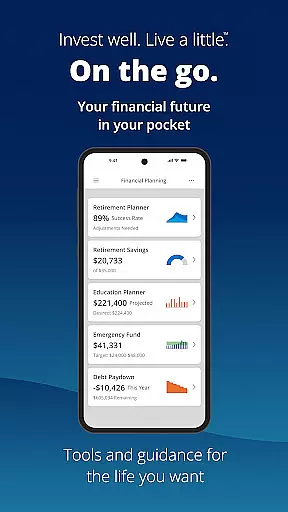





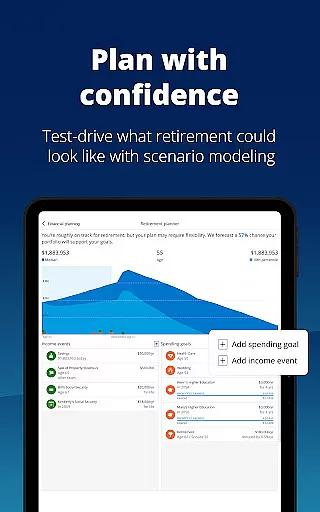


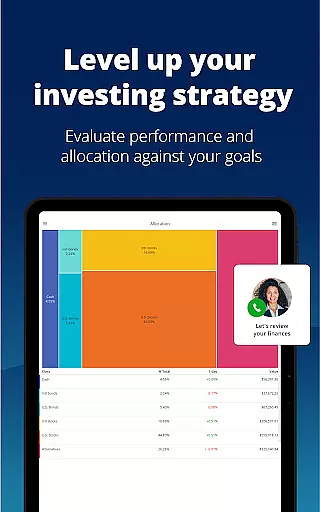
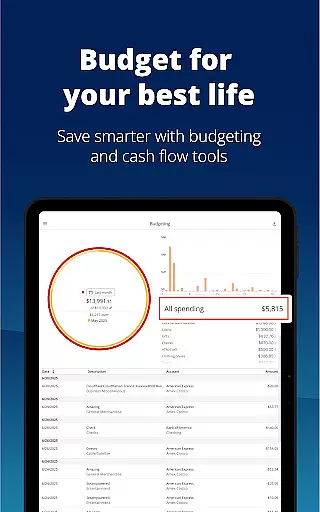
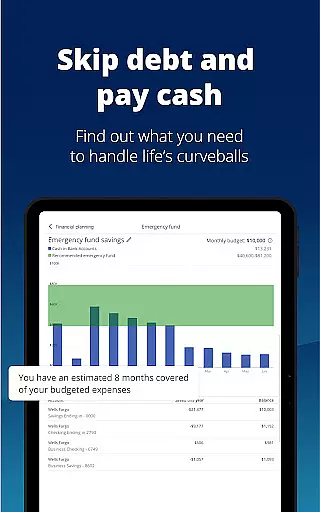


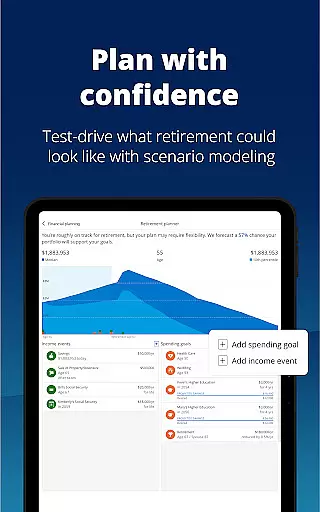



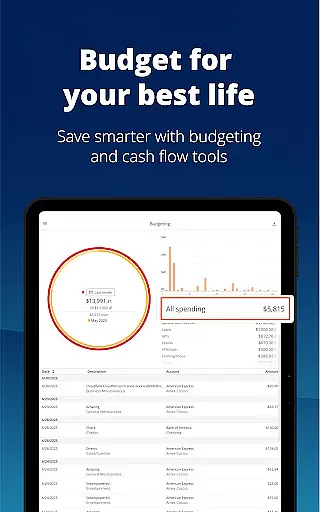
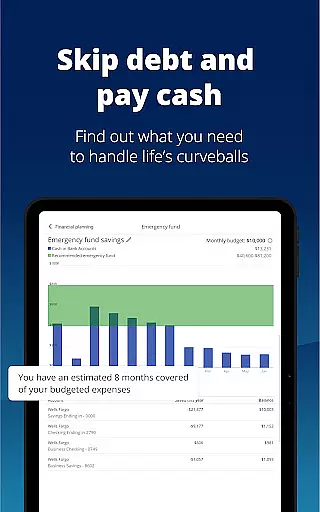

Empower is a comprehensive financial management app designed to simplify your financial life. It provides users with a complete overview of their financial status by consolidating all accounts in one place, eliminating the need to log in to multiple platforms. The app offers industry-leading tools for retirement planning, budget tracking, and investment management, making it an essential tool for anyone seeking financial clarity.
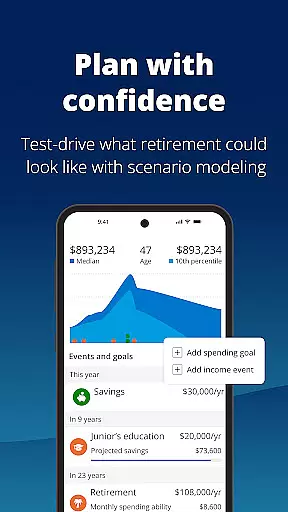
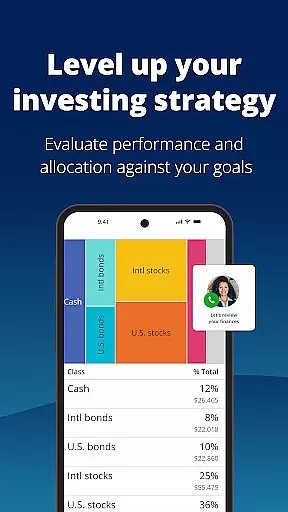
Key features include scenario simulation, recession planning, and asset allocation analysis. With support for biometric and multi-factor authentication, Empower ensures that your data remains secure while offering professional-grade insights into your financial health. Whether you're managing debt, building an emergency fund, or planning for long-term goals, Empower equips you with the tools needed to achieve financial success.
Ideal for individuals who want to spend less time on manual financial tasks and more time enjoying life, Empower transforms complex financial management into an intuitive and streamlined experience. By providing actionable insights and professional advice, this app empowers users to take control of their financial future.
Empower stands out with its robust feature set tailored for modern financial management. One of its core strengths is the ability to display all financial accounts in a single dashboard, offering users a unified view of their net worth. This eliminates the hassle of switching between multiple banking and investment platforms, saving valuable time and effort.
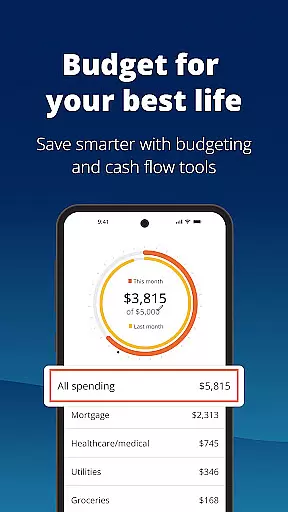
The app includes advanced planning tools such as retirement projections, budget customization, and scenario comparisons. Users can simulate economic downturns to assess their financial resilience or identify allocation imbalances within their portfolios. Additionally, Empower supports secure access through biometric and multi-factor authentication, ensuring that sensitive financial data remains protected against unauthorized access.
Another notable feature is the integration of professional investment advice, which helps users make informed decisions about their financial strategies. From debt management to emergency fund creation, Empower provides step-by-step guidance to help users achieve their financial goals efficiently. These capabilities make Empower a versatile and indispensable tool for anyone serious about managing their finances effectively.
Account and fund security is a critical aspect of any financial application, ensuring that users' sensitive information and assets are protected. Empower takes this responsibility seriously by implementing advanced biometric and multi-factor authentication methods to secure your data.
The app provides comprehensive protection measures, including encryption protocols and secure login processes, which prevent unauthorized access to your financial accounts. This ensures that only you have control over your financial information.
By using Empower, users can enjoy peace of mind knowing that their personal and financial details are safeguarded against potential threats. The robust security framework helps in maintaining the integrity and confidentiality of user data at all times.
Ultimately, the high level of account and fund security offered by Empower allows users to focus on managing and growing their wealth without worrying about the safety of their information, making it a reliable choice for financial management.
A seamless transaction experience is essential for any financial app, allowing users to manage their funds efficiently and effectively. Empower excels in providing a smooth and intuitive interface for handling transactions, ensuring that users can easily navigate through their financial activities.
The app consolidates all income and expenses in one place, offering real-time updates and notifications for each transaction. This feature enables users to stay informed about their financial status and make timely decisions based on accurate data.
Empower also simplifies the process of tracking budgets and setting financial goals, making it easier for users to monitor their spending habits and adjust accordingly. The ability to simulate various financial scenarios further enhances the transaction experience by preparing users for different economic conditions.
Overall, Empower's transaction experience empowers users with the tools they need to take control of their finances, providing clarity and confidence in managing their monetary activities.
User-friendly interface
Comprehensive account integration
Advanced security features
Professional investment advice
Scenario simulation tools
Premium features require subscription
Occasional syncing delays
Limited free-tier functionality
Higher learning curve for beginners
Some features are US-only

 4.50
4.50
Expenses, Bills, Budget and Accounts - All seamlessly integrated in one app!
3.80
Get a cash advance instantly. File taxes & cover unexpected bills in minutes.
4.60
Get 250$ Cash Advance to solve emergencies instantly in loan app called LendMe
4.70
BTC, Crypto, Stocks & Options.
4.20
The Citi Mobile® App lets you manage your accounts virtually anytime, anywhere
4.80
Save, spend & get paid faster²
4.50
Easy budgeting planning on a calendar!
4.80
Registration of your debts and Mdionatk and assembled, as well as a significant reports
4.30
BA Financial Calculator PRO – Perfect for CFA/FRM/CPA and finance professionals
4.90
All expenses at a glance.
4.80
Your Big Financial Friend
4.70
Download the MySynchrony App to manage your accounts securely and conveniently!
4.60
Easily invest, save, and plan—all in one app.
4.60
Manage your account, make a payment, and redeem your rewards on the go.
4.50
The all-in-one app to save, earn, travel, and put more money in your pocket
4.50
Earn cash & save money daily. Access instant cash advances* - no credit check!
4.50
Change the way you money with Credit Genie
4.30
View BSC Transactions for multiple accounts
3.90


User Reviews