
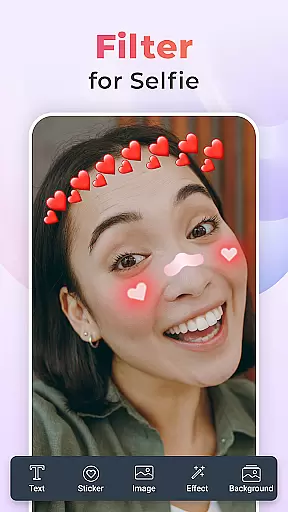
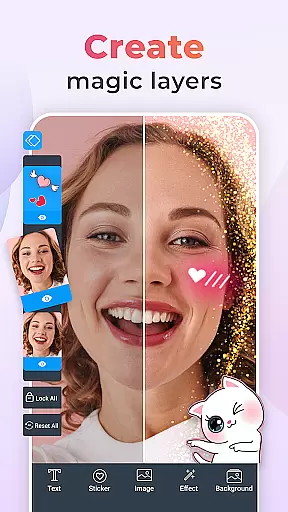
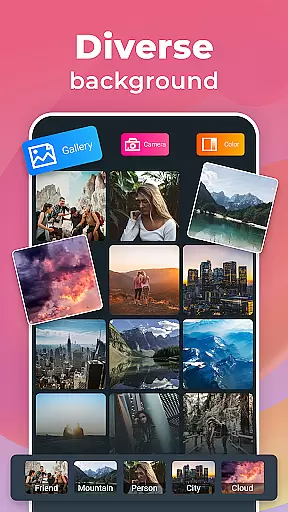
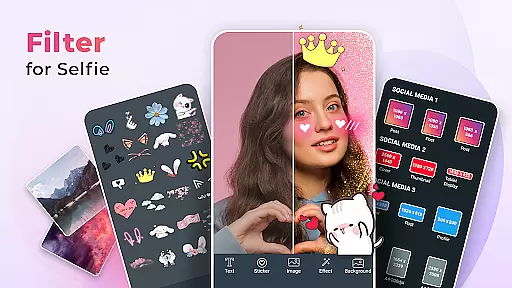
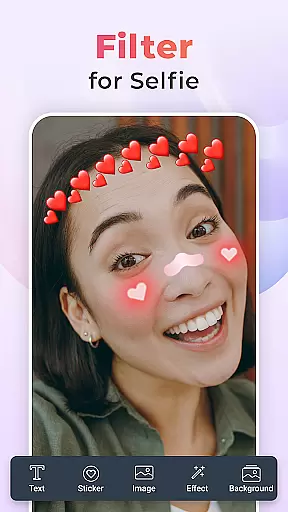
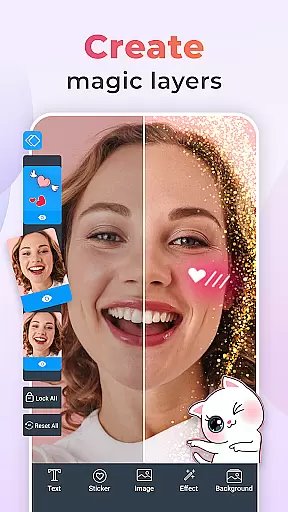
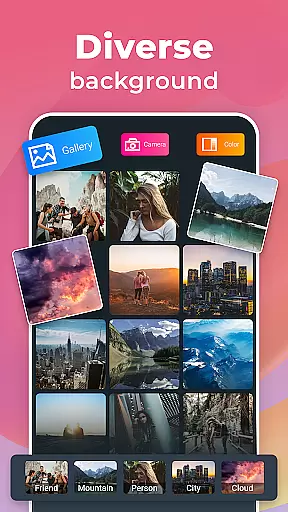
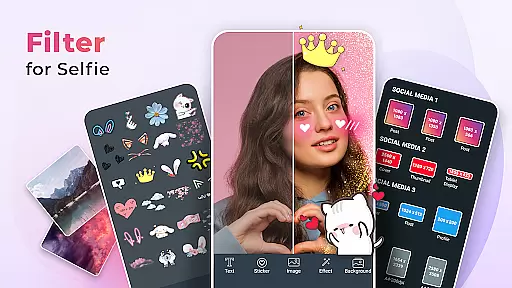
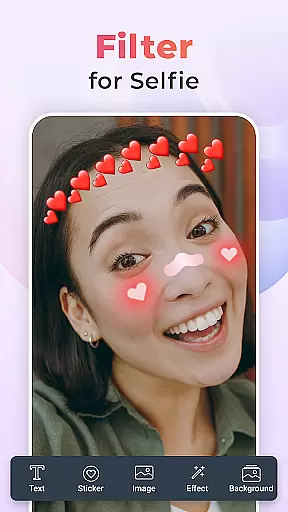
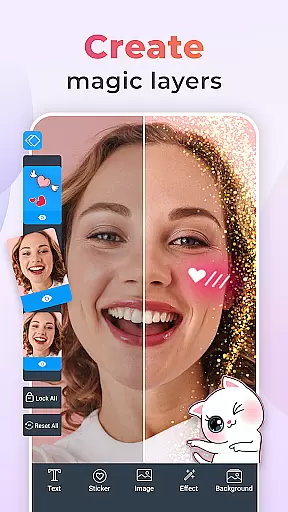
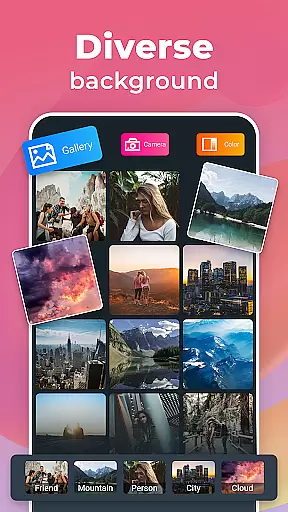
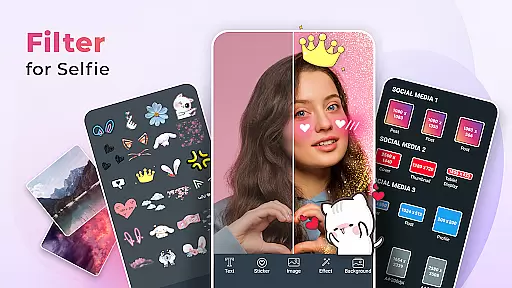
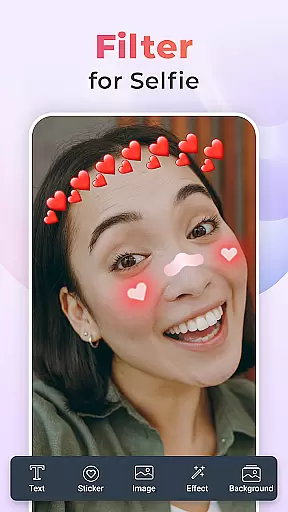
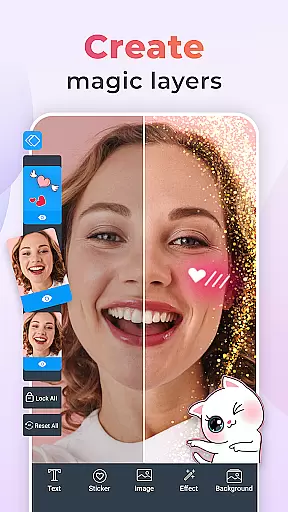
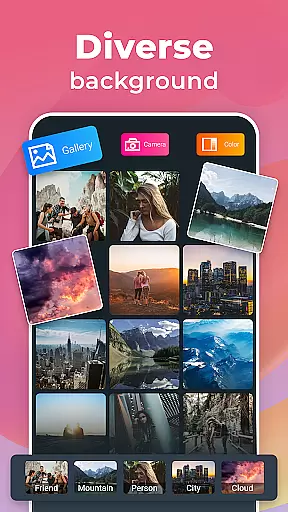
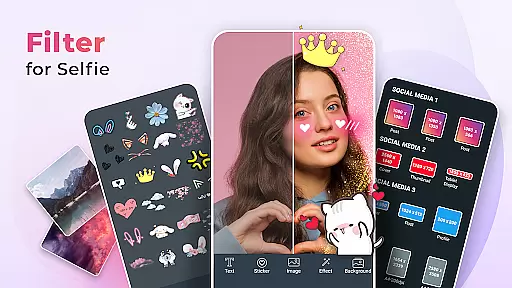
Filter for Selfie is a feature-rich beauty app designed to elevate your selfie game. This app offers an extensive range of filters and effects that allow users to transform their selfies into stunning works of art. With advanced beauty tools, you can smooth skin, brighten eyes, and enhance natural features effortlessly.
The app provides playful elements like bunny ears, cool smileys, and festive decorations, enabling creative expression in every photo. Whether you're aiming for subtle enhancements or dramatic transformations, Filter for Selfie caters to all preferences. Its high-definition quality ensures that each image looks professional and polished, making it perfect for sharing on social media platforms.
Users will find practical applications in enhancing everyday photos, preparing images for online profiles, or simply having fun with friends. The ability to experiment with various styles—from vintage to modern—ensures that your selfies remain fresh and engaging. By using this app, you can consistently produce eye-catching photos that impress friends and followers alike.
Filter for Selfie stands out with its diverse array of innovative features tailored to enhance user experience. One notable feature is the Selfie Camera Filters For Pictures, which allows users to capture perfect moments easily. These filters provide everything from basic adjustments to artistic transformations, ensuring that every photo reflects your desired aesthetic.
In addition to standard filters, the app includes advanced beauty tools through the Selfie Beauty Camera Face Filters. These tools help achieve flawless skin, brighter eyes, and enhanced facial features without requiring professional editing skills. Users can also explore unique Photo Effects that add distinctive touches to their images, making them stand out in crowded social feeds.
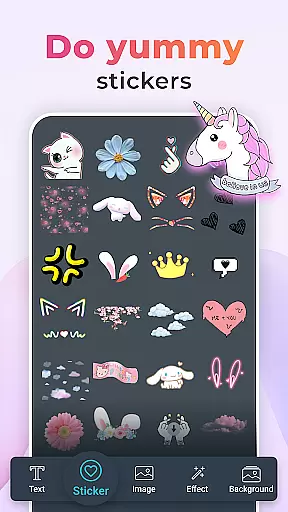
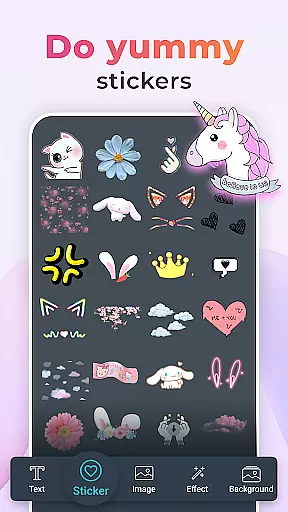
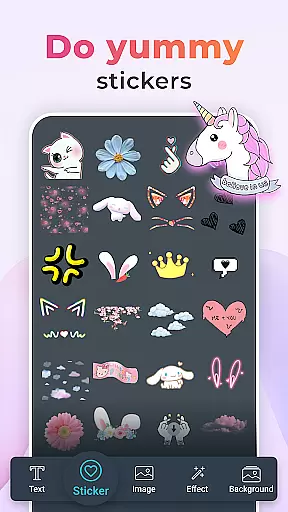
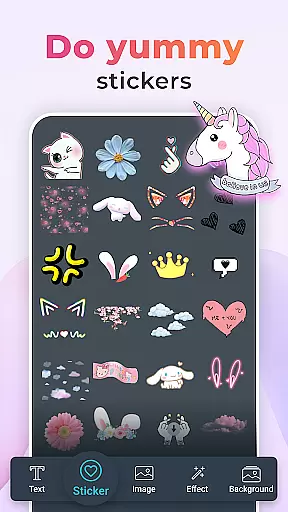
Creative Stickers are another highlight, offering a variety of fun options such as bunny ears, holiday themes, and animated smileys. Each sticker adds personality and flair to your photos, turning simple snapshots into memorable creations. Furthermore, the HD Quality setting guarantees crisp, clear images regardless of the effect applied, providing a premium visual experience every time you snap a picture.
When it comes to beauty applications like Filter for Selfie, the depth of the product database plays a crucial role in delivering an exceptional user experience. A comprehensive database ensures that users have access to detailed information about various beauty products and filters available within the app.
Filter for Selfie offers an extensive collection of beauty filters and effects designed to enhance selfies. From skin-smoothing tools to playful elements like bunny ears, the app provides users with numerous options to transform their photos creatively. Each filter is crafted with attention to detail, ensuring high-definition quality and authenticity.
The value of a deep product database lies in its ability to cater to diverse user preferences. Whether someone seeks subtle enhancements or dramatic transformations, the wide array of filters allows users to experiment with different looks effortlessly. This variety not only boosts creativity but also enhances user satisfaction by offering personalized solutions tailored to individual needs.
Ultimately, the depth of the product database in Filter for Selfie translates into greater user engagement and enjoyment. By providing rich content and versatile tools, the app empowers users to express themselves freely through their selfies, making every photo a unique work of art.
In beauty apps such as Filter for Selfie, personalization precision is key to creating engaging and satisfying user experiences. The ability to tailor filters and effects according to individual preferences ensures that each user can achieve their desired look with accuracy.
Filter for Selfie excels in offering highly personalized options through its advanced beauty tools. Users can apply various enhancements like skin smoothing, eye brightening, and blemish removal with remarkable precision. These features are powered by sophisticated algorithms that analyze facial features and adjust settings accordingly, resulting in natural-looking edits.
The importance of personalization extends beyond mere aesthetics; it directly impacts user confidence and satisfaction. With precise customization capabilities, users feel empowered to showcase their best selves while maintaining authenticity. This level of control fosters a deeper connection between the user and the app, encouraging regular use and exploration of new styles.
By prioritizing personalization precision, Filter for Selfie sets itself apart from other beauty apps. Its commitment to delivering tailored solutions not only enhances the overall user experience but also drives higher retention rates as users continue to discover innovative ways to express their unique identities through enhanced selfies.
User-friendly interface
High-definition photo quality
Wide variety of creative stickers
Advanced beauty enhancement tools
Versatile filter options
Occasional ads may interrupt usage
Premium features require subscription
Some filters may distort image quality
Limited free content available
Heavy app size may affect storage

This application is for the Luvme Hair official website: shop.luvmehair.com .
 4.30
4.30
Beauty camera for perfect selfie with makeup, sticker and filter
4.50
Winter picture editor: Christmas stickers, frames for photos & Christmas cards.
4.40
Your on-demand aesthetician
4.40
Get Smart About Your Skin with Fully Personalized Beauty Tech!
4.80
Beauty camera to take nature selfie with photo filter. Photo makeup face editor.
4.50
Manage your daily skin care beauty regimen & track your skin's progress.
4.70
HD Camera, Selfie Camera, Camera filters, is a fully featured 4K camera
4.60
Top brand haircare & fragrance
4.60
The ultimate beauty membership
4.70
Wacky mirror filter, waves effect & wavy effect to make your own funny videos.
4.60
Transform your sweet selfies with Selfie Beauty Camera Filters And Effects!
4.60
Shop Smarter, Dress Better, and Shine Brighter!
4.10
Make beautiful Hairstyles for girls with your own hands in little bit of time
4.00
Never run out of your go-to beauty & get 5% off with auto-replenish deliveries!
4.00
The Official Voting App
3.90
Design your nails, manicure and pedicure with nail paint art and nail idea app
3.90
Create, design and dress up your own beautiful characters in cute fashion styles
3.50
Beauty/age defining ai coach guides you through the exercises in daily routine.
3.30


User Reviews