
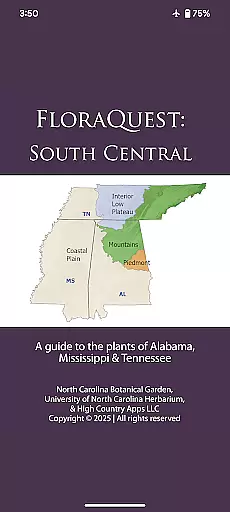
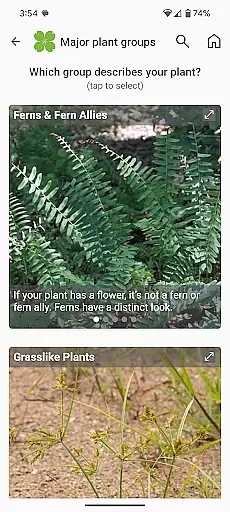
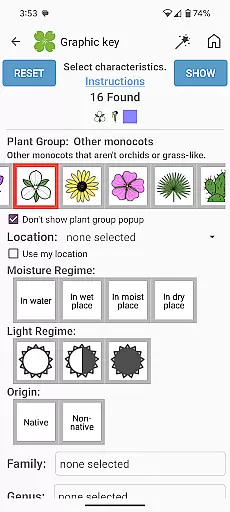
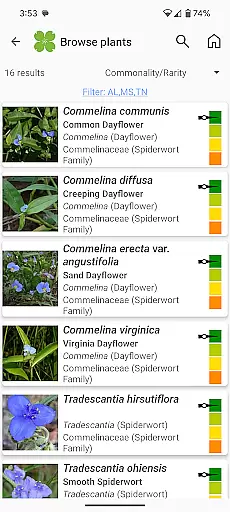
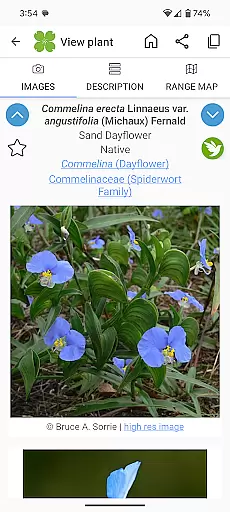
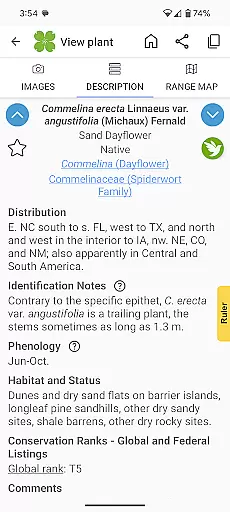
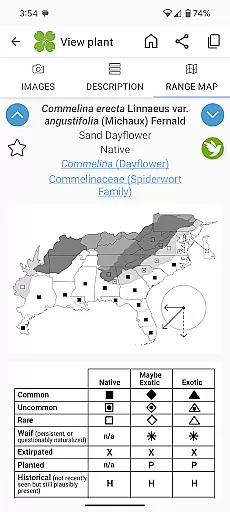
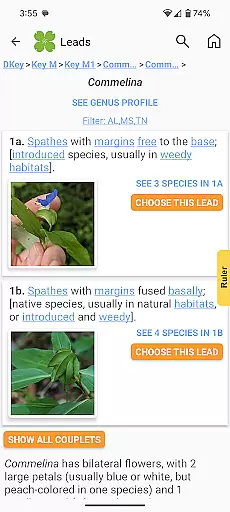
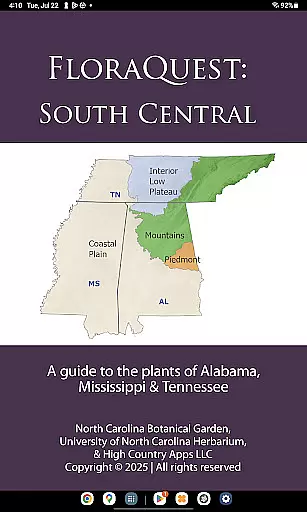
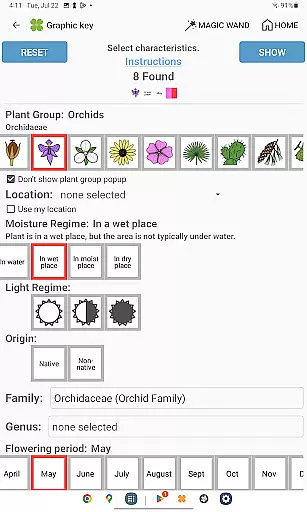
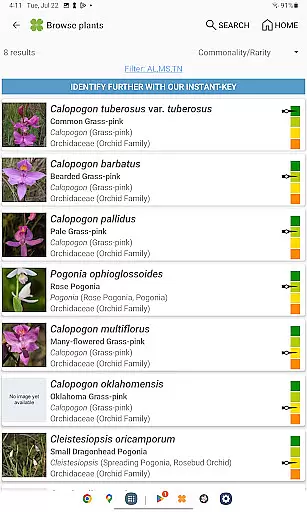
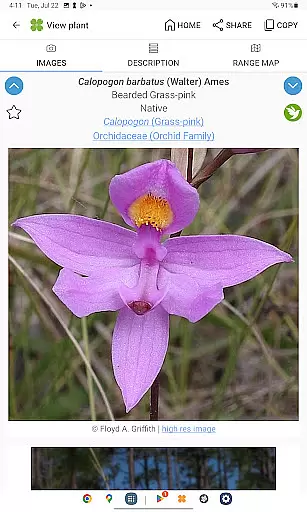
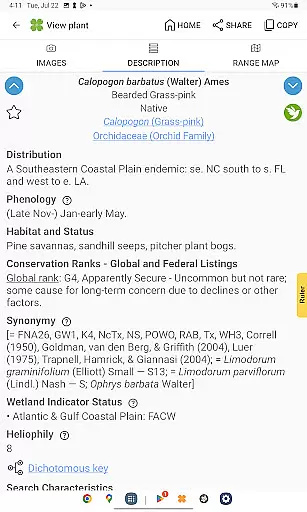
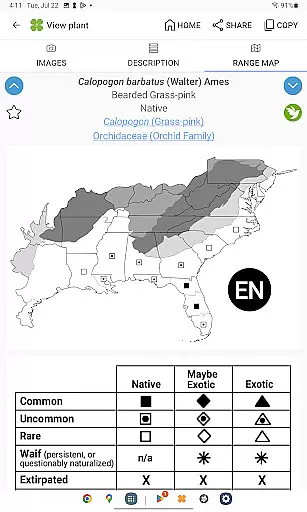
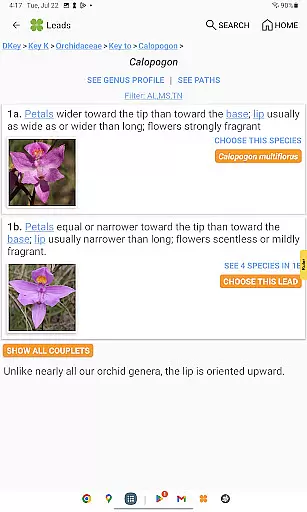
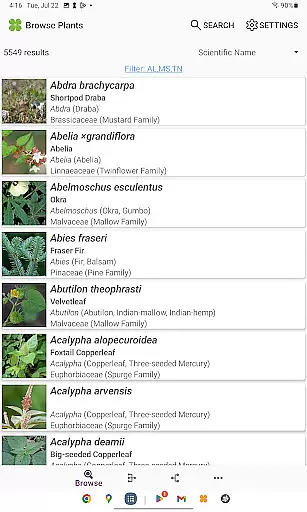
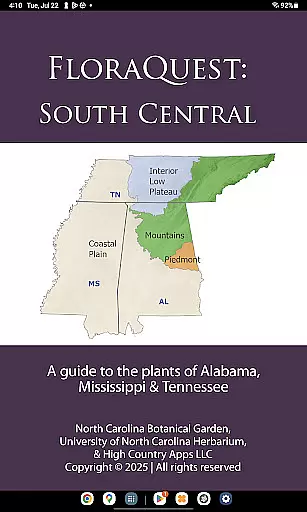
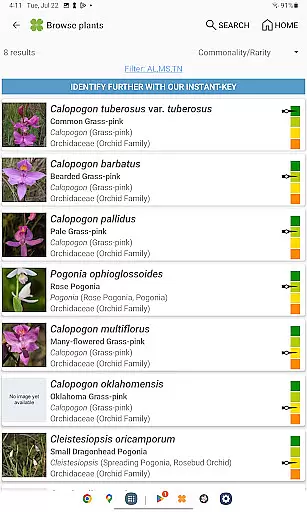
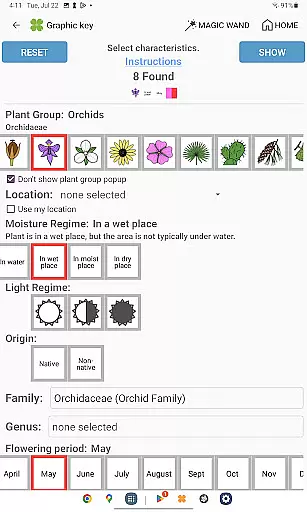
FloraQuest: South Central is an extensive plant identification app developed by the University of North Carolina's Southeastern Flora Team. This comprehensive guide covers 5,549 plant species across Alabama, Mississippi, and Tennessee. The app features easy-to-use graphic keys, dichotomous keys, detailed habitat descriptions, range maps, and a library of over 38,000 diagnostic photographs.
One of the standout features is its offline functionality, allowing users to identify plants without an internet connection. The app also includes illustrated glossary terms, image-enhanced keys, dark mode support, and improved search capabilities. These tools make it invaluable for both professional botanists and casual plant enthusiasts exploring the region.
Whether you're conducting academic research or simply enjoying botanical exploration, FloraQuest: South Central provides essential resources. Its 'Great Places to Botanize' feature recommends prime locations for plant discovery throughout the covered states, making it an indispensable tool for anyone interested in the flora of the South Central United States.
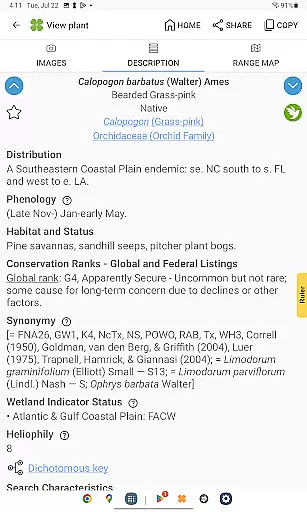
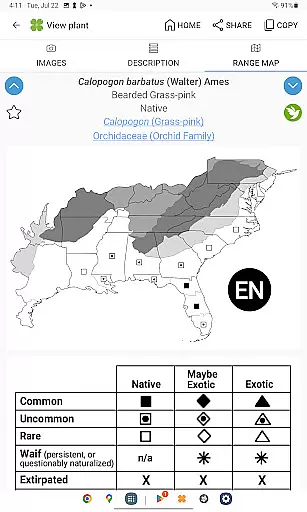
FloraQuest: South Central offers a robust set of features designed to enhance plant identification and study. The app includes easy-to-navigate graphic and dichotomous keys, which simplify the process of identifying plant species. Users can explore detailed habitat descriptions and comprehensive range maps, providing valuable context about each plant's natural environment.
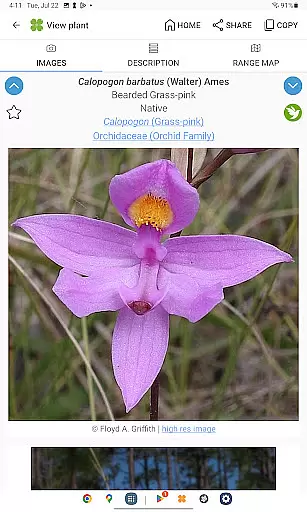
The app boasts a vast library of over 38,000 high-quality diagnostic photographs, ensuring accurate identification. Enhanced functionalities include illustrated glossary terms, image-enhanced dichotomous keys, and dark mode support, catering to user comfort and accessibility. Additionally, the improved search functionality with base 2 and base 3 codes allows for more precise queries.
Unique to this app is the 'Great Places to Botanize' feature, which suggests recommended sites for botanical exploration across Alabama, Mississippi, and Tennessee. With offline capabilities, users can access these resources anytime, anywhere, making FloraQuest: South Central a versatile tool for both fieldwork and casual learning.
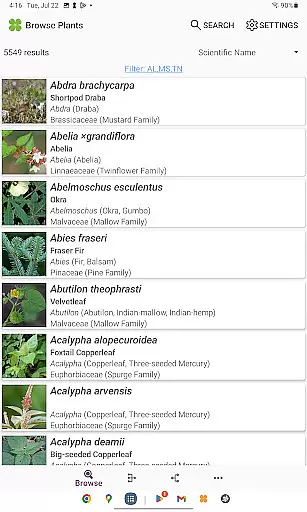
FloraQuest: South Central offers an extensive e-book library comprising detailed information on 5,549 plant species found across Alabama, Mississippi, and Tennessee. This vast collection ensures that users have access to a comprehensive resource for plant identification and study.
The app includes over 38,000 high-quality diagnostic photographs, providing visual references that enhance the learning experience. These images are not only numerous but also carefully curated to ensure accuracy and relevance in identifying various flora.
Copyright authenticity is maintained through collaboration with expert sources such as the University of North Carolina's Southeastern Flora Team. Users can trust that the content they access is legally obtained and backed by authoritative botanical knowledge.
With offline capabilities, this digital library remains accessible without an internet connection, making it convenient for fieldwork or travel where connectivity may be limited. This feature underscores the app's commitment to delivering reliable information anytime, anywhere.
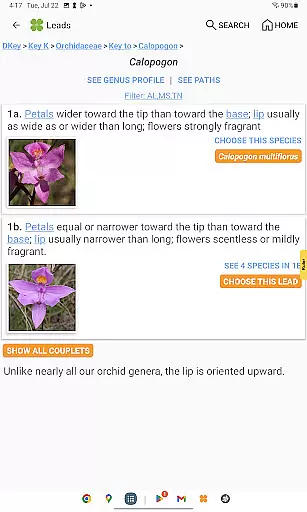
FloraQuest: South Central excels in format compatibility by offering multiple ways to engage with its rich content. The app features easy-to-use graphic keys alongside powerful dichotomous keys, catering to different preferences and levels of expertise among users.
Detailed habitat descriptions and comprehensive range maps are presented in user-friendly formats, allowing seamless integration into both academic research and casual exploration activities. These elements help create a versatile tool suitable for diverse applications within botany.
In addition to traditional text-based information, illustrated glossary terms provide visual aids that clarify complex botanical concepts. Image-enhanced dichotomous keys further improve usability by combining textual data with pictorial representations for clearer guidance during plant identification processes.
Support for dark mode enhances readability under various lighting conditions while contributing to battery savings on compatible devices. Such thoughtful design considerations demonstrate how FloraQuest prioritizes accessibility and convenience without compromising functionality or depth of information provided.
Comprehensive plant database
Offline functionality
High-quality images
User-friendly interface
Enhanced search options
Limited to three states
Large app size
No audio guides
Complex for beginners
Occasional bugs

Contains the 365 daily readings and everything other thing needed for catholics
 4.70
4.70
Audiobook player with cross-device progress sync, playlists, and widget support.
4.80
Shop over 13 million new and used books at up to 80% off list price
4.20
Discover Stars and Planets: Live Map Shows Current Constellations in Full Detail
4.70
Read and study the Bible and other content in over 1,000 languages.
4.80
Manage collectibles, survey and treasure maps in Elder Scrolls Online.
4.40
Learn Thai with 195,000+ entries, crisp Thai sounds, big text; works offline.
4.80
Build family tree & discover DNA, family history heritage, origins and ancestors
4.60
Follow complex state CCW permit laws and lawfully carry firearms in each state.
4.80
"When tweetle beetles fight, it's called a tweetle beetle battle."
4.90
Liturgy of the Hours totally off-line
4.80
This is the pro version King James bible Offline that we have
4.70
Scan. Price. Grade.
4.60
Offline translator from english to spanish, and from spanish to english.
4.50
Improve your vocabulary and grammar with the 15 biggest Oxford Dictionaries.
4.30
KJV Bible works offline with Audio, Hebrew & Greek lexicon (concordance) & more!
4.20
WebNovel - Read Solo Leveling novel and comic
4.10
A story reading app: Read stories, novels and books, or write your own.
3.90
Novels, audiobooks, ebooks & fanfiction. Read anytime, anywhere!
3.40


User Reviews