
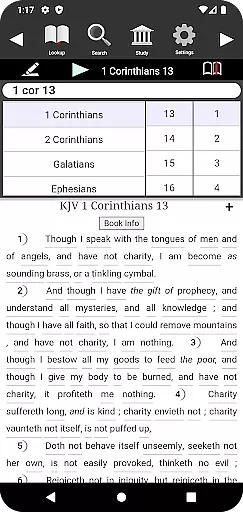
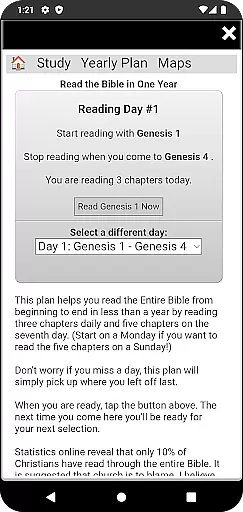
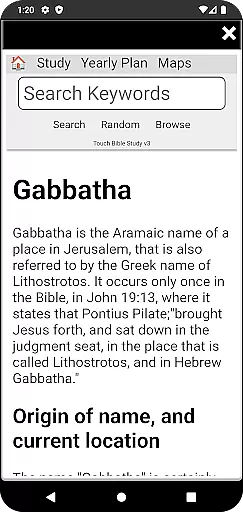
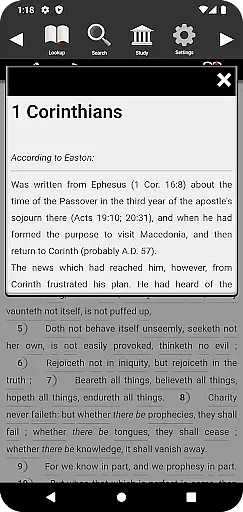
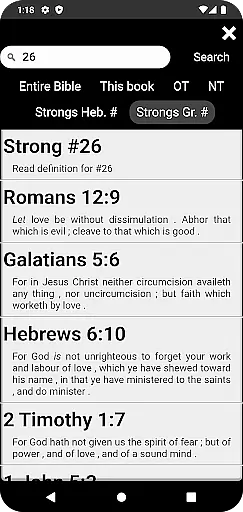
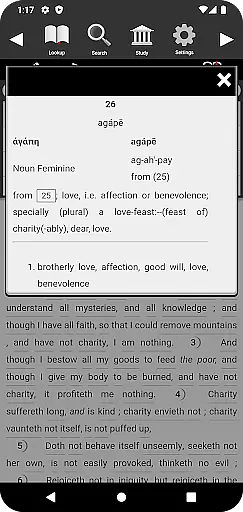
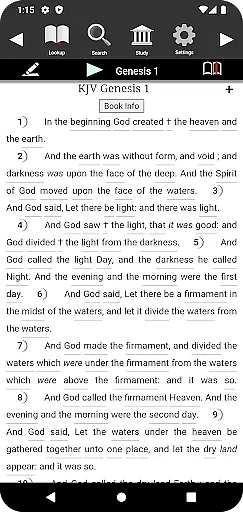
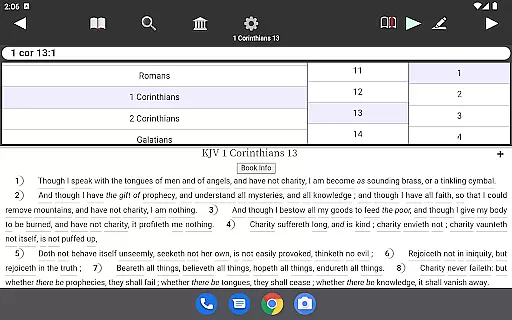
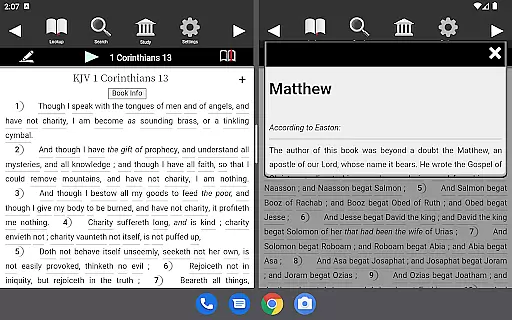
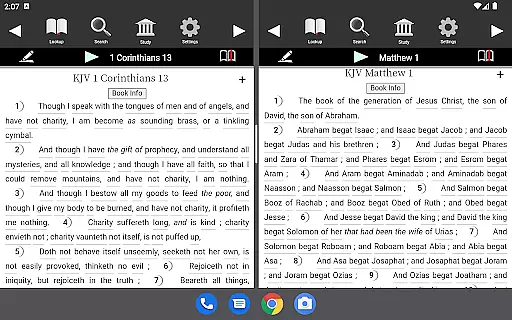
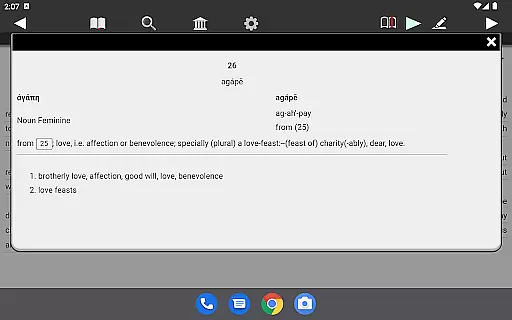
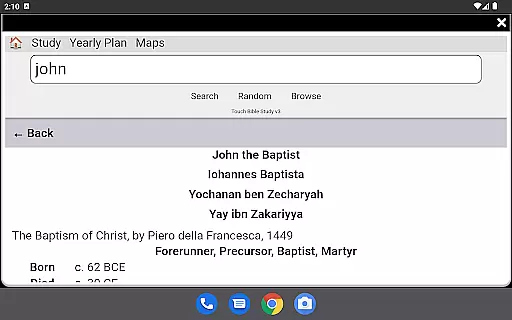
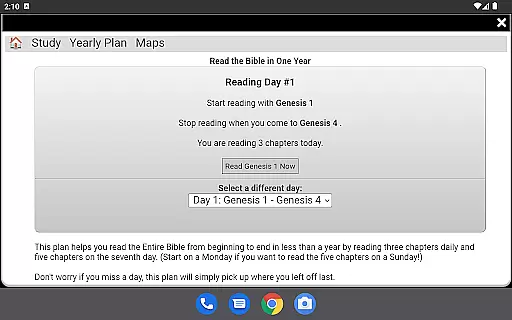
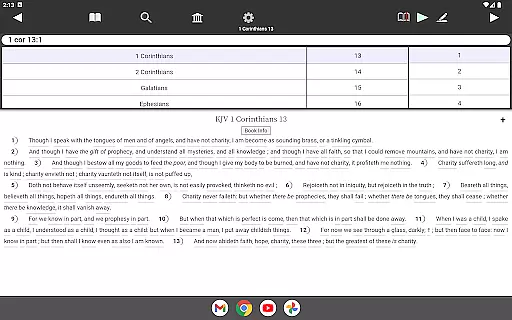
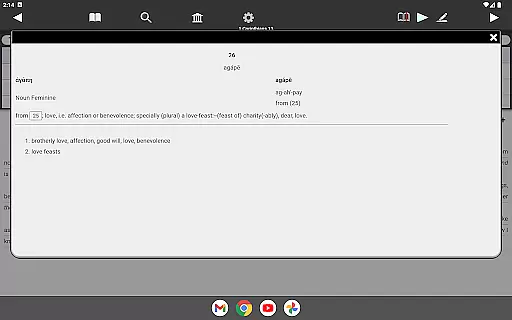
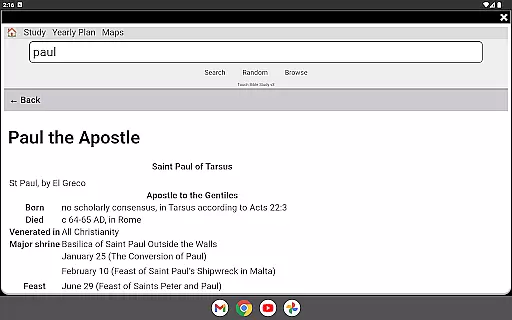
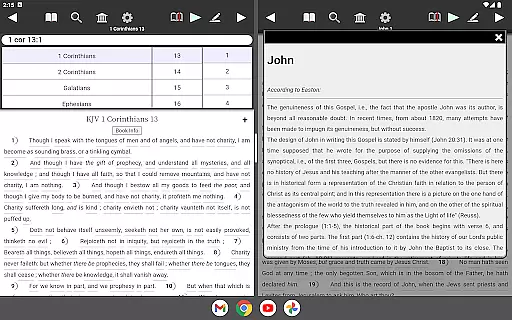
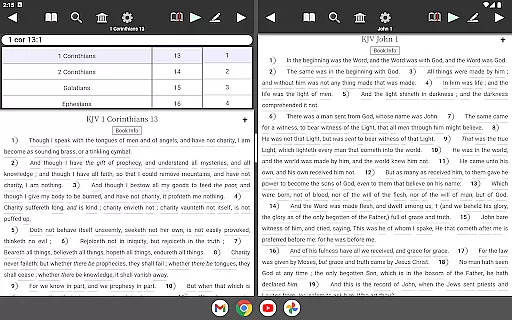
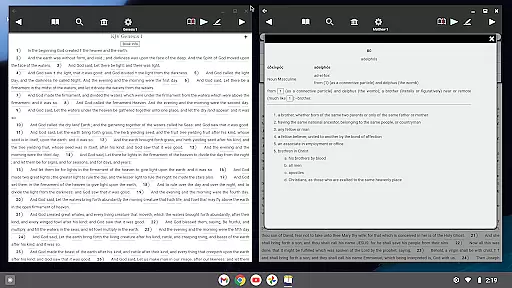
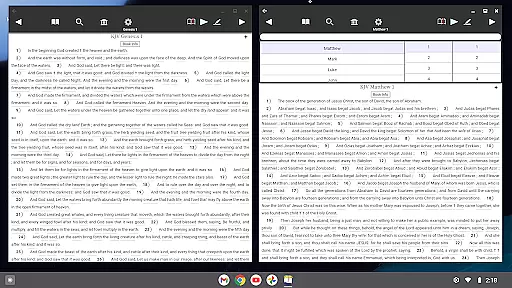
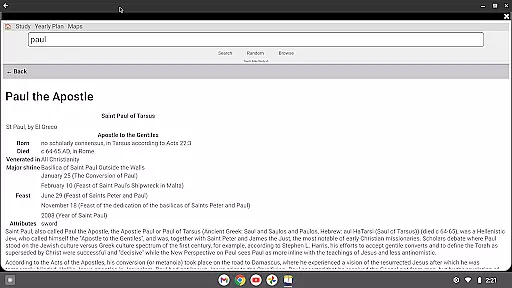
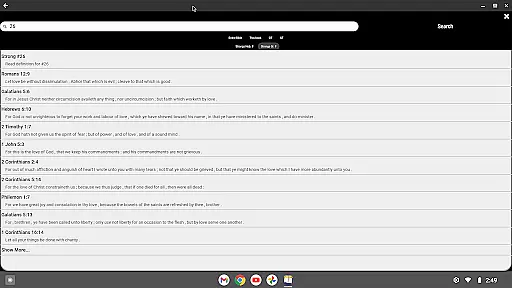
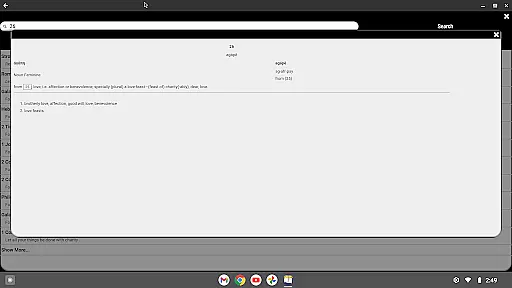
Touch Bible (KJV + Strong's) is a comprehensive Bible study app that works offline, offering users instant access to the King James Version of the Bible along with Strong's Hebrew and Greek lexicons. This app provides definitions from multiple resources including Brown, Driver, Briggs Lexicon and Thayer's and Smith's Bible Dictionary, enhancing your understanding of the scriptures without requiring an internet connection.
The app features easy search functionality, bookmarks, verse notes, and an intuitive interface that makes reading and studying the Bible straightforward and enriching. With added capabilities such as Text-To-Speech, users can listen to the Bible being read aloud, making it versatile for various learning preferences.
Whether you are at home or on the go, Touch Bible equips you with powerful tools like Strong's Concordance, Dial a Verse for quick scripture lookup, and a Study Library with thousands of articles. These features ensure that you can deepen your biblical knowledge conveniently and affordably.
Touch Bible stands out with its robust set of features designed to enhance Bible study. The inclusion of Strong's Hebrew and Greek lexicons allows users to delve deeper into the original languages of the Bible, providing richer context and understanding. The app aggregates information from several authoritative sources such as the Brown, Driver, Briggs Lexicon and Thayer's and Smith's Bible Dictionary, ensuring comprehensive definitions and insights.
One of the key functionalities is the ability to work entirely offline, which means users have uninterrupted access to all features including search, bookmarks, and verse notes. The user-friendly interface ensures that even those new to Bible study can navigate effortlessly. Additionally, the Text-To-Speech feature enables users to listen to the scriptures, accommodating different learning styles and preferences.
Other notable features include Night Mode for comfortable reading in low light, adjustable font sizes for readability, and a vast Study Library offering thousands of articles on biblical topics. These elements collectively make Touch Bible a powerful tool for anyone looking to enrich their spiritual journey through in-depth Bible study.
Touch Bible (KJV + Strong's) offers an extensive e-book library that includes the complete King James Version of the Bible along with Strong's Hebrew and Greek lexicons. This comprehensive collection ensures that users have access to a vast repository of biblical texts and reference materials.
The app guarantees copyright authenticity by providing content that is derived from reputable sources. Users can trust the legitimacy of the material, as it includes definitions and lexicons from authoritative references such as 'Brown, Driver, Briggs Lexicon' and 'Thayer's and Smith's Bible Dictionary,' ensuring scholarly accuracy.
With the ability to install the app on an SD card, users can manage their device storage effectively while maintaining an expansive library at their fingertips. The offline functionality means that this wealth of resources is available without the need for an internet connection, making it highly accessible.
This rich compilation supports in-depth Bible study and provides instant access to a multitude of definitions and articles, enriching the user's understanding and engagement with the scriptures.
One of the key strengths of Touch Bible (KJV + Strong's) is its versatile format compatibility, allowing the app to work seamlessly across various devices, including both phones and tablets. This adaptability ensures that users can enjoy a consistent experience regardless of their chosen device.
The app leverages Android's Text-To-Speech capabilities, enhancing accessibility for users who prefer or require audio assistance in their Bible study. While third-party Android Text-to-Speech support is necessary for this feature, it exemplifies the app's commitment to broad compatibility and user convenience.
Touch Bible also features adjustable font sizes and night mode reading options, catering to individual preferences and improving readability. These customization options accommodate different viewing conditions and personal comfort, making the app suitable for prolonged use.
By supporting installation on SD cards and functioning without an internet connection, Touch Bible demonstrates exceptional flexibility in data management and access. Such format compatibility ensures that users can engage with the Bible and its study resources conveniently and effectively.
User-friendly interface
Comprehensive lexicons
Offline functionality
Text-to-speech support
Extensive study library
Requires third-party TTS
No audio on some devices
Limited modern translations
Interface may feel dated
Advanced features can overwhelm

Novels, audiobooks, ebooks & fanfiction. Read anytime, anywhere!
 3.40
3.40
CleverBook Pro makes the popular guide for the game even better!
4.00
The Psalms for singing
4.3
Knots 360 Pro ( 3D ) shows you animated 192 knots in 3D perspective
4.10
Enjoy your favorite books
3.50
America's best dictionary and thesaurus - with premium content and no ads
3.40
King James Bible read offline, AI Priest, Bible Quiz, Guiding Prayers & Plans
4.80
Premium reader for ePub, PDF, and more. TTS and translation. Great on any screen
3.50
Follow complex state CCW permit laws and lawfully carry firearms in each state.
4.80
Daily rosary and gospel reflections for catholic
4.90
“I am the Lorax. I speak for the trees.”
4.80
The Bible Audio Guide
4.80
Daily Prayer, personalized Bible Study, AI-guided Insights, and Spiritual Growth
4.80
Read books PDF, EPUB, WORD, KINDLE, MOBI! Your ebook reader among reading apps.
4.80
My Bible offers a comprehensive app by providing offline access, daily verses.
4.80
Offline translator from english to spanish, and from spanish to english.
4.50
"BIG A, little a. What begins with A?"
4.10
Unlock more features in Lithium and show your support. Expand for details.
4.00
Sea tide predictions for all coastal U.S. locations.
4.1


User Reviews