
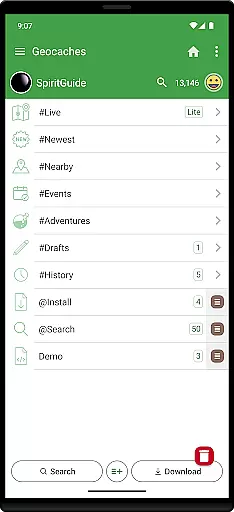
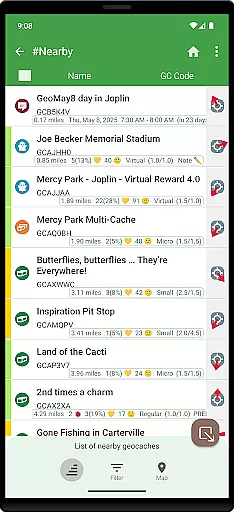
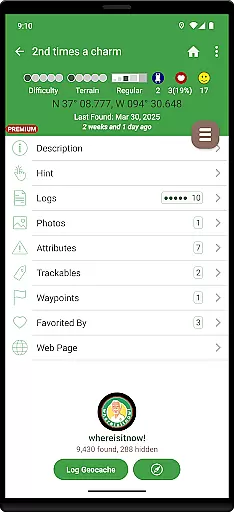
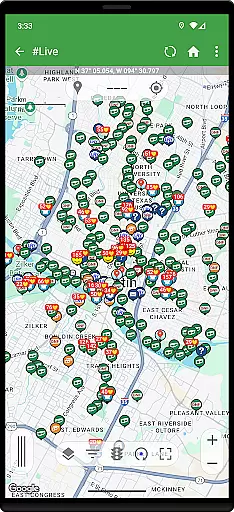
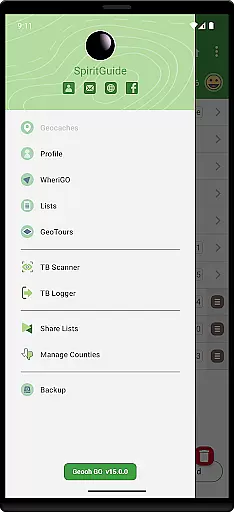
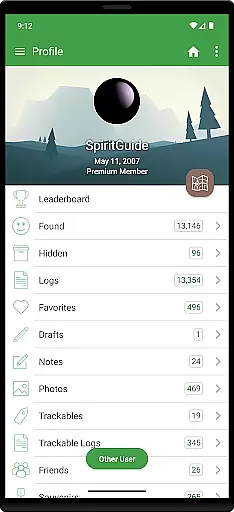
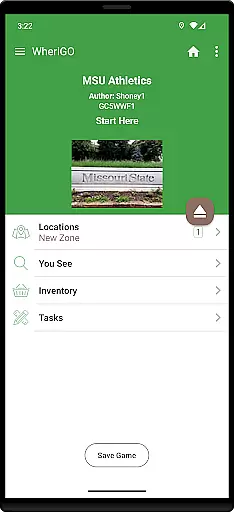
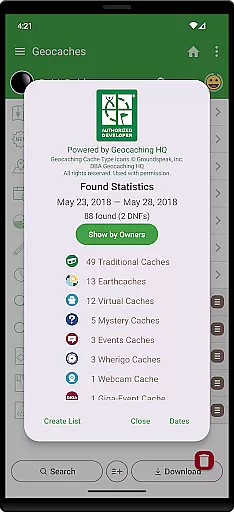
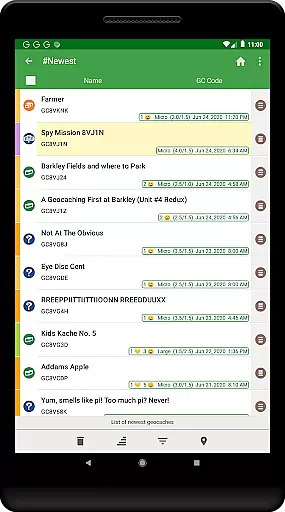
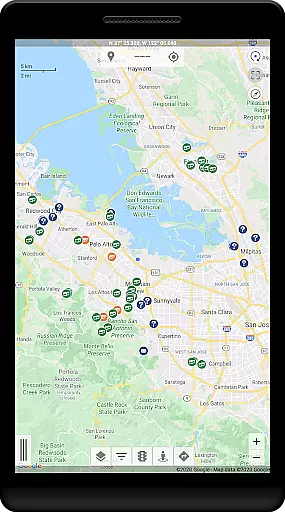
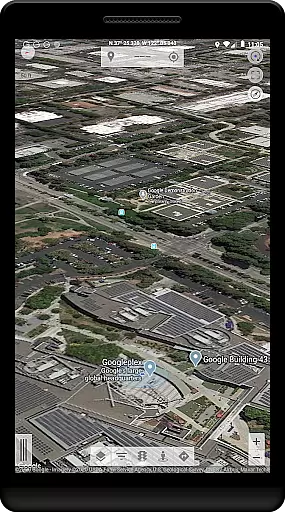
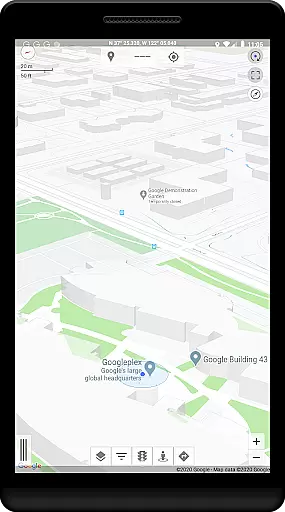
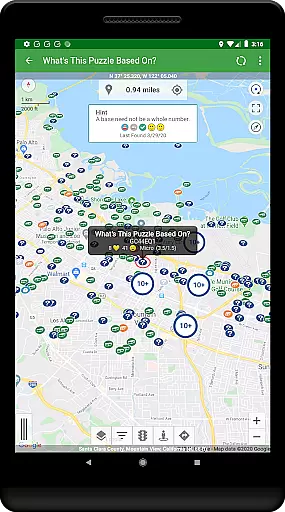
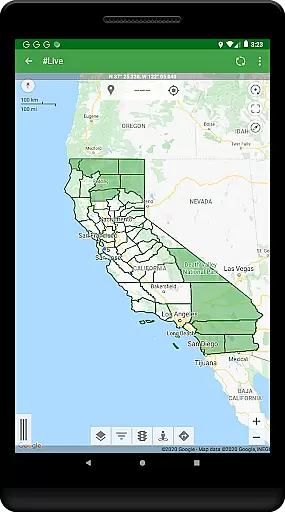
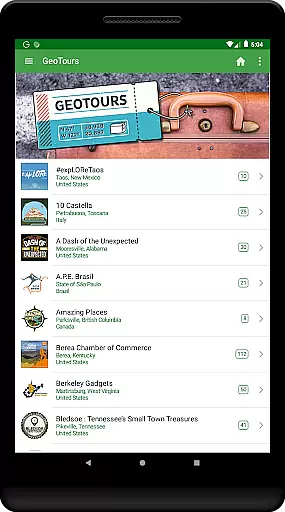
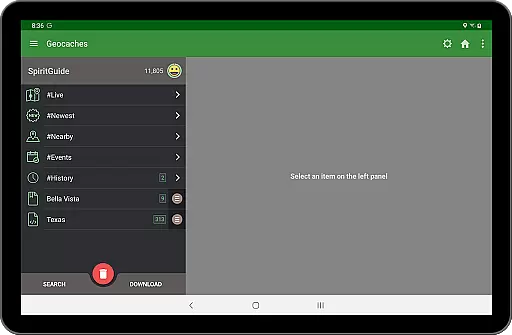
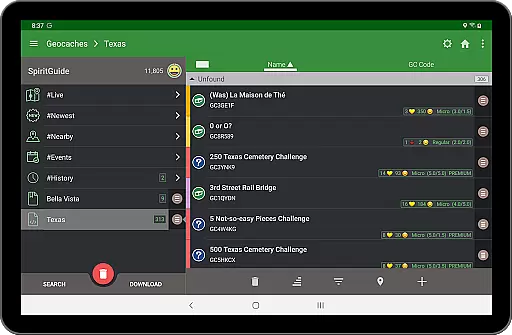
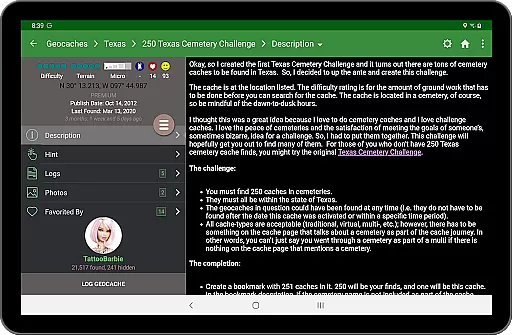
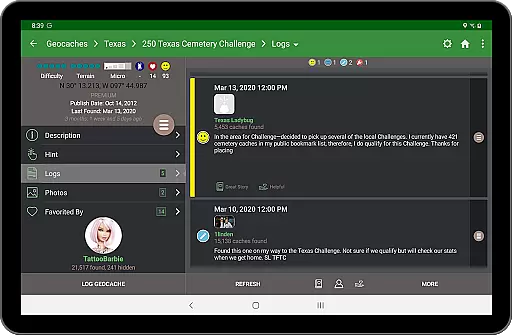
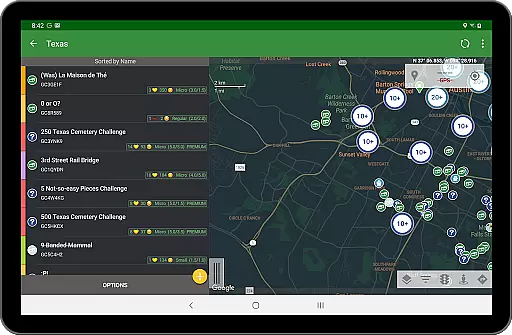
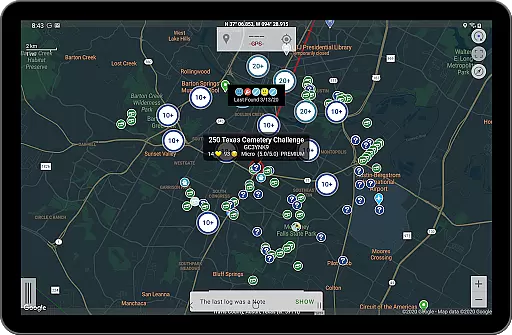
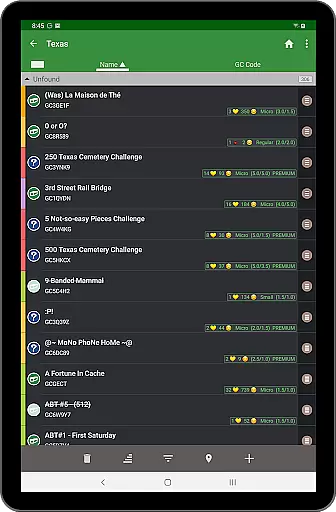
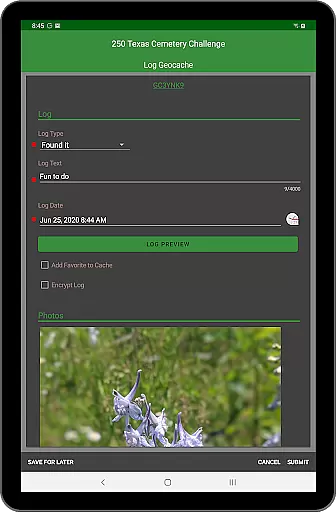
Geooh GO is a premium geocaching application designed for serious and advanced geocachers. It stands out as the most feature-rich option available in the market, offering an intuitive interface that's both visually appealing and user-friendly. The app requires a Premium membership from geocaching.com to function, making it ideal for dedicated enthusiasts.
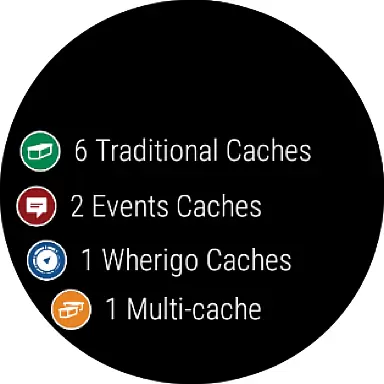
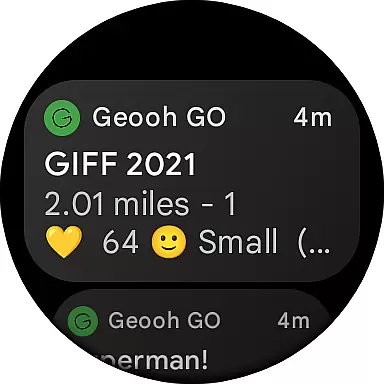
Apart from standard geocaching capabilities, Geooh GO provides unique functionalities such as automatic detection of nearby geocaches while driving, integration with Android Auto, and a companion Wear OS app. These features enhance the overall geocaching experience by providing real-time information and seamless accessibility across multiple devices. With its focus on delivering a sophisticated toolset, Geooh GO caters to those looking to elevate their geocaching adventures.
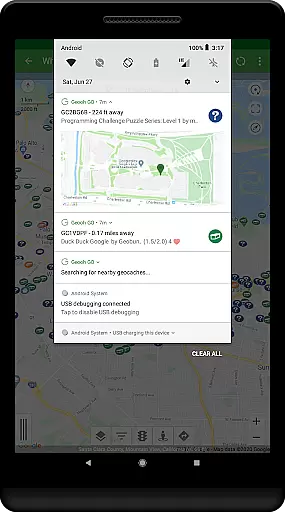
Geooh GO boasts an impressive array of features tailored for the avid geocacher. One standout functionality is its ability to automatically discover nearby geocaches while users are on the move. This feature necessitates foreground location permissions, ensuring that the app can operate efficiently even when not actively in use. Users receive notifications about found geocaches, allowing them to engage with the app at their convenience.
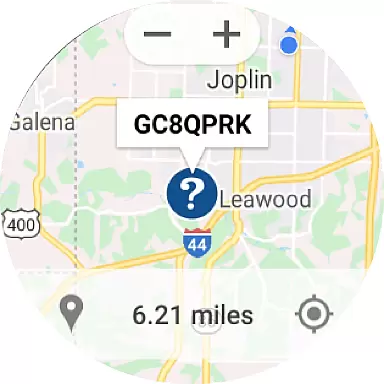
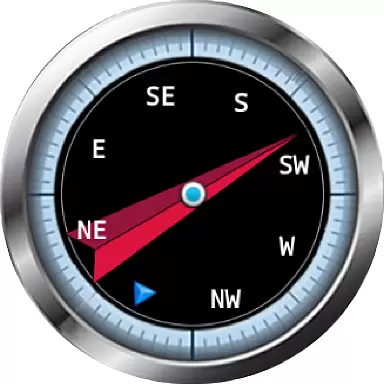
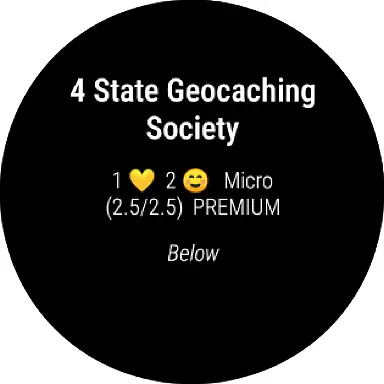
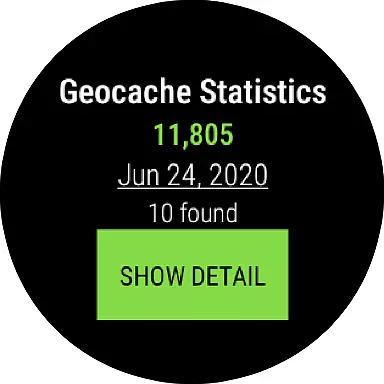
In addition to core functionalities, Geooh GO offers optional enhanced subscriptions that unlock additional tools. These include an Android Auto app displaying up to six nearby geocaches directly on the car display, and a Wear OS companion app featuring complications, daily stats tiles, and maps showing selected geocaches. Such integrations provide unparalleled convenience and accessibility, setting Geooh GO apart from other geocaching apps.
Geooh GO stands out in the geocaching community by offering a rich variety of content that caters to both new and experienced geocachers. The app provides access to millions of geocaches worldwide, ensuring that users always have new and exciting locations to explore. This vast content library is continually updated, keeping the experience fresh and engaging for users who are looking for their next adventure.
In addition to traditional geocaching, Geooh GO offers unique features such as an Android Auto app and a companion Wear OS app. These innovative tools provide users with convenient ways to engage with geocaching content while on the go. The Android Auto app displays up to six nearby geocaches directly on the car display, making it easier than ever to find caches while driving. Meanwhile, the Wear OS app includes daily stats and maps, allowing users to track their progress and plan their next move right from their wrist.
The app's automatic nearby geocache detection feature further enhances content variety and freshness. By granting location permissions, users can receive real-time notifications about nearby geocaches, even when the app is running in the background. This ensures that geocachers never miss an opportunity to discover hidden treasures in their vicinity. With these comprehensive features, Geooh GO maintains a dynamic and ever-evolving content ecosystem that keeps users engaged and excited about their geocaching journey.
User engagement and retention are critical components of Geooh GO's success in the geocaching world. The app's intuitive design and robust feature set encourage users to spend more time exploring and interacting with geocaches. Its beautiful interface and seamless navigation make it easy for users to dive into the hobby, while advanced tools like Android Auto integration and Wear OS support keep them connected and engaged throughout their day.
One of the standout features contributing to user retention is the automatic nearby geocache detection. This functionality allows users to discover new geocaches without actively searching within the app, creating a continuous stream of engagement opportunities. When a nearby geocache is detected, the app sends a notification, prompting users to return to Geooh GO and download the cache details. This clever use of notifications helps maintain user interest and encourages regular app usage.
Furthermore, Geooh GO offers optional enhanced subscriptions that provide additional incentives for long-term engagement. These subscriptions unlock premium features such as detailed statistics tracking and specialized display options on Wear OS devices. By offering valuable enhancements that cater to serious geocachers, Geooh GO successfully fosters a loyal user base that remains committed to the app over time. The combination of essential geocaching tools and innovative extras creates a compelling experience that keeps users coming back for more adventures.
User-friendly interface
Advanced geocaching tools
Real-time geocache alerts
Seamless device integration
Comprehensive feature set
Premium membership required
Not suitable for beginners
Additional subscription costs
Limited without active membership
Complex setup process

Binge-worthy short dramas on DramaRush—engaging stories that fit your day.
 3.90
3.90
Unofficial Game Companion App” “Guides • Builds • Tips • Progression
4.5
Fun brain twisting challenge with trending Whirlpool Filter.
4.70
SpiritWave is paranormal ITC application.
5.00
Fire effects for your Philips Hue lights
4.20
Real ghost box scanner with echo, reverb, EMF, & multi-stream channels.
3.80
Stories that spark in seconds.
4.80
Just play games to earn gift cards. Keep playing, keep earning.
4.50
Official KennysGifs Stickers
4.20
Pathfinder 2e initiative tracker with bestiary, HP, reaction, conditions, etc
4.80
Hand-drawn, cartoon OC creator - original character creator
4.70
Premium version to enjoy your favorite anime
4.60
Stream Online TV - Watch Live IPTV Playlist & Channel with Built-In Player
4.50
Series,Películas y Telenovelas
4.50
Practice and master your ESP and intuition with five mode trainer.
4.20
Fool your friends & Family with Fake ultrasound test report
3.60
Binaural Brainwave Doses for Every Imaginable Mood
3.60
A wonderful collection of the most beautiful sounds of animals and birds
4.5
See the frequencies! Watch the magic!
4.3


User Reviews