
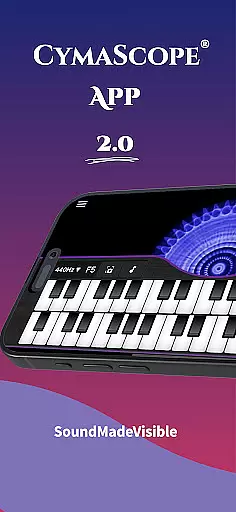
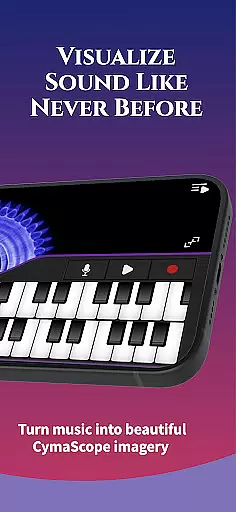
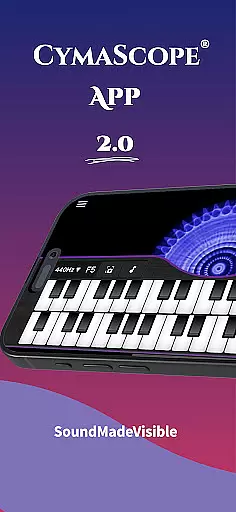
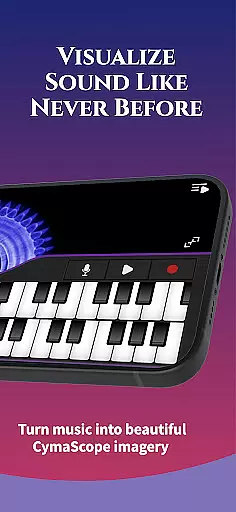
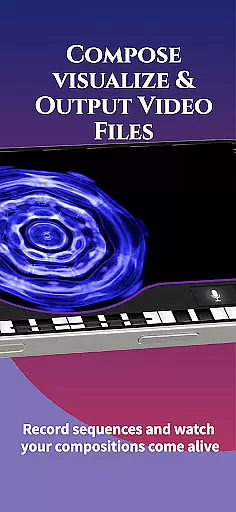
CymaScope is an innovative app that allows users to visualize sound frequencies, transforming voice and music into beautiful imagery known as CymaGlyphs. This unique tool opens up a new dimension of sound exploration, making it ideal for musicians, vocalists, and sound enthusiasts.
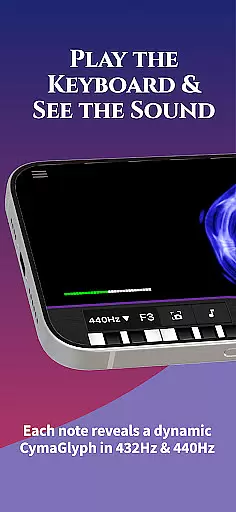
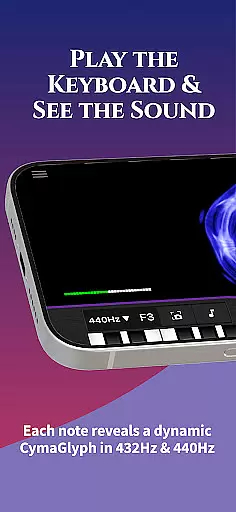
The app features a virtual keyboard where each note generates corresponding visual patterns on the screen. Users can record their own sequences, capture their voice frequencies, or even mirror the app's display to larger screens for group experiences. With options for different tuning frequencies and real-time note matching, CymaScope offers both educational and creative applications.
CymaScope stands out with its ability to convert sound into stunning visuals through various features. The app includes a virtual keyboard that visually represents each played note, creating dynamic imagery that evolves with the music.
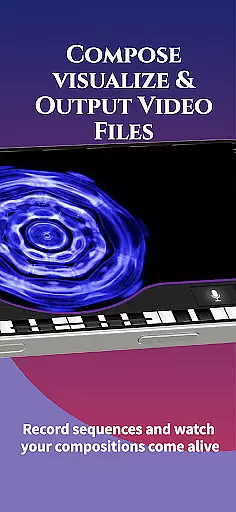
Users can record and store their own sequences or capture live voice and music frequencies, which are then transposed into intricate CymaGlyphs. Additional functionalities include sending images to friends, saving them to the photo library, and accessing curated articles on sound therapy and cymatics. The app also supports mirroring to external displays, enhancing its usability in educational and performance settings.
The CymaScope app offers a rich variety of content that caters to different user groups, ensuring an engaging experience for everyone. With features such as the Keyboard that visualizes sound frequencies, and the Microphone option that transforms your voice or music into dynamic CymaGlyphs, the app provides diverse ways to interact with sound visually.
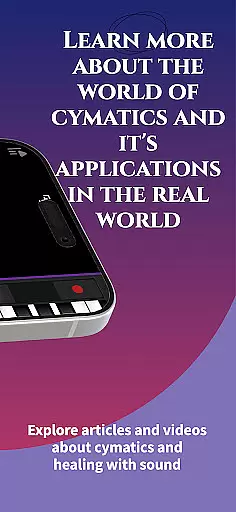
Additionally, the app includes access to curated articles on Sound Therapy, The Healing Power of the Human Voice, and Egyptian Rebirth Sonic Rituals, which are stored online for easy updates. This ensures that users always have access to fresh and relevant content that enhances their understanding and appreciation of sound and its applications.
Moreover, the CymaScope app hosts a gallery of state-of-the-art CymaScope videos where sound frequencies merge with visual beauty. These videos not only entertain but also educate users about the intricate details of sound visualization, making each interaction with the app a step towards discovering new dimensions of auditory experiences.
User engagement is a key strength of the CymaScope app, thanks to its interactive features that encourage prolonged use. The Real-Time Note Matching feature, for instance, helps users learn to pitch match by identifying the musical name of frequencies, thus providing an educational aspect that can retain user interest over time.
The ability to record and store keyboard sequences or imagery created by voice frequencies and music adds another layer of personal investment in the app. Users can revisit their creations, fostering a deeper connection and increasing the likelihood of returning to the app regularly.
Furthermore, the option to mirror the app's visuals to a computer or video projector allows for group experiences, enhancing social engagement and making it a tool for communal learning and entertainment. This feature not only boosts session durations but also aids in retaining users who enjoy sharing their discoveries with others, thereby creating a more robust and enduring user community.
User-friendly interface
Real-time frequency visualization
Multiple tuning options
Record and store sequences
Educational content included
Limited free content
Requires internet connection
Advanced features need purchase
Interface may overwhelm beginners
Compatibility issues on older devices

Watch whatever you want, whenever you want, wherever you want.
 3.30
3.30
Binge-worthy short dramas on DramaRush—engaging stories that fit your day.
3.90
Music visualizer and party effects for your Nanoleaf devices
4.1
Live TV, sports & holiday movies — stream on phone, tablet & TV
4.60
Stream Movies & TV Series: Original Shows, Family Movies & New Releases Weekly
4.60
Practice and master your ESP and intuition with five mode trainer.
4.20
SpiritWave is paranormal ITC application.
5.00
Come and watch short dramas, reels with diverse genres!
4.40
Build and Share AI
4.20
Underrated short-drama gems that hit hard and keep your heart hooked.
4.50
The Xbox app keeps you connected to your gaming community.
4.50
Catch the latest episodes of The Voice or live stream NFL games with The NBC App
4.20
A companion app for the game Elite Dangerous
4.10
Music visualizer and party effects for Hue
3.90
Real ghost box scanner with echo, reverb, EMF, & multi-stream channels.
3.80
Daily immersive workout plan: Body warm up & finger yoga exercises
3.80
Binaural Brainwave Doses for Every Imaginable Mood
3.60
EVP Recorder / Voice Recorder for ghost hunting, to communicate with ghosts.
4.1
Raise Christmas Magic with daily missions, magical scanners, and kindness.
4.4


User Reviews