
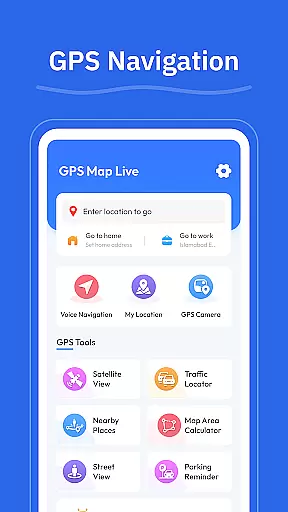
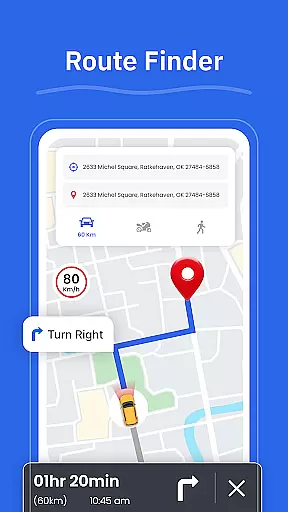

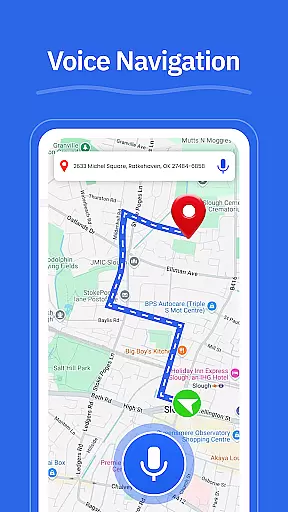

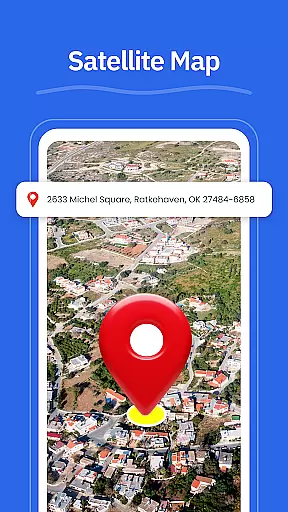
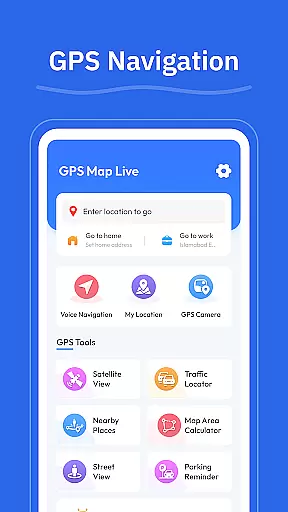

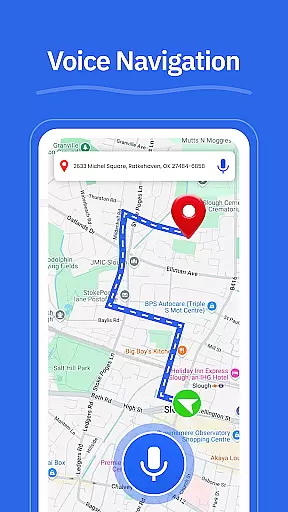

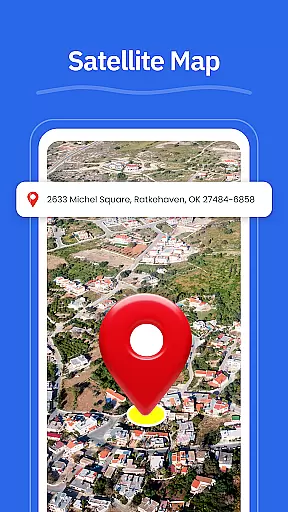
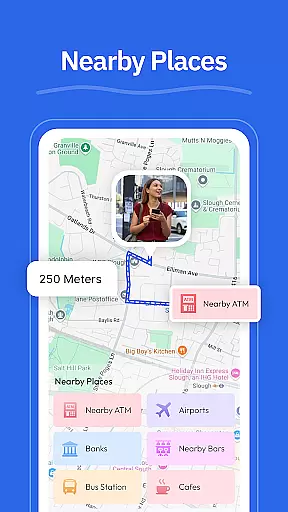
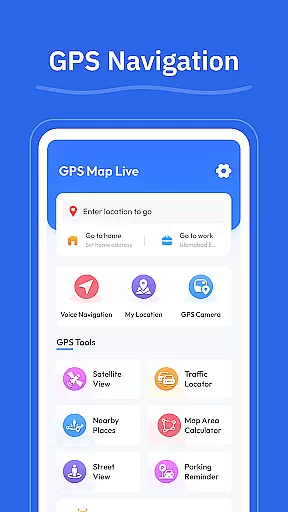
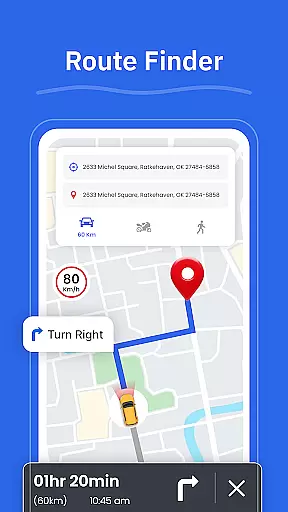

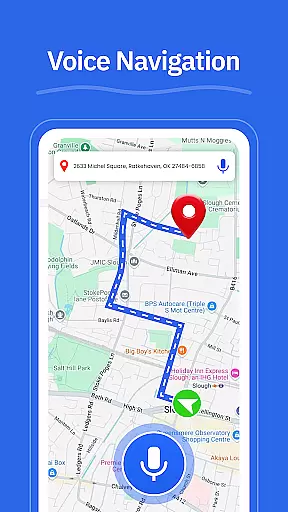

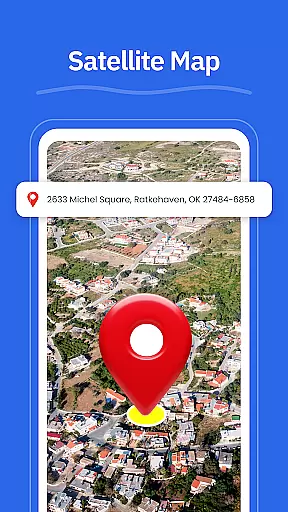
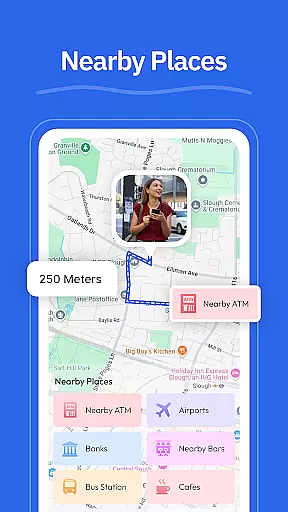
GPS - Maps, Driving Directions is a comprehensive navigation app designed to simplify travel across the United States. The app offers turn-by-turn voice guidance for hands-free driving, clear directions for various road types, and tools to help users choose optimal routes based on current conditions. With features like Street View, GPS Camera, and real-time location tracking, it ensures users can explore neighborhoods, save important locations, and always know their exact position.
This app is particularly useful for both everyday commuters and those planning long road trips. It combines essential navigation tools with practical location-based services such as finding nearby gas stations, restaurants, and other points of interest. Whether driving through busy cities or navigating local roads, GPS - Maps, Driving Directions provides reliable assistance, making any journey smoother and more efficient.
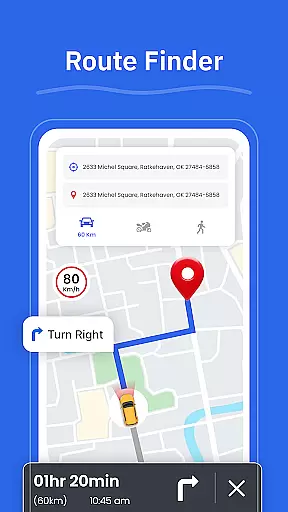
One of the standout aspects of GPS - Maps, Driving Directions is its robust set of features tailored for U.S. travelers. The app's turn-by-turn voice guidance allows drivers to focus on the road while receiving precise directions. Its route finder functionality evaluates current traffic and road conditions to suggest the best possible paths, saving time and reducing stress during commutes or road trips.
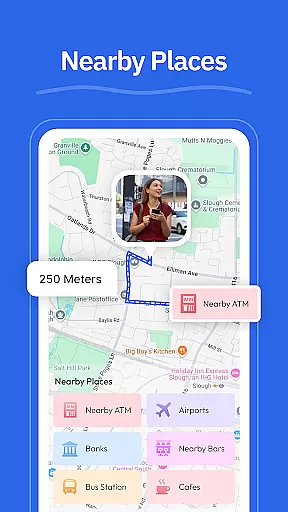
In addition to navigation, the app includes practical tools like Street View for previewing areas and landmarks, and a GPS Camera feature that lets users save geo-tagged photos. These features are complemented by the My Location tool, which uses real-time GPS tracking to display the user's current position. Furthermore, the Nearby Places feature helps locate essential services such as gas stations, restaurants, ATMs, EV chargers, and pharmacies, ensuring users have access to whatever they need while traveling.
Map accuracy is a fundamental aspect of any navigation application, and GPS - Maps, Driving Directions excels in this area. The app provides precise mapping data that covers highways, interstates, and local roads across the United States. This ensures that users can navigate confidently, whether they are driving through busy cityscapes or planning a cross-country road trip.
The accuracy of the maps within the app is maintained through regular updates that reflect the latest road conditions, new routes, and changes in traffic patterns. This dedication to up-to-date information means that users will not be misled by outdated or incorrect map data, which is crucial for effective navigation.
Moreover, the app's clean interface presents this accurate mapping information in an easily digestible format. Users can quickly understand their current position, view their surroundings with street view functionality, and make informed decisions about their route choices based on real-time GPS tracking.
Ultimately, the precision of GPS - Maps, Driving Directions' mapping capabilities offers peace of mind to its users. Whether commuting daily or embarking on long-distance travels, individuals can rely on the app to deliver accurate location details that enhance their overall travel experience.
Route planning is a critical feature for anyone relying on navigation software, and GPS - Maps, Driving Directions offers robust tools to ensure efficient travels. With the Route Finder feature, users can select optimal paths tailored to current road conditions, ensuring timely arrivals at their destinations.
The app provides turn-by-turn voice guidance as part of its route planning system, allowing drivers to focus on the road while receiving hands-free directions. This voice-guided assistance is complemented by clear visual cues for maneuvers, making it easier for users to follow along without distraction.
In addition to offering multiple route options, the app also includes information on nearby places such as gas stations, restaurants, and ATMs. This allows travelers to plan stops along their journey conveniently, enhancing both short commutes and extended road trips.
By integrating comprehensive route planning with practical amenities like nearby place finders and geo-tagged photos via GPS Camera, the app equips users with everything needed for seamless travels across various terrains and distances.
User-friendly interface
Accurate GPS tracking
Voice-guided navigation
Real-time traffic updates
Comprehensive POI database
Limited to U.S. maps
Occasional voice lag
High battery consumption
No offline maps
Frequent ads in free version

Easy, Moderate and difficult offroad adventures.
 4.00
4.00
Route schedules, maps, and real-time tracking of MTA buses in New York City.
4.20
Discover over 800 points of interest along the canal.
3.70
CamSam PLUS - The speed and red light camera warning system!
4.40
America’s largest public fast charging network, with over 500 charging stations.
4.50
Find radar maps, GPS coordinates, altitude, offline maps, location, travel route
4.40
Phone Tracker and GPS Location Sharing
4.20
Truck Safe GPS Navigation & Maps: Parking, Fuel, Diesel, Weight Station
4.80
GPS navigation offers route finder, compass, translator, currency converter, etc
4.30
Offline maps & GPS for hiking, travel, fieldwork & outdoor adventures
4.70
Find shortest way and save energy . Distance and area calculator.
4.70
Navigate with your watch and keep the phone in your pocket!
4.60
The fastest and most convenient way to pay for parking on our lots.
4.40
Navigate seamlessly with Real-Time Traffic, Offline Maps, and Voice Navigation.
4.10
Avoid delays. Get real-time GPS navigation, safety alerts and live traffic.
4.10
GPS Navigation: Get map directions and find the shortest routes to avoid delays!
4.00
Get real-time bus and train schedules for easy, hassle-free city transportation.
3.90
Start your next adventure confidently using our Accurate Compass App
3.70
Ride CTA, Metra & Pace: Manage your fares, buy Metra tickets, get arrivals.
3.00


User Reviews