
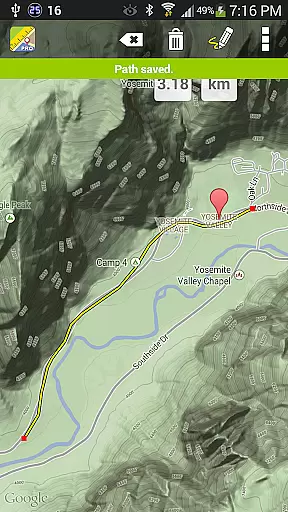
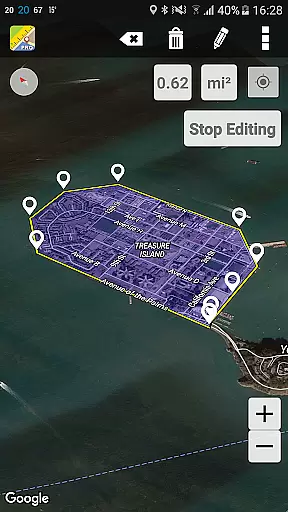
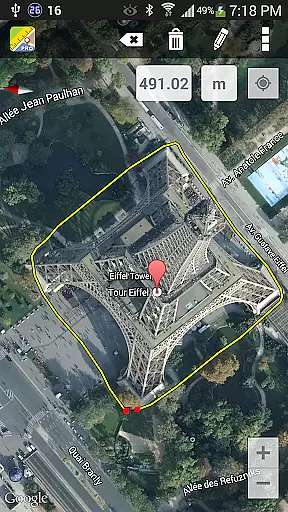
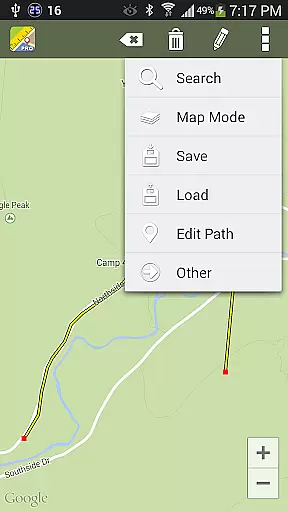
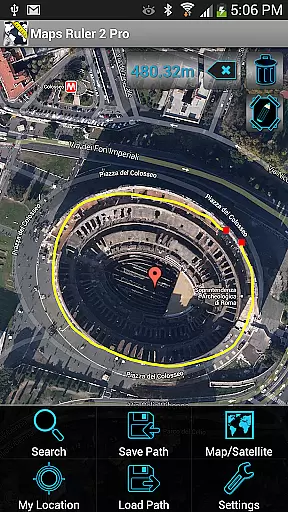
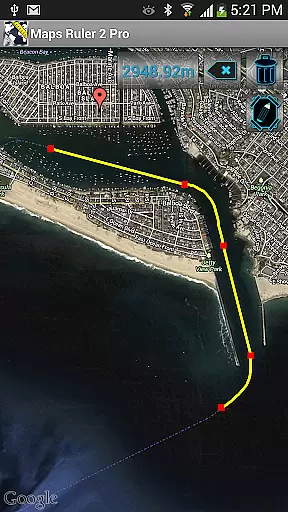
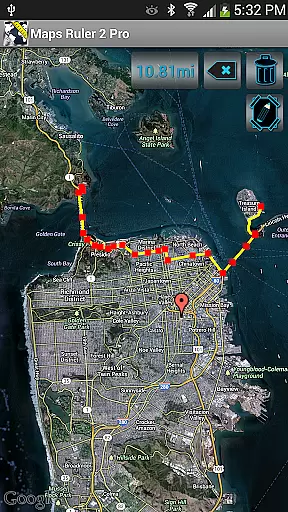
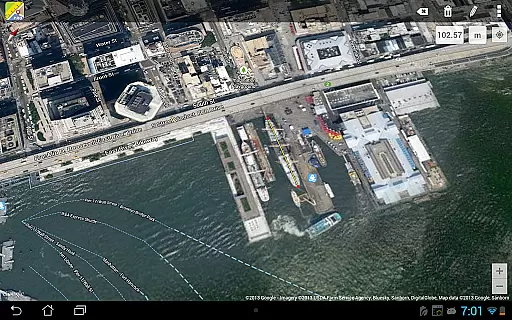
Maps Ruler Pro is a versatile mapping tool designed for users who need precise distance and area calculations on the go. The app allows you to measure distances between multiple points, making it ideal for activities like hiking, golfing, or urban planning.
One of its standout features is the continuous path calculation, which lets users draw paths freely while providing real-time measurements. Additionally, Maps Ruler Pro offers a beta area calculation mode, giving professionals in agriculture or construction an innovative way to estimate land size efficiently.
This application is particularly useful for those needing quick, accurate measurements without the hassle of ads interrupting their workflow. With capabilities such as saving and loading paths, naming routes, and converting units, Maps Ruler Pro ensures that every user can customize their mapping experience according to their specific needs.
Maps Ruler Pro stands out with its comprehensive set of features tailored for precision and convenience. Users can calculate distances using various measurement units including meters, kilometers, miles, feet, and fathoms. This flexibility makes it suitable for both casual and professional use.
The app's continuous path drawing feature enables seamless route creation by allowing users to trace their paths naturally. Moreover, the ability to save, load, and name different paths adds a layer of organization and ease, especially when managing multiple projects or routes.
Another notable aspect is the inclusion of a beta area calculation mode, which opens up possibilities for more complex spatial analysis tasks. Combined with the absence of advertisements, Maps Ruler Pro provides a smooth and uninterrupted user experience, ensuring that all your mapping needs are met efficiently and effectively.
Map accuracy is essential for any navigation application, and Maps Ruler Pro excels in this area. The app provides precise distance calculations between selected points on the map, ensuring that users can rely on it for accurate measurements.
The application supports various measurement units including meters, kilometers, miles, feet, and fathoms. This versatility allows users to switch between different units based on their preferences or specific needs, such as using yards for golf distance calculations.
With its continuous path calculation feature, users can draw paths directly on the map, receiving real-time updates on distances. This functionality not only enhances user experience but also ensures that the measurements are as accurate as possible.
Route planning in Maps Ruler Pro offers a unique approach compared to traditional navigation apps. Instead of merely providing directions, it focuses on calculating the shortest and most efficient routes, helping users save energy and time during their travels.
The pro version of the app includes advanced features like area calculation mode, which is currently in beta. This feature allows users to measure the area of a selected region on the map, adding another layer of utility for professionals who require such measurements.
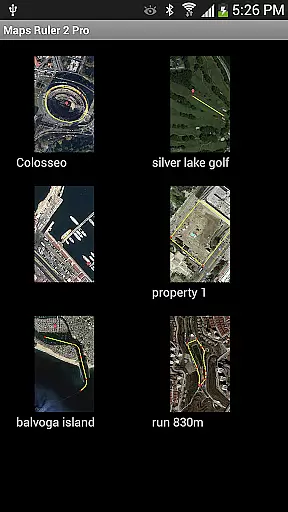
Additionally, the ability to name paths, save and load them, makes route planning more personalized and convenient. Users can easily manage multiple paths and access them later without having to recreate their routes from scratch each time.
User-friendly interface
Accurate measurements
No ads
Multiple unit conversions
Save and load paths
Beta features may be unstable
Limited advanced tools
Area calc needs improvement
Continuous path issues
Occasional bugs reported

Explore the world with Live Satellite View, 3D Maps, GPS Navigation & Earth Map.
 2.90
2.90
The fastest and most convenient way to pay for parking on our lots.
4.40
Plan routes, share locations, and set custom alert zones
4.40
Find radar maps, GPS coordinates, altitude, offline maps, location, travel route
4.40
Your real-time window to the world. Explore anywhere, anytime.
3.30
Drive safe with real-time speed camera radar, police, and traffic alerts
3.80
Get real-time bus and train schedules for easy, hassle-free city transportation.
3.90
Track friends in real-time and explore worldwide live cameras.
4.60
Navigate MTA, NJ Transit, MBTA, SEPTA, BART, MARTA, CTA & 900+ cities
4.60
Get there with the Waymo Driver — The World’s Most Experienced Driver™
4.90
Track accurate speed & distance with GPS Speedometer. Check speed limit & time.
4.50
Route tracker, Speedometer, Odometer, Fuel, HUD mode, save route as .GPX
4.40
Phone Tracker and GPS Location Sharing
4.20
Find radar, speed camera, flight tracker. Use hud, location tracker, speedometer
4.20
Explore Live Earth Map with 3D World Map & locate cites, mountains real time.
3.80
Gas Station & Fuel Rewards Points
3.70
Live Satellite view app for find GPS navigation Direction and live location map
3.70
Navigate via GPS Maps of GPS Voice Navigation, driving directions to find routes
3.60
Play in the outdoors with Android as your Handheld GPS and offline topo maps!
3.50


User Reviews