
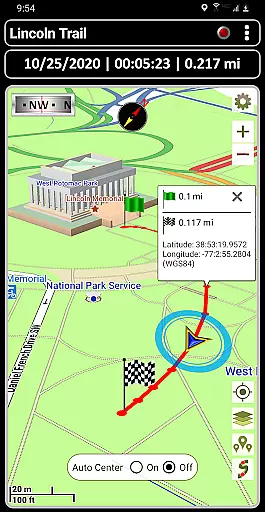
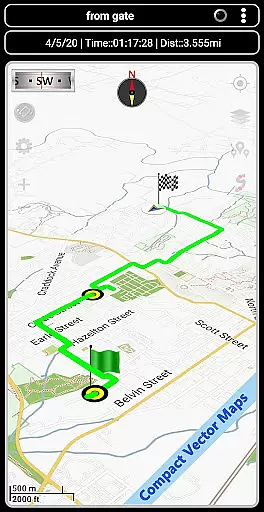

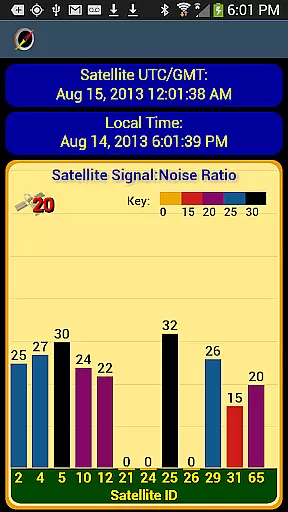

GPS Waypoints Navigator is a comprehensive navigation app that transforms your phone into a powerful GPS tool. It offers dozens of options for navigating various terrains, including wilderness, waterways, and roadways. The app provides offline maps and tools, ensuring you can venture beyond network reach with confidence.
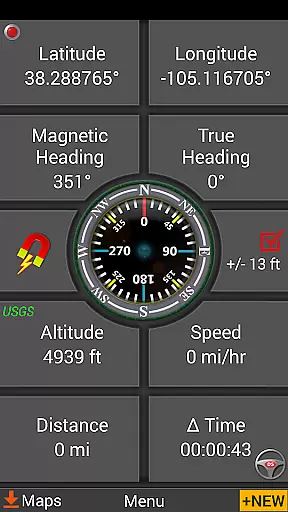
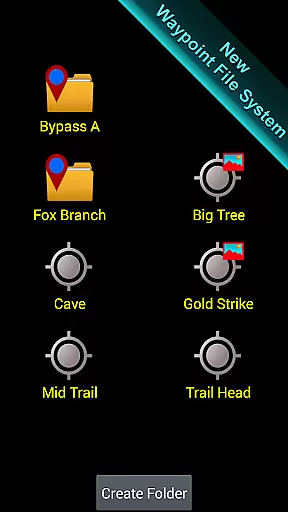
The app's core features include unlimited access to a 3D vector map library with over 400 maps, searchable waypoint and trail management systems, and the ability to attach notes and coordinate-tagged photos to waypoints. It supports multiple map sources and formats, KML, GPX, and KMZ file importing and exporting, and includes navigational compasses, trail recording, and drawing boards.
Whether you're trail hiking, navigating off-road, exploring the city or wilderness, geocaching, or surveying, GPS Waypoints Navigator has you covered. Its versatility makes it suitable for both casual explorers and professional users who require precise and reliable navigation tools.
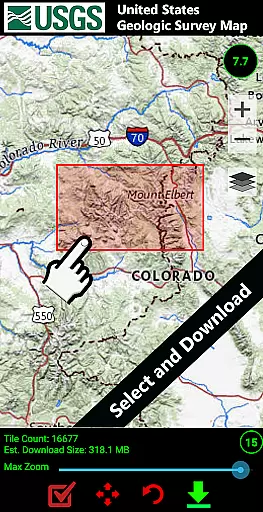
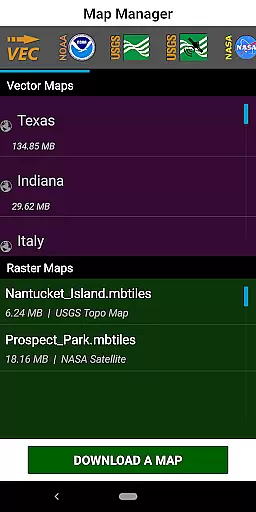
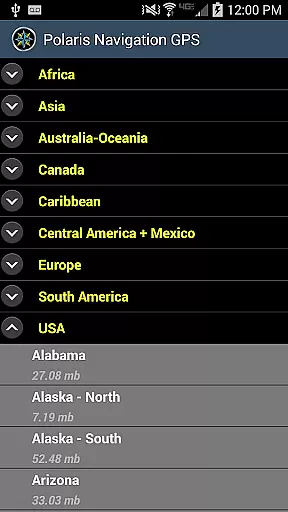
GPS Waypoints Navigator stands out with its extensive features tailored for diverse navigation needs. One of its key highlights is the access to a vast library of 3D vector maps, which can be downloaded for offline use and transferred to an SD card to save internal memory. This ensures that users have access to necessary maps regardless of their location.
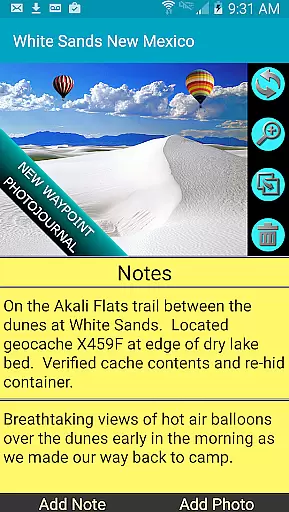
The app also includes advanced waypoint management systems, allowing users to create, organize, and search waypoints efficiently. Users can attach notes and photos to waypoints, providing additional context and information. Moreover, the app supports various coordinate formats and includes specialized tools like military coordinate finders and two waypoint guidance systems.
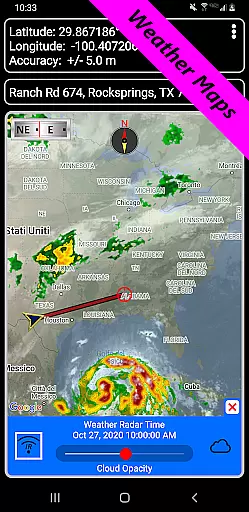
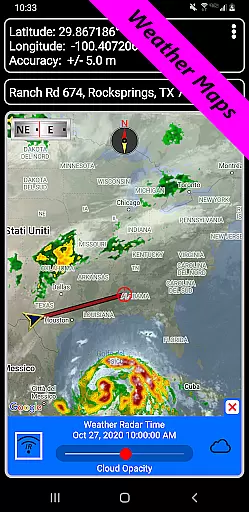
Another significant feature is the seamless integration with Google Earth and other mapping services, enhancing the user's ability to share and view data across platforms. With added functionalities such as weather maps, altitude profiles, and measurement tools, GPS Waypoints Navigator delivers a robust navigation experience that caters to both novice and experienced users.
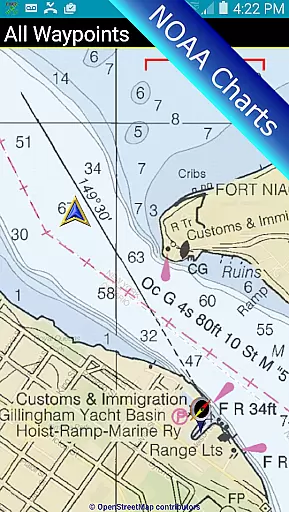
Map accuracy is essential for reliable navigation, and GPS Waypoints Navigator excels in this area. The app provides users with access to a vast library of over 400 maps, including offline vector and raster maps, Topo Maps, Google Maps, Satellite Maps, and specialized options like NOAA Nautical Charts. These maps are meticulously sourced and updated to ensure precision in every location.
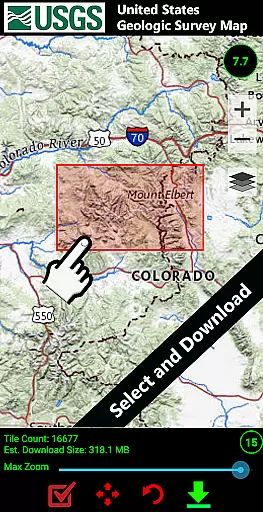
The app supports multiple map formats, such as OpenStreetMaps-MapNik, Cycling Maps, and USGS Topo Maps, ensuring comprehensive coverage whether you're exploring the wilderness, navigating waterways, or driving through urban areas. With the ability to download maps for offline use, users can venture into remote areas without worrying about network connectivity while maintaining high accuracy.
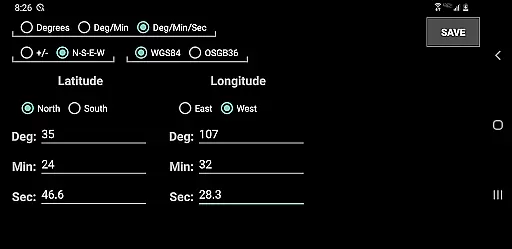
One standout feature is the Military Coordinate Finder, which allows users to input coordinates in various formats, including UTM and MGRS. This ensures that adventurers, surveyors, and outdoor enthusiasts can rely on pinpoint accuracy regardless of their location. Additionally, the app's integration with Google Earth enhances its mapping capabilities, providing users with an even more detailed view of their surroundings.
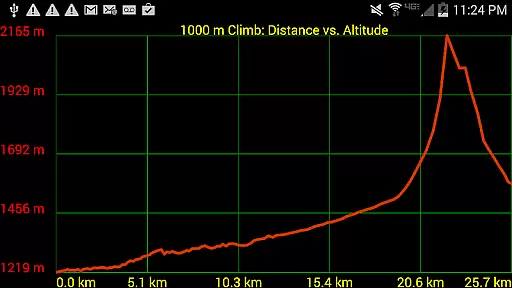
By offering precise altitude profiles for trails and inter-waypoint distance measurements, GPS Waypoints Navigator empowers users to make informed decisions during their expeditions. Whether you're hiking, hunting, or sailing, the app's commitment to accuracy ensures you'll always know exactly where you are and where you're headed.
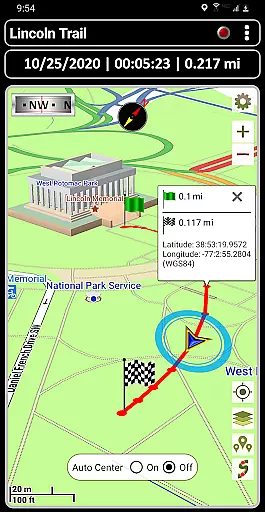
Route planning is a critical component of any navigation app, and GPS Waypoints Navigator offers robust tools to help users chart their courses effectively. The app includes a trail recording and drawing board feature, allowing users to document their journeys and plan future routes with ease. This functionality is particularly useful for activities like trail hiking, off-road adventures, and maritime navigation.
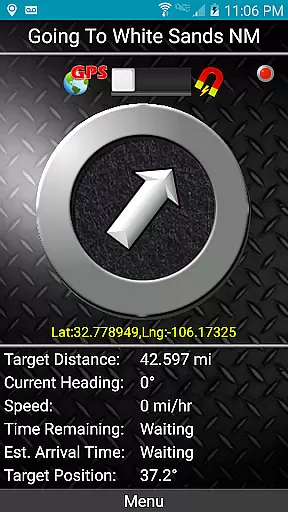
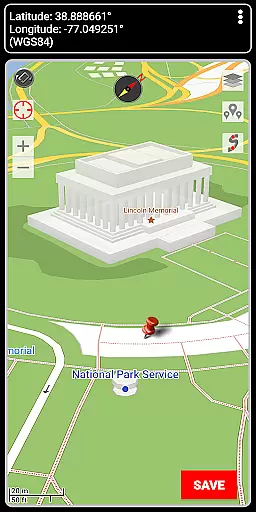
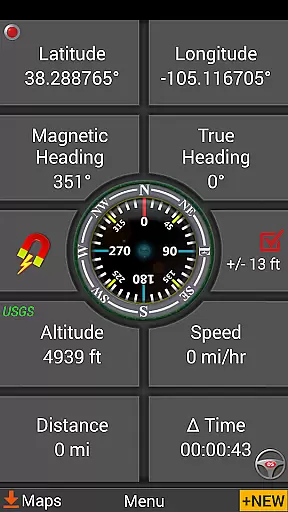
Users can create waypoints using several methods: entering coordinates manually, dropping a pin on the map, saving their current position, or entering an address. These waypoints serve as key markers in route planning, enabling users to establish clear paths and set proximity alerts for added safety. The dynamic waypoint compass further enhances this experience by always pointing toward the next destination, ensuring users stay on track.
In addition to manual route creation, the app supports importing and exporting KML, GPX, and KMZ files. This interoperability allows users to share data with friends or utilize pre-existing route information from other platforms. For example, hunters, fishermen, and geocachers can import GPX files from Garmin devices to streamline their planning process.
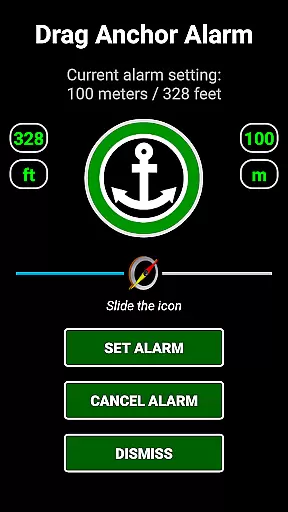
For those exploring unfamiliar terrain, the app's turn-by-turn driving directionsu2014powered by Google Mapsu2014provide clear guidance on roadways. Combined with features like drag anchor alerts and weather maps displaying live Doppler radar, GPS Waypoints Navigator equips users with everything they need to plan safe and efficient routes across diverse environments.
User-friendly interface
Offline map availability
Comprehensive waypoint management
Multiple map sources
Advanced navigation tools
Occasional GPS inaccuracies
Heavy on battery usage
Complex for beginners
Limited customer support
Interface not very modern

Airport parking, with airport shuttle (TPS shuttle), reservations, and Spot Club
 4.80
4.80
America’s largest public fast charging network, with over 500 charging stations.
4.50
Number locator, real connection map
4.10
Order a cab online. An affordable taxi ride and driver in no time. What a bolt!
4.80
Find radar maps, GPS coordinates, altitude, offline maps, location, travel route
4.40
Get directions, Maps, GPS navigation & GPS Maps using GPS App
4.10
Bolt is a ride-hailing app for requesting fast, safe, and affordable transport
4.80
GPS navigation offers route finder, compass, translator, currency converter, etc
4.30
Park in Chicago, NYC, Boston, SF, Houston & more!
4.70
Offline maps & GPS for hiking, travel, fieldwork & outdoor adventures
4.70
Find shortest way and save energy . Distance and area calculator.
4.70
GPS Speedometer & Odometer: Track car, bike, truck speed & distance in real-time
4.70
Navigate MTA, NJ Transit, MBTA, SEPTA, BART, MARTA, CTA & 900+ cities
4.60
The fastest and most convenient way to pay for parking on our lots.
4.40
Avoid delays. Get real-time GPS navigation, safety alerts and live traffic.
4.10
TACNAV-X: Precision MGRS navigation, built specifically for the military.
4.00
Get real-time bus and train schedules for easy, hassle-free city transportation.
3.90
Play in the outdoors with Android as your Handheld GPS and offline topo maps!
3.50
Fully offline 1:50k New Zealand topographical map North Island
4.5


User Reviews