
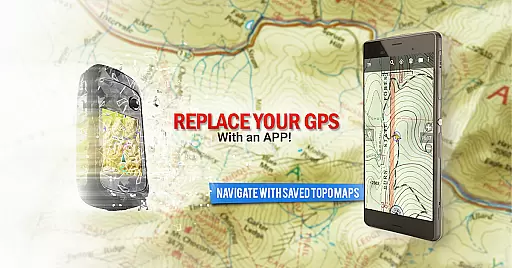
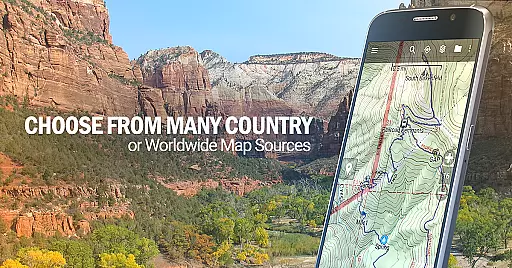
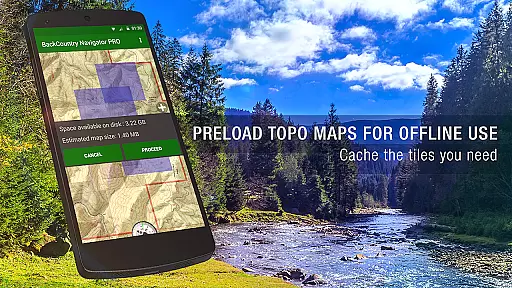
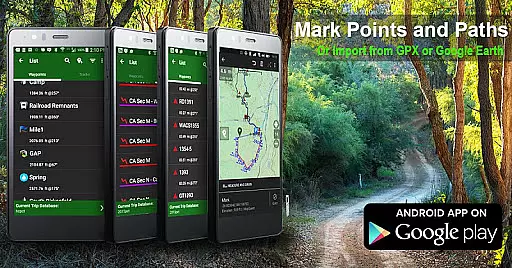
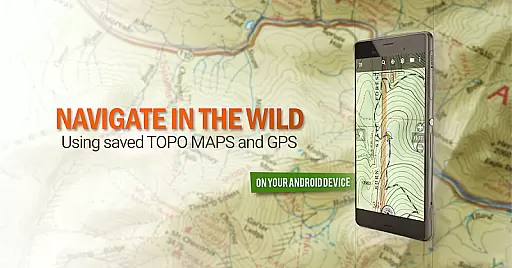
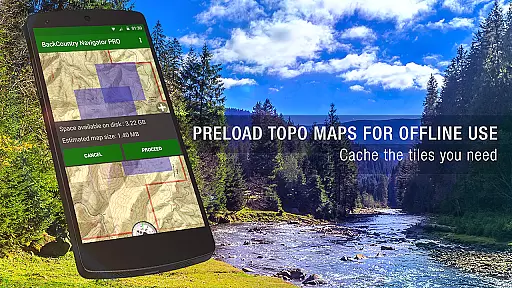
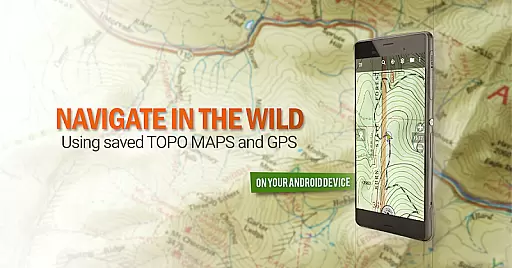
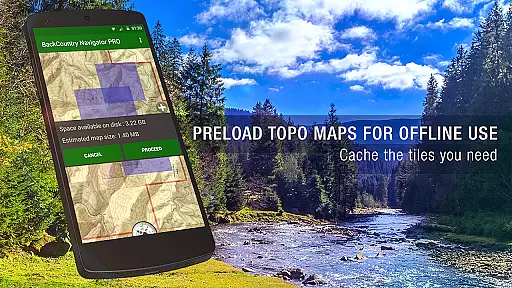
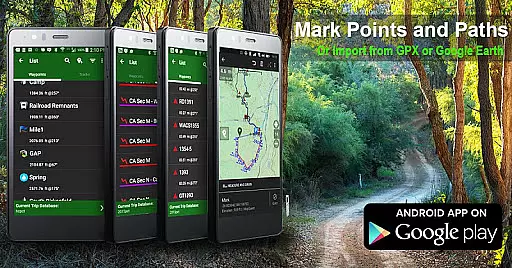
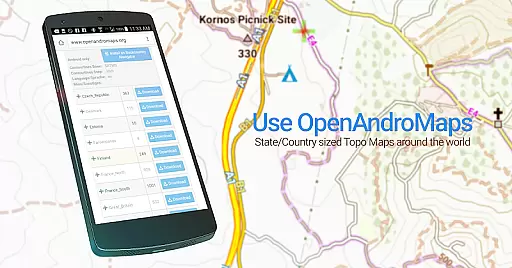
BackCountry Navigator GPS PRO is a top-tier offline outdoor navigation app designed for Android devices. It transforms your phone or tablet into a powerful handheld GPS, perfect for offroad adventures and outdoor recreation. The app allows users to download topographic maps in advance, ensuring reliable navigation even without cell coverage. With support for various map formats and coordinate systems, it caters to hikers, hunters, and outdoor enthusiasts who venture beyond conventional boundaries.
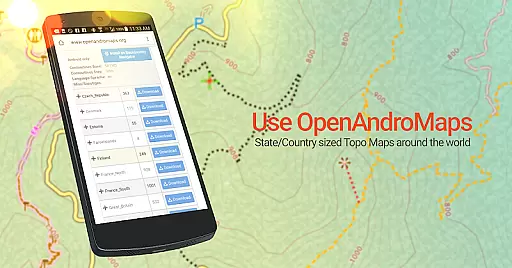
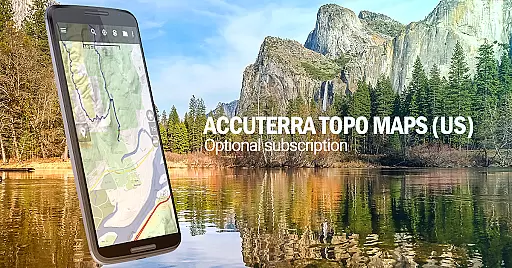
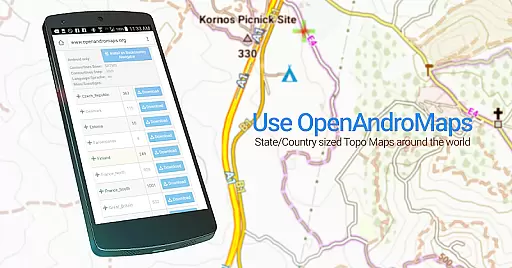
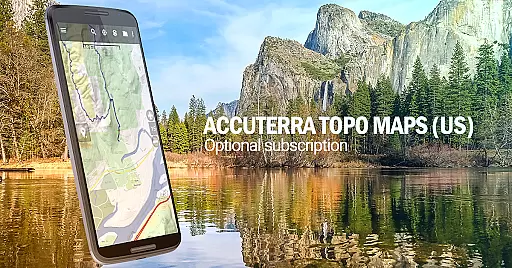
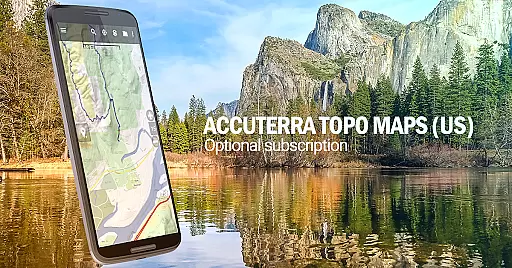
The application supports multiple map sources including OpenStreetMaps, US Topo Maps, and specialized regional maps. Users can also enhance their experience with premium add-ons like Accuterra Topo Map Source and Thunderforest Map Sources. Whether you're exploring hiking trails, planning a hunting trip, or embarking on a kayaking adventure, BackCountry Navigator GPS PRO provides the tools necessary for safe and enjoyable navigation.
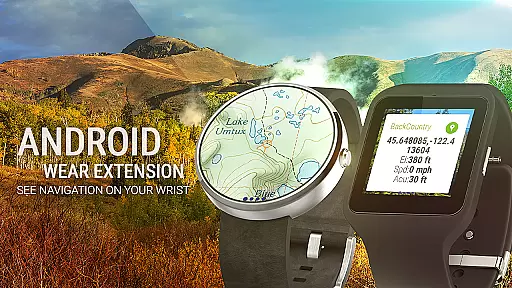
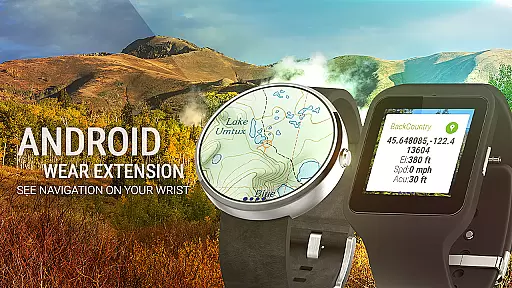
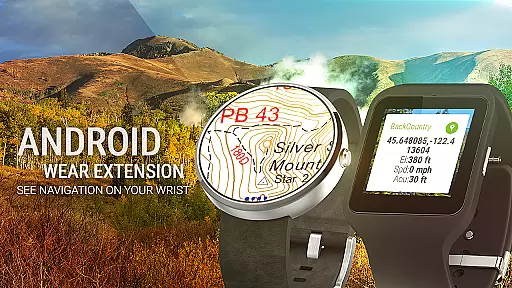
BackCountry Navigator GPS PRO stands out with its comprehensive feature set tailored for outdoor enthusiasts. The app supports downloading high-quality topo maps for offline use, covering regions across the US and many other countries. This ensures that adventurers have access to detailed terrain information regardless of cellular connectivity. Additionally, the app integrates seamlessly with wearable devices through Android Wear support, allowing users to glance at navigation details directly from their wrist.
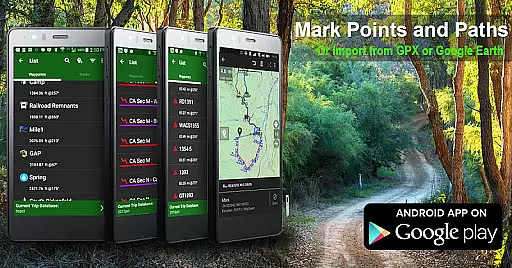
One of the key strengths of this app is its compatibility with various map formats and coordinate systems. Users can import GPS waypoints from GPX or KML files, manually enter coordinates using longitude/latitude, UTM, MGRS, or grid references. The app's ability to overlay specialized content such as Boundary maps from the Bureau of Land Management (BLM) and Lake Contours adds significant value for specific activities like hunting and fishing. These features collectively make BackCountry Navigator GPS PRO an indispensable tool for anyone seeking reliable navigation in remote areas.
Map accuracy is a critical feature for any navigation app, and BackCountry Navigator GPS PRO excels in this area. The application provides access to a wide array of topographic maps from reputable sources, ensuring that users have reliable and precise mapping data at their fingertips.
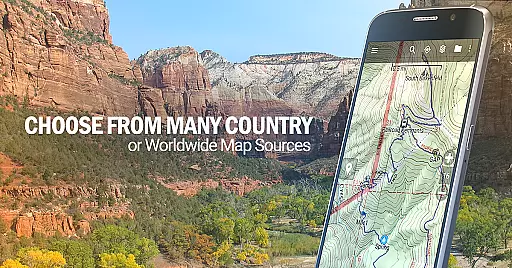
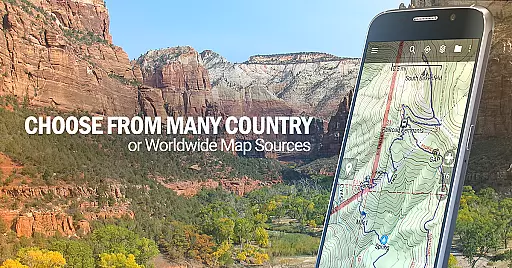
The app supports offline map downloads, which means you can obtain maps for the US and numerous other countries ahead of time. This ensures that even without cell coverage, the accuracy of your location and surroundings remains uncompromised. Whether you're on hiking trails or exploring off-road terrains, these topo maps deliver detailed information about the landscape through color and contour lines.
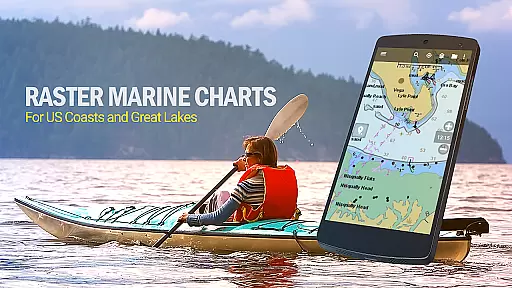
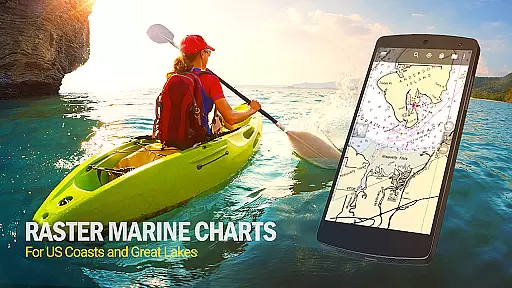
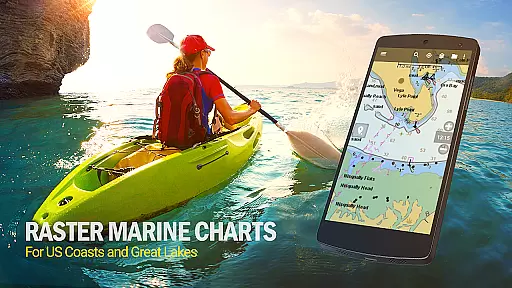
BackCountry Navigator GPS PRO includes built-in sources such as OpenStreetMaps, OpenCycleMaps, US Topo Maps from Caltopo and the USGS, Canada Topo Maps, Marine maps like NOAA RNC Nautical Charts, and more. With these comprehensive resources, users are equipped with accurate geographical data that enhances their outdoor experience.
Ultimately, having access to high-quality, accurate maps empowers adventurers to navigate confidently and safely. By providing extensive map options that cover various terrains worldwide, BackCountry Navigator GPS PRO ensures that its users can rely on the app's mapping capabilities no matter where their journeys take them.
Route planning is an essential aspect of any outdoor adventure, and BackCountry Navigator GPS PRO offers robust tools to help users chart their courses effectively. With features designed to support both on-trail and off-trail navigation, this app enables explorers to plan routes that suit their specific needs and preferences.
Users can utilize GPS waypoints from GPX or KML files, enter custom coordinates using various formats such as longitude/latitude, UTM, MGRS, or grid reference. These waypoints serve as crucial markers for navigation, allowing users to set destinations and track progress towards them. The GOTO function further simplifies route creation by making a waypoint the focal point for navigation.
In addition to traditional route planning, BackCountry Navigator GPS PRO also supports advanced mapping overlays. For instance, hunters can benefit from boundary maps provided by the Bureau of Land Management (BLM) and GMU boundaries available in certain states. Such specialized content enriches the route-planning process, offering tailored solutions for different activities.
By integrating versatile route-planning tools with detailed topographic maps, BackCountry Navigator GPS PRO ensures that users can prepare thoroughly before embarking on their adventures. This preparation not only enhances safety but also allows for a more enjoyable and stress-free exploration experience.
User-friendly interface
Extensive map coverage
Offline functionality
Premium map options
Wearable device support
Some features require subscription
Occasional map update delays
High storage requirements
Limited free map sources
Complex setup for beginners

Route schedules, maps, and real-time tracking of MTA buses in New York City.
 4.20
4.20
Airport parking, with airport shuttle (TPS shuttle), reservations, and Spot Club
4.80
GPS Navigation: Get map directions and find the shortest routes to avoid delays!
4.00
Explore offline maps with radar, satellite view, and real-time alerts.
3.60
Park in Chicago, NYC, Boston, SF, Houston & more!
4.70
Get real-time bus and train schedules for easy, hassle-free city transportation.
3.90
Lets explore the world's famous places by using Live Cams, GPS & Satellite View.
4.20
Get matched with a nearby driver — you’ll be on your way in minutes.
4.30
Rideshare, taxi cabs, and more for your airport travels and everyday trips.
4.50
Get there with the Waymo Driver — The World’s Most Experienced Driver™
4.90
Find shortest way and save energy . Distance and area calculator.
4.70
Complete offline 1:50k South Island topo map including DOC Hunting Permit Areas
4.60
Track friends in real-time and explore worldwide live cameras.
4.60
Track accurate speed & distance with GPS Speedometer. Check speed limit & time.
4.50
Affordable rides and food delivery with incredible discounts in just one app.
4.50
The fastest and most convenient way to pay for parking on our lots.
4.40
CamSam PLUS - The speed and red light camera warning system!
4.40
Get directions, Maps, GPS navigation & GPS Maps using GPS App
4.10
Start your next adventure confidently using our Accurate Compass App
3.70


User Reviews