
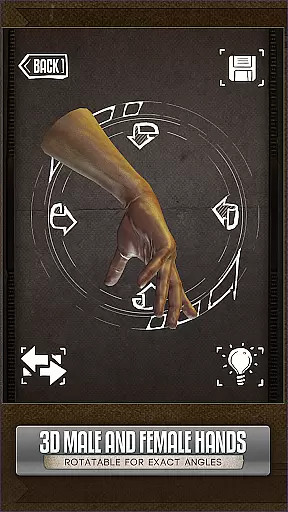
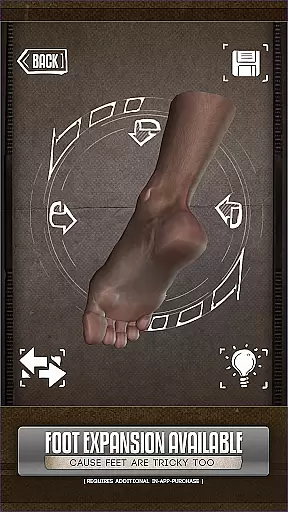
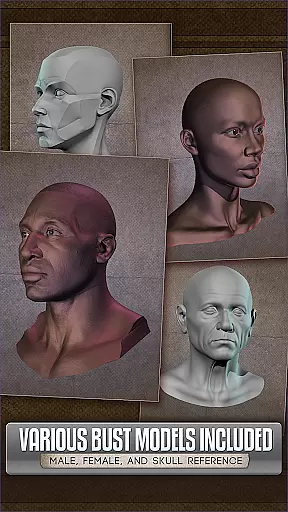
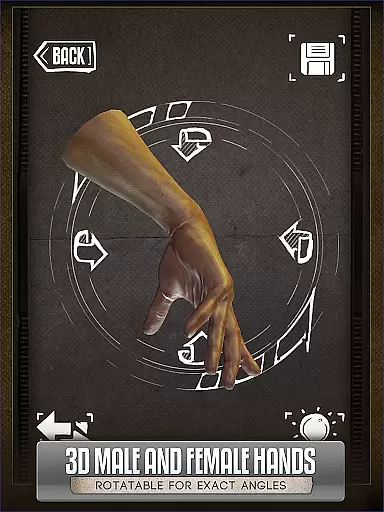
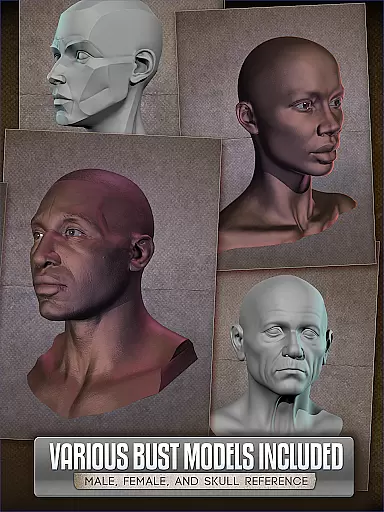

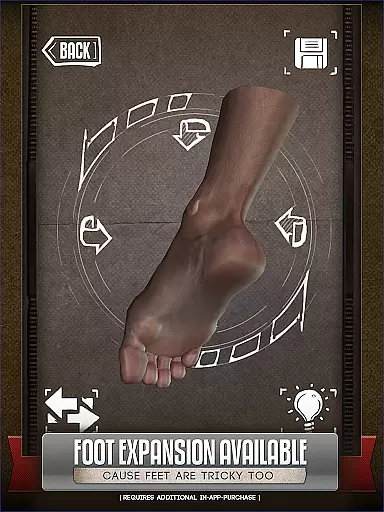
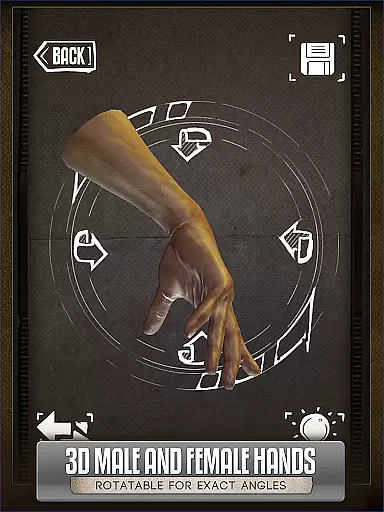
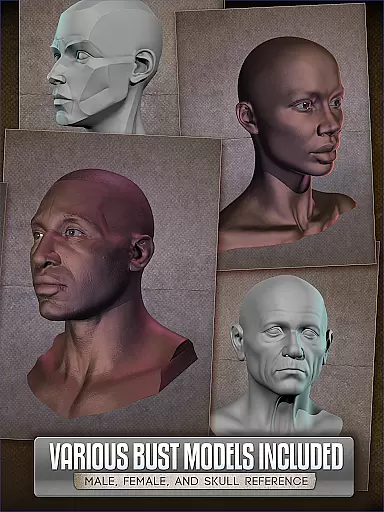

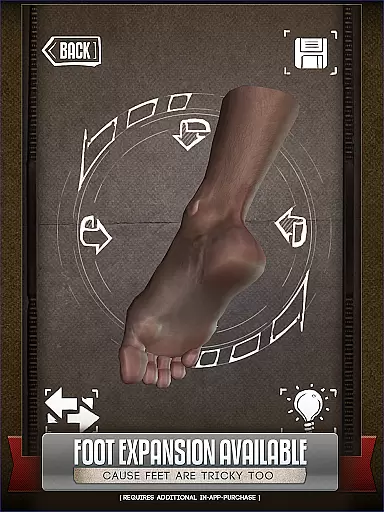
HANDY® is an essential artist's reference tool designed specifically for comic book artists, painters, and casual sketchers. This app provides rotatable 3D models of hands, feet, skulls, and head busts, making it easy to draw complex poses without needing live references.
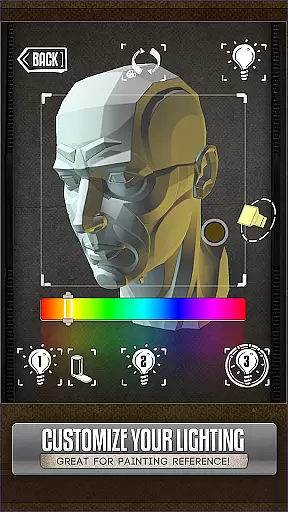
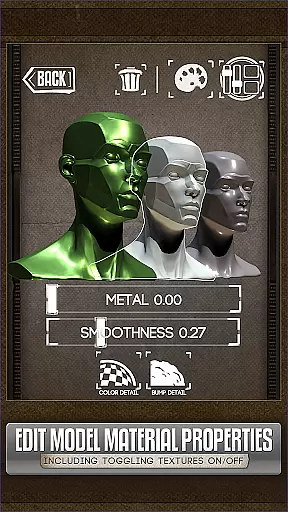
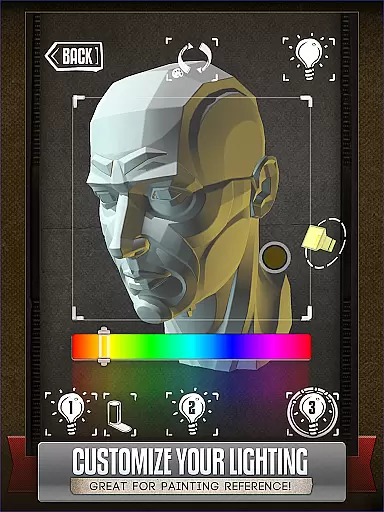
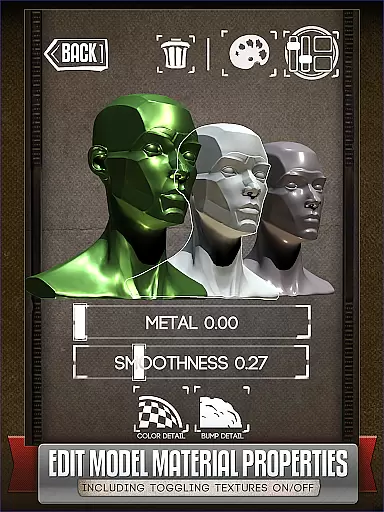
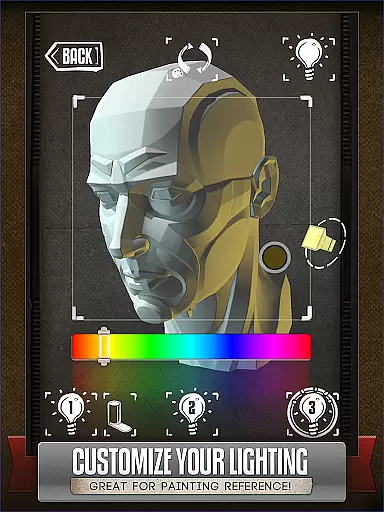
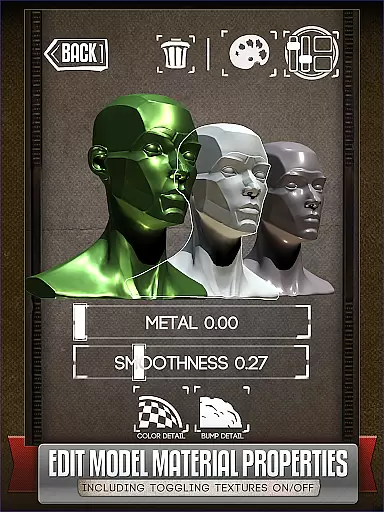
One of the standout features is its fully adjustable 3-point lighting system, which allows users to experiment with realistic shadows and highlights from various angles. Additionally, HANDY offers customization options for materials, enabling users to edit textures, specularity, and colors of the models. With optional add-ons like Animal Skulls, this app becomes a comprehensive resource for anatomical studies and creature design inspiration.
Whether you're working on character designs or detailed portraits, HANDY ensures accuracy and creativity in your artwork. Its intuitive interface and diverse model selection make it a must-have for both professional and hobbyist artists.
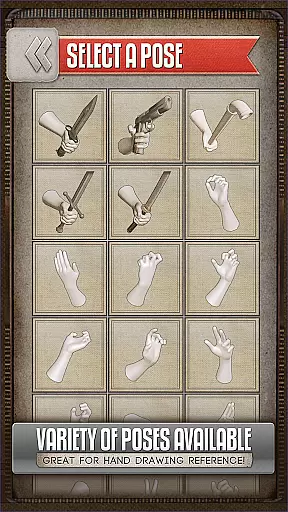
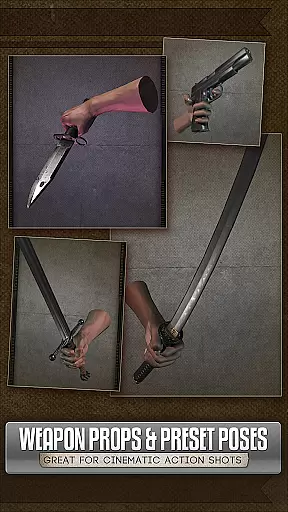
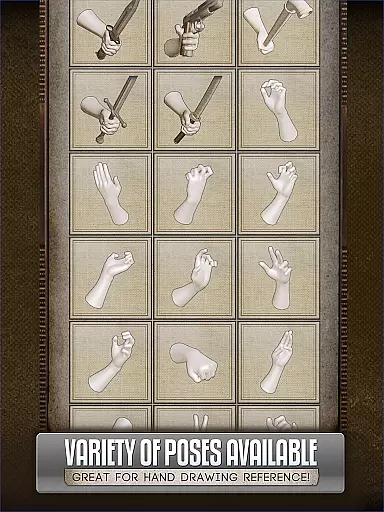
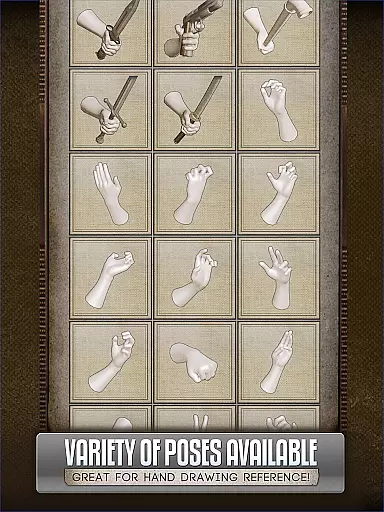
HANDY® stands out due to its versatile set of features tailored for artists. The app includes over 10 rotatable 3D head busts and customizable hand, foot, and skull models. These models come with pre-set poses, but users can also create and save their own unique poses for future use.
The adjustable 3-point lighting system is another key feature, providing realistic lighting references that are crucial for painting and shading techniques. Users can manipulate light sources to understand how shadows fall on different facial structures or objects. Furthermore, the newly added material editing functionality allows artists to modify textures and colors, offering even more creative freedom.
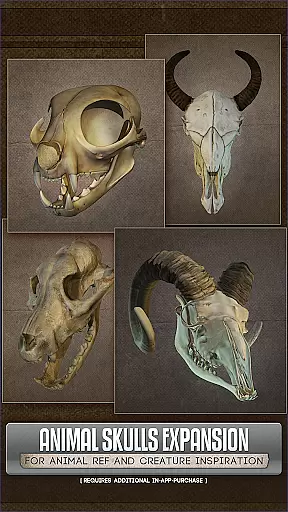
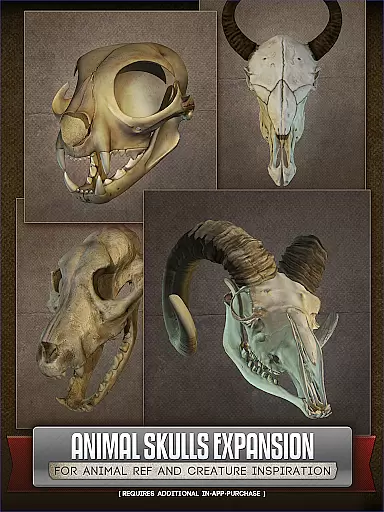
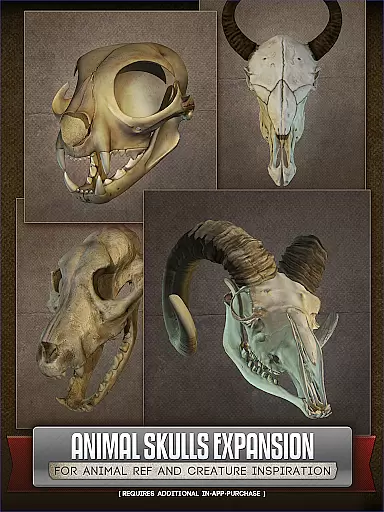
For those interested in creature design, the optional Animal Skull pack provides additional references from over 10 animal species. This makes HANDY not only a practical tool for human anatomy but also a source of inspiration for fantastical creations. Overall, these features combine to offer a dynamic and flexible art reference experience.
For comic book artists and illustrators, having access to a diverse range of references is crucial. HANDY provides an extensive library of 3D models including hands, feet, skulls, and even animal skulls as part of its comprehensive suite.
The app features over 10 different animal species in the Animal Skulls pack alone, offering great anatomical references for creature design inspiration. This vast selection ensures that artists can find exactly what they need to enhance their creative projects.
Additionally, with more than 10 included 3D head busts, users have ample options for drawing realistic human figures from various angles. The ability to customize poses further expands this variety, making it an invaluable tool for any artist looking to diversify their work.
HANDY prides itself on providing authentic and high-quality content for artists. Each 3D model within the app has been meticulously crafted to ensure accuracy and realism, which is essential for creating believable artwork.
The optional add-ons like the Animal Skull pack are designed by professionals who understand the intricacies of animal anatomy, ensuring that every detail is captured authentically. This level of precision helps artists create works that stand out due to their lifelike qualities.
Furthermore, while HANDY offers premium features such as customizing materials of models, these additions come with proper licensing agreements, giving peace of mind to professional artists concerned about copyright issues when using digital tools in their workflow.
User-friendly interface
Customizable 3D models
Realistic lighting options
Inspiring animal skull pack
Versatile for all artist levels
Additional purchases required
Limited free content
Occasional bugs reported
High system requirements
Learning curve for beginners

Become a real PKM Card Maker, create or custom any Poke TCG cards and share them
 4.10
4.10
Instantly create comic-style art with AI.
3.90
The best app for digital comics - Welcome to Lezhin!
3.10
Daily updates & FREE chapters
4.00
Webtoons, comics, web novels, and e-books are all here! RIDI, my own space to enjoy stories
4.30
Pocket Toons: Free Webtoons, Comics, & Manga - New Chapter Drops Everyday
4.30
Comic Scanner - Book Value - Identify and sell your comic collection with AI.
3.80
The most popular comic book reader.
4.80
Instant access to over 30,000 Marvel comics with new issues added every week.
4.70
Official from Japan
4.80
Dive into creative online comics, short video, graphic novels and web novels!
4.60
매일 매일 새로운 네이버 웹툰
4.50
The most popular comic book reader.
4.40
Read Manga, Comics & Manhwa of Romance, Action, Fantasy, Drama, BL and more!
4.40
Alpha Manga is a Japanese manga app where you can read isekai manga.
4.10
Toomics is a premium comic service with every genre for all readers to enjoy!
4.00
Read official webcomics, webtoons, Korean manga & webnovels
3.70
Create your personalized cartoon comic strips & comic books.
3.20
Welcome to SnapSaga - your ultimate manga and novel destination!
4.0


User Reviews