
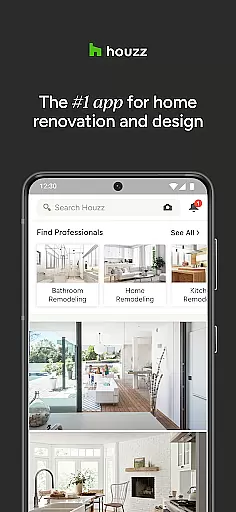
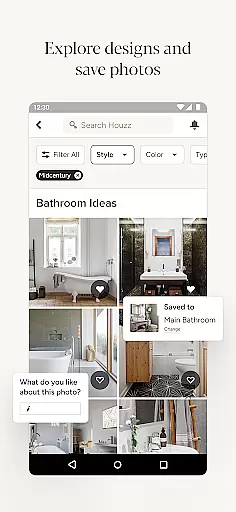
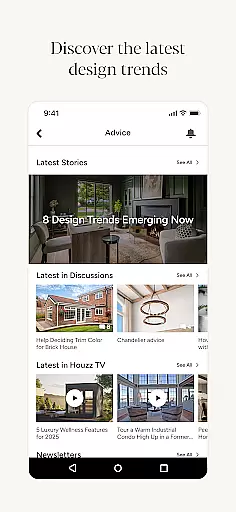
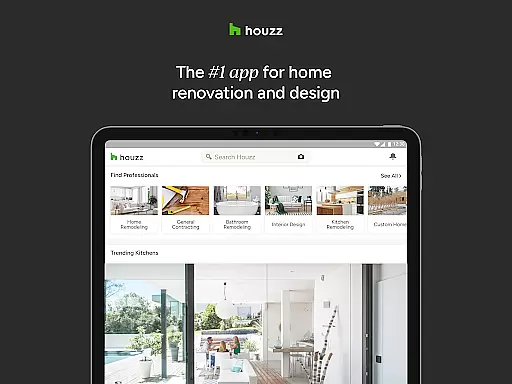
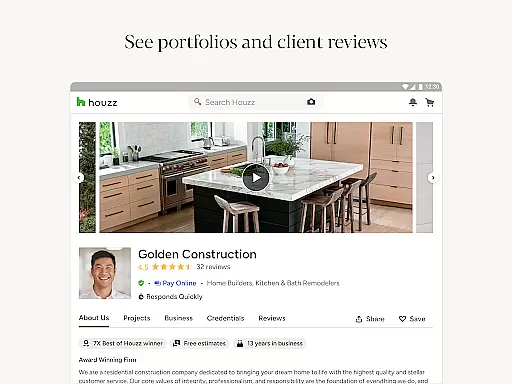
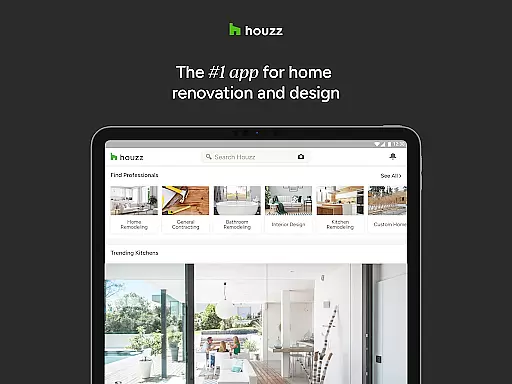
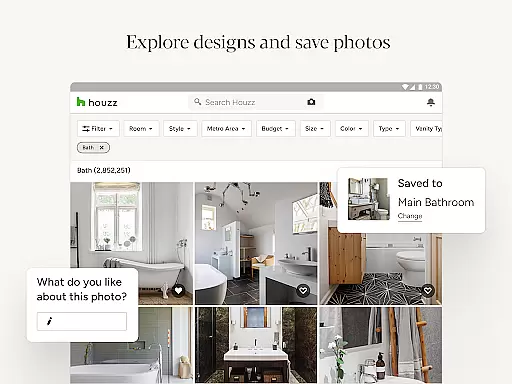
Houzz is a comprehensive home design and renovation app that serves as an essential tool for homeowners, designers, and contractors. With access to over 25 million high-resolution photos, users can browse through a vast collection of interior and exterior designs categorized by style, location, or specific rooms such as kitchens and bathrooms.
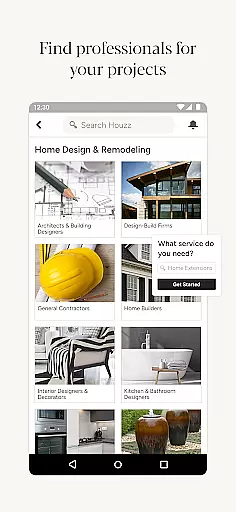
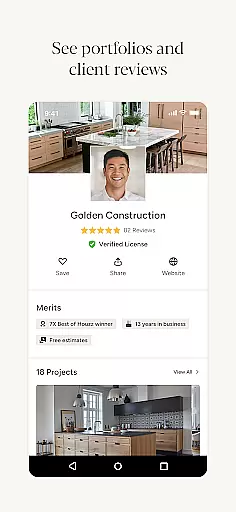
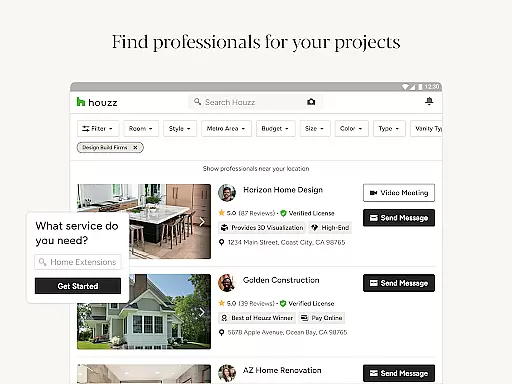
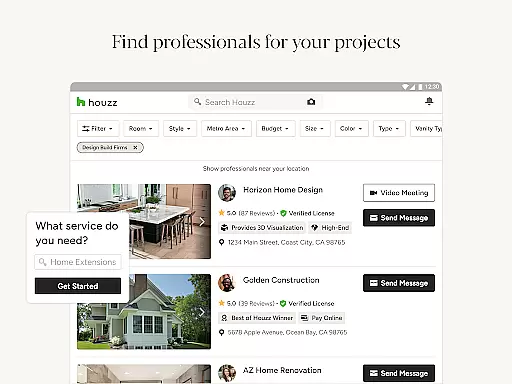
The app also offers direct shopping options with more than 5 million products and materials, including vanities, cabinets, lighting, and furniture. Its innovative features like Visual Match and View in My Room 3D allow users to discover and virtually place products in their own spaces. Additionally, Houzz connects users with over 3 million home improvement professionals, making it easier to find the right expert for any project.
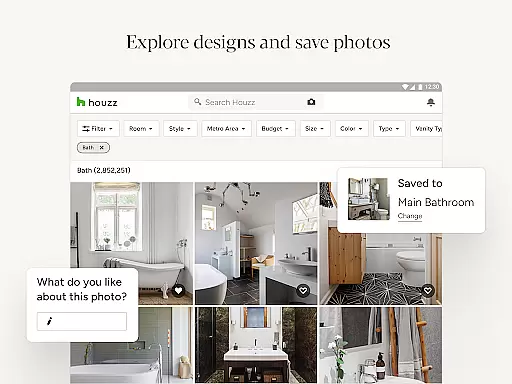
Houzz stands out with its extensive library of home design photos and integrated shopping experience. Users can save and share design inspirations while utilizing the Sketch feature to annotate images directly within the app. The product catalog includes verified reviews and exclusive discounts, ensuring informed purchasing decisions.
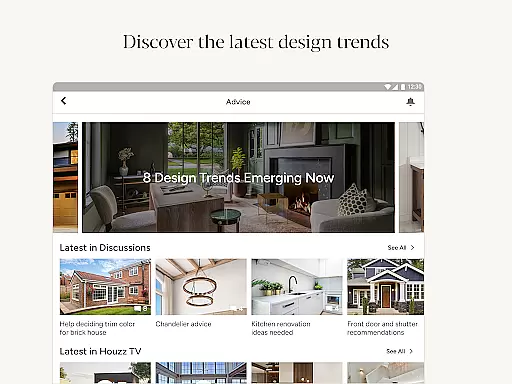
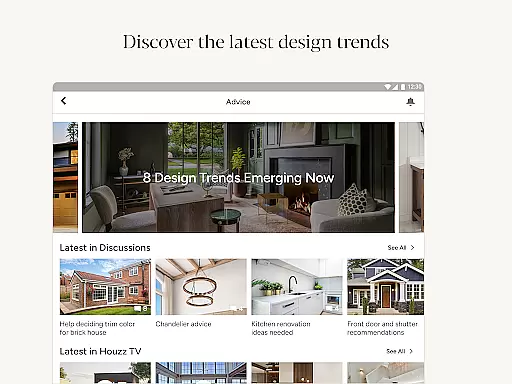
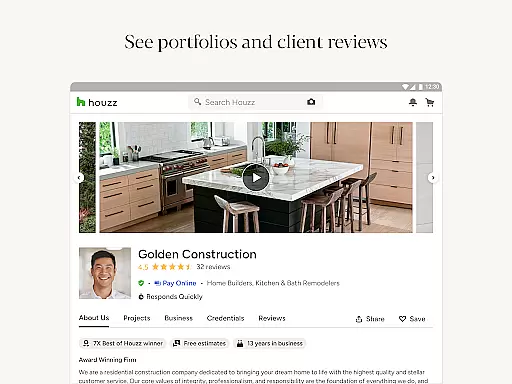
One of the most innovative features is the View in My Room 3D, which uses augmented reality to show how products will look in your actual space. Furthermore, the app's professional directory allows users to connect with architects, contractors, and decorators, streamlining the process of hiring reliable experts. Regular content from Houzz’s editorial staff provides ongoing inspiration and advice, covering topics from full remodeling guides to creative decorating tips.
When it comes to home renovation and design, having access to authentic and reliable property listings is crucial. Houzz ensures the authenticity of its listings by connecting users with verified home professionals and real estate experts. This verification process guarantees that the information provided is accurate and trustworthy.
Houzz offers more than just static listings; it provides high-resolution photos of interiors and exteriors, allowing users to explore properties in detail. With over 25 million photos, users can filter by style, location, or specific rooms such as kitchens or bathrooms. This extensive library helps users make informed decisions about their projects.
The platform also enables users to save and share these home design photos with friends, family, or professionals. This collaborative approach not only enhances decision-making but also ensures that all stakeholders are on the same page. The ability to annotate and draw directly on photos using the Sketch feature further adds to the authenticity and practicality of the listings.
Houzz goes beyond just providing design inspiration by offering comprehensive home management features. One standout feature is the ability to shop for products and materials directly through the app. With a catalog of over 5 million items including vanities, cabinets, lighting, and furniture, users can find everything they need for both interior and exterior design.
The app includes verified product reviews, ensuring that users make informed purchasing decisions. Additionally, during featured sales, users can save up to 75% off on select items. The Visual Match technology allows users to discover and buy products seen in home design photos, streamlining the shopping experience.
Another innovative feature is the View in My Room 3D option, which uses augmented reality to show how products would look in your actual space. This feature leverages the camera on your Android device to provide a realistic preview, helping you avoid costly mistakes. Overall, these robust home management tools make Houzz an indispensable resource for anyone involved in home improvement projects.
User-friendly interface
Extensive photo library
Innovative AR features
Wide product selection
Professional network
Premium subscription costs
Limited free resources
Occasional bugs
High product prices
Ads in free version

Calculate baluster spacing with ease and precision.
 4.2
4.2
Turn your phone into a wifi cam with smart features and umlimited reach.
4.20
Parcel Pending Resident App
4.50
Rent on-the-go with TurboTenant’s app made just for renters
4.50
Convert your Phone to HiSense Smart TV Remote Control
4.70
Plants, Beauty, Collectibles
4.60
Innovative and budget-friendly housing options
4.60
Design your dream home with 3D planning app, Visualize your dream home in 3D.
4.20
WiZ smart light system
4.40
View houses and apartments for rent, updated daily.
4.80
Connect with reliable pros for maintenance services, plumbing, and home design!
4.80
Real estate app to find homes for sale or rent in the right neighborhood for you
4.70
Control the scent and ambiance of your home and car, right from your phone.
4.50
The only mappable smart lights for custom decoration.
4.50
Wobble Fix Tool
4.40
Plan your remodel AI home renovation easily using planner 5D and home decor AI.
4.40
For all of your Airthings devices
4.30
Book your local plumber 24/7, track your service order & get exclusive coupons
4.00
This Fire TV Remote control's your Fire TV Device and Insignia Fire TV Remote
3.70


User Reviews