
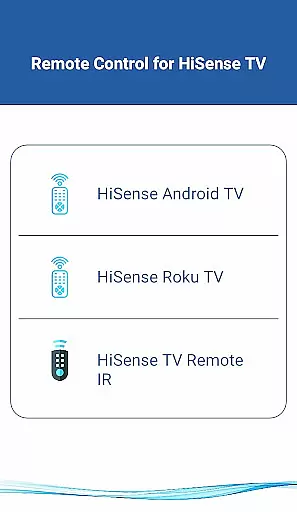
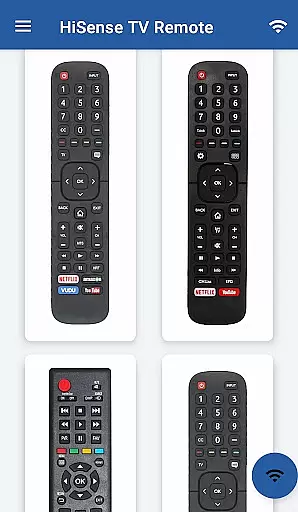
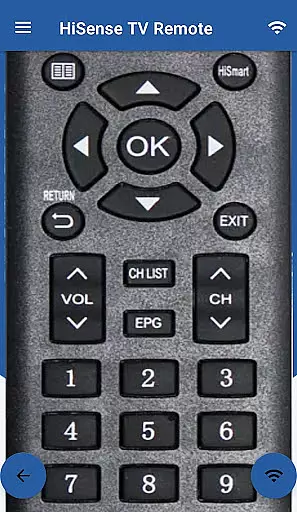
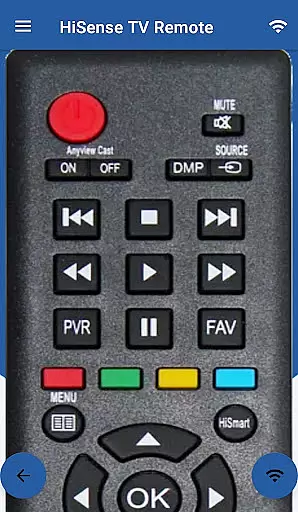
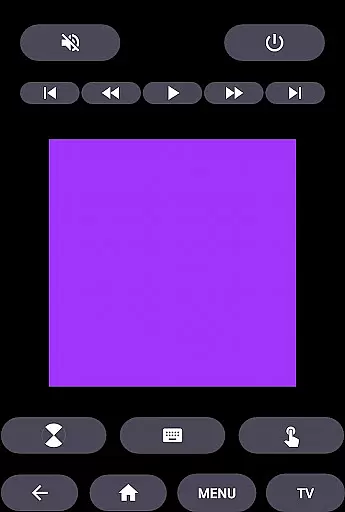
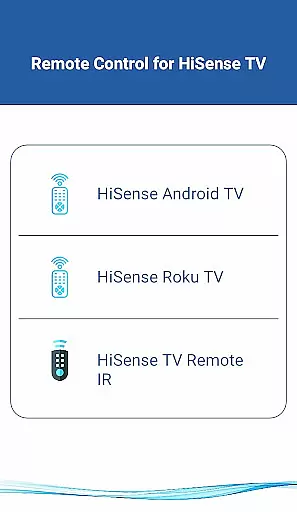
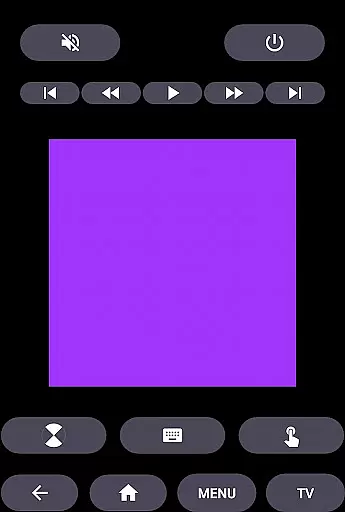
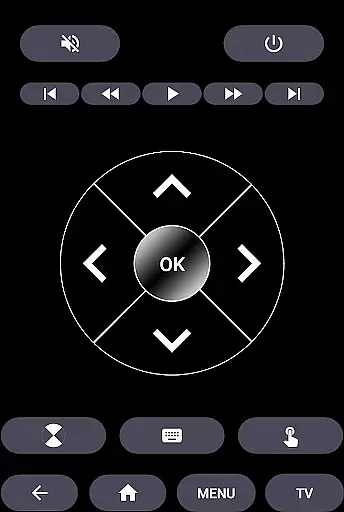
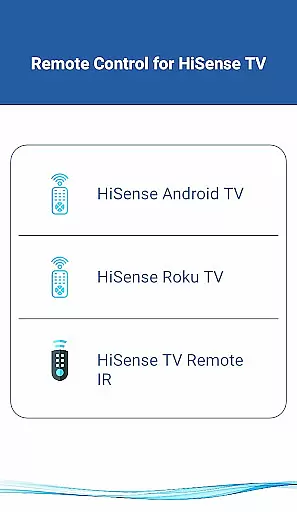
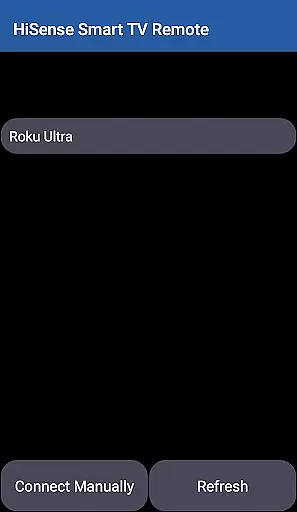
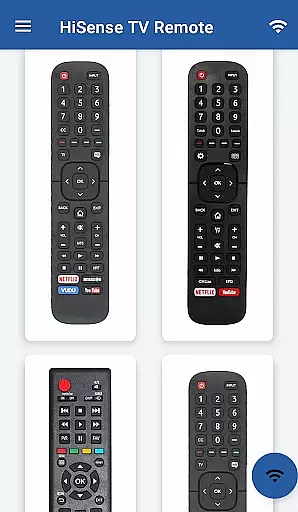
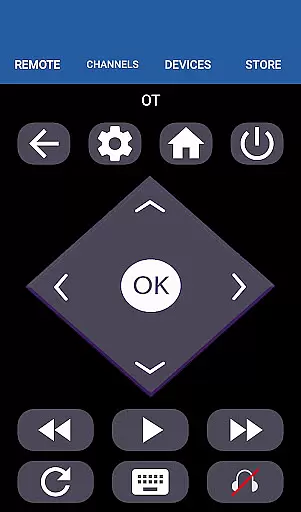
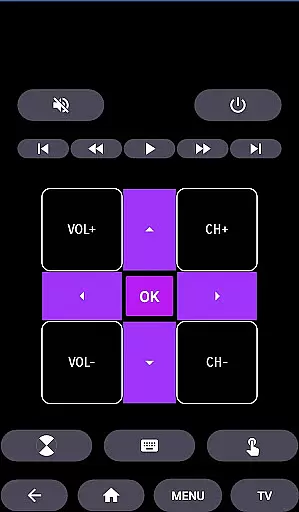
HiSense Smart TV Remote transforms your mobile device into a versatile remote control for HiSense Smart TVs. This application eliminates the need for traditional remotes with drained batteries and broken buttons. Supporting a wide range of HiSense Smart TVs, including models with Android OS, Roku OS, and traditional IR devices, it offers comprehensive functionality such as power control, volume adjustments, channel navigation, multimedia controls, and more.
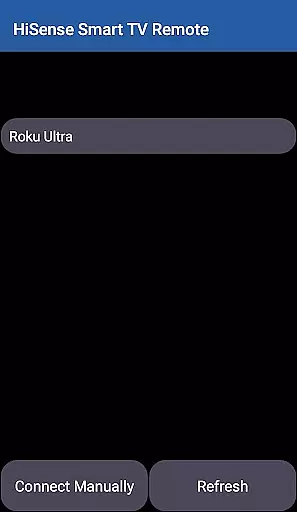
The app requires both the TV and mobile device to be on the same Wi-Fi network for seamless connectivity. Once connected, users can enjoy an intuitive touchpad interface and advanced features tailored for modern smart TVs. Whether you're controlling your HiSense Android TV or Roku TV, this app provides a unified and efficient remote solution that enhances your home entertainment experience.
HiSense Smart TV Remote boasts an array of features designed to simplify and enhance TV control. The app supports multiple operating systems including Android OS and Roku OS, ensuring compatibility with various HiSense TV models. For traditional IR-based TVs, the app utilizes the phone's IR blaster to deliver reliable performance. Users can effortlessly switch between different modes to suit their specific TV model.
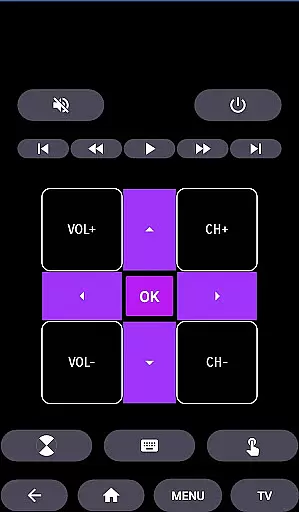
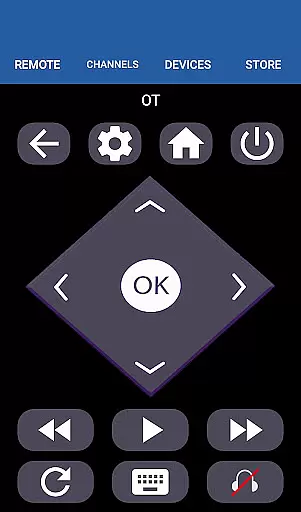
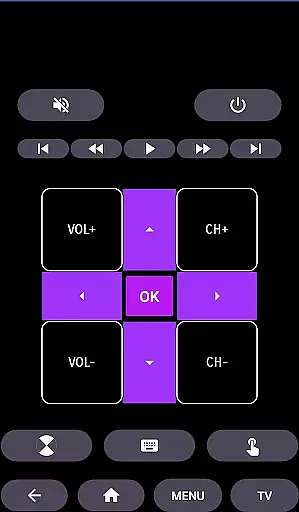
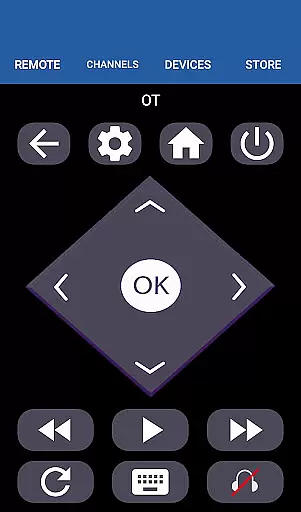
Functionality includes essential controls like ON/OFF, volume and channel adjustments, mute options, and multimedia navigation. Advanced features such as a virtual touchpad and customizable settings provide a personalized user experience. The app also supports external devices like Chromecast, expanding its utility beyond basic TV functions. With its user-friendly interface and robust feature set, HiSense Smart TV Remote is an indispensable tool for managing your home entertainment system.
When it comes to managing your smart home devices, ensuring the authenticity and reliability of listings is crucial. The HiSense Smart TV Remote app provides accurate and verified information about supported devices, ensuring users can trust the compatibility with their HiSense Smart TVs.
The app supports a wide range of HiSense Smart TVs, including models with Android OS and Roku OS. This comprehensive support ensures that users can confidently use the app as a universal remote control solution for various HiSense TV models. By maintaining up-to-date device information, the app helps prevent connection issues and ensures optimal performance.
For traditional IR-based HiSense TVs, the app verifies the necessary hardware requirements, such as the presence of an IR blaster in the user's mobile device. This verification process helps users understand their device's capabilities and limitations before attempting to connect.
The authenticity of the app's device listings extends beyond just HiSense products. It also supports Android TV and Chromecast OS devices, making it a versatile tool for managing multiple smart home entertainment systems. This cross-platform compatibility demonstrates the app's commitment to providing reliable and accurate device information.
Effective home management requires intuitive tools that simplify daily tasks. The HiSense Smart TV Remote app offers a comprehensive set of features designed to streamline television control and enhance the smart home experience. With functions ranging from basic power operations to advanced multimedia controls, the app serves as a complete remote control solution.
The app's interface includes essential navigation controls, volume adjustments, channel switching, and mute functionality. These core features are complemented by advanced options like touchpad navigation and multimedia management, allowing users to efficiently control their entertainment systems. The inclusion of both traditional remote functions and modern smart TV controls makes this app particularly versatile.
For smart home integration, the app supports network-based connections through Wi-Fi, enabling seamless communication between the user's mobile device and HiSense Smart TV. This feature requires both devices to be on the same network, enhancing security while maintaining convenience. The PIN verification system adds an extra layer of protection to the connection process.
Additionally, the app's support for multiple operating systems, including Android OS and Roku OS, demonstrates its adaptability to different smart home ecosystems. This flexibility allows users to manage various devices through a single interface, significantly improving their home management efficiency and overall smart home experience.
User-Friendly Interface
Wide Device Compatibility
Comprehensive Functionality
Reliable Connectivity
Advanced Customization Options
Requires Wi-Fi Connection
IR Blaster Needed for Some Devices
Not Official HiSense App
Limited Offline Functionality
Occasional Connectivity Issues

Unlock AI-based barcode scanning and support the development of Grocy Android
 4.1
4.1
PRO Version of GLB AR Viewer
4.5
Innovative and budget-friendly housing options
4.60
Find your next home, house, apartment, condo, casa, flat, rental, studio, or bed
4.70
Search for Homes, Rentals, Agents & Schools
4.70
Apartment finder for apartments for rent. Compare prices, amenities & rentals.
4.50
MLS-powered real estate app to find homes for sale & apartments for rent
4.70
Set up your devices, customize settings, and monitor your home—from anywhere
4.40
Find homes for sale and apartments for rent in the best neighborhood.
4.70
Connect with reliable pros for maintenance services, plumbing, and home design!
4.80
B-hyve Pro App for landscape irrigation professionals
4.70
AI-powered home design, interior design, home decor, and room design solutions
4.50
Resident Center, powered by Buildium, is designed with simplicity in mind.
4.50
Control the scent and ambiance of your home and car, right from your phone.
4.50
Make Renting Easy
4.40
Plan your remodel AI home renovation easily using planner 5D and home decor AI.
4.40
3D House Design and AI Room Planner - from floor plans to full interior design.
4.40
Make your phone a surveillance camera remote with a home camera app for Android!
4.40
Draw house plans, floor plans 3d & house design with house plan drawing 3d app
3.60


User Reviews