
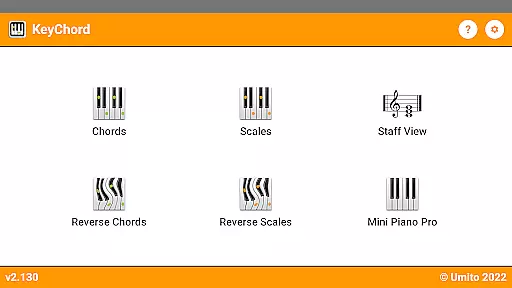
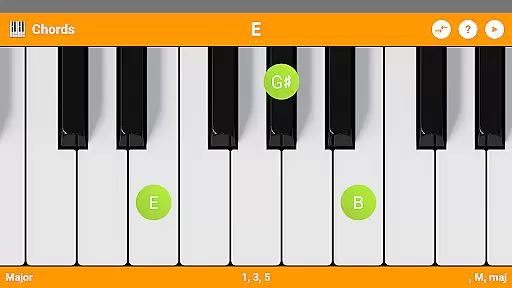
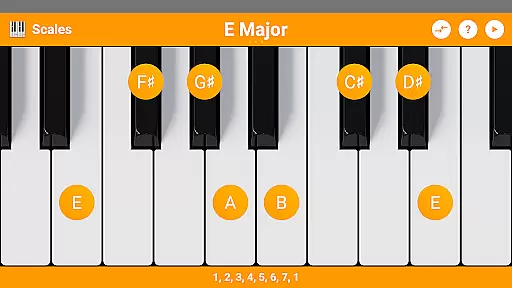
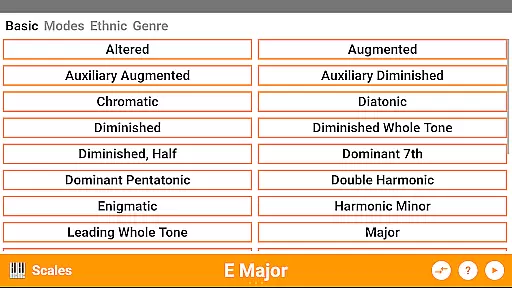
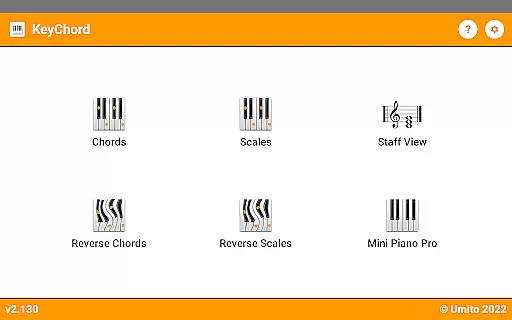
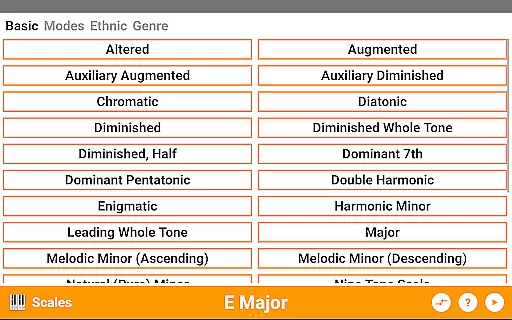
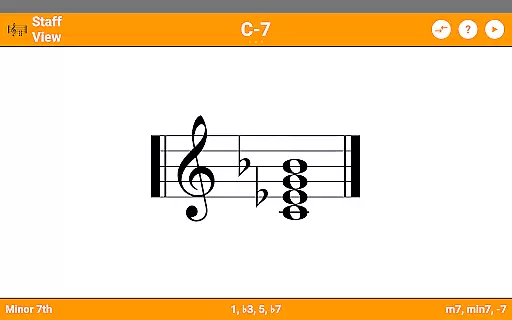
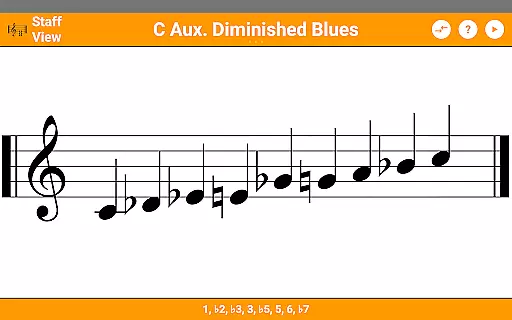
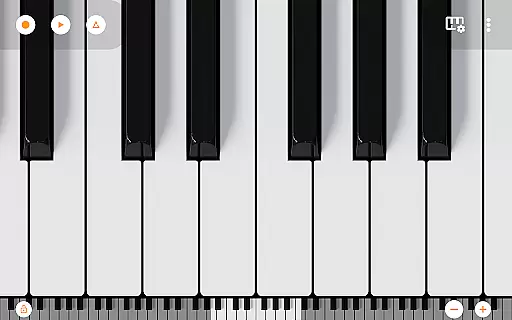
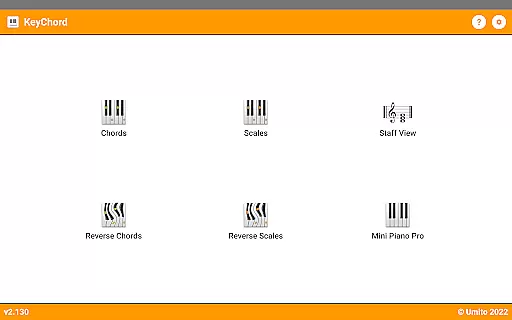
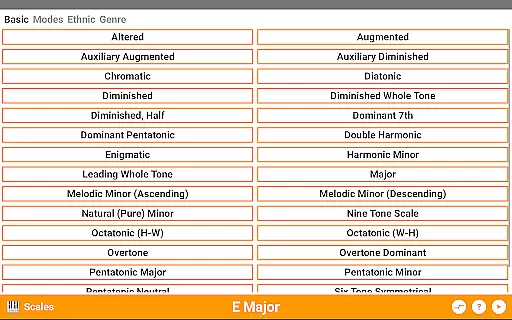
KeyChord is an innovative reference app designed for musicians and piano enthusiasts. This dynamic dictionary allows users to explore all scales and chords through an interactive 88-key multitouch piano interface. The app stands out with its reverse lookup feature, enabling users to identify chords and scales by simply selecting notes. With over 50 chord types and 100 scale types available, KeyChord serves as a comprehensive musical resource.
The app's functionality extends beyond basic reference capabilities. Users can hear every chord and scale played back through 128 different sounds, providing an immersive learning experience. The inclusion of staff view and various information modes such as note names and intervals makes it an invaluable tool for both beginners and advanced musicians. Additionally, the built-in recording feature lets users capture their compositions as MIDI files.
KeyChord's practical applications range from music composition to practice sessions. Its dark mode support and customizable interface make it suitable for extended use. Whether you're a student learning music theory or a professional composer looking for quick reference, this app provides essential tools for musical exploration and creation.
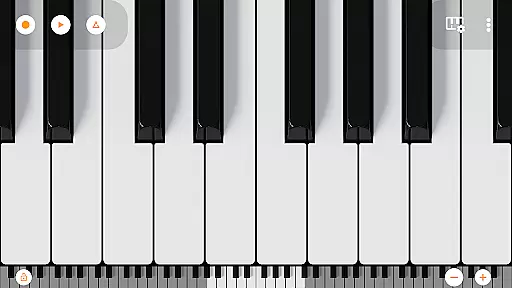
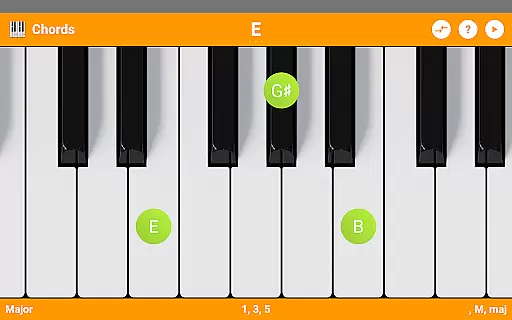
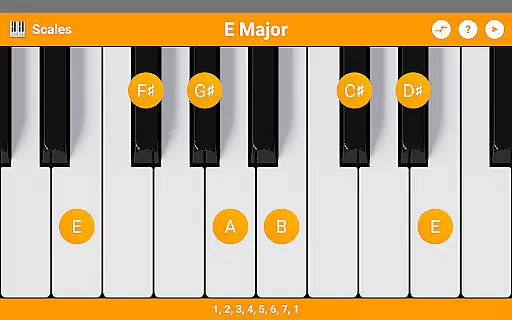
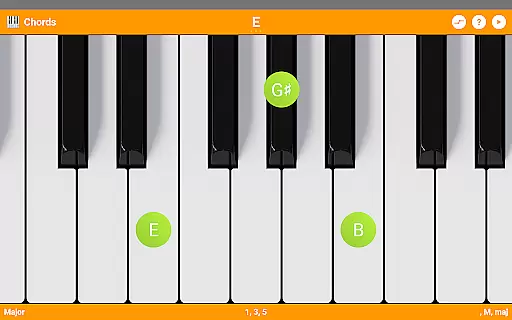
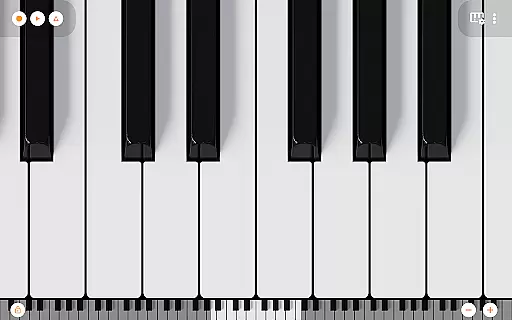
KeyChord distinguishes itself through its comprehensive feature set tailored for musical education and composition. The app's core functionality revolves around its virtual keyboard interface, which supports dynamic interaction with chords and scales. Users can create chords anywhere on the keyboard, with the app intelligently recognizing and displaying relevant information such as note names and intervals. The reverse lookup feature adds significant value, allowing musicians to identify complex chords even when notes are missing.
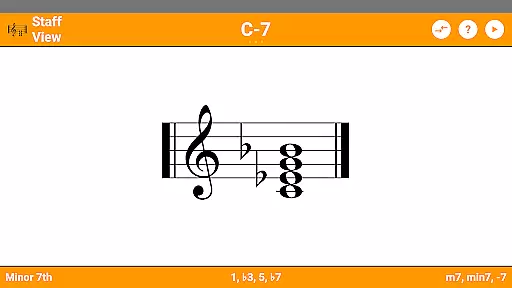
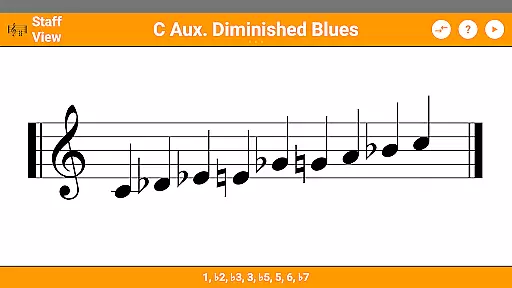
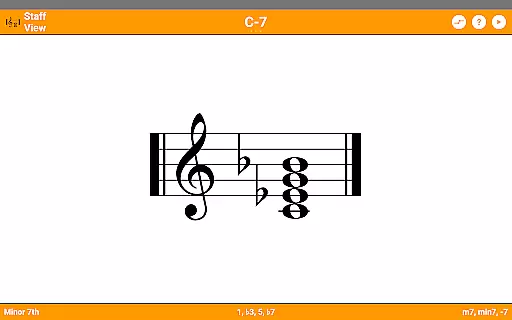
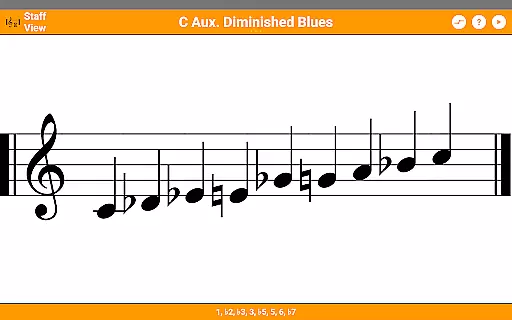
The app includes advanced features that enhance its educational value. The staff view provides traditional notation representation, while the audio playback system offers realistic sound samples from Mini Piano Pro. These features work together to create an immersive learning environment. The inclusion of inversions, slashed chords, and partial chord recognition demonstrates the app's sophisticated understanding of music theory.
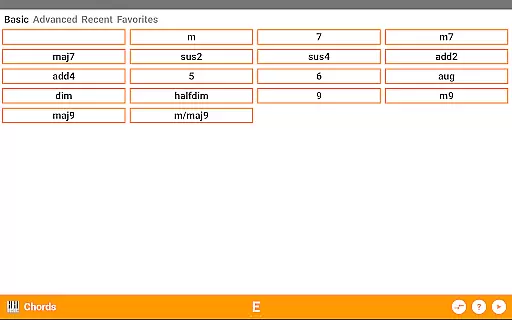
Practical features extend KeyChord's usefulness beyond simple reference. The built-in 7-octave multitouch piano with 128 sounds enables users to experiment with different musical ideas. The ability to record compositions as MIDI files and set them as ringtones adds creative possibilities. Additional features like favorite chord saving, recent chord tracking, and multiple information display modes make this app an indispensable tool for serious musicians.
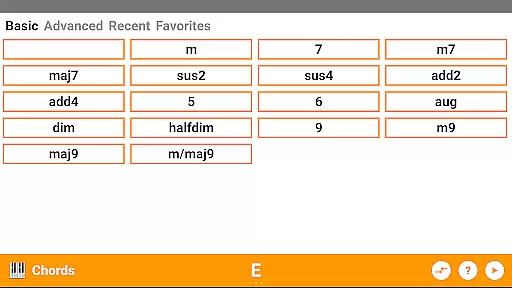
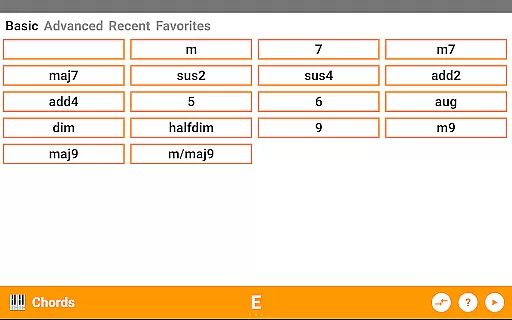
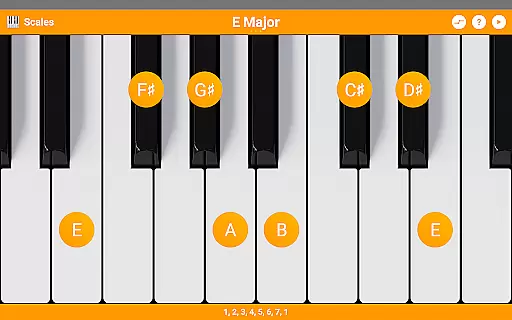
KeyChord offers an extensive virtual library of musical resources, featuring over 50 chord types and 100 scale types. This vast collection ensures that musicians of all levels have access to a comprehensive range of materials for practice and performance preparation.
The app's content is crafted with accuracy and authority in mind. Each chord and scale is generated dynamically, ensuring that the information provided is both correct and reliable. This approach eliminates the risk of encountering errors that can be present in static databases.
Copyright authenticity is also a priority within KeyChord. The developers have ensured that all included content, such as the 128 different sounds from Mini Piano Pro, is properly licensed. Users can trust that they are engaging with legitimate resources when using the app.
By providing such a rich and verified selection of musical knowledge, KeyChord empowers users to explore music theory confidently, knowing they are learning from accurate and legal materials.
One of KeyChord's standout features is its versatile format compatibility, which allows musicians to interact with chords and scales through an intuitive virtual keyboard interface. This multitouch piano supports various input methods, making it adaptable to different user preferences and playing styles.
The app includes advanced playback options, enabling users to hear every chord and scale in multiple voices. With support for MIDI recording, musicians can capture their compositions and even set them as ringtones, demonstrating excellent integration with standard audio formats.
KeyChord goes beyond basic compatibility by offering specialized views and modes. The staff view and note name display cater to traditional music notation, while interval components appeal to those studying music theory. Dark mode support further enhances accessibility across different environments.
This comprehensive approach to format compatibility ensures that whether users are reading sheet music or experimenting with chord inversions, KeyChord provides a seamless experience that adapts to various musical contexts and learning methods.
Comprehensive chord library
Interactive learning tools
Realistic sound samples
Intuitive user interface
Offline functionality
Steep learning curve
Occasional bugs
High system requirements
Limited free features
Complex interface

“There was one last piece of cake. My little sister said ‘Me too!’”
 4.00
4.00
CleverBook Pro makes the popular guide for the game even better!
4.00
Offline dictionary for learning Cantonese as a second language
4.90
Essential Technical Rescue Field Operations Guide 6, the Industry Standard Guide
4.20
Scan. Price. Grade.
4.60
Read popular romance books and web novels on the fantastic ebook reader
3.50
“It is fun to have fun, but you have to know how!”
4.40
Zerobooks Light Novel Reader by GOLDENAGATO
4.20
Read Trending Romance Stories
4.00
A KJV Bible with Apocrypha and precept-based study concordance
5.00
Flora of Virginia Project (www.floraofvirginia.org)
5.00
Plan of Life that Saint Josemaría recommended
4.80
Read books PDF, EPUB, WORD, KINDLE, MOBI! Your ebook reader among reading apps.
4.80
Unlock unlimited access to bestselling ebooks, novels, stories, and audiobooks
4.60
Read the Quran in Arabic alongside its translation, with color coded Tajweed.
4.50
Bilingual dictionary with English translations of Modern Standard Arabic words.
4.30
A wonderful reader for good time spend.
4.20
Novels, audiobooks, ebooks & fanfiction. Read anytime, anywhere!
3.40
The Psalms for singing
4.5


User Reviews