
ReadEra is a versatile eBook reader app that supports multiple formats including PDF, EPUB, Microsoft Word, Kindle, DJVU, FB2, TXT, ODT, and CHM. It offers an ad-free reading experience with no in-app purchases or registration required, making it ideal for users who prefer offline access to their books and documents.
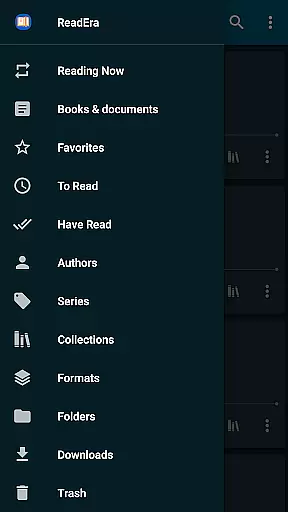
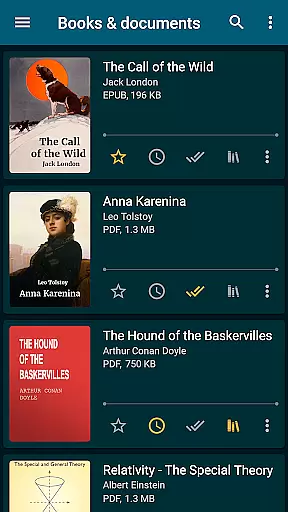
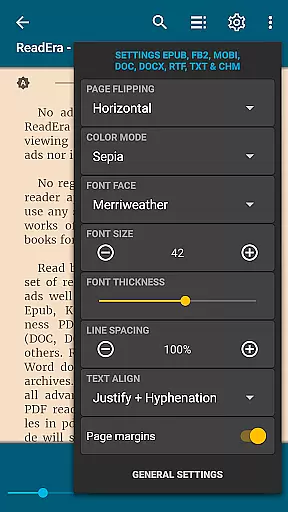
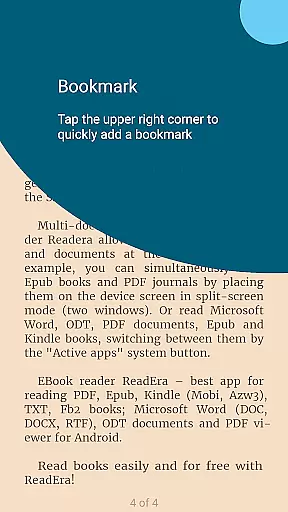
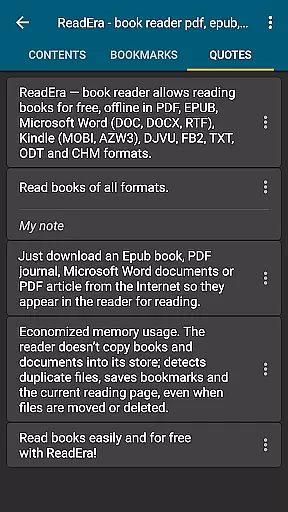
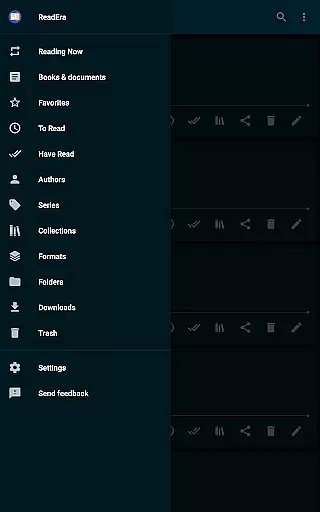
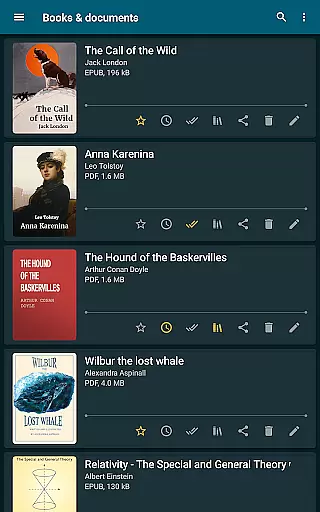
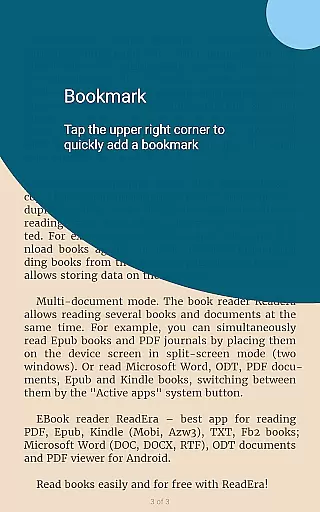
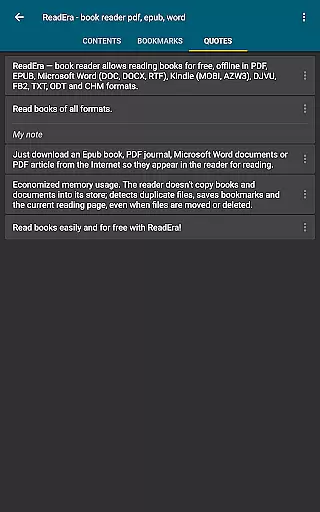
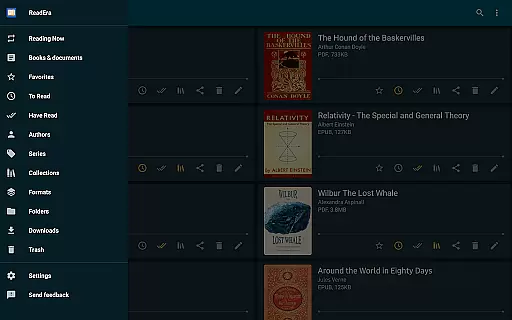
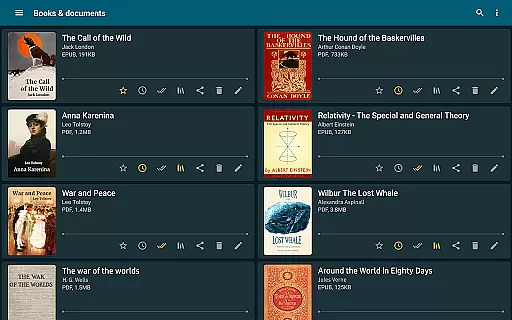
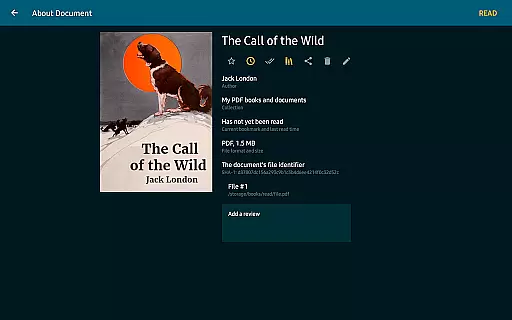
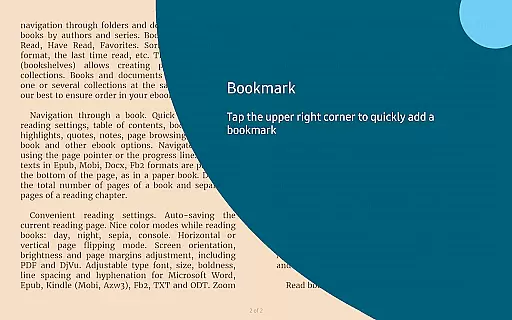
The app stands out with its advanced book management features, allowing users to organize their library through collections, tags, and reading lists. Its intuitive navigation system provides quick access to table of contents, bookmarks, and reading history. The customizable reading settings include various color modes, page flipping options, and font adjustments, ensuring a comfortable reading experience across all supported formats.
Designed for both casual readers and professionals, ReadEra is particularly useful for students and researchers who need to manage large volumes of academic papers and books. The app's ability to handle complex PDFs and technical documents makes it an essential tool for anyone working with extensive reference materials.
ReadEra distinguishes itself through its comprehensive format support and sophisticated document handling capabilities. The app can automatically detect and organize documents from various sources, while its multi-document mode allows users to read different file types simultaneously using split-screen functionality.
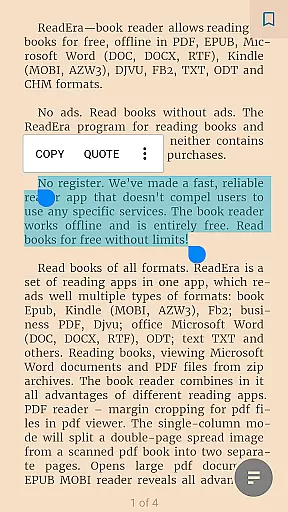
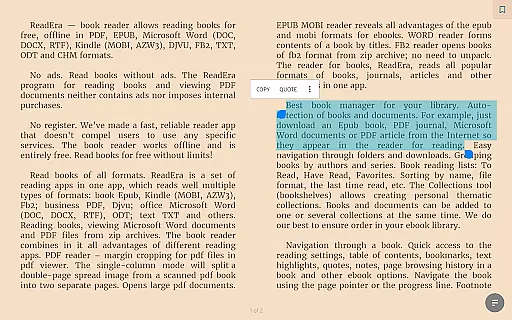
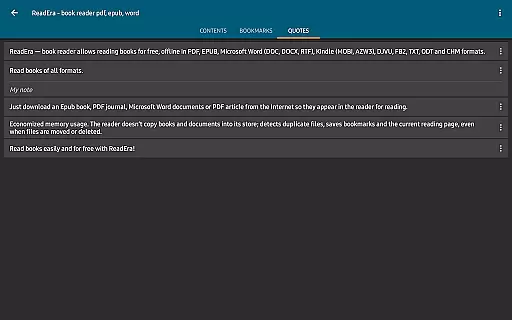
One of the key features is its advanced PDF viewer, which includes margin cropping, single-column view for scanned documents, and support for large files. The app maintains original formatting for Word documents and provides enhanced navigation for EPUB and MOBI files. Its intelligent system preserves reading progress and bookmarks even when files are moved or deleted, while supporting SD card storage for space optimization.
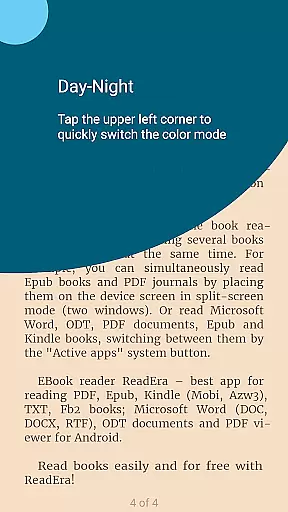
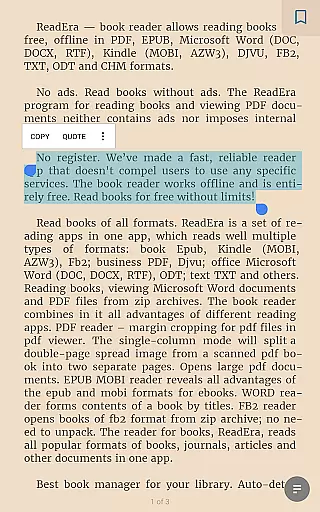
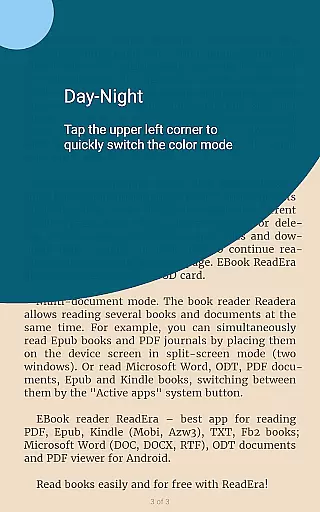
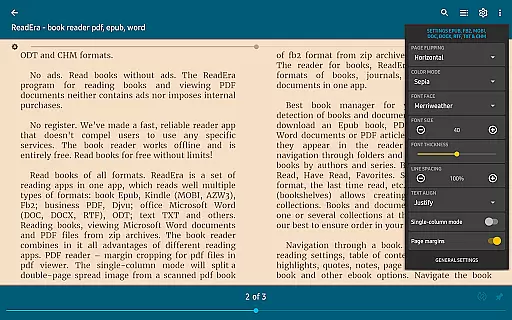
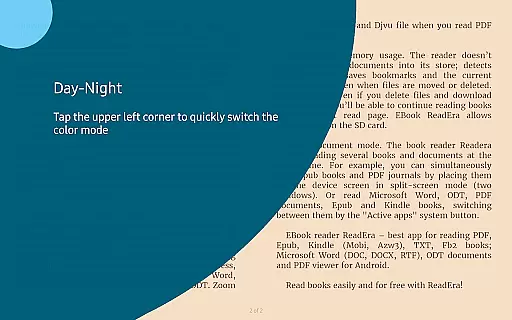
The reading experience is further enhanced by customizable display settings, including day/night modes, sepia tones, and adjustable fonts. Users can fine-tune page layouts, brightness, and orientation while benefiting from automatic page saving and footnote display. These features collectively create a powerful yet user-friendly reading environment suitable for various document types and reading preferences.
ReadEra offers an extensive e-book library that supports a wide array of formats including PDF, EPUB, Microsoft Word, Kindle, DJVU, FB2, TXT, ODT, and CHM. This diversity ensures users have access to books from various sources without compatibility issues.
The application guarantees the authenticity of its content by enabling users to import their legally acquired e-books. It does not host or distribute e-books itself but focuses on providing tools for managing and reading personal collections.
With ReadEra, users can be confident in the legitimacy of their reading material as it supports DRM-free files, ensuring that all content is legally obtained and respects copyright laws.
This approach not only expands the library size virtually limitless but also upholds the highest standards of copyright compliance, offering peace of mind to avid readers.
One of ReadEra's standout features is its exceptional format compatibility. The app supports an impressive range of file types such as PDF, EPUB, Microsoft Word (DOC, DOCX, RTF), Kindle (MOBI, AZW3), DJVU, FB2, TXT, ODT, and CHM.
This broad compatibility means users can consolidate their entire digital library within a single application. Whether it's academic papers in PDF format, novels in EPUB, or business documents in Word, ReadEra handles them all with ease.
The app maintains document integrity across formats, preserving original layouts and formatting. This ensures a consistent reading experience regardless of file type, making it particularly valuable for professionals and students who work with diverse document types.
By eliminating the need for multiple specialized readers, ReadEra streamlines digital reading and document management, saving both time and device storage space.
Multi-format support
No ads or purchases
Offline functionality
Advanced PDF tools
Customizable settings
Complex interface
High storage use
Limited cloud sync
No audio support
Occasional bugs

Bilingual dictionary with English translations of Modern Standard Arabic words.
 4.30
4.30
7 Languages, Google, Wiki, Vocabulary.com, Cambridge & Urban Dictionary!
4.50
Learn Thai with 195,000+ entries, crisp Thai sounds, big text; works offline.
4.80
The Original & Authentic Crystals, Gemstones, Rocks & Minerals Encyclopedia.
4.60
All in one Calibre libraries on your phones and tablets.
3.80
Research your family history to explore ancestors and search for your heritage
4.50
King James Bible read offline, AI Priest, Bible Quiz, Guiding Prayers & Plans
4.80
Read Trending Romance Stories
4.00
A companion for prayer, with Azan alarm, Quibla direction, and Holy Quran book
4.10
Translate into 100+ languages with the world’s most accurate AI translator.
4.70
Unlock unlimited access to bestselling ebooks, novels, stories, and audiobooks
4.60
Build family tree & discover DNA, family history heritage, origins and ancestors
4.60
The ultimate military vehicle identification (Equipment ID) guide.
4.40
Learn Electricians' Handbook PRO complete guide beginners to advance.
4.40
Provides location information of vehicle Shift Interlock releases.
4.30
Essential Technical Rescue Field Operations Guide 6, the Industry Standard Guide
4.20
"BIG A, little a. What begins with A?"
4.10
Guide for dōTERRA® Products
3.60
Read popular romance books and web novels on the fantastic ebook reader
3.50


User Reviews