
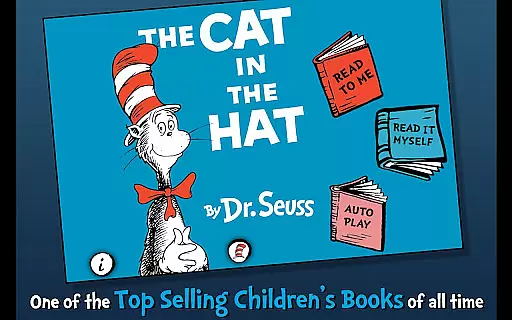
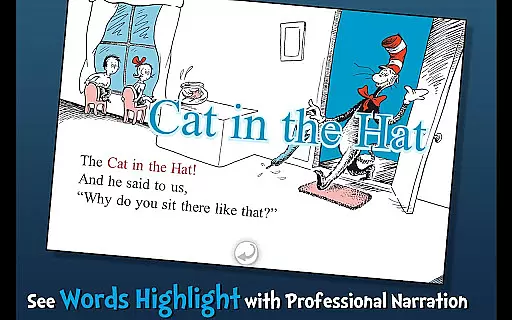
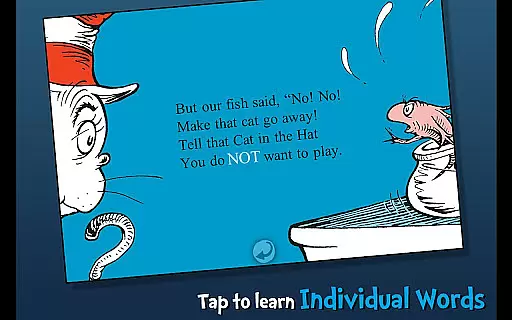
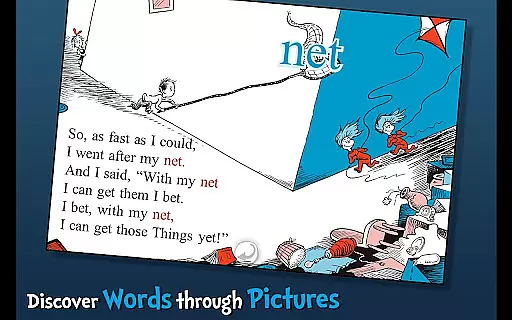
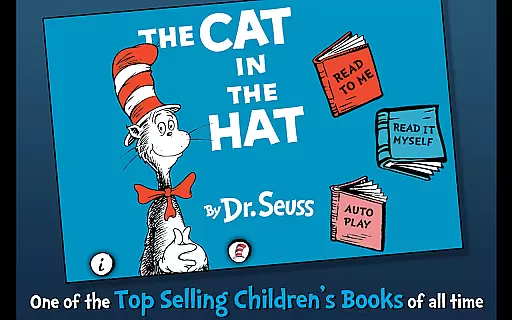
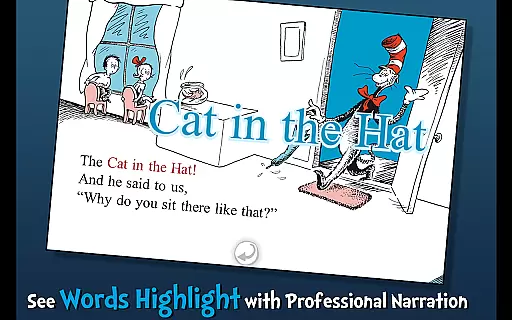
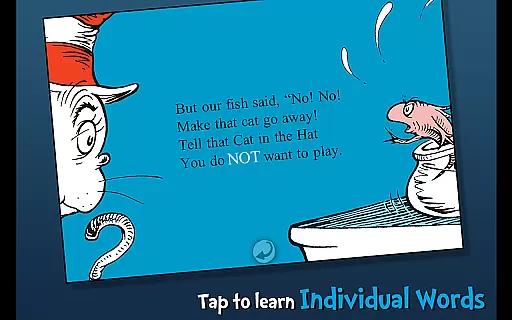
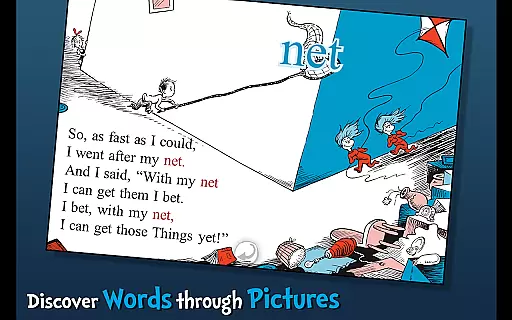
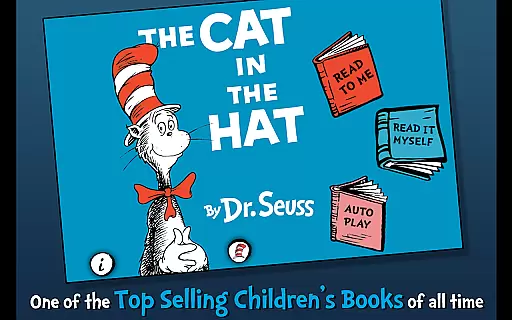
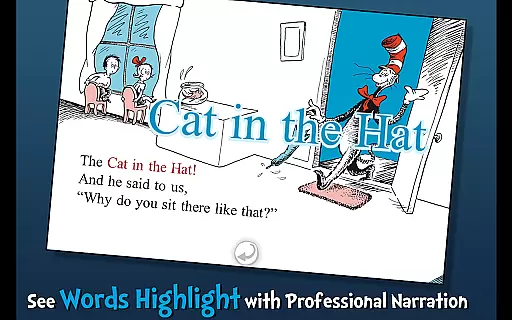
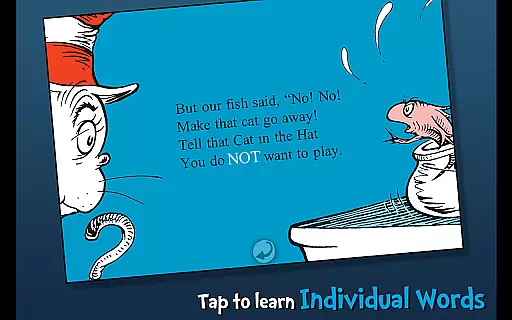
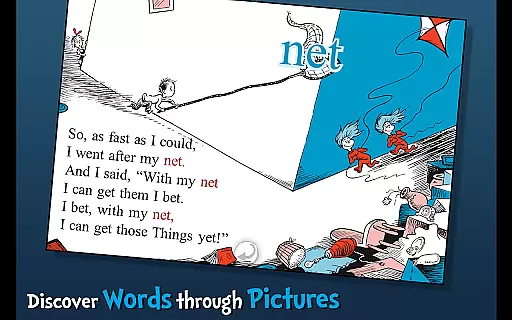
The Cat in the Hat - Dr. Seuss is an interactive book app designed to engage young readers and promote literacy skills. This app brings Dr. Seuss's classic story to life through highlighted narration, tappable words, and interactive illustrations.
Children can follow along with three different reading modes, learn new vocabulary by tapping on words, and interact with objects that come alive with sound. Perfect for ages 3-6, this educational tool helps develop essential reading skills while entertaining kids with the mischievous adventures of the Cat in the Hat.
This interactive book app offers multiple features that create an engaging reading experience. The app includes three reading options: Read to Me, Read Myself, and Auto Play, allowing children to choose their preferred learning style.
Each page contains interactive elements where users can tap objects to hear them pronounced or discover hidden surprises. The highlighted narration feature helps improve word recognition and reading fluency. Additionally, the app maintains the integrity of Dr. Seuss's original artwork and text while adding digital enhancements that make reading more accessible and enjoyable for young learners.
The Cat in the Hat by Dr. Seuss offers a rich e-book experience with its interactive features and official licensing. As an officially licensed Dr. Seuss app, it guarantees the authenticity of its content, ensuring that readers are engaging with genuine material.
While the app itself represents a single book, its depth is created through interactive elements such as tappable words and objects. These features not only enhance engagement but also contribute to a more immersive reading experience.
Parents can feel secure knowing that this app provides a trustworthy adaptation of the classic story. The highlighted narration supports literacy skills, making it an excellent tool for children ages 3-6 to learn and enjoy reading.
The combination of trusted content and interactive features makes this e-book a valuable addition to any child's digital library, maintaining the integrity of Dr. Seuss's original work while offering new ways to explore the story.
This interactive book app of The Cat in the Hat ensures broad format compatibility, making it accessible on various devices. Designed specifically for mobile platforms, it maintains consistent performance across supported Android devices.
The app incorporates multiple reading formats, allowing users to choose from three different ways to read the story. This flexibility caters to different learning styles and preferences, whether readers prefer independent reading or guided narration.
All interactive elements, including tappable words and objects, function seamlessly within the app's environment. The developers have optimized these features to work without requiring additional plugins or special software installations.
By focusing on native mobile compatibility, the app provides a smooth user experience while preserving the quality of Dr. Seuss's original artwork and storytelling. This approach ensures that the classic tale remains accessible to modern digital audiences without compromising its educational value.
User-friendly interface
Interactive learning tools
Multiple reading modes
Vocabulary building features
Official Dr. Seuss license
Limited to single storybook
No offline functionality
Additional content requires purchase
Some features feel repetitive
Outdated visual design

Cute bedtime story for kids
 4.30
4.30
CleverBook Pro makes the popular guide for the game even better!
4.00
Mirror Bible - eye-opening paraphrase translation of the NT by Francois du Toit
4.30
Universal Zoom, learn about sizes & distances of the universe and microcosmos
4.80
KJV Bible works offline with Audio, Hebrew & Greek lexicon (concordance) & more!
4.20
What’s that bird? Just answer 5 questions, snap a photo, or record its song!
4.90
A story reading app: Read stories, novels and books, or write your own.
3.90
Daily thoughts, meditations, and prayers for living a sober life in recovery.
4.90
Premium reader for ePub, PDF, and more. TTS and translation. Great on any screen
3.50
Daily rosary and gospel reflections for catholic
4.90
"When tweetle beetles fight, it's called a tweetle beetle battle."
4.90
Plan of Life that Saint Josemaría recommended
4.80
Personalized Chat with Bible
4.80
The dynamic dictionary/reference app for piano chords and scales!
4.80
F9 Cookbook Mobile App
4.60
Unlock unlimited access to bestselling ebooks, novels, stories, and audiobooks
4.60
Build family tree & discover DNA, family history heritage, origins and ancestors
4.60
Bible Spiritual Companion
4.40
WebNovel - Read Solo Leveling novel and comic
4.10


User Reviews