
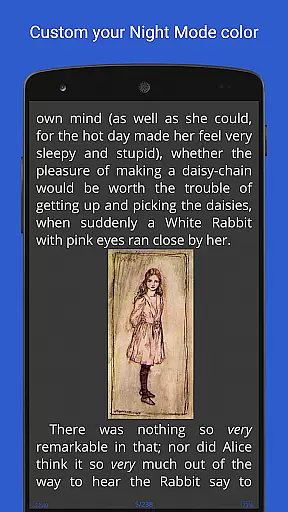
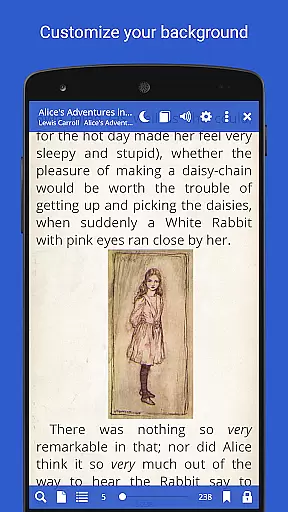
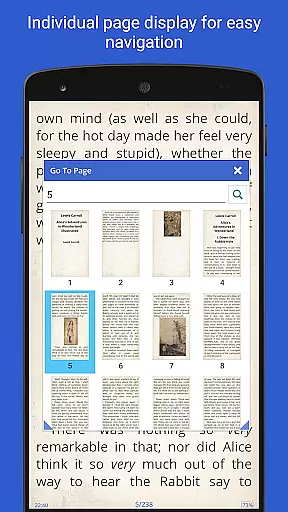
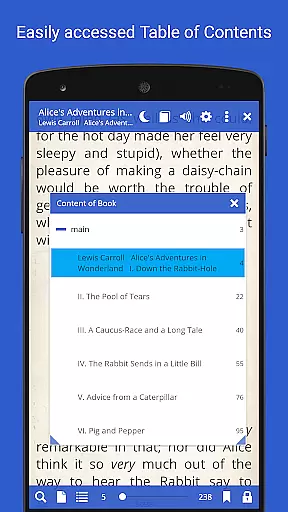
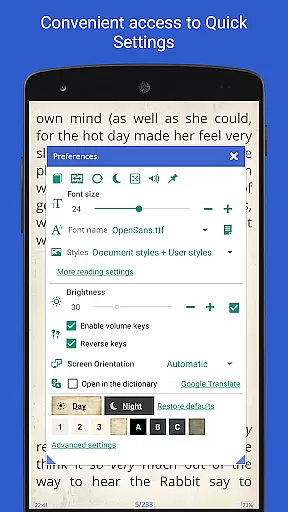
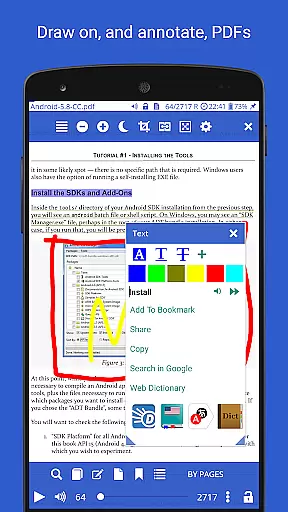
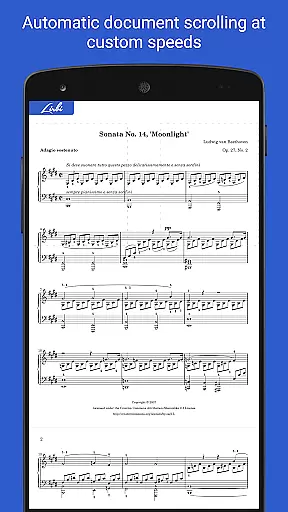
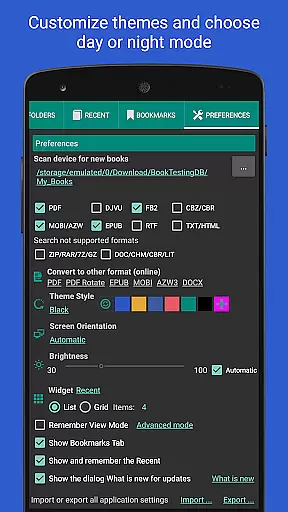
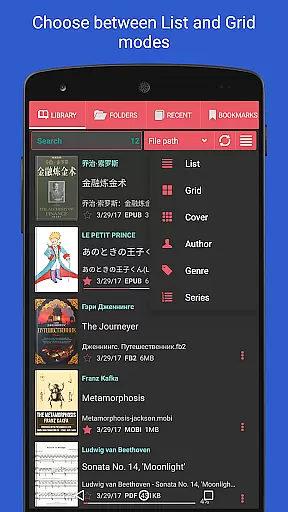
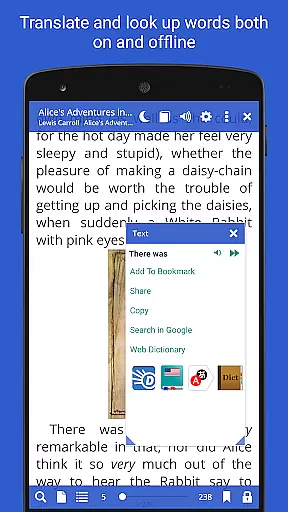
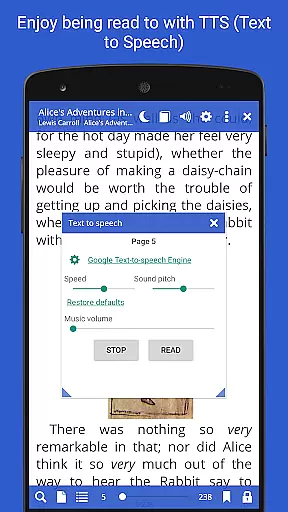
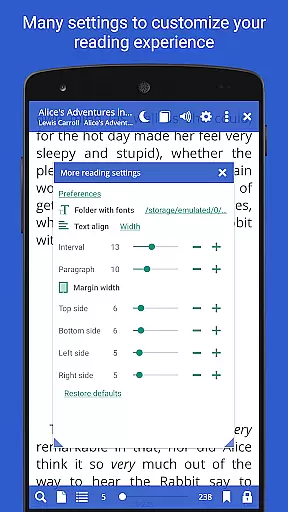
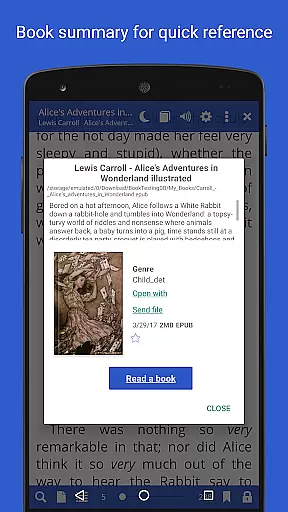
Librera PRO is a versatile and feature-rich reading application designed for book enthusiasts who require support for multiple document formats. This app supports PDF, EPUB, MOBI, DjVu, FB2, DOC, TXT, and many more, making it an all-in-one solution for digital reading. Its user-friendly interface offers both Day and Night modes, customizable reading settings, and even a unique Musician's mode for auto-scrolling at adjustable speeds.
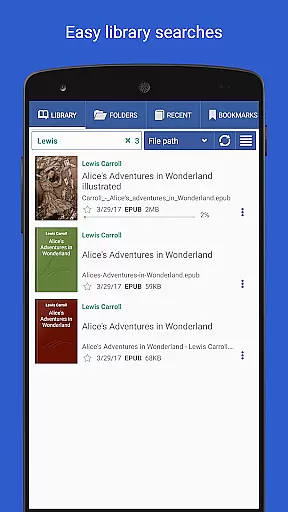
Beyond basic reading, Librera PRO allows users to create personalized libraries by scanning specified folders and organizing documents with tags, filters, and progress tracking. It also integrates online translators and offline dictionaries, ensuring that language barriers won't hinder your reading experience. Whether you're flipping through pages of an eBook or annotating a PDF, Librera PRO provides tools like text reflow, vertical-scroll lock, and TTS (Text-to-Speech) to enhance usability. With its powerful search functionality and cross-device syncing, Librera PRO is ideal for readers who value flexibility and organization in their digital library.
Librera PRO stands out due to its extensive list of features tailored to meet the needs of avid readers. One of its core strengths is the ability to handle a wide variety of document formats, including PDF, EPUB, and MOBI, while offering advanced viewing options such as single-page display for dual-paged documents and auto-centering for zoomed pages. The inclusion of RSVP reading (similar to Spritz) and Musician's mode provides innovative ways to consume content without manual interaction.
The app also excels in customization and convenience. Users can configure volume key functions, apply custom CSS for improved readability, and sort their libraries using multiple filters such as name, size, or date. Additionally, Librera PRO supports cloud-based synchronization, allowing seamless access to reading progress and preferences across devices. Integration with online catalogs (OPDS) and translation services further enhances its utility, making it a comprehensive tool for managing and enjoying a diverse collection of eBooks and documents.
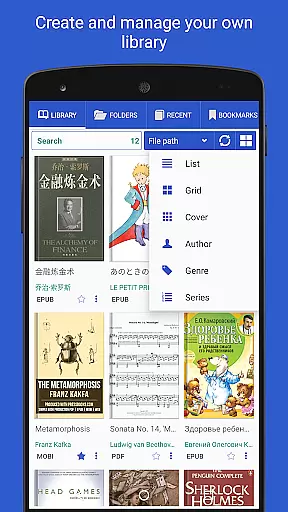
Librera PRO offers an extensive e-book library that supports a wide array of document formats including PDF, EPUB, MOBI, and more. This ensures that users have access to a vast collection of reading materials without format restrictions.
The app emphasizes copyright authenticity by allowing users to import their legally acquired documents. It provides tools for organizing these files into a personalized library, ensuring that all content is both legal and properly managed.
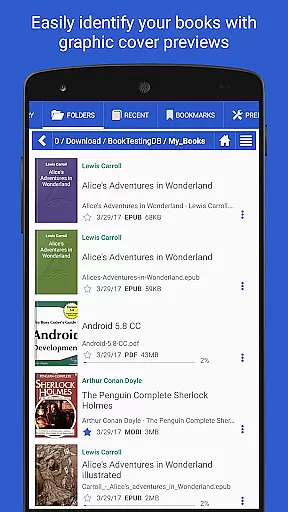
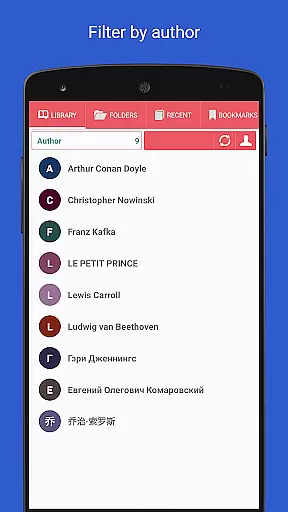
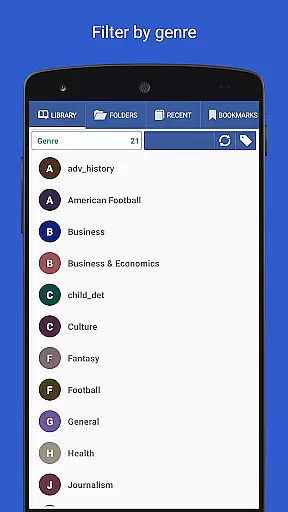
With features like auto-scanning user-specified folders and integration with online catalogs (OPDS), Librera PRO simplifies the process of building and maintaining a comprehensive digital library. Users can easily browse, sort, and filter their collections based on various criteria such as path, name, size, or date.
By supporting archived books (.zip) and offering online document format conversion, Librera PRO enhances accessibility while maintaining respect for intellectual property rights. These capabilities make it an ideal choice for avid readers who value both variety and legality in their reading material.
One of Librera PRO's standout features is its exceptional format compatibility. The application supports most popular document formats such as PDF, EPUB, EPUB3, MOBI, DjVu, FB2, DOC, TXT, and many others. This versatility allows users to access a diverse range of content without worrying about format limitations.
In addition to basic support, Librera PRO includes advanced functionalities tailored to specific formats. For instance, it offers text reflow and annotation capabilities for PDF documents, enhancing readability and interaction. The app also caters to right-to-left languages like Arabic and Hebrew, broadening its appeal across different linguistic groups.
Users benefit from customizable CSS code options which allow for a personalized reading experience regardless of the document type. Whether you're reading novels, academic papers, or technical manuals, Librera PRO ensures optimal presentation and usability.
Furthermore, the ability to convert document formats online within the app underscores its commitment to convenience and flexibility. By prioritizing comprehensive format support, Librera PRO empowers readers to enjoy their preferred content seamlessly across devices.
User-friendly interface
Wide format support
Customizable settings
Cross-device syncing
Advanced reading modes
Complex for beginners
Occasional bugs
Paid PRO version
Heavy on resources
Limited free features

The Bible Audio Guide
 4.80
4.80
Novels, audiobooks, ebooks & fanfiction. Read anytime, anywhere!
3.40
"BIG A, little a. What begins with A?"
4.10
A wonderful reader for good time spend.
4.20
Learn Thai with 195,000+ entries, crisp Thai sounds, big text; works offline.
4.80
"Do you like green eggs and ham?"
4.70
The Original & Authentic Crystals, Gemstones, Rocks & Minerals Encyclopedia.
4.60
Read books PDF, EPUB, WORD, KINDLE, MOBI! Your ebook reader among reading apps.
4.80
A KJV Bible with Apocrypha and precept-based study concordance
5.00
Liturgy of the Hours totally off-line
4.80
Daily Prayer, personalized Bible Study, AI-guided Insights, and Spiritual Growth
4.80
My Bible offers a comprehensive app by providing offline access, daily verses.
4.80
Watch real short episodes in just minutes— addictive, you won't be able to stop!
4.70
Full text, sheet music, and recordings of the print edition
4.60
Manage collectibles, survey and treasure maps in Elder Scrolls Online.
4.40
Essential Technical Rescue Field Operations Guide 6, the Industry Standard Guide
4.20
Prime novels await! Fantasy & Romance on JoyRead. Immersive reads!
4.20
Battle Royale Chapter 5 Season 2 HD Wallpapers Emotes Skins and BattlePass
3.00
University of North Carolina Herbarium presents the flora of TN, AL, & MS.
4.3


User Reviews