

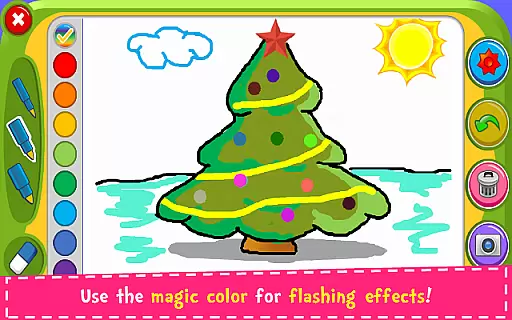
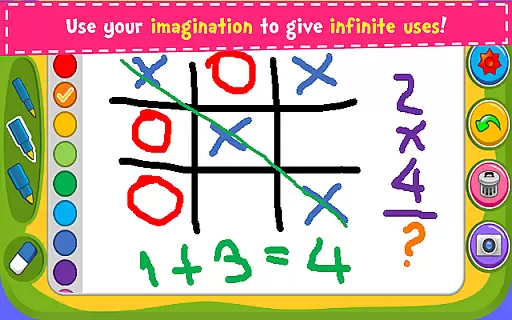
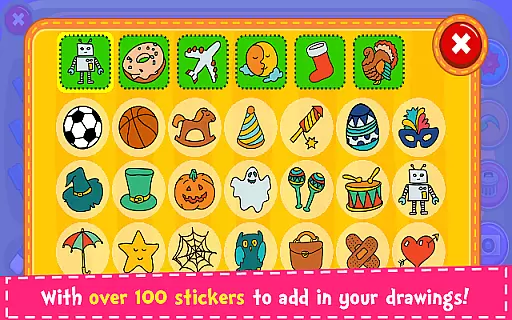
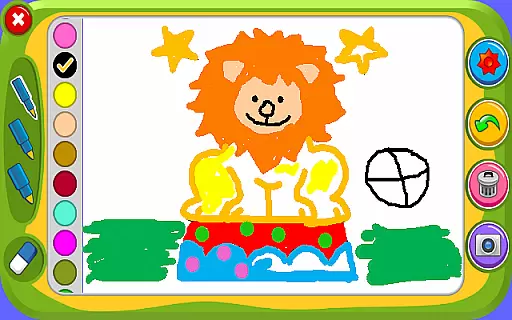


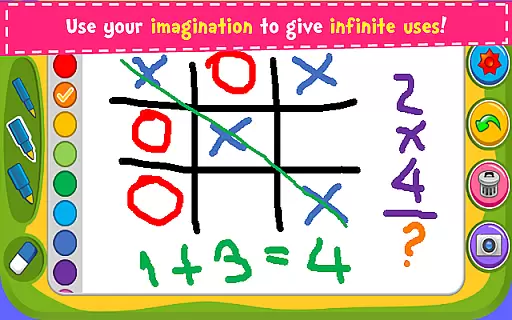
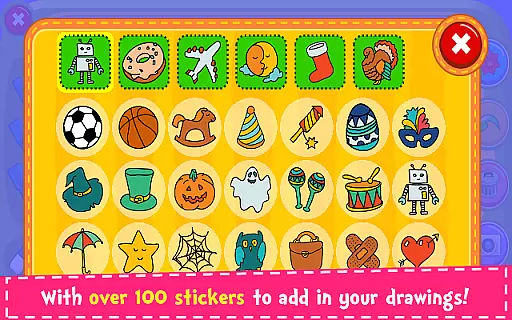


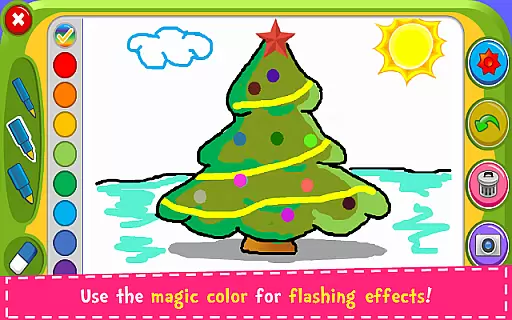
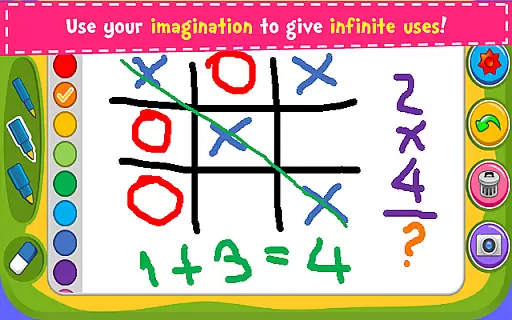
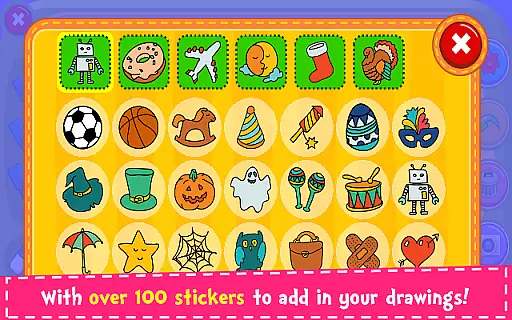
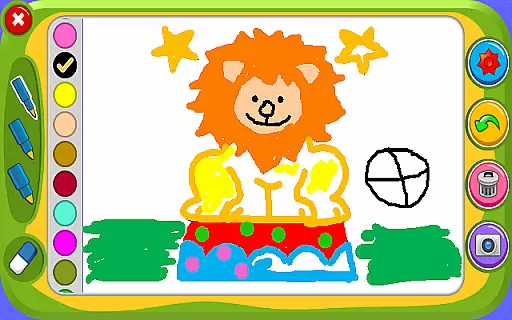

Magic Board is an engaging drawing and coloring game designed for users of all ages. This app allows you to express your artistic talents by providing realistic drawing tools and a wide range of colors. With over 100 beautiful stickers, it offers extensive options to decorate your artwork and explore creativity.
Designed with simplicity and intuitiveness in mind, Magic Board promotes the development of imagination, fine motor skills, and concentration in children. The app supports multiple languages including English and Spanish, making it accessible to a broader audience. Whether you're using a smartphone or tablet, Magic Board delivers a seamless experience across all devices.
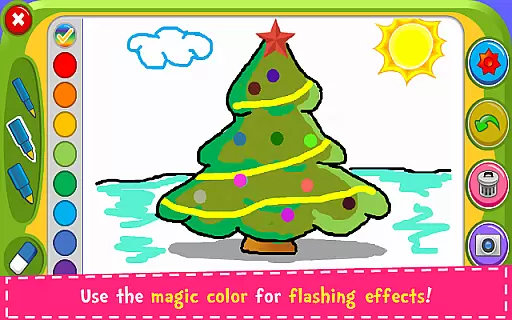
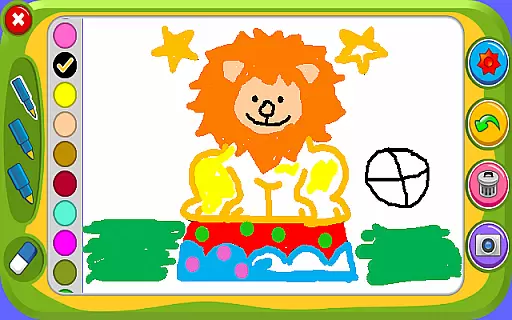
Magic Board stands out with its diverse features tailored for both fun and educational purposes. It offers various pencil strokes and colors, including a unique flash effect that generates endless bright colors dynamically. The inclusion of an eraser, 'Undo' function, and 'Clear All' function ensures ease of use and correction.
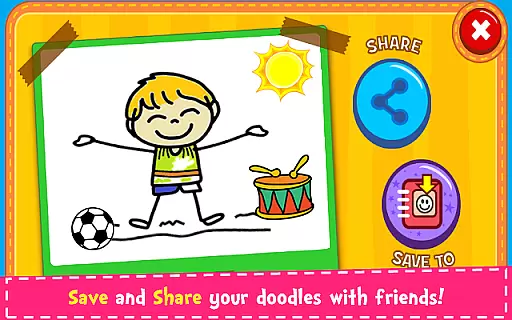
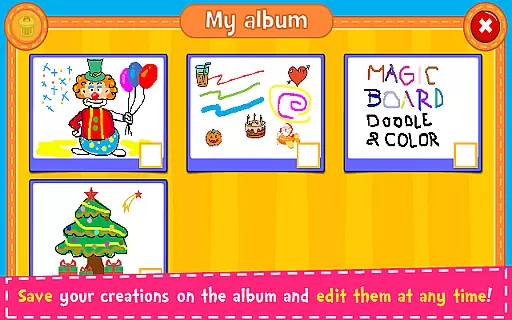
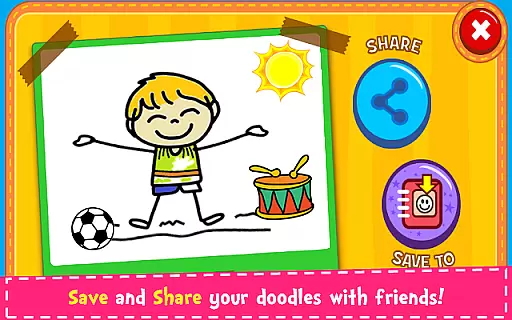
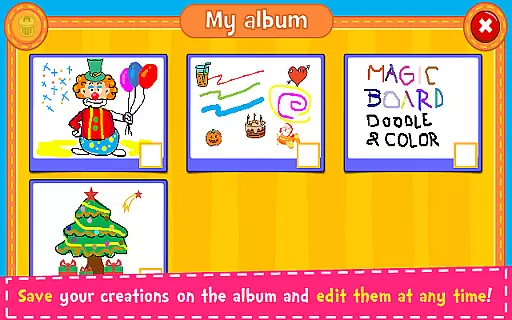
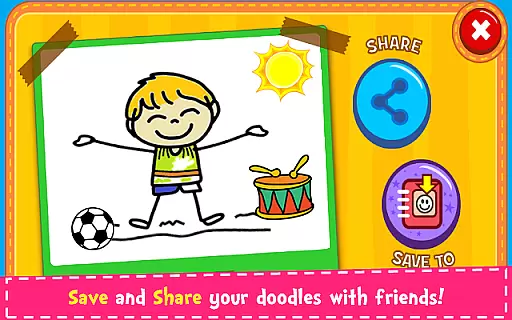
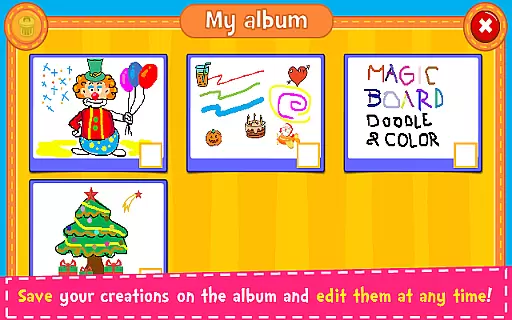
Users can save their creations in an in-app album, allowing them to edit or share their artwork at any time via social media platforms like Facebook, Twitter, Instagram, WhatsApp, or email. The app's simple design and intuitive interface make it easy for anyone to navigate and start creating art immediately.
All content within Magic Board is 100% free, encouraging unlimited artistic exploration without any hidden costs. Its compatibility with all smartphones and tablets guarantees a smooth performance regardless of the device you are using.
When it comes to parenting applications, the credibility of the content is paramount. Magic Board ensures that all its features are designed with educational value in mind. The app offers a drawing and coloring experience that realistically simulates artistic expression, which is crucial for children's creative development.
The game promotes imagination, art appreciation, and helps increase concentration and fine motor skills among children. With over 100 stickers available to decorate artworks, it encourages creativity while keeping the interface simple and intuitive. This reassures parents that their children are engaging with content that is not only enjoyable but also enriches their cognitive and motor skills.
Magic Board stands out by offering these educational benefits without any cost, ensuring that expert-approved developmental activities are accessible to all children. The presence of features like the 'Undo' function and 'Clear All' function indicates an understanding of child psychology, allowing kids to experiment without fear of making mistakes.
Growth tracking in parenting apps often refers to monitoring the developmental progress of a child. While Magic Board is primarily a creative app, it indirectly supports growth tracking through its features that enhance concentration and fine motor skills. Each drawing or coloring session can be seen as a step forward in a childu2019s artistic and cognitive growth.
The ability to save creations in an album and edit them at any time means that parents and children can review past artworks, observing improvements and changes over time. This serves as a form of growth tracking, where progress in skills such as color recognition, precision in drawing, and aesthetic preferences can be witnessed.
Sharing options via social media platforms or messaging apps also allow parents to keep relatives and friends updated on their child's progress. Although not a traditional growth chart, Magic Board provides tools that help track qualitative aspects of a child's development through their artistic journey.
User-friendly interface
100% free content
Wide range of creative tools
Supports multiple languages
Encourages creativity and skill development
Limited advanced features
No offline mode mentioned
Basic design elements only
Potential ads presence
Simple color palette

Comprehensive Parental Control & Child Safety — Hear & Protect Your Child World
 4.30
4.30
Pregnancy and baby formula tips for moms, plus Enfamil coupons & cash back
4.10
Live Location, Alerts & 2-Way Voice for Kids and Adults with Special Needs
4.60
Kids story books for children. Baby reading books with audio for pre-k toddlers
4.70
Pinardin - Smart Parental Control, Online Safety & GPS Tracking!
4.80
Track your labor contractions
4.90
All-In-One Pregnancy Tracker, Your Baby's Milestones, Growth Stages & Parenting.
4.90
Track baby’s development & growth week by week with BabyCenter’s pregnancy app!
4.90
FamilyAlbum helps you share, save, and remember your child's special moments.
4.80
Pregnancy+ App has helped 80m moms track their pregnancy with info & support!
4.80
Parental control App for Location, Remote Camera, Screen Mirroring, Block Apps.
4.60
The Most Trusted Co-Parenting App.
4.60
GPS phone tracker: find kids on map. Location tracking and parental control.
4.50
Reliable phone tracker by number & locate phone app. Protect your family.
4.50
Keep track of your stored breastmilk
4.40
Family parental control app: limit screen time, block apps, GPS tracker.
4.20
Keep Your Family Safe with Pollog Family Assistants
4.10
Play activities, milestones, expert-led classes, baby tracker, and more!
3.00
Track pregnancy health and wellness with pregnant tracker from healthcare advice
4.4


User Reviews