
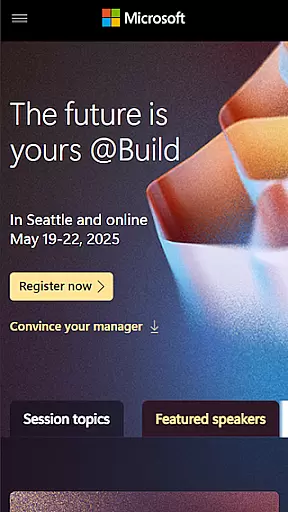
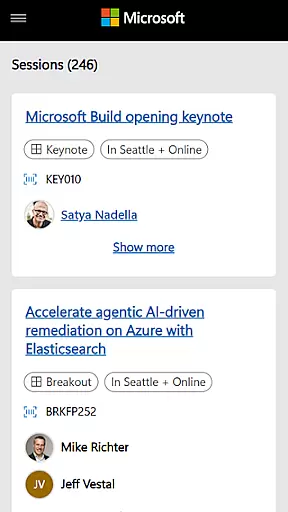
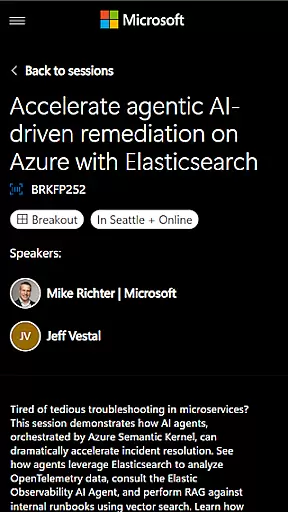
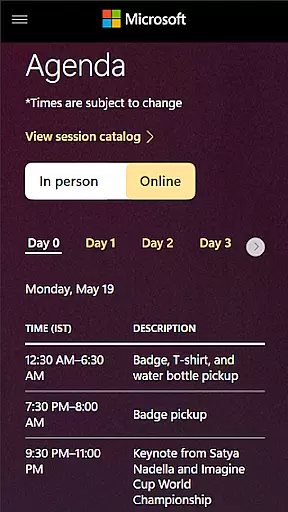
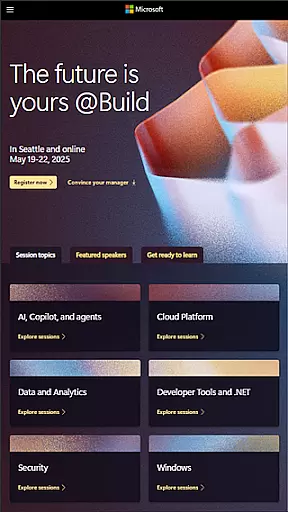
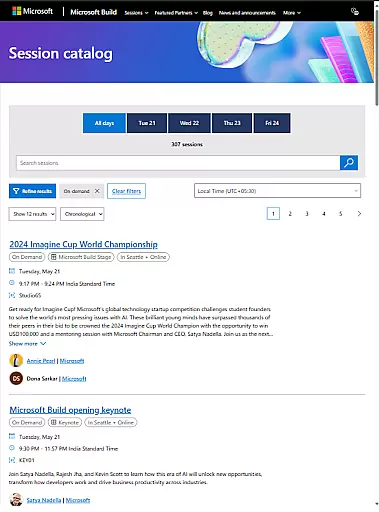
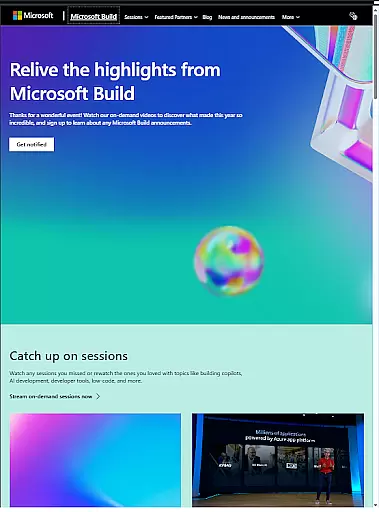
Microsoft Build is an annual developer conference hosted by Microsoft, designed for developers, engineers, IT professionals, and tech enthusiasts. The app provides access to keynotes from industry leaders, technical sessions, hands-on labs, and networking opportunities with the developer community. It serves as a comprehensive platform for attendees to explore the latest innovations in software development, cloud technologies, and artificial intelligence.
Through this app, users can stay updated on Microsoft's newest tools and platforms, gain hands-on experience with cutting-edge AI innovations, and learn directly from in-demand experts. Whether you're attending the event live or remotely, the app ensures seamless access to all essential content, making it a must-have tool for anyone invested in the tech ecosystem.
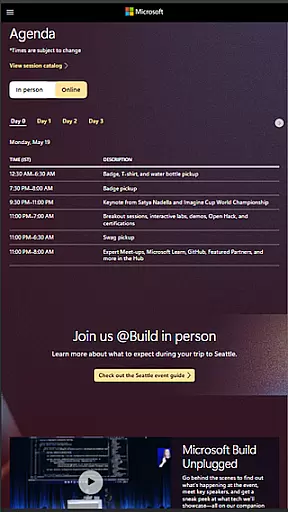
The Microsoft Build app offers a variety of features tailored to enhance the conference experience. Users can access live-streamed keynotes, participate in interactive technical sessions, and join hands-on labs that provide practical insights into new technologies. The app also includes a detailed schedule planner, enabling attendees to organize their time effectively and prioritize sessions based on personal interests.
Additionally, the app facilitates networking by connecting users with fellow attendees and speakers, fostering collaboration within the developer community. Push notifications ensure users never miss important updates or last-minute changes. With its intuitive interface and robust functionality, the Microsoft Build app delivers an immersive and productive event experience, whether accessed on-site or remotely.
Task creation and detail customization are essential features for event planning, allowing users to tailor their experience. Microsoft Build offers a robust platform where attendees can create personalized schedules by selecting sessions, workshops, and keynotes that align with their interests. This flexibility ensures that participants maximize their time at the conference while focusing on areas most relevant to their professional growth.
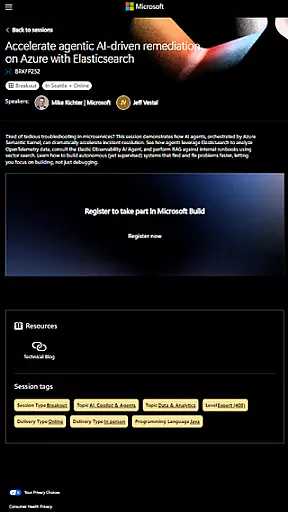
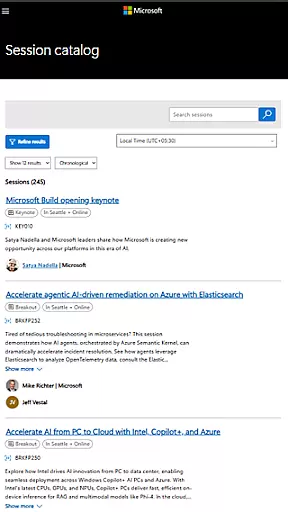
The app provides detailed information about each session, including descriptions, speaker bios, and intended audience. Users can easily customize their schedules by filtering content based on technical expertise or specific topics such as cloud computing, AI, or software development. This level of personalization empowers attendees to design an itinerary that meets their unique learning objectives and career goals.
Moreover, the ability to receive notifications about last-minute changes or additional opportunities enhances the overall event experience. Attendees can set preferences for updates on popular sessions or networking events, ensuring they never miss critical moments during the conference. By offering these tools, Microsoft Build not only streamlines task management but also enriches user engagement through thoughtful customization options.
Reminder settings play a crucial role in keeping attendees informed and organized throughout large-scale events like Microsoft Build. The app allows users to configure reminders for various activities, including keynote speeches, technical sessions, and hands-on labs. These timely alerts help ensure that participants arrive punctually and prepared for each segment of the conference.
Users have the flexibility to choose how they receive remindersu2014whether via push notifications, email alerts, or both. This multi-channel approach caters to different preferences and guarantees that no important session is overlooked. Additionally, the reminder system supports scheduling conflicts by enabling users to prioritize sessions based on availability and interest levels.
Beyond basic timing alerts, the app's reminder feature extends to logistical details such as room locations, required materials, and preparation tips for workshops. By integrating these comprehensive prompts, Microsoft Build enhances attendee preparedness and contributes to a seamless event experience. Such attention to detail underscores the appu2019s commitment to delivering value beyond mere scheduling assistance.
User-friendly interface
Comprehensive session coverage
Real-time updates
Networking opportunities
AI innovation showcase
Limited to event period
Requires stable internet
Advanced features for registered users only
No offline access
Occasional notification overload

An App for Bhutanese
 4.4
4.4
Manage all your events, leads, ticketing, payments and check-ins.
4.30
Audio guide companion APP for SEE's Michelangelo's Sistine Chapel
3.50
It is an Event Planning Application.
4.1
Purchase line-skip passes, drinks, cover, and more at bars and clubs
3.50
TV Garden is a video player to play your own TV streams from around the world!
4.3
Beautiful invitation cards + easy RSVP tracking for any event. Design Invites.
4.80
Soft Proxy for Your Online World
4.2
Buy and sell tickets to sports, concerts, theater, festivals, and comedy events
4.10
Fantasy of Lights Event App
5.00
Buy and Sell Tickets for Concerts, Sports, and Theater.
4.70
Discover events & experiences in NYC, LA, Chicago, DC, Miami and more!
4.70
Here you can choose tickets for films, performances, concerts and other events
4.60
Greeting card maker with photos best app| Birthday cards| All wishes eCards FREE
4.50
The calendar app in this 2026 year see all dates.
4.20
Manages display and transfer of tickets from the Mundo Tickets platform
3.80
Instant photo sharing for every occasion
3.80
No invest, Easy way to earn USDT through crypto cloud mining
3.80
TV Garden - World Live TV : Play & cast your videos seamlessly!
3.20


User Reviews