
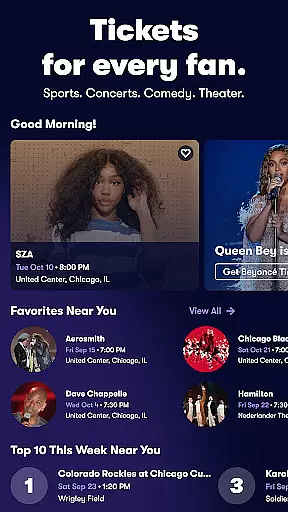
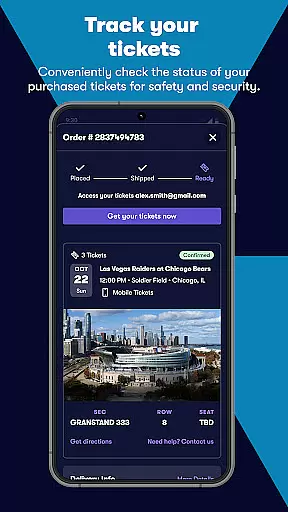
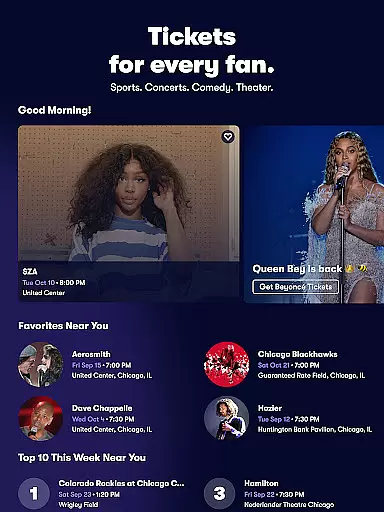
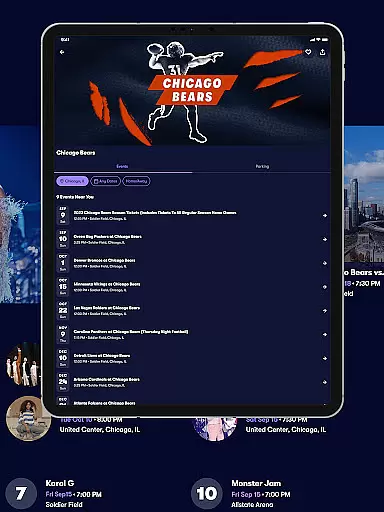
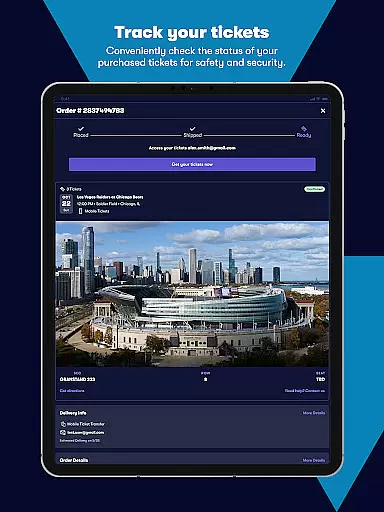
Vivid Seats is a premier mobile ticketing app designed to empower fans to access live events that create their most memorable experiences. The app provides a comprehensive platform for purchasing and selling tickets to top-tier sports games, concerts, and theater performances across the United States.
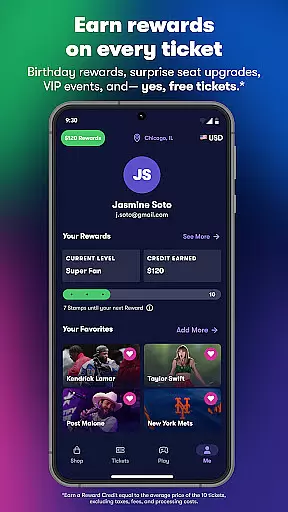
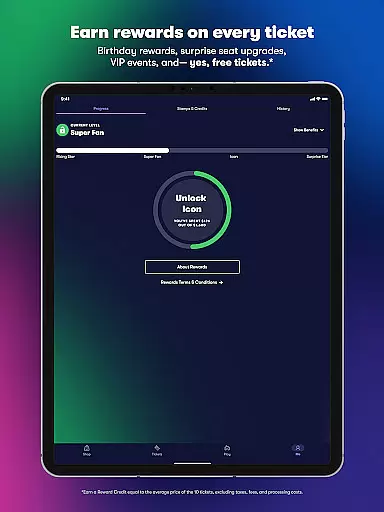
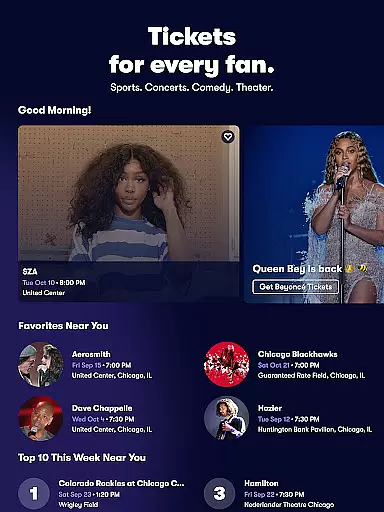
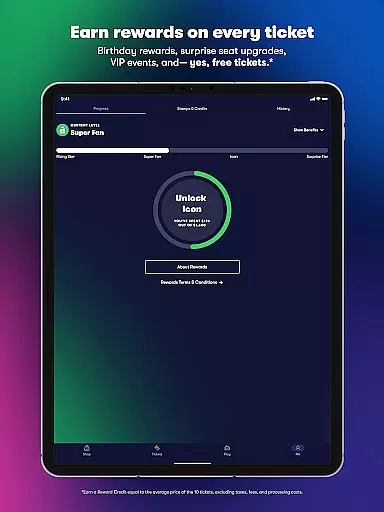
With features like Vivid Seats Rewards, users can earn credit towards future events with every purchase. Whether you're looking for last-minute tickets or planning ahead, the app offers an intuitive interface with interactive seating maps, personalized recommendations, and secure in-app checkout. This ensures a seamless experience from search to event attendance.
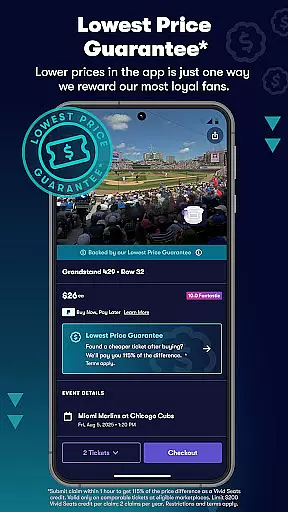
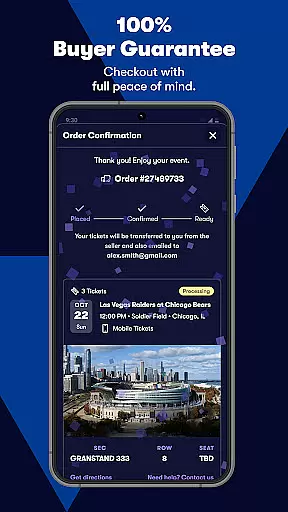
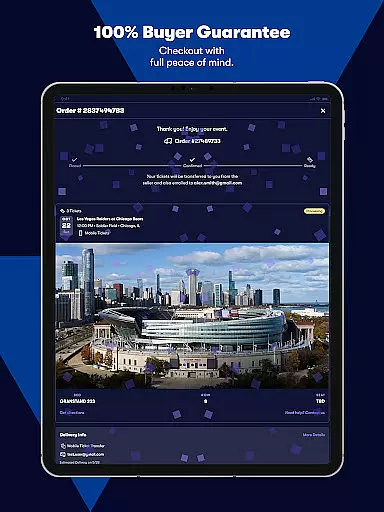
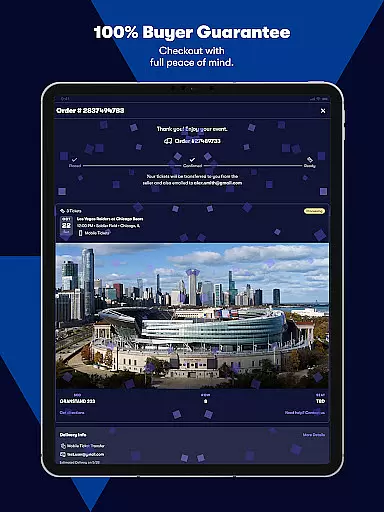
The app's value extends beyond convenience; it connects users to a vast marketplace with unique inventory not available elsewhere. From major league sports to sold-out concerts, Vivid Seats makes it possible for fans to be part of the action, all while enjoying a 100% Buyer Guarantee and dedicated customer support.
Vivid Seats stands out through its innovative features tailored to enhance the ticket-buying experience. One of its key highlights is the Vivid Seats Rewards program, which incentivizes users by offering reward credits with every ticket purchase, encouraging frequent use of the app.
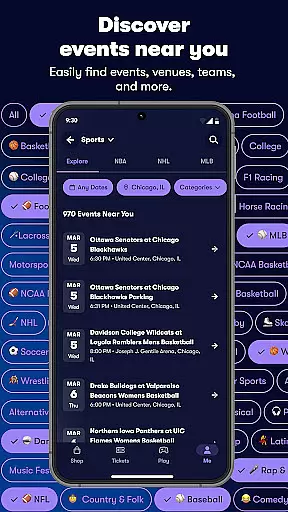
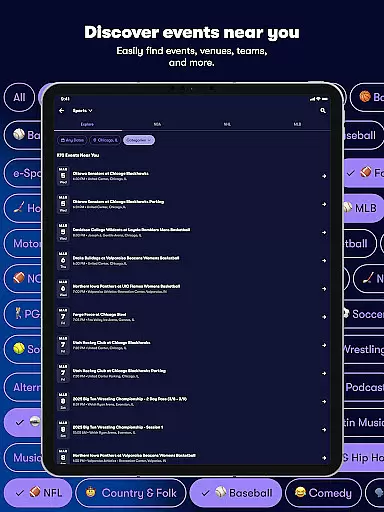
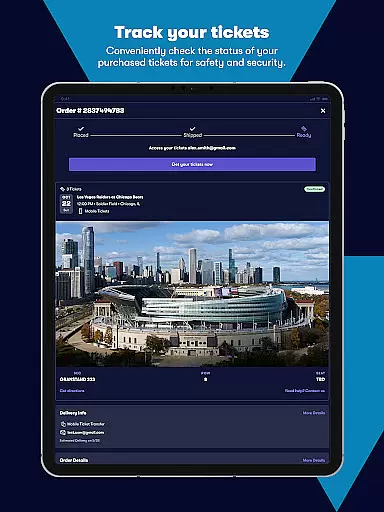
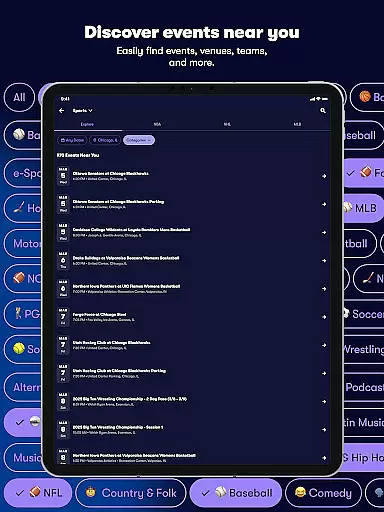
The app also excels in accessibility and convenience. With functionalities such as mobile e-tickets, users can access their tickets directly within the app, eliminating the need for paper tickets. Additionally, features like 'Live events near you' provide personalized recommendations based on location, while 'Interactive seating maps' allow users to explore seating options in detail.
Other notable features include 'Music Scan,' which syncs with Spotify to populate favorite events, and 'Seat View,' giving users a preview of their view from specific sections. These tools collectively ensure a user-friendly, efficient, and personalized ticket-buying journey.
Task creation and detail customization are essential features for any event management app, allowing users to tailor their event planning process to their specific needs. Vivid Seats offers a robust platform where users can not only browse and purchase tickets but also personalize their event-going experience. The app provides interactive seating maps, enabling users to select specific sections and rows, ensuring they get the best possible view for their favorite events.
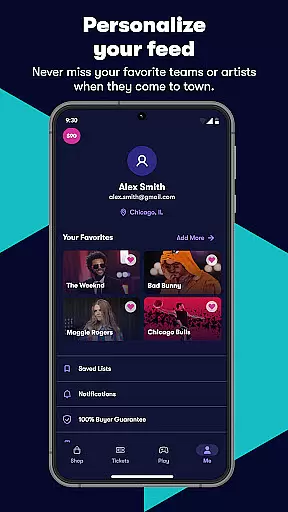
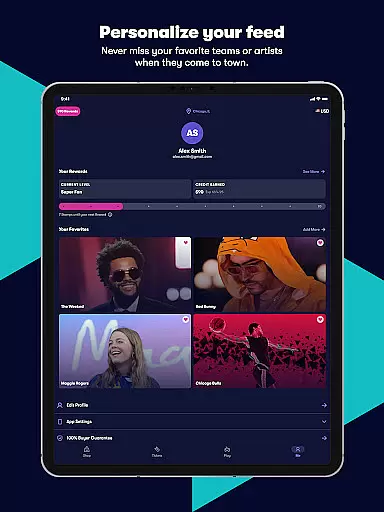
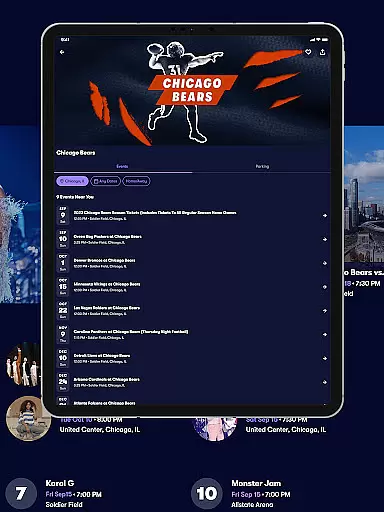
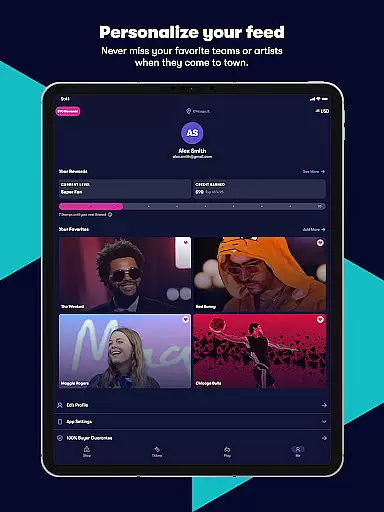
The level of customization available in Vivid Seats is impressive. Users can filter search results by price, section, row, quantity, ticket type, and date range, making it easy to find tickets that match their preferences. Additionally, the app allows users to save their favorite events, providing quick access to upcoming concerts, games, and shows in their area. This personalization feature ensures that users are always informed about events they are interested in, enhancing their overall experience.
Vivid Seats also integrates with Spotify, allowing users to quickly populate their favorites list based on their music preferences. This innovative feature adds another layer of personalization, making it easier for users to discover new events and artists they might enjoy. By leveraging technology to enhance user engagement, Vivid Seats sets itself apart from other ticketing platforms.
Ultimately, the ability to create and customize tasks within Vivid Seats empowers users to take control of their event planning. Whether it's choosing the perfect seats for a sold-out concert or setting reminders for upcoming sports games, the app provides the tools necessary to ensure a seamless and enjoyable experience. This focus on customization and user empowerment makes Vivid Seats a top choice for anyone looking to attend live events.
Reminder settings play a crucial role in ensuring users never miss an important event. With Vivid Seats, users can set up personalized reminders for their favorite concerts, games, and shows, ensuring they stay informed and up-to-date. This feature is particularly useful for those who frequently attend live events and need timely notifications to manage their schedules effectively.
The app offers flexible reminder options, allowing users to choose when and how they receive notifications. Whether it's a few hours before a game or a week ahead of a concert, Vivid Seats ensures users have ample time to prepare. These reminders can be customized to suit individual preferences, providing a tailored experience that enhances user satisfaction and engagement.
In addition to standard reminders, Vivid Seats also provides updates on last-minute ticket availability. This feature is especially valuable for users looking to attend sold-out events or secure tickets at the eleventh hour. By keeping users informed about real-time ticket listings, the app increases the chances of attending must-see events, even on short notice.
Overall, the reminder settings in Vivid Seats contribute significantly to its user-friendly design. By offering customizable and timely notifications, the app ensures that users can focus on enjoying their event experiences without worrying about missing out. This attention to detail and commitment to user convenience solidifies Vivid Seats' position as a leading platform for purchasing and managing event tickets.
User-friendly interface
Wide selection of events
Secure payment options
Excellent customer support
Unique ticket inventory
Limited international events
Occasional high fees
Dependent on third-party sellers
No offline functionality
Requires account creation

Manage all your events, leads, ticketing, payments and check-ins.
 4.30
4.30
Buy event tickets easily with our user-friendly App. Stay updated on hot events
4.1
Here you can choose tickets for films, performances, concerts and other events
4.60
Fantasy of Lights Event App
5.00
Create Wedding Invitation and Wedding Anniversary Cards using our app
4.60
No invest, Easy way to earn USDT through crypto cloud mining
3.80
The official app for Sched events! View your event schedule here.
4.20
Freebie Games for Epic Games, Steam, Amazon, Rockstar etc.
4.40
Save money on concert, sport, and theater tickets, and discover upcoming events.
4.80
Plan your wedding for free on the go: vendors, budget, website and checklists!
4.80
The KRUU app - plan, celebrate, remember
4.80
Find Live Event Ticket Deals to Sports, Concerts, Festivals, & Comedy For Less!
4.80
Text message invitations for birthday party, wedding, graduation, baby shower +
4.60
Everything you need for the Best Thursday Ever.
4.40
Invitation Card Maker, Design & share wedding, birthday & party invites fast
4.40
Meet people over dinner
4.40
Instant photo sharing for every occasion
3.80
Purchase line-skip passes, drinks, cover, and more at bars and clubs
3.50
Thanksgiving Wishes, Thanksgiving Stickers & Animated GIF for Whatsapp Stickers
4.3


User Reviews