
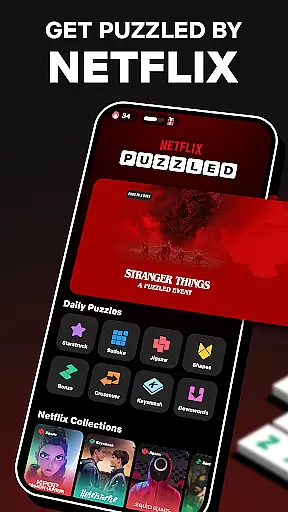
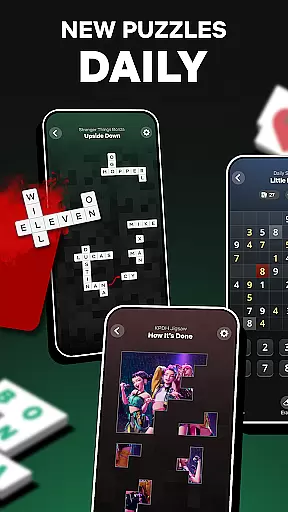

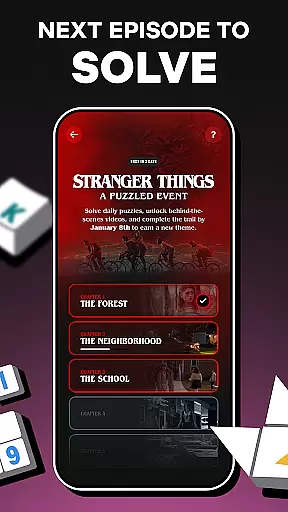
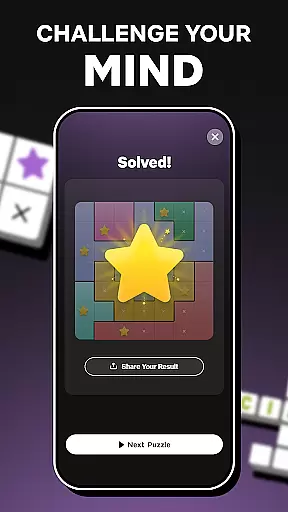
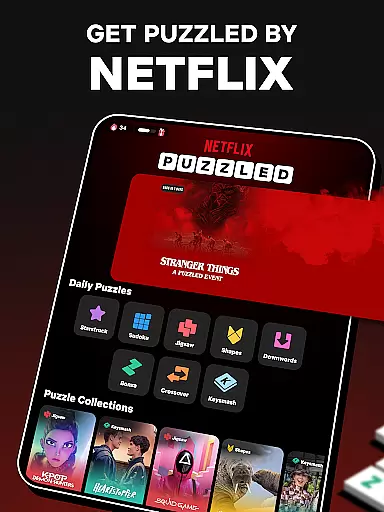
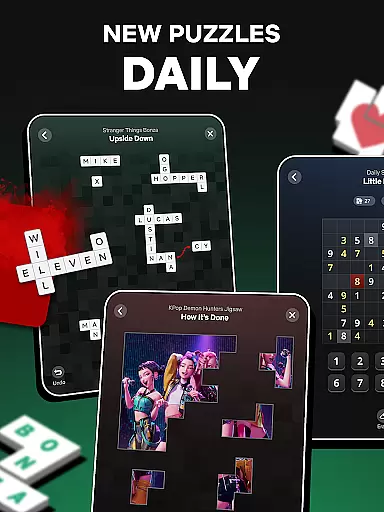
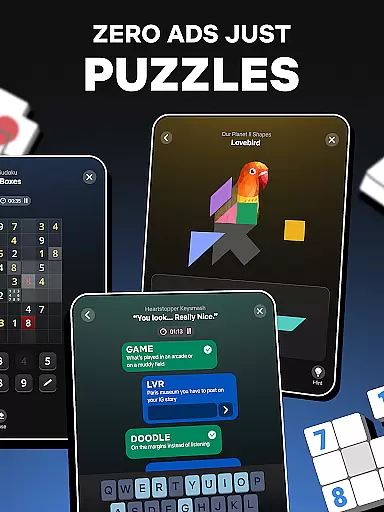
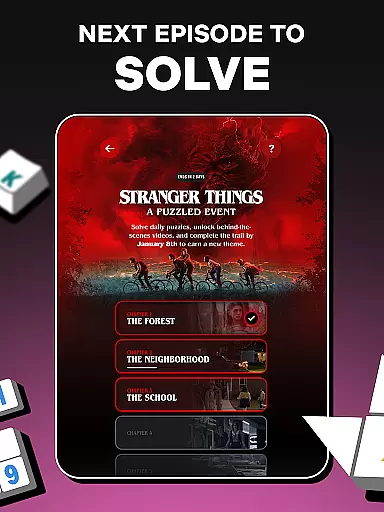
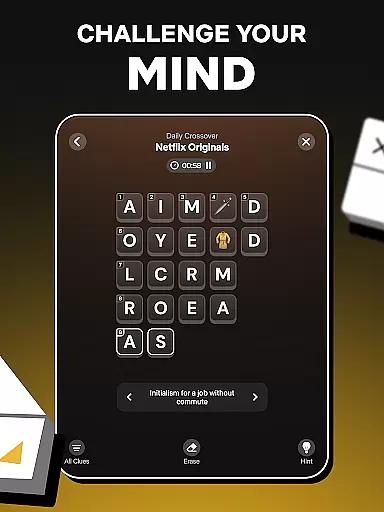
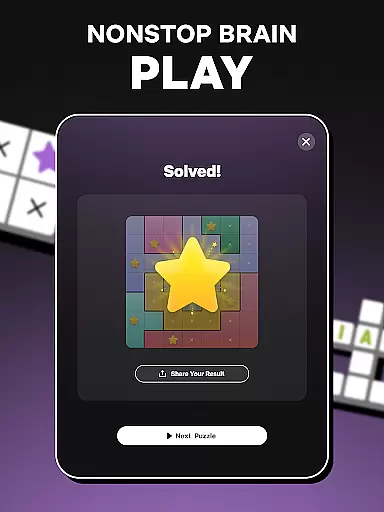
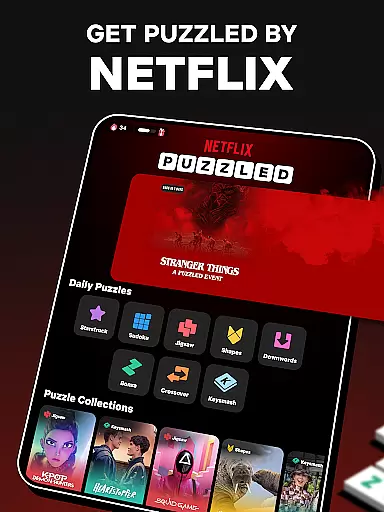
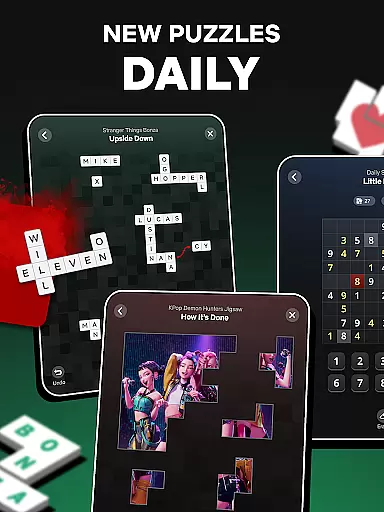
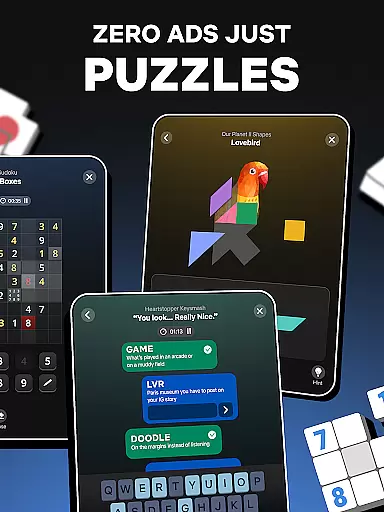
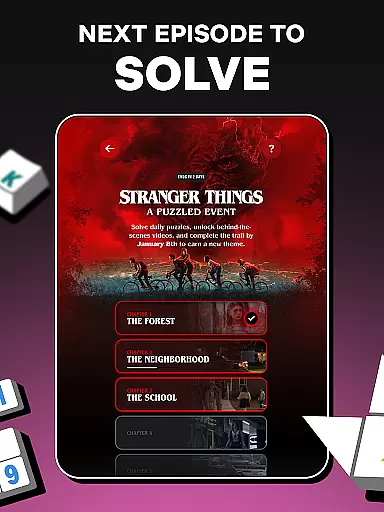
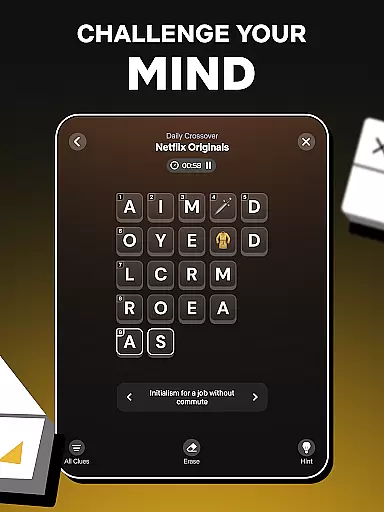
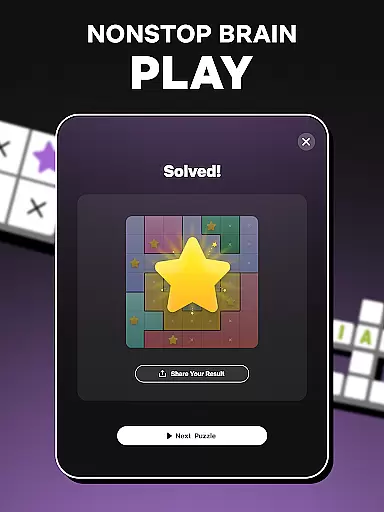
Netflix Puzzled is a daily puzzle application designed to stimulate your brain with a variety of word, logic, and visual puzzles. Each day brings new challenges inspired by popular Netflix series and films, such as 'KPop Demon Hunters,' 'Squid Game,' and 'Stranger Things.' The app offers an uninterrupted solving experience, whether online or offline, without in-game ads.
The app features a diverse range of puzzles including Bonza, Keysmash, Crossover, Waywords for word wizards; Sudoku and Starstruck for logic lovers; and Jigsaw and Shapes for visual thinkers. These puzzles are crafted to keep your mind sharp while offering entertainment that connects with the magic of Netflix content.
With its unique blend of engaging puzzles and beloved Netflix themes, Netflix Puzzled provides users with a fresh way to start their morning routine and maintain a legendary solving streak every day.
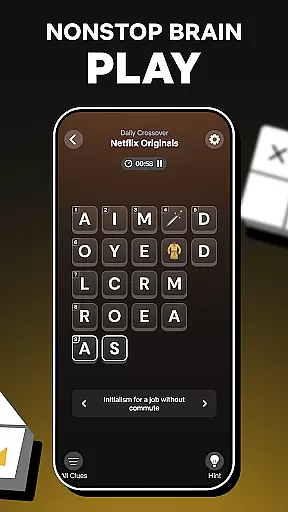
Netflix Puzzled boasts a rich array of features tailored to enhance cognitive skills through fun and engaging puzzles. The app includes classic games like Sudoku and innovative challenges such as Bonza, which combines elements of crosswords and jigsaw puzzles. Users can enjoy Keysmash, where they fill in words missing vowels, and Crossover, a mini crossword grid requiring strategic letter placement.
For visual thinkers, there's Jigsaw and Shapes, which involve fitting pieces together to complete images or rearranging geometric shapes into new outlines. Each puzzle type is designed to cater to different problem-solving skills, ensuring a comprehensive mental workout.
Additionally, the app integrates seamlessly with Netflix's vast content library, offering themed collections that resonate with fans of specific shows or movies. This feature not only entertains but also deepens the connection between gameplay and storytelling, making each puzzle-solving session uniquely rewarding.
When it comes to word games, the quality and clarity of clues can make or break the experience. Netflix Puzzled excels in this area by offering a diverse range of puzzles with well-crafted hints that cater to different solving styles. Each daily puzzle, from Bonza to Keysmash, presents clues that are thoughtfully designed to challenge and engage players without causing frustration.
The app achieves this balance by integrating familiar concepts with innovative twists inspired by popular Netflix series and films. For instance, themes from shows like 'Squid Game' and 'Stranger Things' add an extra layer of engagement, making each puzzle not just a test of skill but also a journey through beloved narratives. This approach ensures that every clue is not only a prompt for solving but also an invitation to explore rich storytelling landscapes.
Players benefit from this meticulous attention to clue quality in several ways. First, clear and creative clues enhance cognitive skills such as pattern recognition and deductive reasoning. Second, they keep the gameplay fresh and exciting, encouraging users to return daily. Lastly, the thematic integration with Netflix content provides a unique cross-platform experience that enriches both the gaming and viewing aspects of the Netflix ecosystem.
One of the standout features of Netflix Puzzled is its impressive variety of puzzles, ensuring that there's always something new and engaging for players. The app offers a mix of word, logic, and visual puzzles, each with its own set of mechanics and challenges. This diversity caters to a wide audience, accommodating different preferences and skill levels.
For word enthusiasts, games like Bonza and Waywords provide a stimulating experience by combining elements of crosswords and word searches with unique twists. Logic lovers can dive into classic Sudoku puzzles or try their hand at Starstruck, which requires strategic placement of stars on a grid. Visual thinkers are not left out, with Jigsaw and Shapes offering tactile challenges that require spatial reasoning and creativity.
This variety does more than just entertain; it promotes mental agility and problem-solving skills. By regularly switching between different types of puzzles, players can exercise various cognitive functions, keeping their minds sharp and adaptable. Additionally, the daily rotation of puzzles ensures that users always have fresh content to look forward to, enhancing long-term engagement and enjoyment.
User-friendly interface
Diverse puzzle types
No in-game advertisements
Offline functionality
Integration with Netflix themes
Limited to Netflix subscribers
Requires daily updates
Puzzles may lack difficulty progression
Some features locked behind subscription
Occasional connectivity issues

Relax and have fun with a combination of word games and solitaire!
 4.60
4.60
Enjoy the beautiful scenery and endless word search puzzles!
4.70
Word Trip – where players relax, solve word puzzles, and boost your brainpower!
4.90
Play word games to find as many words as you can. Use mode of crossword puzzles!
4.80
Guessing word game for smartphones and smartwatches
4.4
101 offline games: words, puzzles, quizzes! Play, learn and compete!
4.70
3000+ levels of word puzzles fun. Connect words, improve vocabulary, boost IQ!
4.60
Crossword puzzles for all ages- easy to hard games. All offline!
4.80
Relax, train your brain and improve your vocabulary with Word Search Journey
4.80
Visit the wonders of the world while you connect letters to create great words!
4.90
Link related words, train your brain, and relax with calming word puzzles!
4.90
Solve crossword puzzles challenge your brain and expand your vocabulary
4.90
A roguelike word game!
4.70
Word Puzzles from the hit TV show! Spin the wheel for fun word games!
4.60
Can you handle the heat of the Word Kitchen?
4.60
The classic word game with advanced AI and built-in definitions
4.60
Using letters and numbers, decode hidden words in this сryptogram game!
4.40
Combine crossword clues with a fill in the quote cryptogram style answer
4.30
Daily Word Search Puzzles
4.10


User Reviews