
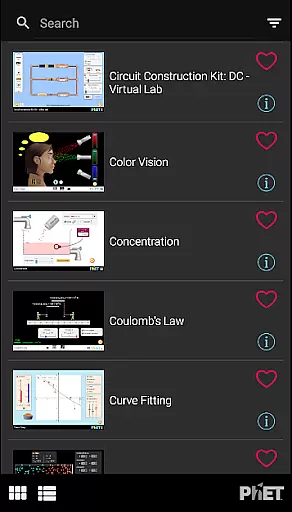
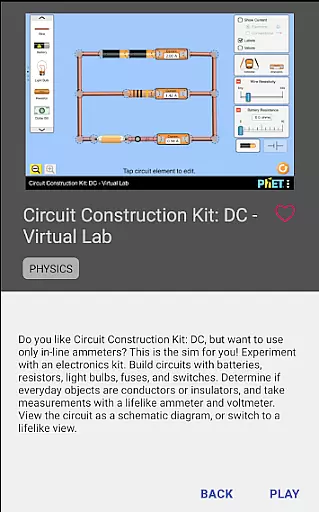
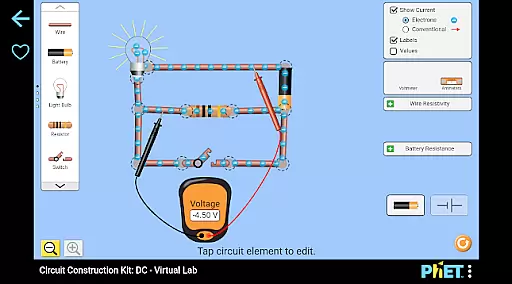
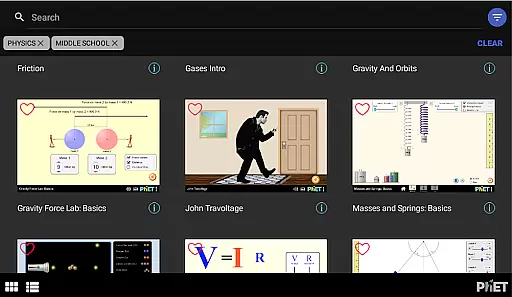
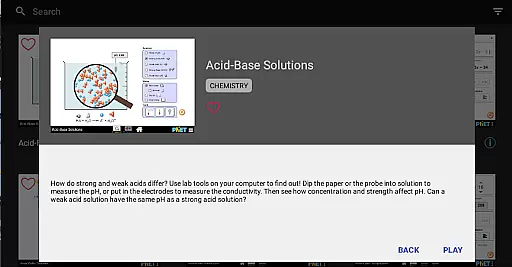
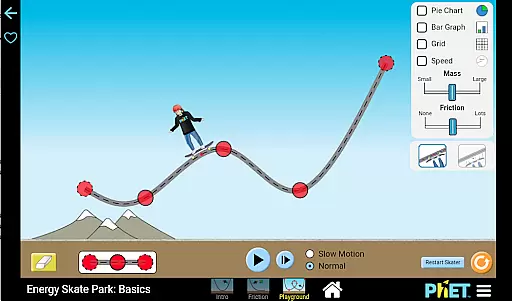
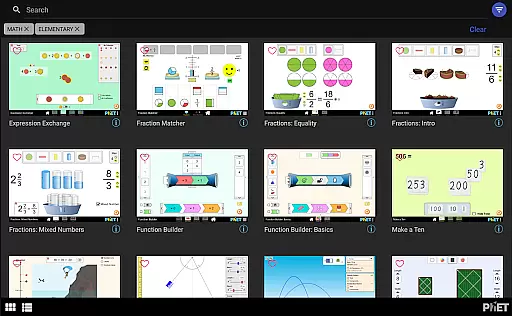
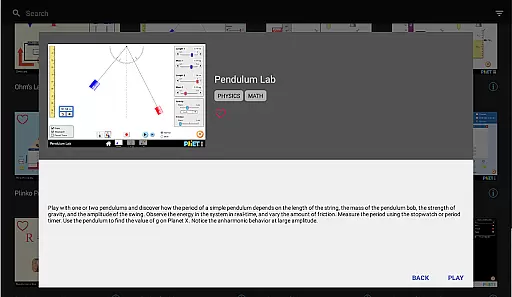
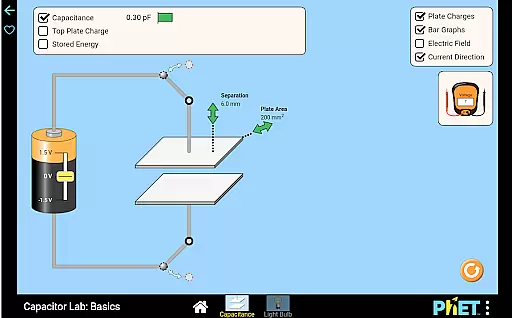
PhET Simulations is an educational app that provides access to over 85 interactive HTML5 simulations, designed for learning science and math. Developed by experts at the University of Colorado Boulder, this app caters to various learners, whether they are understanding atoms, exploring energy, or mastering multiplication.
The app offers offline play, multiple language support, favorites collection, automatic updates, easy sorting, and fullscreen mode. It is suitable for parents who want to engage their children in educational discovery, teachers who need quick access to simulations even without internet, and administrators looking to optimize school use.
By downloading PhET Simulations, users can enjoy a seamless experience that enhances learning both inside and outside the classroom, making education accessible anytime, anywhere.
PhET Simulations stands out with its comprehensive suite of features tailored for diverse educational needs. The app includes offline functionality, allowing uninterrupted learning without a WiFi connection, which is perfect for commuting or outdoor activities.
Another remarkable feature is the multilingual support, enabling bilingual learners to switch between languages effortlessly. Users can also create a personalized collection of favorite simulations, ensuring quick access to preferred content. Automatic updates ensure that users receive the latest simulations as soon as they are available.
Additionally, the app's easy sorting and fullscreen capabilities enhance user experience by simplifying navigation and maximizing screen space for optimal exploration of simulations.
In the realm of educational tools, content accuracy is paramount. PhET Simulations delivers scientifically verified and pedagogically sound interactive simulations developed by experts at the University of Colorado Boulder. This ensures that each sim provides reliable information that aligns with academic standards.
The app encompasses a wide array of subjects including physics, chemistry, biology, and math, all designed to facilitate deep understanding through exploration. With over 85 HTML5 sims, learners engage with content crafted through rigorous research and testing, offering an authoritative source for STEM education.
For educators and students alike, this commitment to precision means that concepts learned through the app are both accurate and applicable in formal learning environments. The trust in PhET's expertly designed resources empowers teachers to confidently integrate these simulations into their curriculum.
PhET Simulations recognizes the importance of personalized learning paths in catering to individual student needs. By providing a diverse collection of interactive sims, the app allows learners to explore topics at their own pace and according to their interests, fostering a more engaging educational experience.
Teachers and parents can guide students by selecting specific sims that match the learner's current level or curriculum requirements. Favorites functionality enables users to curate custom collections, effectively creating tailored pathways that evolve with the studentu2019s growing knowledge and skills.
This adaptability not only supports differentiated instruction but also encourages self-directed learning. Students gain confidence as they master concepts on their terms, making PhET an invaluable tool for nurturing a lifelong love for science and mathematics.
User-friendly interface
Offline access
Multilingual support
Automatic updates
Customizable collections
Limited accessibility features
No Java or Flash simulations
Some advanced options missing
Occasional update delays
Interface not always intuitive

FAR/AIM, FAR for Flight Crew and FAR for Aviation Maintenance Technicians
 3.80
3.80
Turn scrolling hours into improving your knowledge, communication, intelligence
4.50
Astronomy app ? Discover the universe scope, explore solar system model in 3D.
4.20
Learn and joke with the Silly Turkey!
4.1
THE MOST COMPREHENSIVE JUMPMASTER STUDY RESOURCE AVAILABLE.
3.40
Your best partner for learning Japanese words. Based on a best-selling textbook.
2.80
Our most popular app series returns, better than ever!
3.90
A fast and fun way to learn guitar - works with any guitar.
4.60
Adventures await with Spider-Man and other Marvel characters!
4.10
Learning the ancient Viking language made simple
4.70
Dinosaurs coloring book game. Drawing and painting dinos.
4.50
The Only Official DVSA Theory Test Kit App
4.50
Astronomy Guide To Night Sky
4.30
An aviator’s preparation, study and test tool for FAA Knowledge Exams.
4.30
The "Go To" app for Airmen studying for promotion to SSgt and TSgt
4.30
An aviator’s preparation, study and test tool for FAA Knowledge Exams.
4.00
Snap a dog photo to identify its breed instantly. Fast, accurate and easy to use
3.40
The official CCM Glossary app, including 700+ terms and definitions.
2.90
Enrich the experience of your visit to the Pantheon with our audiotour.
1.60


User Reviews