
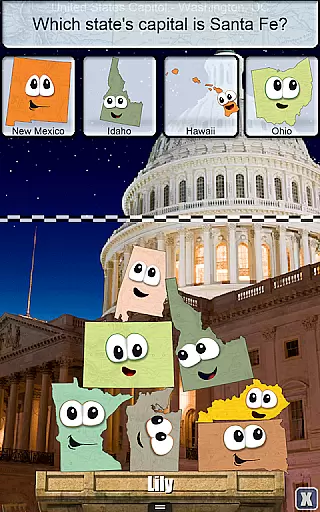

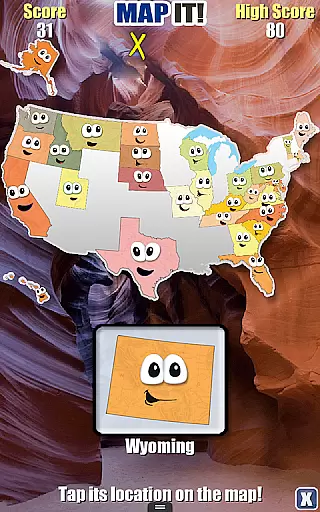
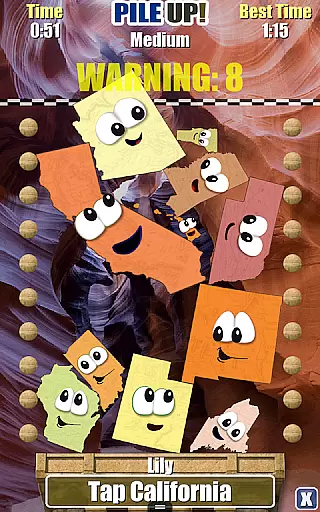
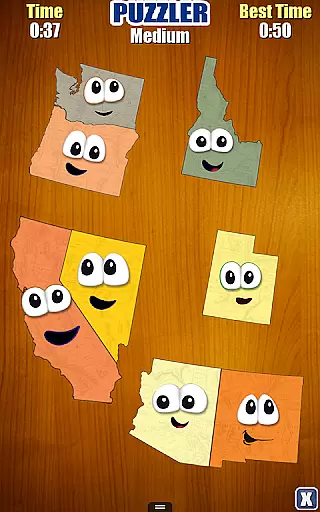
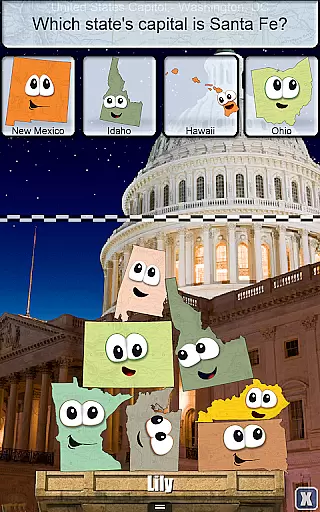

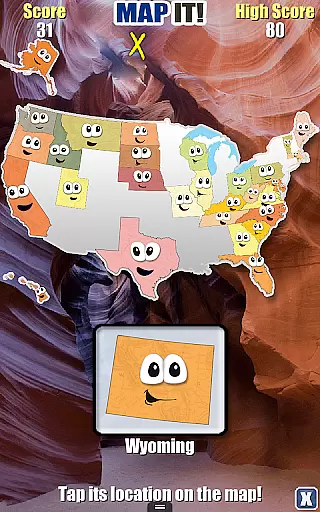
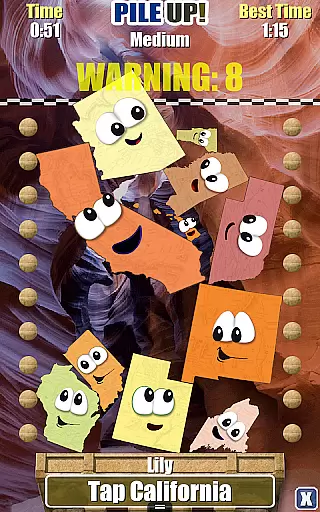
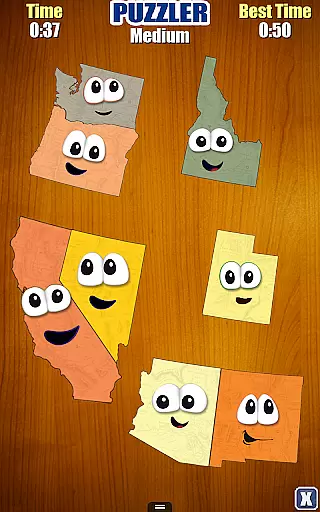
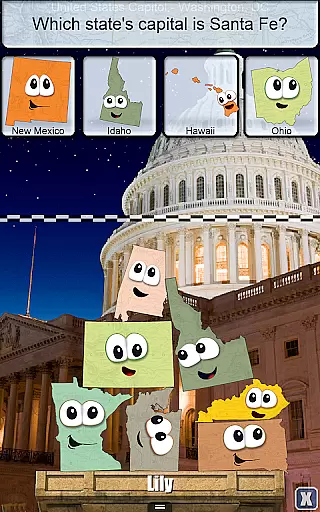

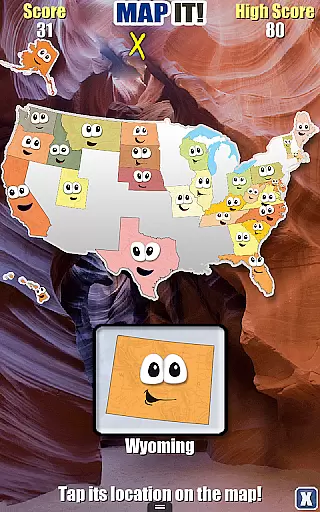
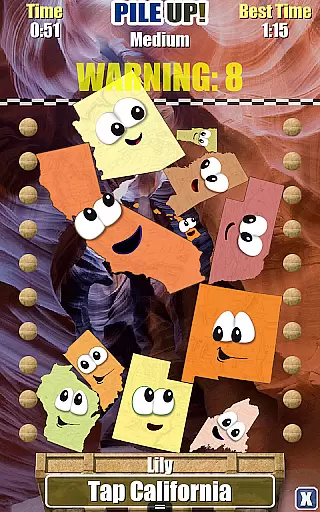
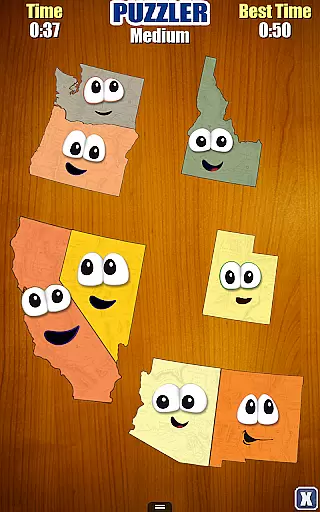
Stack the States® is an innovative educational app designed to make learning about the 50 states enjoyable and interactive. The app brings geography to life through dynamic gameplay where users can touch, move, and stack animated state shapes. By completing various challenges, players earn states for their personalized maps and unlock bonus games, making it a comprehensive learning tool.
The app goes beyond simple memorization by incorporating multiple layers of geographic knowledge, including capitals, abbreviations, flags, and bordering states. Its unique approach combines five different games in one package, each focusing on specific aspects of state identification and map skills. With its realistic physics engine, high-resolution images of famous landmarks, and customizable player profiles, Stack the States® offers an engaging way to master U.S. geography.
Whether used in classrooms or at home, this app provides valuable educational content while maintaining an element of fun. The ability to track progress through collected states and personalized maps creates a sense of achievement that motivates continued learning. Its ad-free environment and lack of social media integration make it particularly suitable for younger learners.
Stack the States® distinguishes itself through its diverse range of features designed to enhance geographic learning. The app contains hundreds of unique questions covering various aspects of state information, from basic facts to more complex relationships between states. The interactive map and 50 state flashcards provide valuable reference tools that support the learning process.
One of the app's most notable features is its collection of five distinct games, each with its own educational focus. Players can choose from six different player profiles and select any of the 50 friendly-looking states as their avatar. The realistic physics engine adds an extra layer of challenge and authenticity to the stacking game, while the high-resolution images of famous landmarks help connect abstract state shapes with real-world locations.
The app's progression system is particularly well-designed, allowing users to unlock bonus games as they collect states. These include Map It, Pile Up, Puzzler, and Capital Drop - each offering a unique way to reinforce geographic knowledge. Additional features such as fun sound effects, music, and the ability to track progress on a personalized map create a comprehensive learning experience that keeps users engaged while building their geographic expertise.
Stack the Statesu00ae offers a comprehensive and accurate educational experience for learning about the 50 states of the United States. The app covers various aspects such as state capitals, shapes, geographic locations, flags, and more, ensuring that users gain a well-rounded understanding of each state.
The content is presented through interactive and engaging methods, including hundreds of unique questions and an interactive map with 50 state flashcards. This approach not only makes learning fun but also reinforces knowledge retention through active participation. Users can choose any of the 50 friendly-looking states as their avatar, further personalizing their learning journey.
By earning random states for every successfully completed level, users can track their progress on a personalized map of the United States. This feature motivates learners to collect all 50 states while providing a visual representation of their achievements. Additionally, the app includes high-resolution pictures of famous US landmarks, adding another layer of authenticity and educational value.
Overall, Stack the Statesu00ae ensures content accuracy and authority by offering a rich, interactive experience that is both educational and entertaining, making it an excellent tool for learners of all ages.
Stack the Statesu00ae excels in creating personalized learning paths tailored to individual users. With the ability to create up to six player profiles, the app caters to multiple learners, allowing each to progress at their own pace and according to their unique interests.
As users engage with the app, they earn states by completing levels, which are then added to their personalized map of the United States. This gamified approach encourages continuous learning and exploration, as users are motivated to collect all 50 states. The progression system is designed to unlock four free bonus gamesu2014Map It, Pile Up, Puzzler, and Capital Dropu2014as users earn more states, providing additional challenges and variety.
The app's adaptive nature is further enhanced by its five-in-one game structure, where each game focuses on different aspects of state knowledge. Whether it's stacking states, tapping their locations on a map, or matching states with their capitals, each game offers a distinct learning experience that contributes to a deeper understanding of the content.
By combining personalized maps, multiple profiles, and diverse game modes, Stack the Statesu00ae effectively supports personalized learning paths, ensuring that each user's educational journey is both unique and comprehensive.
Engaging gameplay
Educational value
Ad-free experience
Multiple game modes
Progress tracking
Limited to US geography
No multiplayer mode
Basic graphics style
Fixed question pool
Single language support

Learning the ancient Viking language made simple
 4.70
4.70
Turns you phone or tablet into TI graphing calculator (ROM required).
4.20
A magical world of fun, building, and learning with Mickey Mouse and more!
4.20
Practice Casino Roulette Payouts for Table Game Dealers and Croupiers
4.40
Your best partner for learning Japanese words. Based on a best-selling textbook.
2.90
Study for your 608 certification.
4.50
Quiz App to help case managers studying for CCMC Certification, 200+ Questions
3.40
Train, track, and reward potty training using Potty with Pull-Ups® ft. Disney®
4.70
Plant identifier: Identify plants, trees, weeds, flowers. Disease diagnosis.
4.30
Age-Related Child Developmental Milestones
4.80
Memorize anything efficiently with AnkiDroid! Many pre-built decks available.
4.80
Discover Your Place in the Universe
4.70
A fast and fun way to learn guitar - works with any guitar.
4.60
Professional Award-Winning Astronomy Star Map App With Telescope Control
4.40
Ignite curiosity, spark learning: All babybus videos &games
4.30
Learn math, step-by-step
4.30
The "Go To" app for Airmen studying for promotion to SSgt and TSgt
4.30
Explore the City of the Sun in Augmented Reality
3.70
Pickleball guide complete with illustrated Pickleball drills and helpful info
4.5


User Reviews