
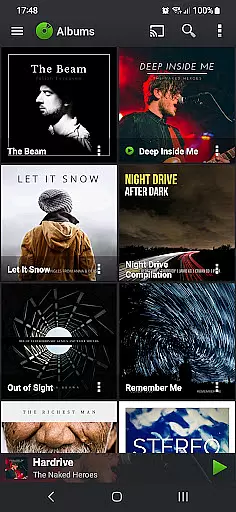
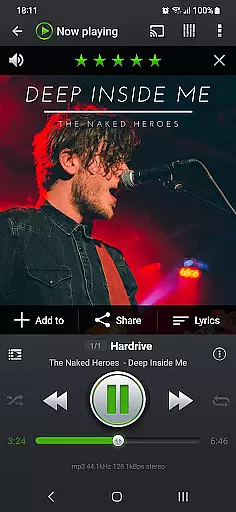
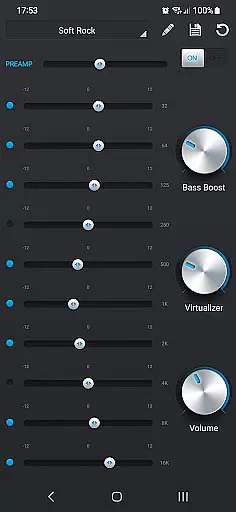
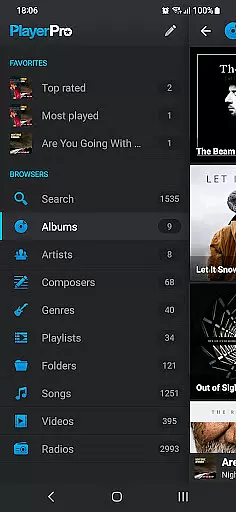
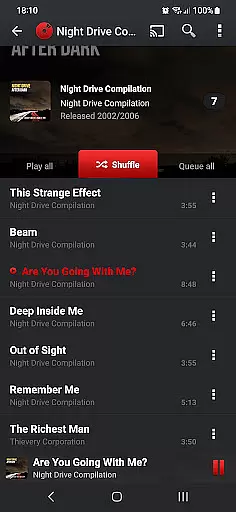
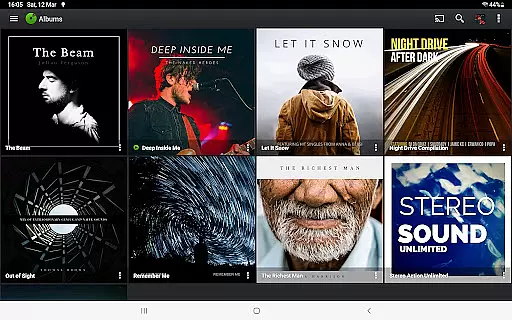
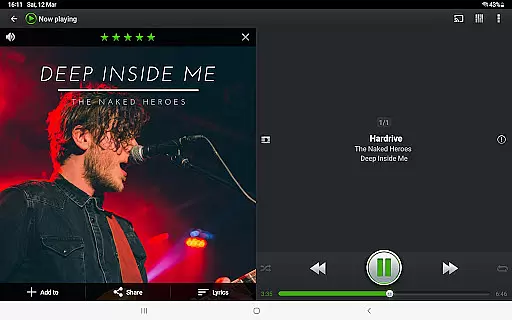
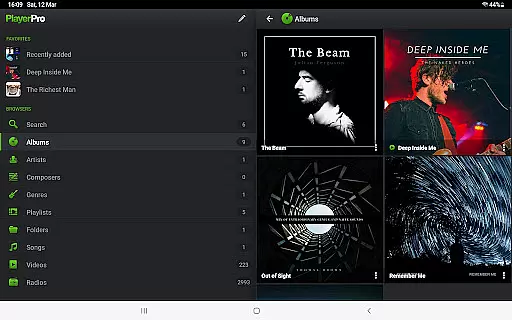
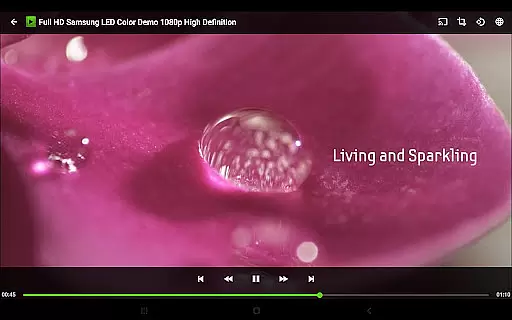
PlayerPro Music Player (Pro) is a premium music and video player designed for Android users who demand high-quality audio and extensive customization options. This app stands out with its intuitive interface, powerful audio configuration tools, and support for a wide range of audio formats including Mp3, Flac, and Aif.
Beyond basic playback, PlayerPro offers advanced features like ID3 tag editing, 5-band equalizer with presets, and streaming to Chromecast devices. The app also supports Android Auto, making it an ideal choice for users who want seamless music access while driving. With its robust feature set, this app caters to audiophiles and power users alike.
The true value of PlayerPro lies in its versatility and customization options. Users can personalize the interface with skins, grid or list views, and even download a free DSP plugin for enhanced audio effects. These capabilities make it perfect for those seeking a tailored listening experience on their Android device.
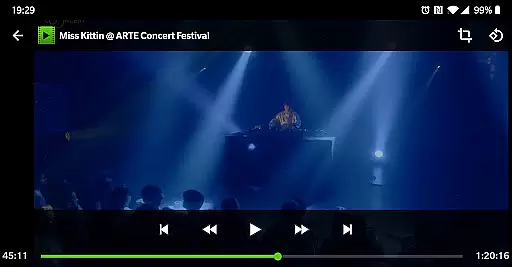
PlayerPro Music Player (Pro) boasts an impressive array of features that cater to both casual listeners and audio enthusiasts. The app allows users to browse and play music through multiple organizational methods including albums, artists, genres, and playlists. Its video playback capability extends its utility beyond just audio management.
One of the standout features is the advanced audio configuration options. Users can edit ID3 tags in batch mode, view lyrics embedded in music files, and apply sophisticated audio effects through the default 5-band equalizer or the optional DSP plugin. The app also supports high-resolution audio playback and gapless playback for audiophiles.
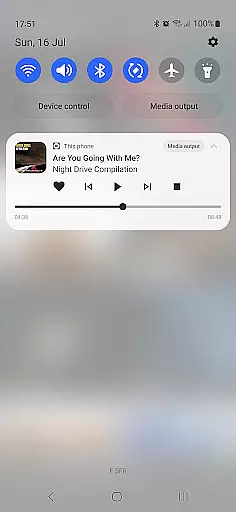
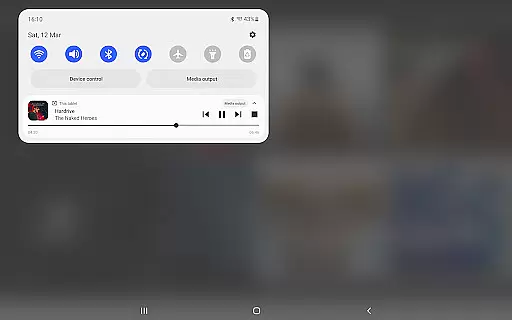
The customization options are equally impressive. PlayerPro offers various home screen widgets, lock screen controls, and interface skins. Integration with Google Drive enables automatic backup of playlists and settings, while scrobbler support and social media sharing enhance the overall user experience. These comprehensive features create a versatile platform for managing digital media collections.
PlayerPro Music Player (Pro) offers an extensive music library that supports all major audio formats including Mp3, Mp4, Ogg Vorbis, Flac, Wav, Aif, Dsf, Wma, Opus, and Speex. This ensures users can access their entire music collection without compatibility issues.
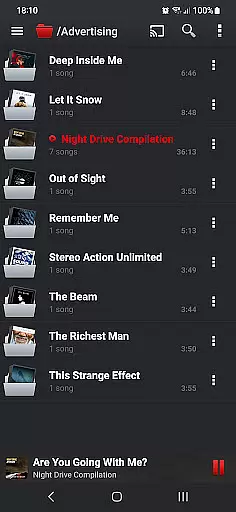
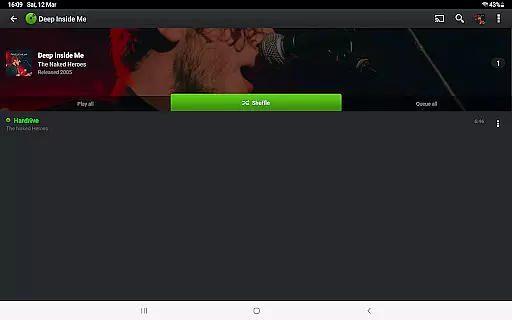
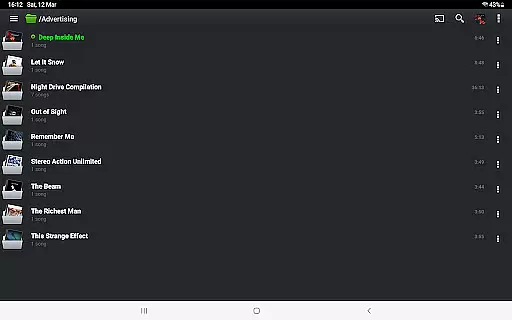
The app allows users to browse and play music in multiple ways such as by albums, artists, genres, playlists, folders, or songs. This flexibility enhances the user experience by catering to different preferences for organizing and accessing music files.
In terms of copyright authenticity, PlayerPro respects ID3 tags and embedded artwork, ensuring that metadata from original music files is preserved and displayed accurately. Users can also edit these tags in single or batch mode, supporting up to 15 different tag fields.
By providing a comprehensive suite of features for managing and playing music, PlayerPro guarantees both a vast library size and adherence to copyright authenticity, making it a reliable choice for audiophiles and casual listeners alike.
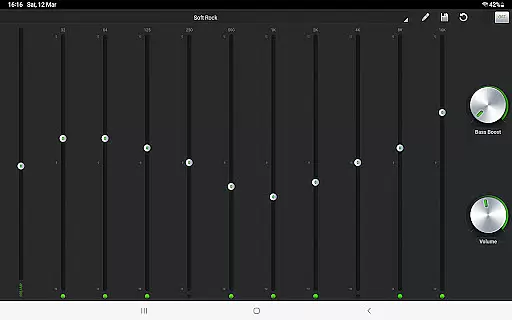
One of the standout features of PlayerPro Music Player (Pro) is its robust audio configuration options. The app includes a default 5-band graphic equalizer with 15 presets, allowing users to customize their listening experience according to their preferences.
For audiophiles seeking higher quality, PlayerPro offers a free DSP plugin that supports high-resolution audio playback up to 32-bit, 384kHz. This plugin adds a 10-band graphic equalizer, Pre-Amp control, bass boost, stereo widening, and more, ensuring superior sound quality.
Additional professional audio effects include stereo widening, reverb effects, bass boost, and volume control. These options provide users with the tools needed to fine-tune audio output to their exact specifications.
Overall, PlayerPro's commitment to offering extensive audio quality options makes it a top choice for users who demand the best sound experience from their mobile devices.
Advanced audio configuration
Extensive format support
Customizable interface
Android Auto integration
Free DSP plugin available
Paid application
Complex for beginners
Occasional bugs reported
High system requirements
Limited customer support

Offline and always ad-free - stream in the highest quality available.
 4.10
4.10
Control your MIDI USB or Bluetooth devices in app and avoid some trampling
3.30
Full-featured, High-Quality Groovebox Workstation, perfect for Live Performance!
4.80
Smart piano keyboard, Classical to Pop, Real-time multiplayer connection!
4.20
The original SP-1200 experience on your iPad
4.20
Turn your Android phone into a professional audio analyser with up to 120 bands.
4.00
Offline Tunes, Unlimited Vibes
3.90
Turn Every Moment into Music
3.60
Get alarms that fit your lifestyle and wake up to the sounds you love.
4.80
24,000 free audio books and no ads!
4.90
Make songs with AI! Any genre, custom lyric, song generator for music creation!
4.80
Simple & Intuitive Metronome
4.70
Guzheng Master supports many playing techniques as an acoustic Guzheng
4.50
10-Band Audio Equalizer, Sound / Bass Booster for Spotify Users & Music Players
4.40
No wifi music app. Mp3 offline. Tuner radio, young radio music. Music downloader
4.20
Next generation modular control surface
4.10
Versatile MP3 recorder with auto-backup to Dropbox and Google Drive
4.10
MilkDrop for Android TV
3.00
The Minimalistic Premium Music Player. Handmade with passion for music
2.20


User Reviews