
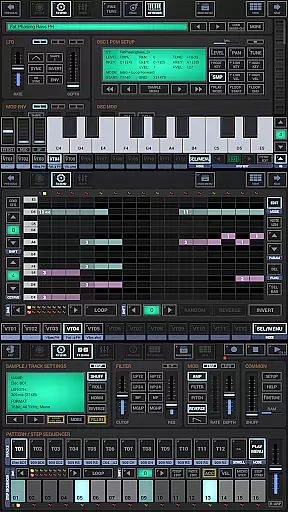
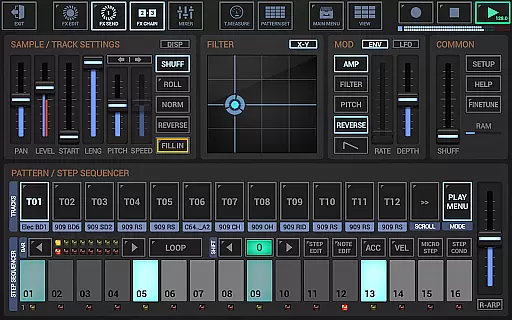
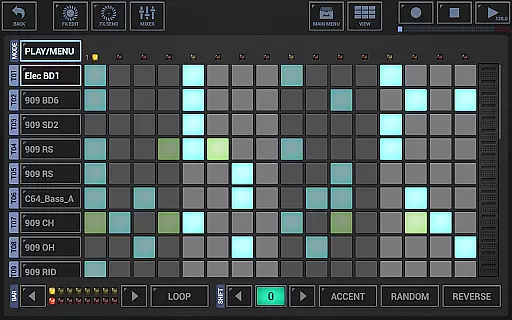
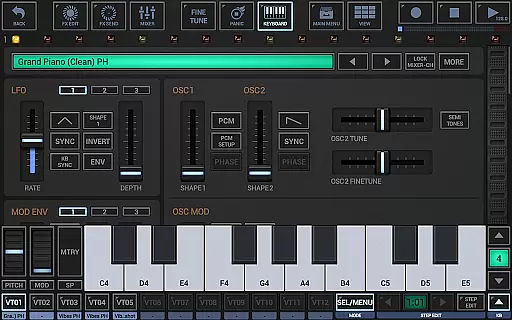
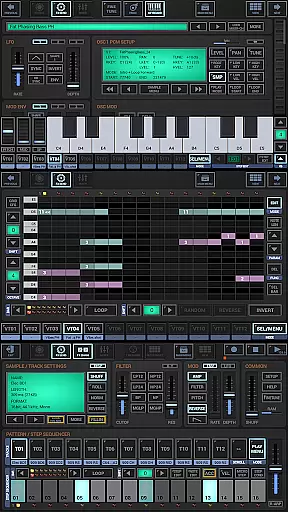
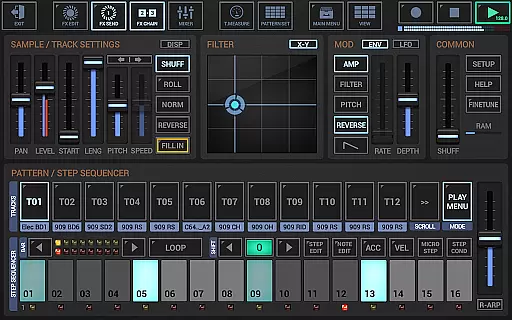
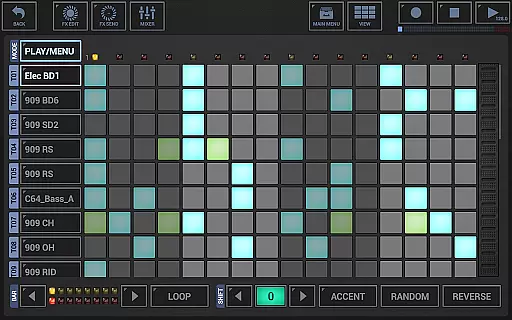
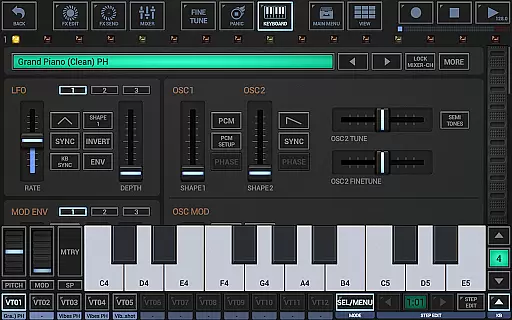
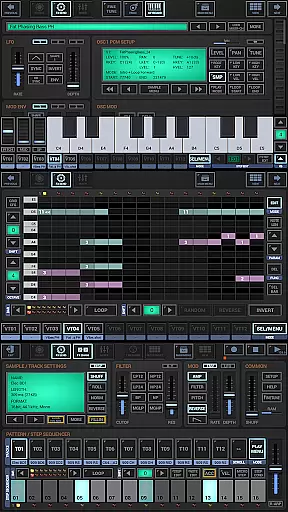
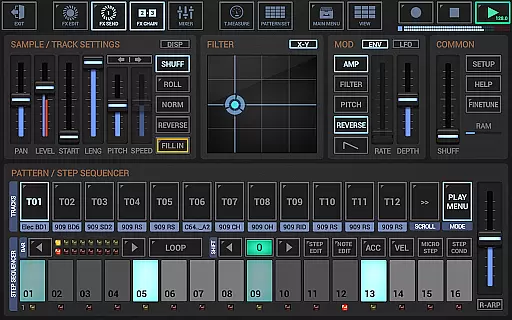
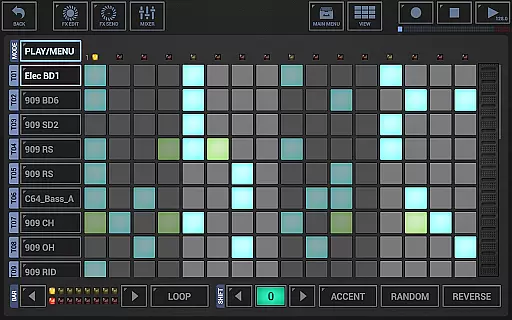
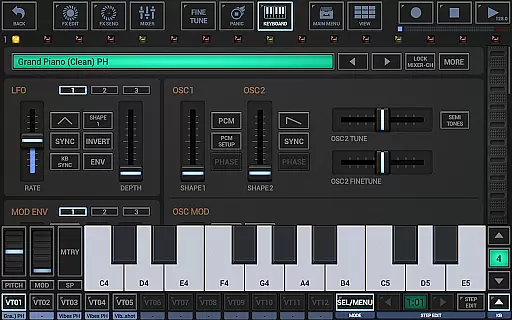
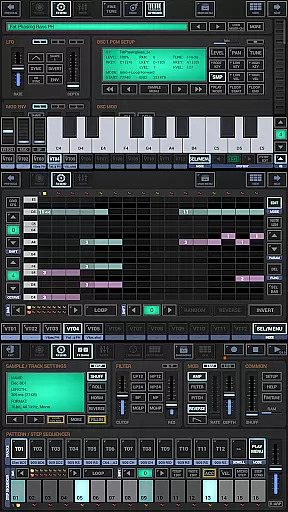
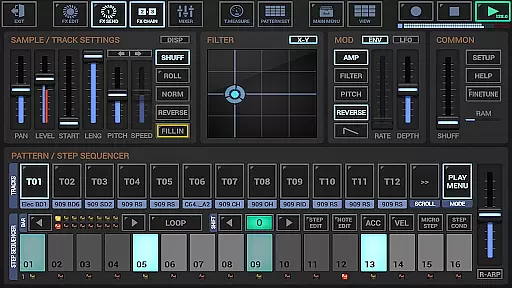
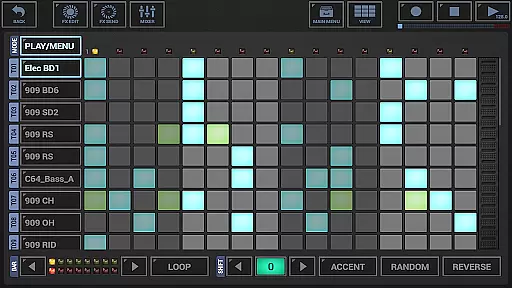
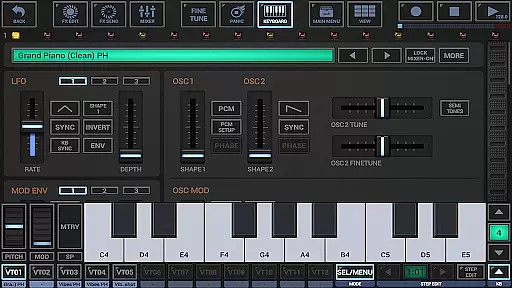
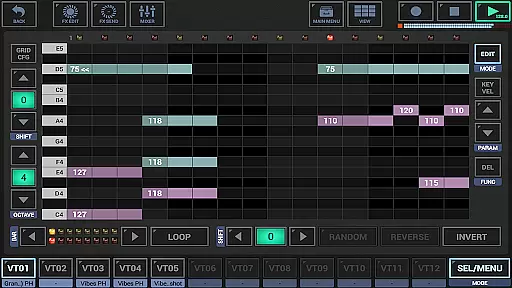
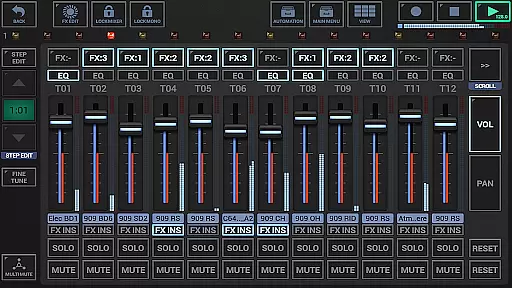
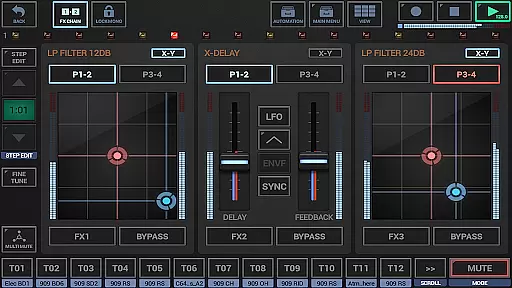
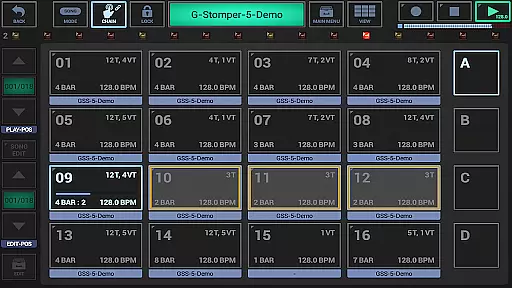
G-Stomper Studio is a comprehensive music production tool optimized for electronic live performances in studio quality. This feature-packed application combines a step sequencer-based drum machine, a versatile sampler, and the VA-Beast synthesizer to deliver an ultimate mobile music creation experience. Whether you're crafting beats or designing complex synthetic sounds, G-Stomper Studio provides all the necessary tools.
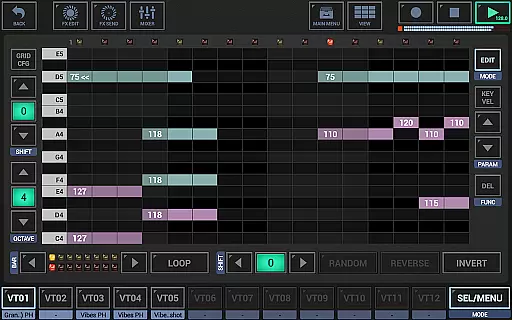
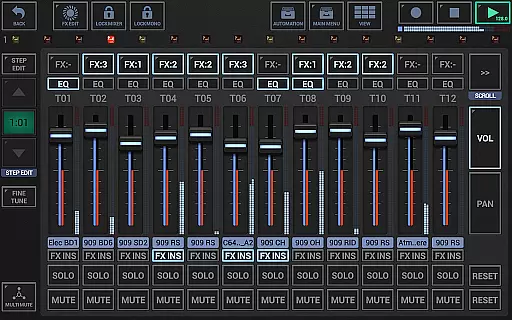
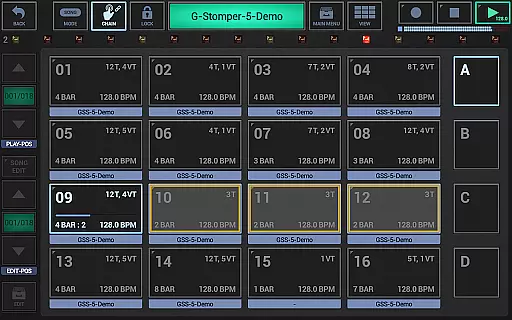
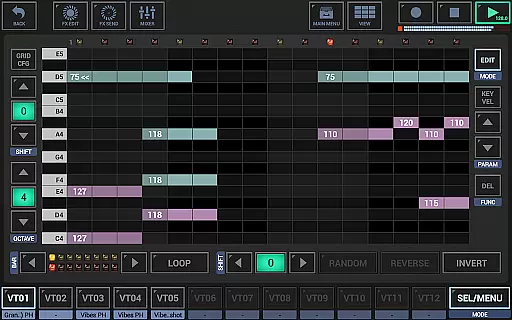
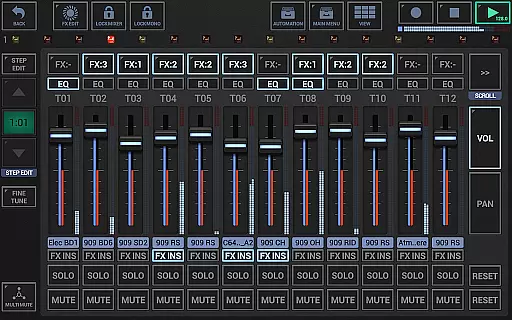
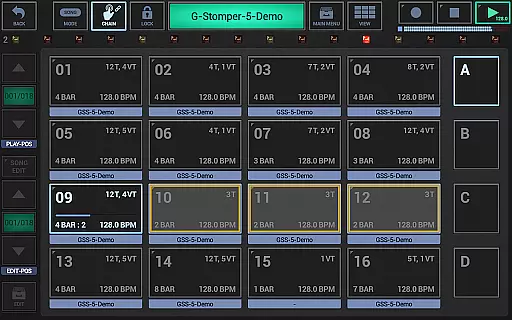
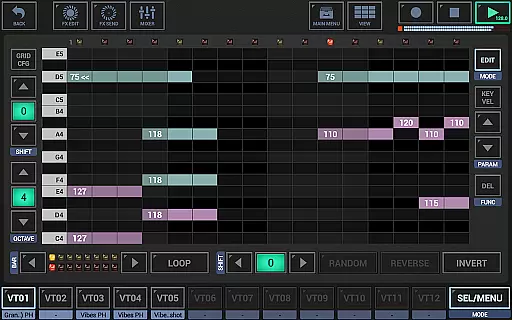
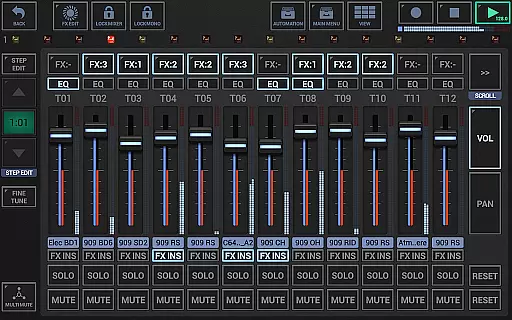
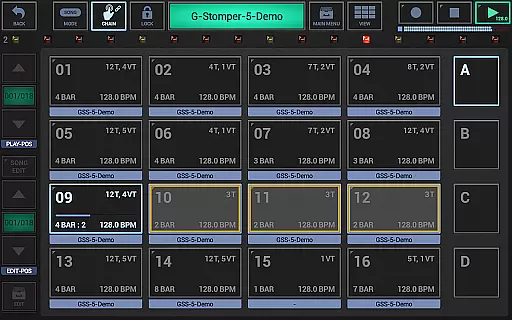
The app includes a polyphonic and monophonic step sequencer for melodies, a track grid sequencer for beats, a piano keyboard, 24 drum pads, an effect rack, a master section, a line mixer, and a live pattern/song arranger. With its intuitive interface and high-quality audio engine, users can create impressive studio-quality music wherever they are.
Designed for both beginners and experienced sound designers, G-Stomper Studio allows users to explore factory sounds or design their own. Its compatibility with Ableton Link, full round-trip MIDI integration, and support for various audio formats make it a versatile choice for musicians on the go.
G-Stomper Studio boasts an array of features that cater to every aspect of music production. The integrated VA-Beast synthesizer supports advanced FM synthesis and waveform-based synthesis, enabling users to produce complex synthetic sounds. With a polyphonic step sequencer, users can create intricate melodic patterns while enjoying the flexibility of motion sequencing and automation support.
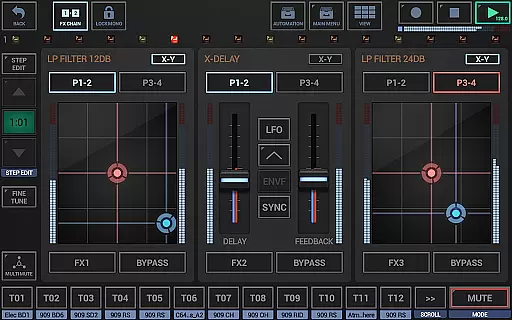
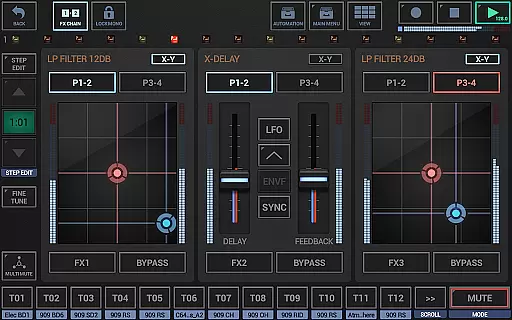
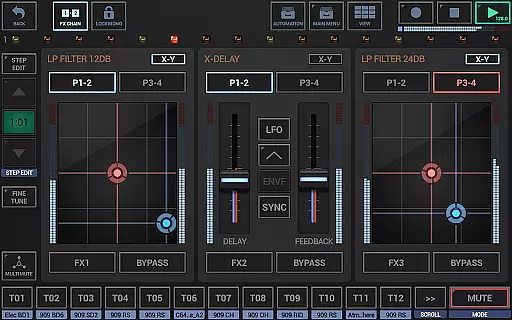
The app's mixer includes up to 36 channels with parametric 3-band equalizers and insert effects per channel, alongside a chainable effect rack and a master section with sum effect units. These features ensure that each track receives meticulous attention to detail, allowing for professional-grade mixing and mastering directly within the app.
Additional highlights include real-time sample modulation, user sample support for uncompressed WAV or AIFF files, and compatibility with MIDI files. Users can also export their creations as WAV files or MIDI patterns, making it easy to integrate projects into other digital audio workstations. The inclusion of Ableton Link further enhances synchronization capabilities with other devices and software.
G-Stomper Studio offers an extensive music library that caters to a wide range of electronic music production needs. The app includes a variety of high-quality samples and virtual instruments, ensuring that users have access to the sounds they need for their compositions.
Regarding copyright authenticity, G-Stomper Studio provides users with the ability to import their own samples in multiple formats such as WAV, AIFF, MP3, OGG, and FLAC. This feature not only enhances creative freedom but also allows producers to use legally acquired audio content within their projects.
The inclusion of the VA-Beast Synthesizer adds another layer of depth to the music library. It is designed for both beginners and experienced sound designers, offering studio-quality sound synthesis capabilities. Users can explore the factory sounds or create their own, knowing that all content is produced within the app's environment, thus avoiding copyright infringement.
Furthermore, the app supports Ableton Link, which enables synchronization with other Link-enabled applications and hardware, expanding the possibilities for collaborative music creation while maintaining the integrity of each user's original work.
Audio quality is paramount in music production, and G-Stomper Studio excels in delivering pristine sound through its high-quality audio engine. Utilizing 32-bit float DSP algorithms, the app ensures that every note and beat is rendered with precision and clarity, providing an authentic studio experience on mobile devices.
The app offers a comprehensive suite of 47 effect types, including dynamic processors, resonant filters, distortions, delays, reverbs, vocoders, and more. These effects come with advanced features like sidechain support, tempo sync, LFOs, and envelope followers, allowing users to fine-tune their audio output to professional standards.
In addition to its robust set of built-in effects, G-Stomper Studio provides flexible audio export options. Users can export their creations in various bit depths from 8 to 32 bits and sample rates up to 96kHz, either as a complete mix or track by track. This flexibility ensures compatibility with most digital audio workstations and maintains the highest level of audio fidelity throughout the production process.
Real-time audio recording of live sessions further underscores the app's commitment to superior audio quality. Musicians can capture their performances directly within the app, confident that the final product will meet the rigorous demands of modern music production.
User-friendly interface
High-quality audio engine
Versatile synthesizer options
Comprehensive mixing tools
Extensive file format support
Steep learning curve
Requires powerful hardware
Complex for beginners
Limited free version
Occasional bugs reported

Fun & Easy Voice Changer – Record, Edit & Add Hilarious Effects!
 4.50
4.50
Over 100 million tracks available for high quality streaming and download
4.60
The Cubase remote control app
3.60
Most Advanced AI Song Generator and Music Creator. Rap, Pop, Rock, Gospel & more
4.70
JBL PartyBox APP works with 110/310/710/120/320/520/Encore/Encore 2/Encore Ess 2
4.80
Record, Mix & Master with all n-Track effects, 64-bit audio and Stem Separation.
4.70
Music, News & Sports Radio Tuner App. Tune in Live FM & AM Radio Stations.
4.80
Versatile MP3 recorder with auto-backup to Dropbox and Google Drive
4.10
Reverse your voice & songs instantly! Fun singing challenge with cool effects.
4.60
Tune in to the greatest hits on UK Radio | The home of Capital, Smooth & Heart.
4.90
Your song collections with lyrics and chords on Android smartphones and tablets.
4.80
The best music and audio player, with beautiful UI, music search and equalizer.
4.60
Super Sound Editor, Song Maker & Mixer, Vocal Remover, Voice Recorder & Changer!
4.60
Formerly known as Spotistats! View your top tracks, artists, albums and more!
4.40
DJ Music Mixer - DJ Remix: remix songs, make beat music & record mix of DJ.
4.40
Equalizer, Bass Booster and Volume Booster (Eq & Bass) improve sound quality
4.30
Turn your Android phone into a professional audio analyser with up to 120 bands.
4.00
Offline Tunes, Unlimited Vibes
3.90
Learn to play the piano using falling notes!
3.80


User Reviews