
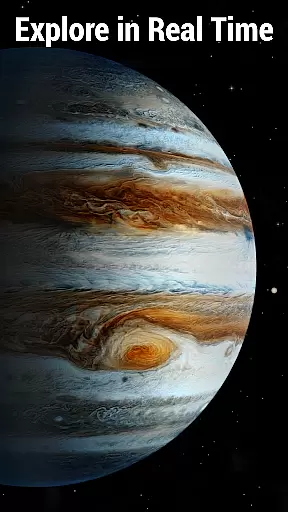
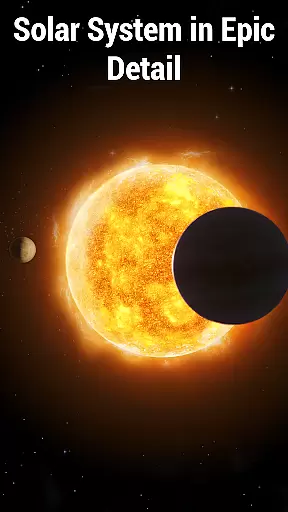
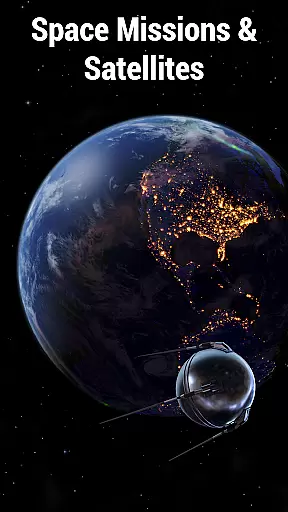
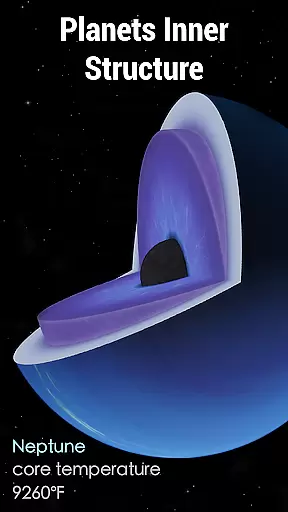
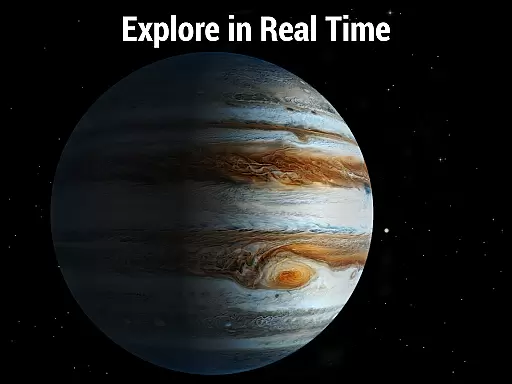
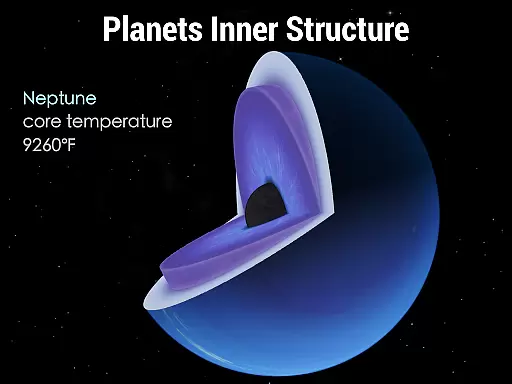
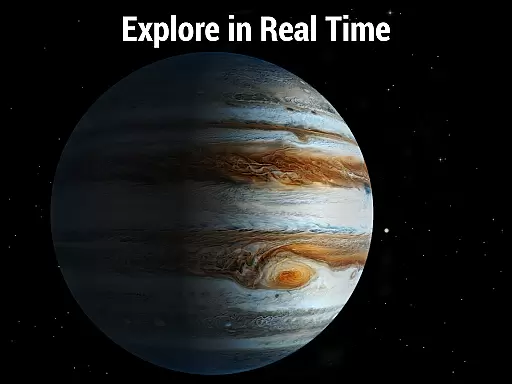
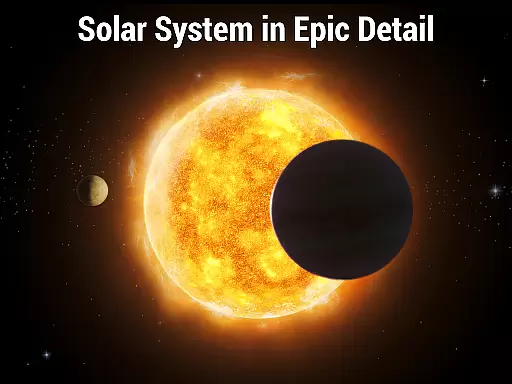
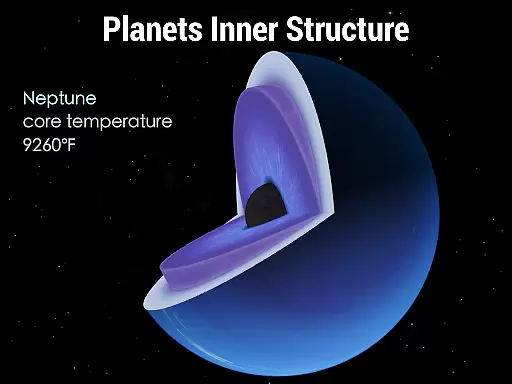
Solar Walk 2 is an advanced educational app designed for space enthusiasts and learners alike. This interactive 3D model of the Solar system allows users to explore planets, moons, asteroids, and other celestial bodies in real time. With its comprehensive encyclopedia feature, users can delve into detailed information about each planet's structure, distance from the sun, mass, density, and orbital velocity.
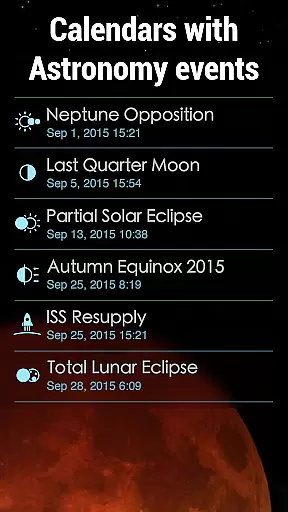
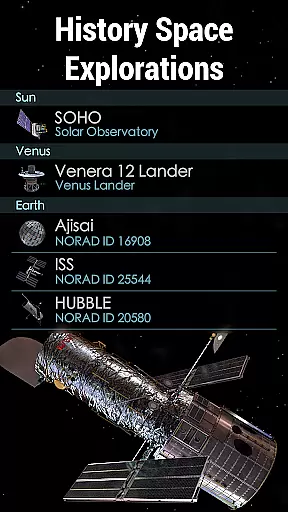
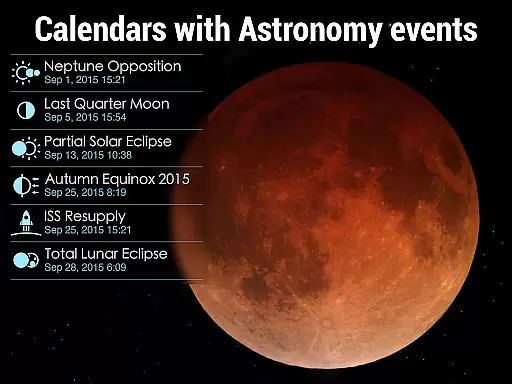
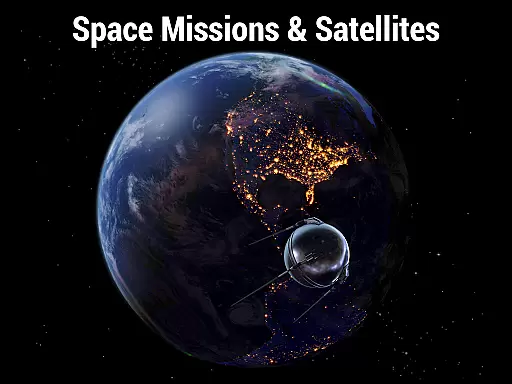
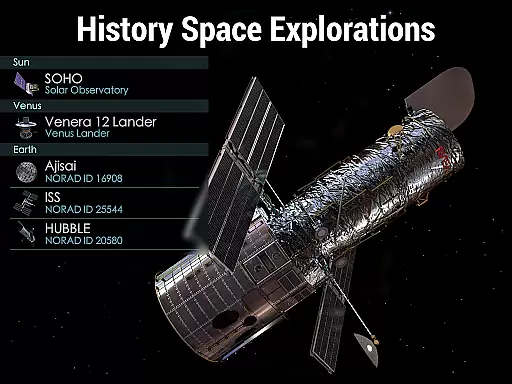
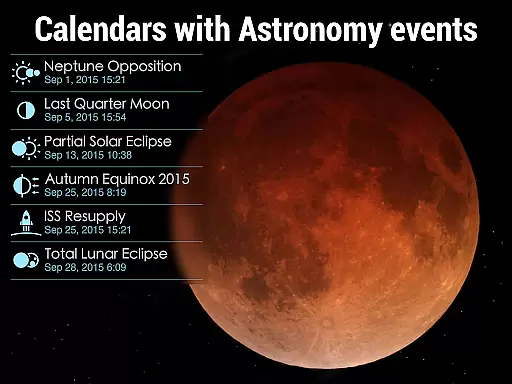
One standout feature is the ability to track spacecraft and satellites through meticulously crafted 3D models. Users can follow their trajectories, view images captured during missions, and read fascinating astronomy facts. The app also includes a celestial event calendar that highlights significant astronomical events like solar and lunar eclipses, making it an invaluable tool for both casual stargazers and serious astronomers.
Whether you're a student looking to enhance your knowledge or simply a curious mind eager to explore the cosmos, Solar Walk 2 offers an immersive experience that brings the wonders of the universe right to your fingertips.
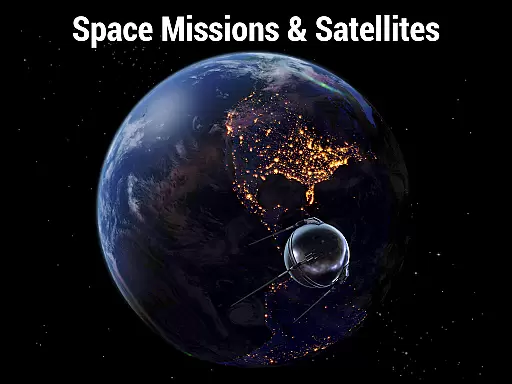
Solar Walk 2 stands out with its rich array of features tailored for space exploration. The app provides highly detailed 3D models of spacecraft, satellites, and interplanetary stations. These models allow users to trace flight paths and view actual mission photographs, enhancing understanding of space missions.
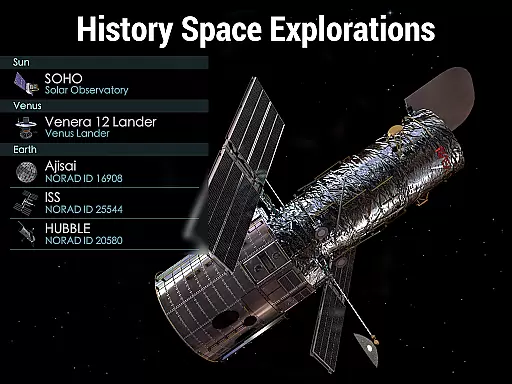
The celestial event calendar is another key feature, offering insights into various astronomical phenomena such as eclipses and moon phases. Additionally, the app covers historical milestones in space exploration, ensuring users stay informed about past achievements and upcoming events. Its intuitive navigation system lets users travel effortlessly across the Solar system, observing planets and spacecraft at any angle they choose.
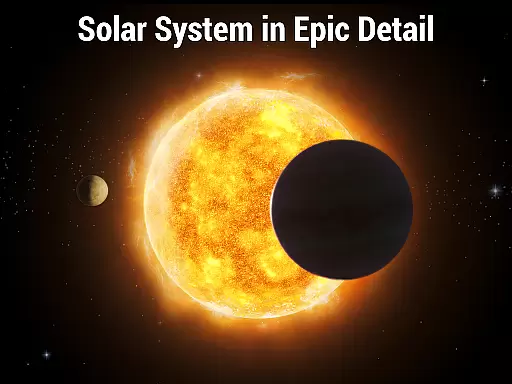
Visual effects further enrich the user experience by adding realistic shadows and textures to planetary surfaces. The time machine functionality enables users to observe celestial movements not only in real time but also in the past or future. This combination of accurate data visualization and engaging content makes Solar Walk 2 an essential tool for anyone interested in astronomy.
In the realm of educational applications, content accuracy is paramount, especially for an app like Solar Walk 2 which serves as an encyclopedia of the Solar system. This app meticulously presents a 3D model of our solar system, ensuring that each planet, moon, and celestial body is depicted with precision regarding its internal structure, distance from the sun, mass, density, and orbital velocity.
The developers have integrated real-time data to allow users to explore planets and track spacecraft with up-to-date, scientifically verified information. By including a celestial event calendar, Solar Walk 2 provides details on significant astronomical events such as eclipses and lunar phases, all cross-referenced with accurate historical and future dates.
Furthermore, Solar Walk 2 offers a 'Time Machine' feature which enables learners to witness past and future astronomical occurrences, reinforcing the app's commitment to factual correctness. The integration of high-resolution images and information from space missions adds another layer of authenticity to the user experience.
With expertly curated astronomy facts and a feed of the latest news from the world of space, this app not only educates but also keeps enthusiasts informed about ongoing space exploration efforts, cementing its role as a credible reference tool in the field of astronomy education.
Solar Walk 2 takes a step beyond static educational content by offering personalized learning paths tailored to individual curiosity and the desire to explore space. While it doesn't adapt to each user's learning style through artificial intelligence, the app provides an array of options for users to tailor their own educational journey through the vastness of the cosmos.
Users can choose to delve into detailed studies of planetary bodies or track specific spacecraft and satellites, effectively curating their own learning experience. The ability to activate the 'Time Machine' feature allows learners to set their own pace and focus on particular astronomical events relevant to their interests or studies.
Moreover, the app includes visually engaging tools such as the 3D models of spacecraft and high-quality textures of planets, which cater to different learning preferences. Visual learners, for instance, can benefit greatly from these graphics while they explore the intricacies of celestial bodies at their own speed.
By providing premium access to additional content such as space missions, celestial events, and lesser-known cosmic entities like dwarf planets and comets, Solar Walk 2 empowers users to expand their knowledge horizon continuously. This approach aligns with the concept of personalized learning, where the pursuit of knowledge is self-guided and driven by oneu2019s personal passion for the universe.
Comprehensive encyclopedia
Real-time tracking
Detailed 3D models
Interactive time machine
Engaging visual effects
Premium access required
In-app purchases
Complex for beginners
Heavy on device resources
Limited free content

Turn scrolling hours into improving your knowledge, communication, intelligence
 4.50
4.50
A magical world of fun, building, and learning with Mickey Mouse and more!
4.20
Pickleball guide complete with illustrated Pickleball drills and helpful info
4.3
A must-have app for mastering Japanese verb/adjective conjugations.
3.60
An interactive enhancement of the Sesame Street classic.
4.50
THE ESTABLISHED "GO TO" ARMY BOARD PREPARATION APP!
4.30
Astronomy Guide To Night Sky
4.30
An aviator’s preparation, study and test tool for FAA Knowledge Exams.
4.00
Plant identifier: Identify plants, trees, weeds, flowers. Disease diagnosis.
4.30
AI Language tutor: Speak fluently with Lucy’s personalized coaching
4.70
2026 DVSA Driving Theory Test revision with Hazard Perception + Highway Code
4.60
An easy to use yet powerful and full-featured flashcard study app.
4.50
Welcome to the Speak Navajo Language Application - Volume 1
4.50
Intuitive Transformer Lab - By a Lineman, For Linemen & Apprentices
4.50
Learn math, step-by-step
4.30
The "Go To" app for Airmen studying for promotion to SSgt and TSgt
4.30
An aviator’s preparation, study and test tool for FAA Knowledge Exams.
4.10
Our most popular app series returns, better than ever!
3.90
AR planetarium app that brings the solar system to you via XREAL Glasses.
4.3


User Reviews