
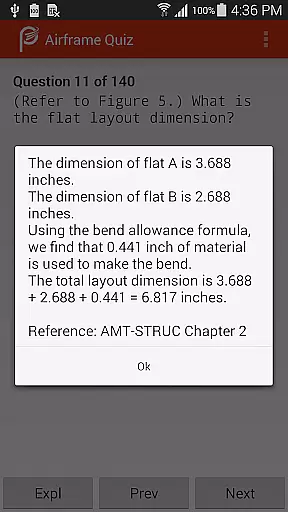
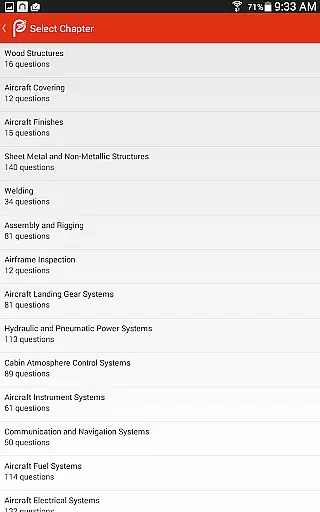
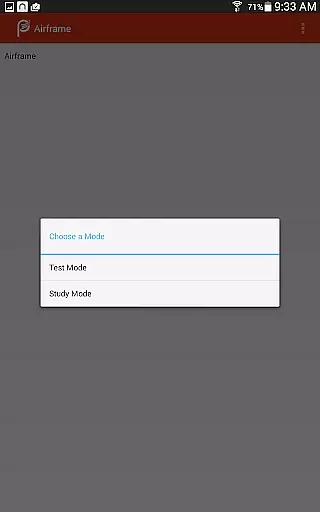
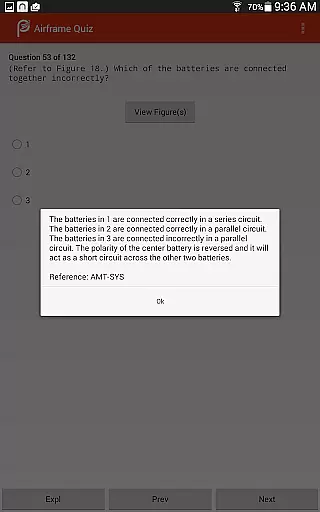
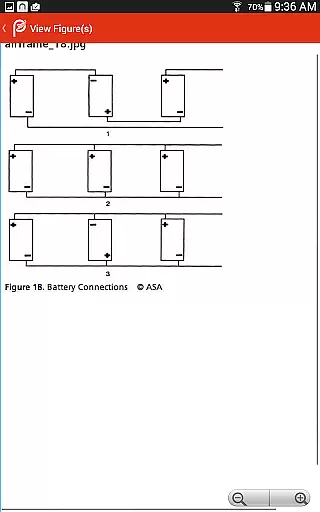
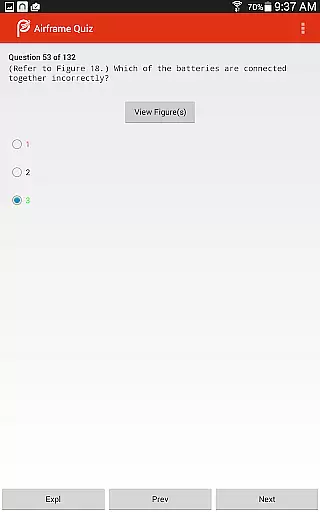
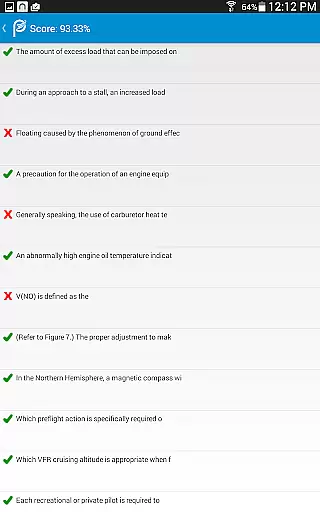
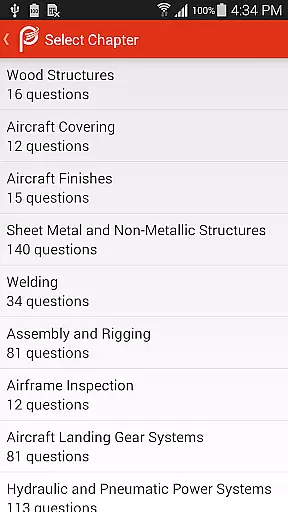
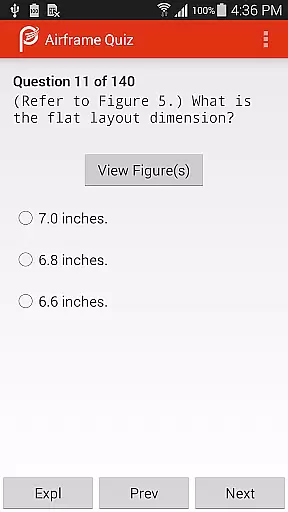
Prepware Airframe is a premier educational app designed for aviation students and professionals preparing for the FAA Knowledge Exam. The app offers a comprehensive suite of study tools including detailed question banks, answers, and explanations.
Users can engage in flashcard-style reviews organized by subject matter or simulate real exam conditions with practice tests. This structured approach ensures thorough understanding and readiness for the actual exam, making it an invaluable resource for anyone pursuing a career in aviation maintenance.
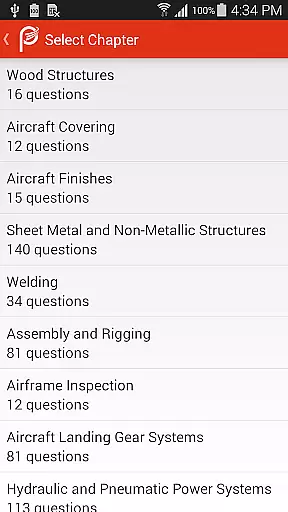
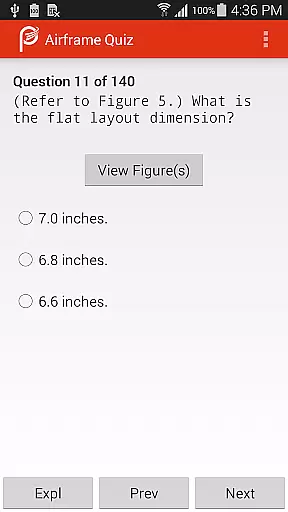
The app provides an extensive collection of features tailored to enhance learning efficiency. Its database includes thousands of questions that mirror the FAA exam format, complete with explanatory answers to deepen comprehension.
A key highlight is the ability to customize study sessions by selecting specific subjects or opting for randomized practice tests. Additionally, Prepware Airframe supports offline access, allowing users to study anytime, anywhere without internet dependency, which is particularly beneficial for those with busy schedules.
When preparing for the FAA Knowledge Exam, having access to accurate and authoritative content is crucial for success. Prepware Airframe offers a comprehensive database of questions, answers, and detailed explanations that align with the official FAA curriculum. This ensures users are studying only the most relevant and accurate material available.
The app's content undergoes rigorous review by aviation experts, ensuring that every piece of information is not only correct but also reflects the latest standards and practices in the industry. This meticulous attention to detail helps students approach their exams with confidence, knowing they have studied from a reliable source.
For users, this means a higher likelihood of passing the FAA Knowledge Exam on the first attempt. The combination of verified content and expert validation provides a robust learning experience that stands out among other preparation tools.
Every student has unique learning needs, and Prepware Airframe addresses this by offering personalized learning paths tailored to individual study habits and progress. The app allows users to focus on specific subjects or take a more comprehensive approach with practice tests that simulate the actual FAA exam environment.
Through its adaptive learning technology, the app tracks user performance and identifies areas that need improvement. This enables learners to allocate their study time more effectively, concentrating on weak points while reinforcing their strengths. Such customization optimizes the study process, making it more efficient and productive.
Ultimately, these personalized learning paths empower students to achieve better outcomes. By adapting to each user's pace and focusing on areas that matter most, Prepware Airframe enhances the overall educational experience, leading to higher success rates in exams.
User-friendly interface
Comprehensive question bank
Offline functionality
Practice test simulation
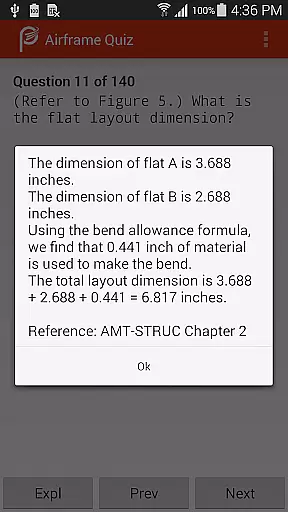
Detailed answer explanations
Subscription fees apply
Occasional updates needed
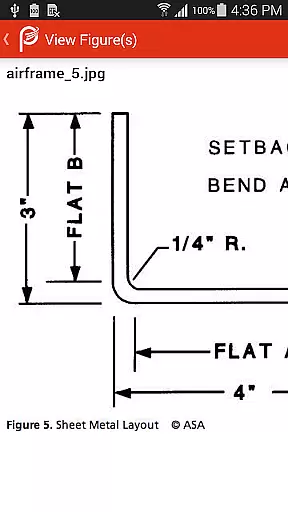
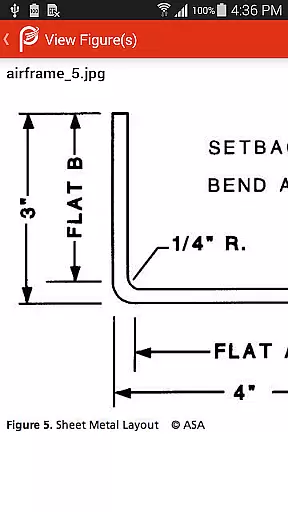
Limited visual aids
No audio support
Advanced topics only

Turn scrolling hours into improving your knowledge, communication, intelligence
 4.50
4.50
Learn math, step-by-step
4.30
scanner body part for fun Prank friends realistic scan effects
3.00
An aviator’s preparation, study and test tool for FAA Knowledge Exams.
3.90
The Only Official DVSA Theory Test Kit App
4.50
Study for your 608 certification.
4.50
Prepare for the BCBA / BCaBA exam. Study ABA with the ABA Wizard app.
4.60
Animals pop up and make sounds—learn names and noises in Peekaboo Barn!
4.1
Stack the States makes learning about the 50 states fun!
4.70
Learning the ancient Viking language made simple
4.70
AI Language tutor: Speak fluently with Lucy’s personalized coaching
4.70
2026 DVSA Driving Theory Test revision with Hazard Perception + Highway Code
4.60
Astronomy Guide to the Night Sky
4.40
SkyView®, an augmented reality space app, brings stargazing to everyone!
4.40
Nighty Night Circus - Bedtime story for kids
4.10
Break Language Barriers with AI—Learn Language Anytime, Anywhere!
4.00
Your guide to thousands of satellites and spacecraft in orbit around Earth!
3.90
Visit Daniel's house & make believe. Play doctor, make music, & feed fish.
3.20
Master the NRP with 700+ questions, rationales, and updated NREMT scenarios.
3.00


User Reviews