
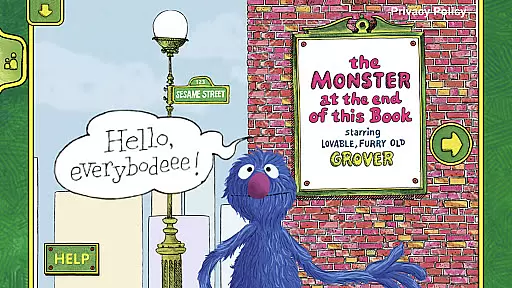
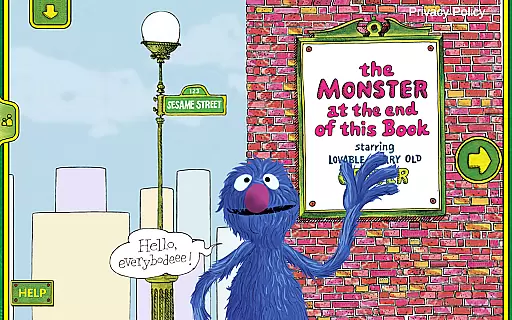
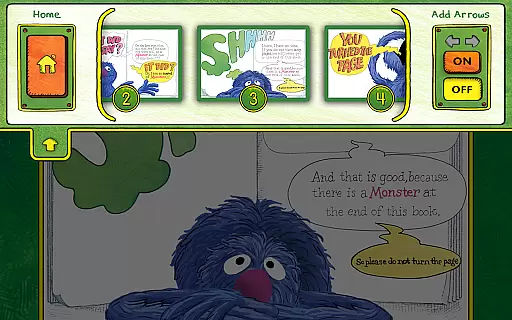
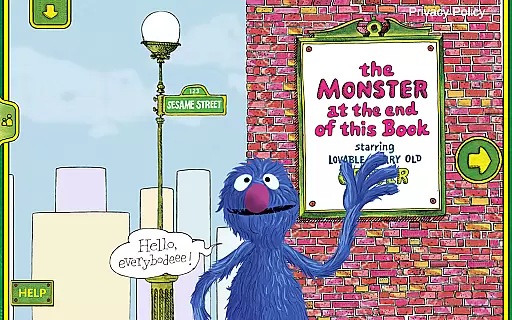
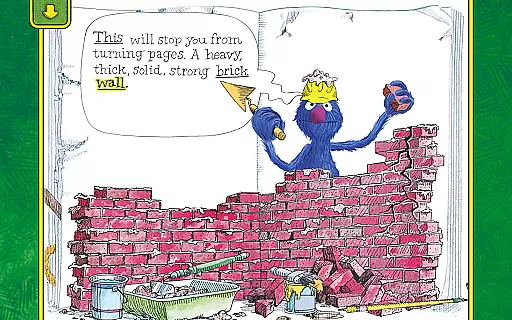
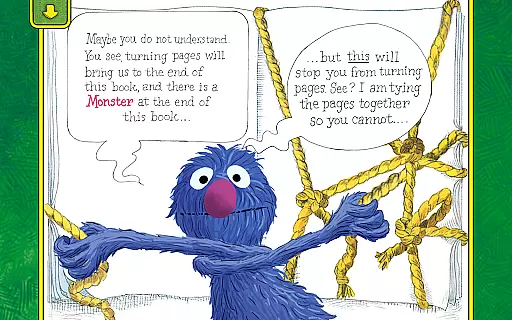
The Monster at the End of This Book is an interactive storybook app designed to teach children about emotions and early reading skills through engaging animated content. The app brings the classic Sesame Street book to life with immersive experiences that captivate young readers.
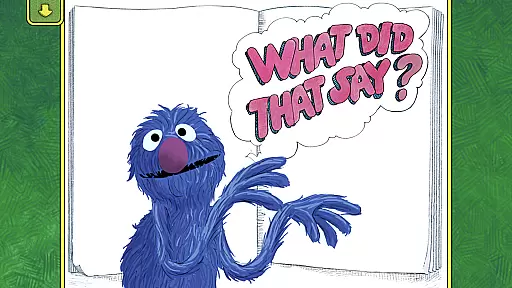
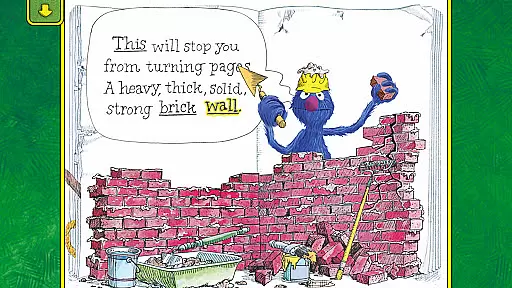
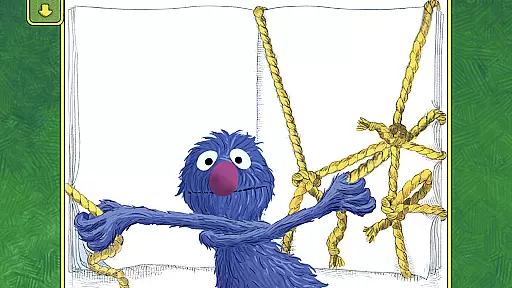
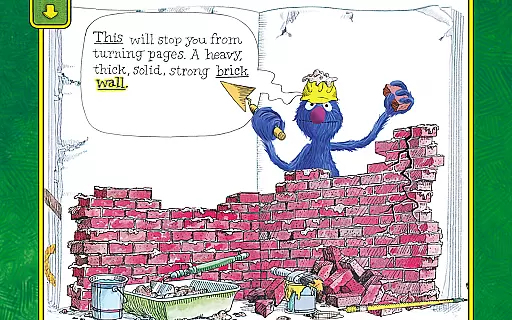
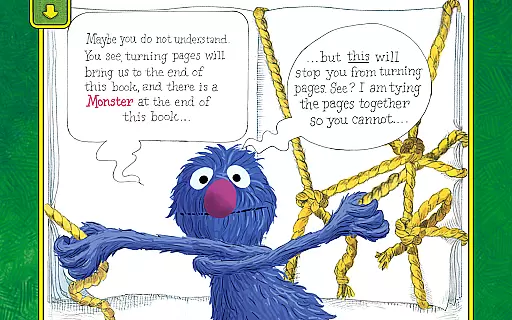
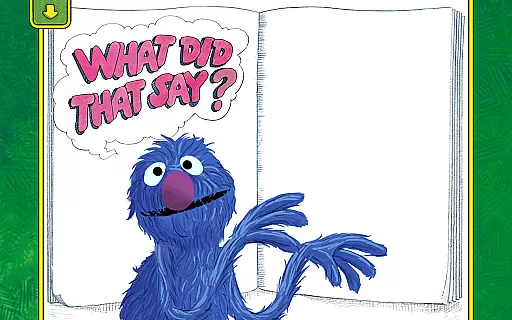
Children join Grover on a humorous journey as he attempts to prevent them from reaching the monster at the end of the book. With lively animations, interactive activities, and narration by Grover himself, this app provides an enchanting reading experience for kids of all ages while helping them develop essential skills such as spatial awareness and emotional understanding.
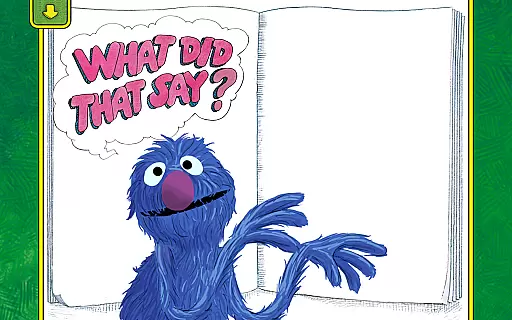
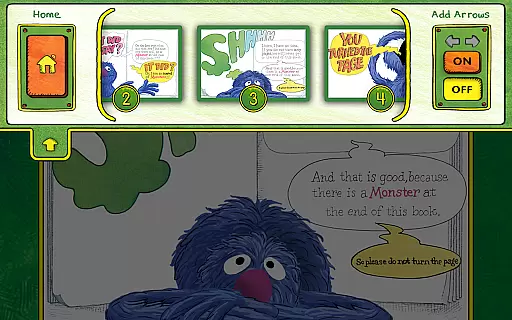
This educational app offers a range of features that enhance the storytelling experience. Children can interact with lively animations that respond to their touch, making them active participants in the story. Narration by Grover adds a personal touch, with the ability to make him talk by tapping on him.
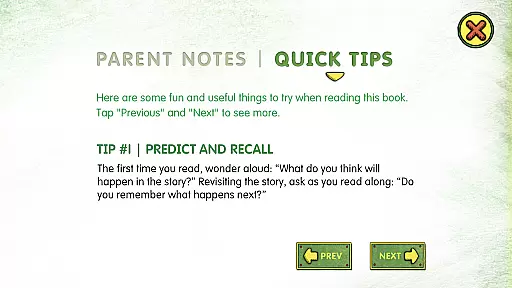
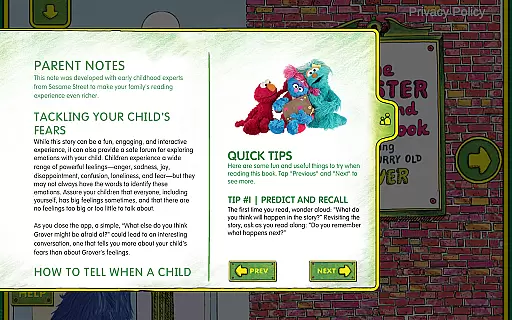
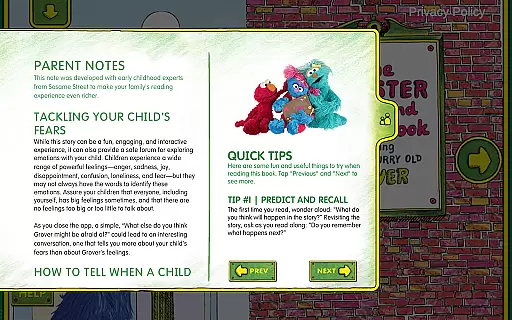
The app also includes activities that empower young readers to decide how the story progresses, promoting decision-making skills. Word highlighting helps build beginning reader skills, while easy-to-follow parent tips assist in addressing common childhood fears and labeling emotions. Additionally, the bookplate personalization feature allows parents to add their child's name, creating a more personalized experience.
In the realm of educational applications, content accuracy is paramount. The Monster at the End of This Book app excels in this area by providing a faithful adaptation of the beloved Sesame Street book. Every interactive element and animated sequence has been carefully crafted to ensure it aligns with the original story's intent and educational goals.
The app leverages the power of engaging narrative and lovable characters like Grover to teach children about emotions and early reading skills. With word highlighting and built-in vocabulary, it supports language development while encouraging kids to label emotions and tackle common fears, which are essential components of socio-emotional learning.
Parents can trust the app's content due to Sesame Workshop's reputation for creating research-based programs tailored to children's educational needs. Their expertise ensures that every aspect of the app, from narration to interactive activities, serves an educational purpose and upholds the highest standards of content authority.
By incorporating expert tips for parents and maintaining a strong alignment with educational goals, the app not only entertains but also enriches young minds, making it a trustworthy tool in a child's learning journey.
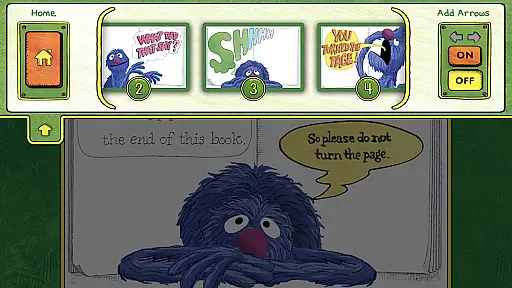
While The Monster at the End of This Book app may not offer traditional personalized learning paths like adaptive quizzes or customized lesson plans, it provides unique features that cater to individual child engagement and growth. Through interactive activities, children are empowered to decide how and when to move the story forward, allowing them to learn at their own pace and according to their interests.
The app includes features such as spatial development exercises and listening skill activities that adapt to a child's natural interaction with the story. These elements encourage exploration and decision-making, which are foundational aspects of personalized learning experiences.
Additionally, the personalization of the bookplate with a child's name adds a layer of individuality, enhancing the connection between the child and the story. This simple yet effective customization makes each child's experience with the app feel unique and special.
Although it follows a set storyline, the app's ability to engage children through humor, emotional expression, and interactive elements creates an adaptive and personalized journey that resonates with each user, fostering both cognitive and emotional development.
Interactive animations
Engaging narration
Educational value
Parental guidance tips
Personalized bookplate
Limited free content
In-app purchases
Requires internet
Ads present
Age restrictions

Your best partner for learning Japanese words. Based on a best-selling textbook.
 2.90
2.90
Listen, request and record pronunciations in more than 450 languages. Everywhere
3.90
A collection of favorite stories from Daniel Tiger's Neighborhood
2.00
Master note reading with StaffWars….
4.00
Visit Daniel's house & make believe. Play doctor, make music, & feed fish.
3.20
Hasbro’s classic CANDY LAND game is now a gorgeous interactive storybook app.
2.30
Stargazing Guide App. Stars and constellations map. Solar system planets finder.
4.60
The best way to study for your amateur radio license exam.
4.90
Learn Japanese in an immersive educational game set in Japan!
4.90
Learn & Speak New Languages
4.70
Prepare for the BCBA / BCaBA exam. Study ABA with the ABA Wizard app.
4.60
Learn math, step-by-step
4.30
A magical world of fun, building, and learning with Mickey Mouse and more!
4.20
For medical training - Visualize complex vein maps and structures in real-time.
4.10
An aviator’s preparation, study and test tool for FAA Knowledge Exams.
4.00
Our most popular app series returns, better than ever!
3.90
FAR/AIM, FAR for Flight Crew and FAR for Aviation Maintenance Technicians
3.80
Enrich the experience of your visit to the Pantheon with our audiotour.
1.60
Animals pop up and make sounds—learn names and noises in Peekaboo Barn!
4.0


User Reviews