
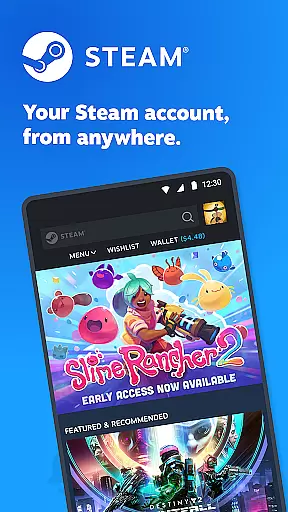
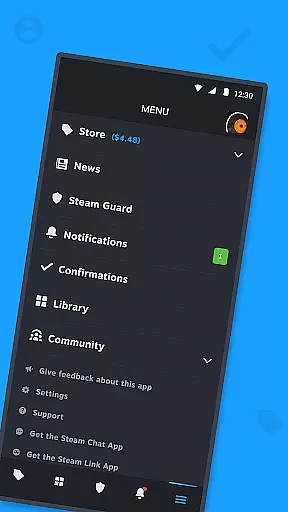

Steam Mobile is an essential companion for Steam users, providing a comprehensive suite of features to manage your gaming experience on the go. The app allows you to shop for PC games, protect your account with advanced security features like Steam Guard, and stay updated with personalized news feeds.
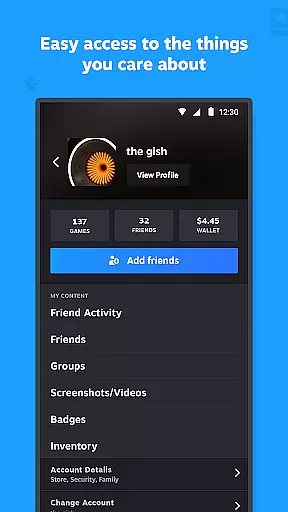
With its intuitive interface, the app offers a mobile-friendly Store browsing experience, remote management of game downloads, and access to community features such as discussions and Market trading. Whether you're confirming trades, checking friend activity, or customizing notifications, Steam Mobile ensures you have full control over your Steam account from your mobile device.
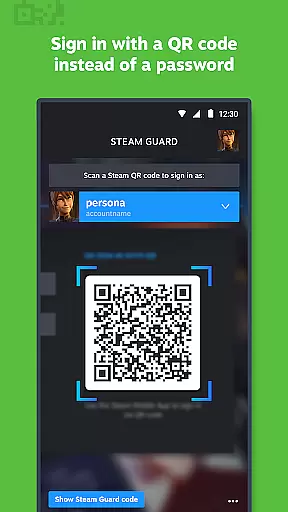
The Steam Mobile app boasts a rich set of features designed to enhance your interaction with the Steam platform. It includes two-factor authentication through Steam Guard, which provides an additional layer of security by requiring a confirmation code during login. QR code sign-in simplifies the authentication process, while sign-in confirmation adds another level of protection.
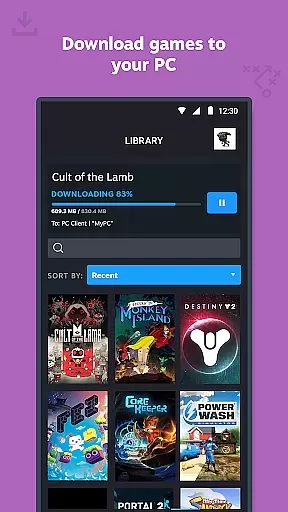
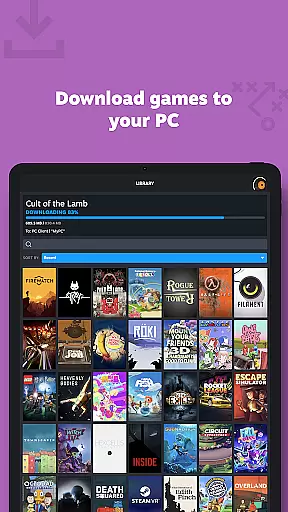
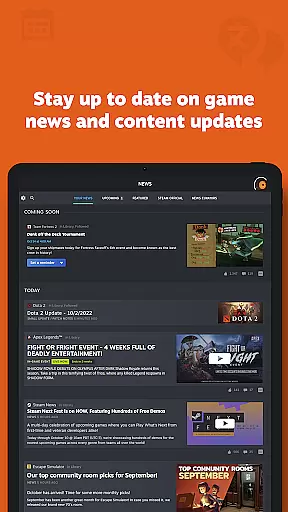
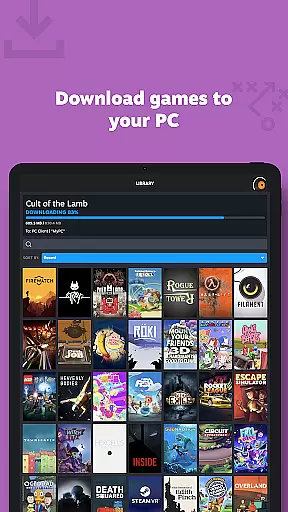
Users can also remotely manage their game libraries, initiate downloads, and receive updates directly to their PCs. The app delivers a personalized News feed based on your game library, ensuring you never miss important updates from developers. Additionally, customizable notifications keep you informed about wishlist changes, sales, comments, and more, making sure you're always in the loop.
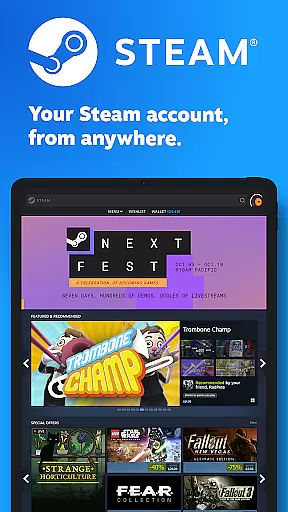
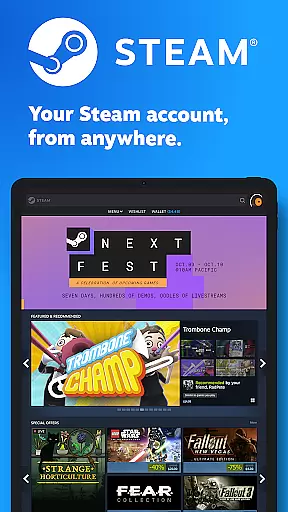
The Steam Mobile App offers a diverse range of content that caters to the needs of gamers and the Steam community. With access to the entire Steam catalog, users can browse and shop for PC games directly from their mobile devices. The app ensures you never miss out on sales or new releases, keeping your gaming library up-to-date with the latest titles.
Moreover, the personalized News feed delivers tailored updates based on your game library, ensuring that the content is relevant and engaging. This includes news, events, and updates straight from publishers and developers, which keeps users informed and excited about their favorite games.
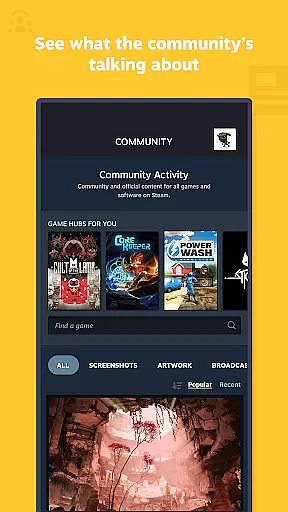
In addition to game content, the app provides access to discussions, guides, support, and the Steam Community features such as groups, Market, Workshop, broadcasts, and more. This comprehensive integration enriches the user experience by offering fresh and varied content every day.
User engagement is a core strength of the Steam Mobile App, providing features that encourage longer usage and consistent interaction. The Library view allows users to manage their game downloads and updates remotely, which simplifies maintaining an extensive game collection and encourages regular use of the app.
Trade and Market Confirmations streamline the process of confirming item trades and sales, making it convenient for users to engage with the Steam Community Market without being tied to their desktop. This ease of access facilitates higher user retention by removing barriers to performing important actions.
Customizable notifications for wishlist updates, sales, comments, trades, discussions, and friend requests ensure that users remain engaged with timely alerts. These notifications draw users back into the app, increasing both the duration of each session and the overall frequency of use, thus enhancing retention rates.
User-friendly interface
Advanced security features
Comprehensive community access
Remote game management
Personalized news and notifications
Limited game playability
Occasional sync issues
Requires stable internet
Some features need PC
Notifications can be overwhelming

Binge-worthy short dramas on DramaRush—engaging stories that fit your day.
 3.90
3.90
Simulation of Dashboard / Touch Screen for Tesla. (Works without actual Tesla).
4.1
Practice and master your ESP and intuition with five mode trainer.
4.20
Browser for Chromecast to stream webvideos, online movies, IPTV & HD livestreams
4.40
Catalog & tracker of your DVD, Blu-ray & Digital Movie and TV Collection Library
4.80
Watch everything you want.
2.90
Himnario LLDM - Fast and Easy to read , updated Hymnal 2019 Edition Official
4.20
The classic game of rock, paper, scissors
4.4
Original short dramas with diverse genres for a rich viewing experience!
4.80
SpiritWave is paranormal ITC application.
5.00
Wodfix Air aggregates popular online content for you.
4.80
Your Avatar, Endless Fun
4.60
Just play games to earn gift cards. Keep playing, keep earning.
4.50
Best of icon for christmas
4.30
Daily immersive workout plan: Body warm up & finger yoga exercises
3.80
Watch New Episodes & Live TV
3.80
Necrophone is spirit box ghost hunting app made for spirit communication.
3.70
A wonderful collection of the most beautiful sounds of animals and birds
4.1
Journey to the world’s oldest rainforest and meet its Indigenous Custodians.
4.3


User Reviews