
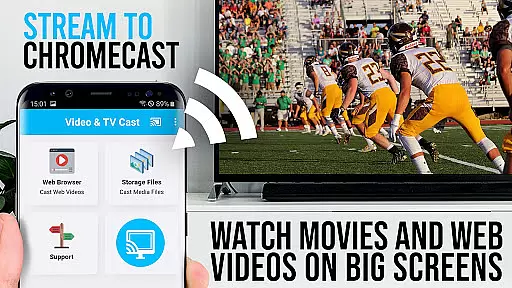
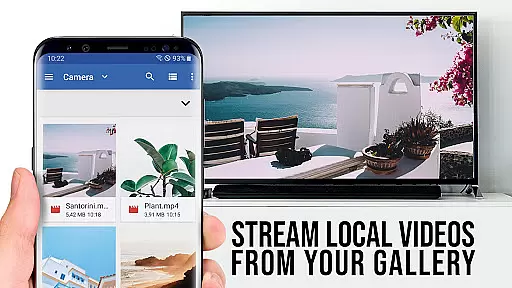
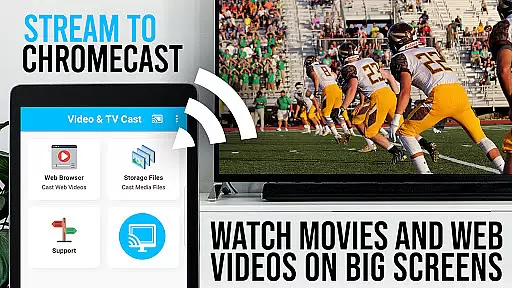
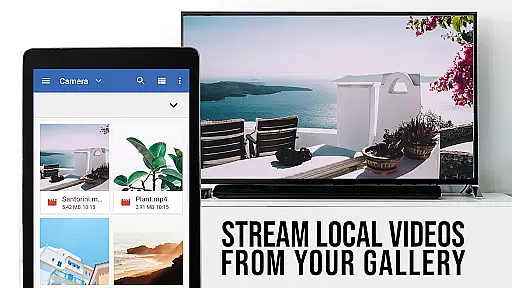
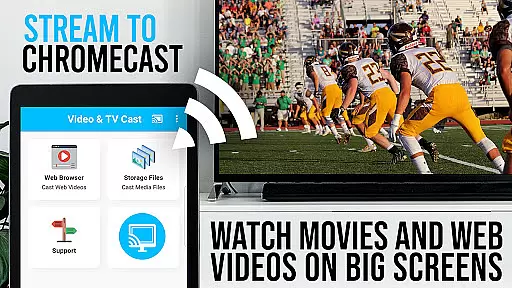
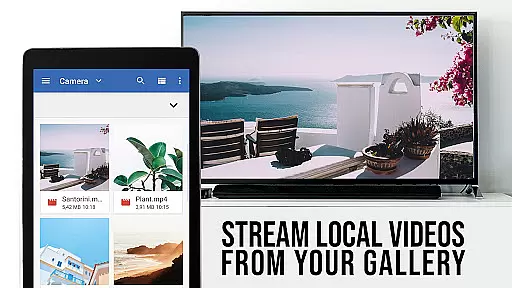
TV Cast Pro for Chromecast is the leading browser app designed specifically for streaming video content to Chromecast-enabled devices. With over 10 million users across Android and iOS platforms, this app allows you to cast web videos, online movies, IPTV, livestreams, and live TV shows directly to your TV screen. Supporting formats like MP4, M3U8, HLS livestreams, and Full HD, it provides a seamless streaming experience.
The PRO edition unlocks all premium features including an ad-blocker, remote playbar, bookmarks, desktop mode, and more. It's ideal for users who want to enjoy high-quality video streaming without interruptions or limitations. Whether you're watching your favorite web series or streaming live sports, TV Cast Pro ensures smooth playback on the big screen.
TV Cast Pro stands out with its advanced features tailored for an optimal casting experience. The Remote Playbar allows users to control video playback with options like scrubbing, forward, rewind, play, pause, and stop. This feature syncs across all Android and iOS devices running the app, providing consistent control no matter which device you use.
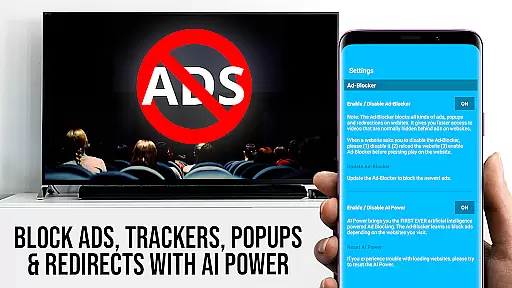
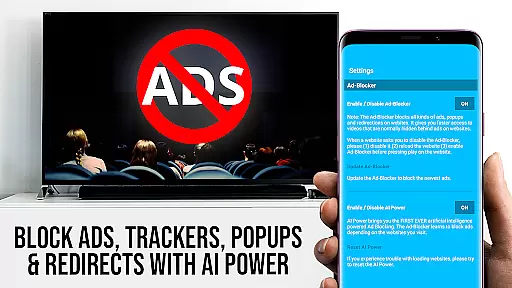
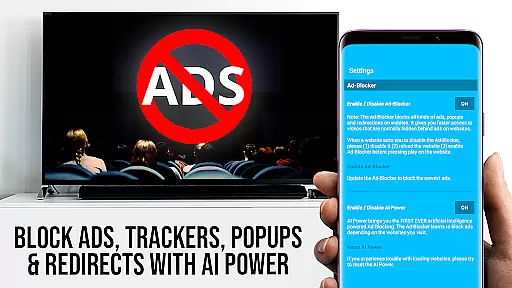
In addition to its powerful casting capabilities, the app includes an Ad-Blocker that removes ads and popups from most websites, ensuring uninterrupted viewing. Users can also manage bookmarks directly in the browser, switch to Desktop Mode to access full desktop websites, and customize their homepage. These features collectively enhance user convenience and streamline the overall streaming process.
Security is another key aspect of TV Cast Pro. The app requires minimal permissions, safeguarding user data by not accessing identity information, accounts, device ID, or location. This commitment to privacy makes it a trustworthy choice for those concerned about data security while enjoying their favorite content.
TV Cast Pro for Chromecast offers a diverse range of content options, allowing users to stream web videos, online movies, IPTV, livestreams, and live TV shows directly on their largest screen. The app supports various video formats including Mp4, m3u8, hls livestreams, and Full HD, ensuring that users can enjoy high-quality streaming experiences.
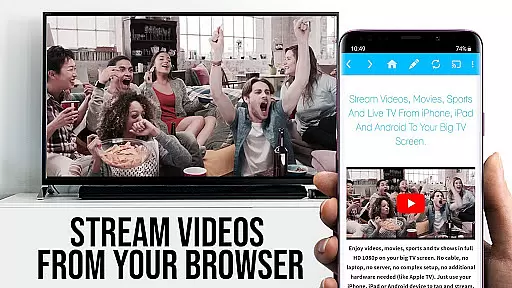
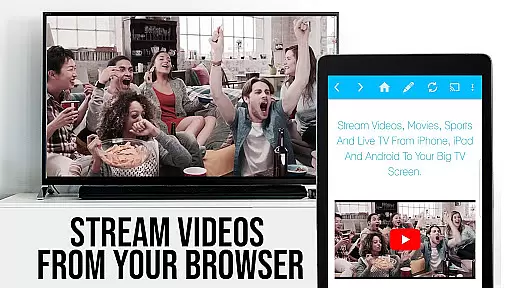
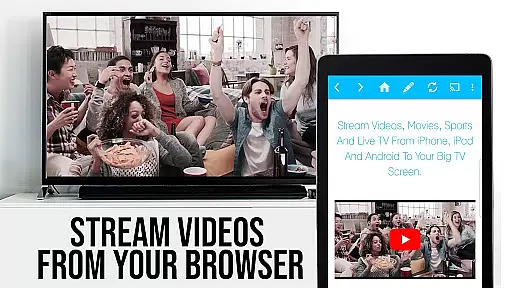
The application's ability to browse the web and cast any video with a single tap enhances its versatility. Users can navigate to their favorite websites and send embedded videos to their Chromecast Player effortlessly. This feature not only broadens the scope of accessible content but also simplifies the process of discovering and streaming new videos.
Moreover, the app includes PRO features such as an Ad-Blocker, which removes ads and popups from most visited sites, providing a cleaner viewing experience. With additional functionalities like Bookmarks and Desktop Mode, users have more control over their content discovery and playback environment, contributing to a fresher and more personalized entertainment experience.
TV Cast Pro for Chromecast is designed to maximize user engagement by offering advanced video control features through its Remote Playbar. This tool allows users to scrub, forward, rewind, play, pause, and stop videos while browsing, creating a seamless interaction between the user and the content. Such interactive elements are crucial for maintaining viewer interest and extending session durations.
In addition to enhancing user engagement, the app promotes retention by providing a stable and reliable streaming service. By supporting a wide array of video formats and ensuring compatibility with all Chromecast devices, it minimizes technical issues that could disrupt the viewing experience. Furthermore, the app's focus on security and minimal permissions reassures users about their privacy, fostering trust and encouraging continued use.
Finally, the inclusion of customizable settings such as changing the homepage and managing bookmarks empowers users to tailor their experience according to personal preferences. These personalized touches not only improve satisfaction but also contribute to higher retention rates, as users are more likely to return to an app that feels uniquely suited to their needs.
User-friendly interface
Ad-free experience
Advanced remote control
Desktop mode available
Customizable homepage
No support for DRM videos
Limited to Chromecast
Device mirroring unavailable
Occasional connectivity issues
Premium version costly

Binge-worthy short dramas on DramaRush—engaging stories that fit your day.
 3.90
3.90
Music visualizer and party effects for your Nanoleaf devices
4.2
Journey to the world’s oldest rainforest and meet its Indigenous Custodians.
4.1
Create melty bead designs by numbers, photos or your imagination
4.40
Real ghost box scanner with echo, reverb, EMF, & multi-stream channels.
3.80
Underrated short-drama gems that hit hard and keep your heart hooked.
4.50
Alice Box is an Instrumental Trans Communication app.
3.80
Realistic Baby Simulator App
4.00
An app made just for kids
4.20
SpiritWave is paranormal ITC application.
5.00
Open-source, fast, simple and powerful IPTV app
4.90
Scan sets, track your builds, and enjoy intuitive digital instructions.
4.70
Hand-drawn, cartoon OC creator - original character creator
4.70
Unleash Your AI Imagination
4.60
Geooh GO is the most feature rich geocaching app available today.
4.50
Practice and master your ESP and intuition with five mode trainer.
4.20
Watch New Episodes & Live TV
3.80
Stream over 80 hours of exclusive mashups and remixes by DJ Rehab.
4.3
Raise Christmas Magic with daily missions, magical scanners, and kindness.
4.4


User Reviews