
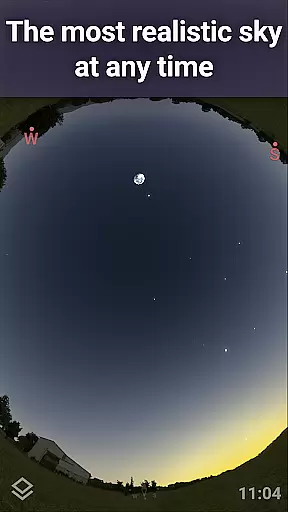
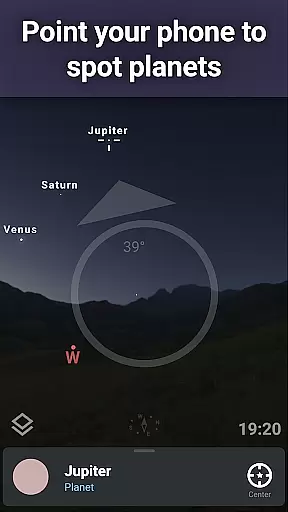
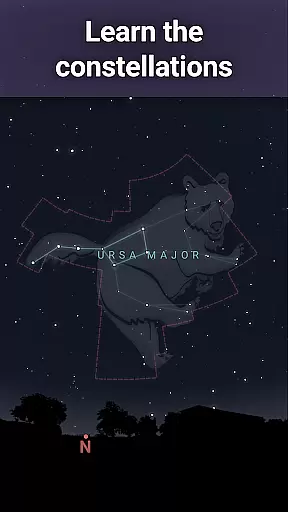
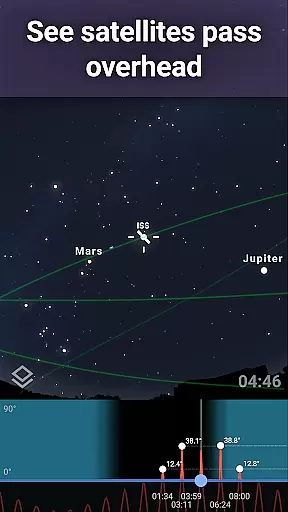
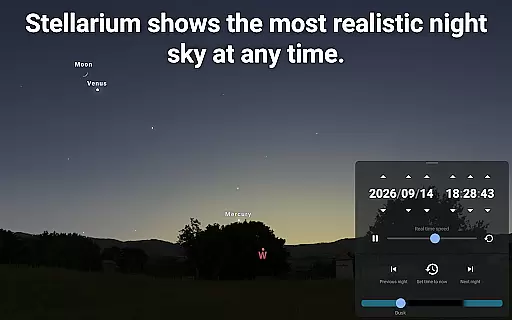
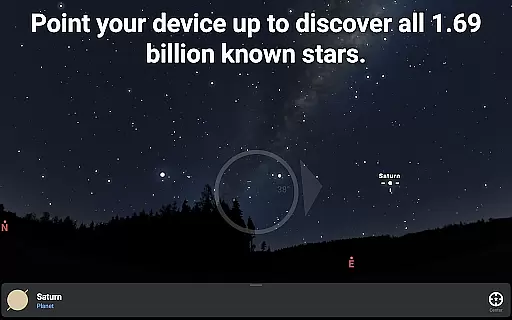
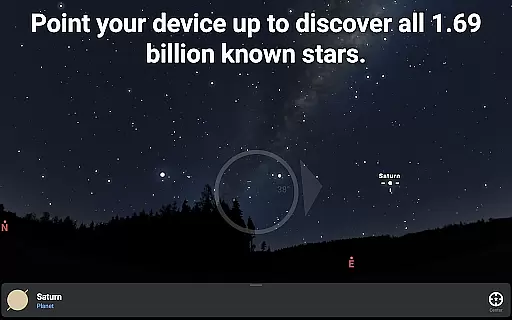
Stellarium Plus is an advanced planetarium app designed for both amateur stargazers and professional astronomers. This educational tool provides a real-time, accurate representation of the night sky, featuring stars, planets, constellations, and deep-sky objects up to magnitude 22. With its intuitive interface, users can easily explore celestial bodies by simply pointing their device at the sky.
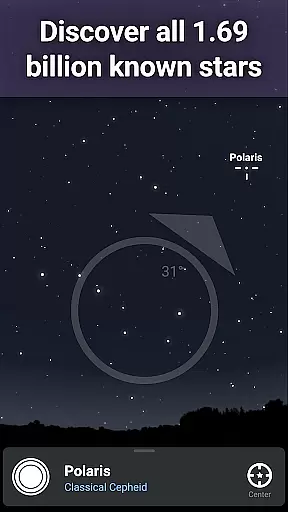
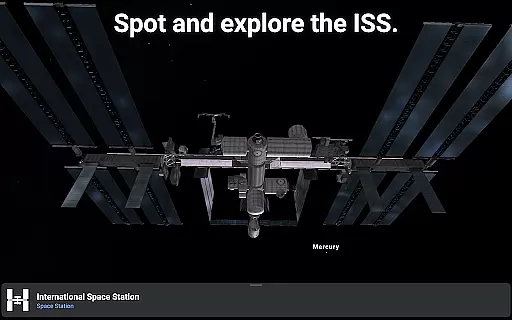
The app stands out with its extensive collection of astronomical data, including over 1.69 billion stars from the Gaia DR2 catalog, millions of deep-sky objects, and detailed information about solar system bodies. Its powerful features allow users to simulate various viewing conditions, track satellites like the ISS, and even control telescopes through Bluetooth or Wi-Fi. Whether you're an educator, student, or astronomy enthusiast, Stellarium Plus offers unparalleled opportunities for learning and discovery.
This application is particularly valuable for educational settings where interactive learning about astronomy is required. It enables students to understand complex astronomical concepts through hands-on exploration of the universe, making it an essential tool for modern science education.
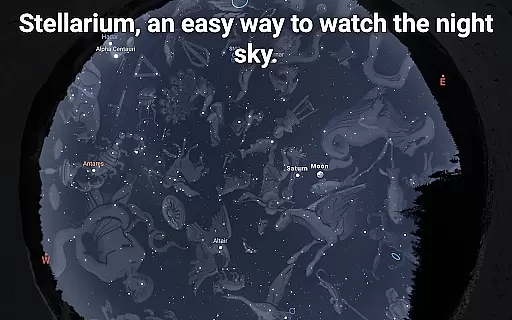
Stellarium Plus distinguishes itself through its comprehensive set of features tailored for serious astronomy enthusiasts. The app's core functionality includes an accurate night sky simulation that covers any date, time, and location on Earth. Users can explore a vast collection of celestial objects, including stars, nebulas, galaxies, and star clusters, with detailed information available for each object.
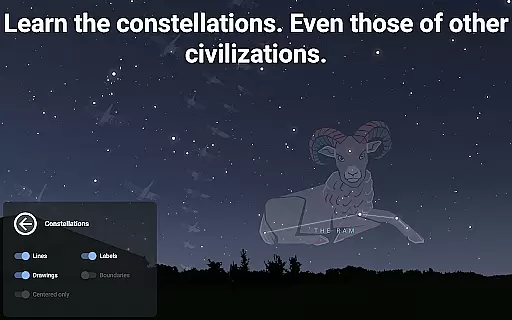
Advanced observation tools make this app particularly valuable for research and educational purposes. These include telescope control capabilities supporting NexStar, SynScan, and LX200 protocols, plus sophisticated prediction features for celestial object observability and transit times. The app also offers unique cultural perspectives by displaying constellation shapes and illustrations from various civilizations throughout history.
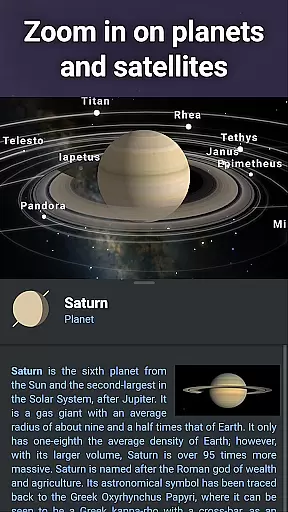
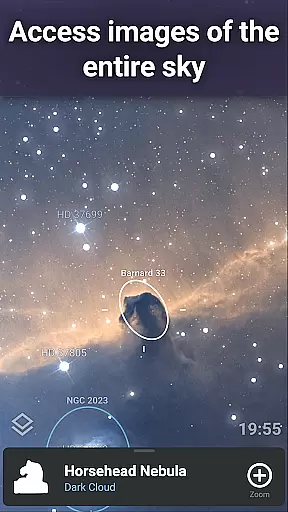
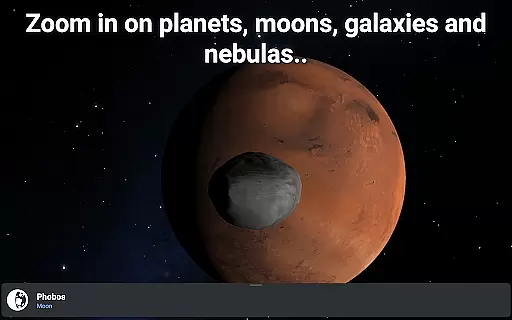
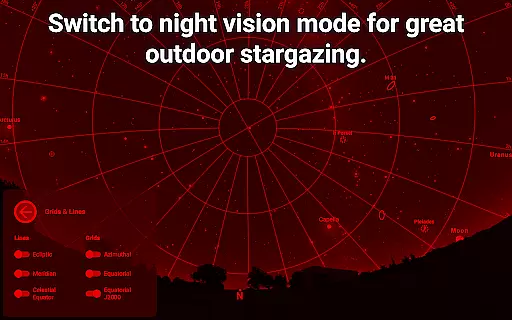
Practical features such as offline functionality with a reduced dataset, night mode for better dark adaptation, and realistic atmosphere simulation enhance the user experience. The ability to zoom in on high-resolution images of planetary surfaces and deep-sky objects provides an immersive learning experience that brings the wonders of the universe closer to users.
Stellarium Plus offers an exceptional level of content accuracy and authority, making it a trusted resource for both amateur stargazers and professional astronomers. The app provides real-time identification of celestial bodies, including stars up to magnitude 22, planets, comets, satellites, and deep-sky objects.
The application draws from comprehensive astronomical catalogs, such as the Gaia DR2 which includes over 1.69 billion stars, ensuring users have access to the most current and scientifically accurate data available. This attention to detail extends to the representation of constellations from various cultures, offering an authoritative global perspective on the night sky.
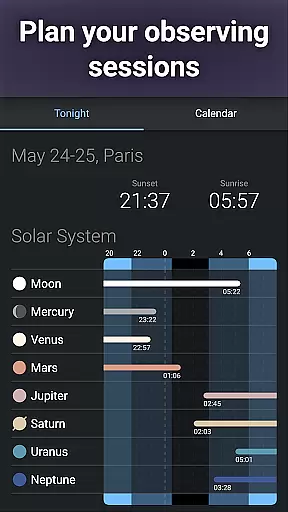
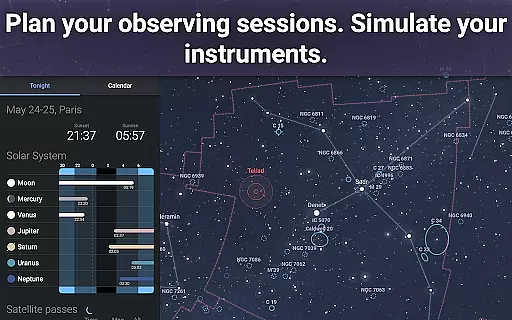
Users benefit from advanced observational features that allow them to simulate atmospheric conditions and track artificial satellites, enhancing their understanding of the cosmos. These tools are indispensable for planning observing sessions or controlling telescopes with precision.
By providing detailed information about celestial events and deep-sky objects, Stellarium Plus empowers learners to explore astronomy with confidence, knowing they are engaging with meticulously researched and verified content.
While Stellarium Plus is primarily designed as a planetarium app, it also facilitates personalized learning paths through its extensive feature set tailored to individual exploration and discovery. Users can customize their experience by selecting specific dates, times, and locations to view the night sky, allowing them to follow their unique interests in astronomy.
The app's vast database of celestial objects encourages self-paced learning, where enthusiasts can delve into millions of stars, nebulas, galaxies, and other deep-sky phenomena at their own speed. This flexibility supports a natural progression from basic star identification to more complex astronomical studies.
Advanced observation tools within Stellarium Plus enable users to prepare for real-world telescope sessions, effectively serving as a virtual mentor that adapts to each learner's pace and objectives. The ability to simulate different viewing conditions helps build practical skills while fostering deeper conceptual understanding.
Through these adaptive features, Stellarium Plus creates an environment where users can chart their own educational journey through the universe, developing personal insights and knowledge that evolve with their growing expertise in astronomy.
Comprehensive celestial database
Realistic sky simulation
Offline functionality
Telescope integration
Educational value
Complex for beginners
Resource-intensive
Premium price
Steep learning curve
Occasional bugs

Explore myths and gods across cultures with in-depth insights and stories.
 5.00
5.00
Nighty Night Circus - Bedtime story for kids
4.10
THE MOST COMPREHENSIVE JUMPMASTER STUDY RESOURCE AVAILABLE.
3.40
Experience the sky, planet earth and the solar system like never before
4.90
Listen, request and record pronunciations in more than 450 languages. Everywhere
3.90
Enrich the experience of your visit to the Pantheon with our audiotour.
1.60
Our most popular app series returns, better than ever!
3.90
Learn Japanese in an immersive educational game set in Japan!
4.90
Snap a dog photo to identify its breed instantly. Fast, accurate and easy to use
3.40
Memorize anything efficiently with AnkiDroid! Many pre-built decks available.
4.80
Engage in learning science and math with the award-winning PhET simulations!
4.70
A fast and fun way to learn guitar - works with any guitar.
4.60
An easy to use yet powerful and full-featured flashcard study app.
4.50
Stack the Countries makes learning world geography fun!
4.50
THE ESTABLISHED "GO TO" ARMY BOARD PREPARATION APP!
4.30
An aviator’s preparation, study and test tool for FAA Knowledge Exams.
4.30
For medical training - Visualize complex vein maps and structures in real-time.
4.10
Deal Craps (Practice Craps Payouts)
3.80
Master the NRP with 700+ questions, rationales, and updated NREMT scenarios.
3.00


User Reviews